Apartment website templates. Pick one and Cactal builds it.
69 designs for suburban complexes, urban buildings, historic lofts and student housing. Choose one and Cactal turns it into your community's website, with floor plans, amenities and a tour request form.
Apartment website designs
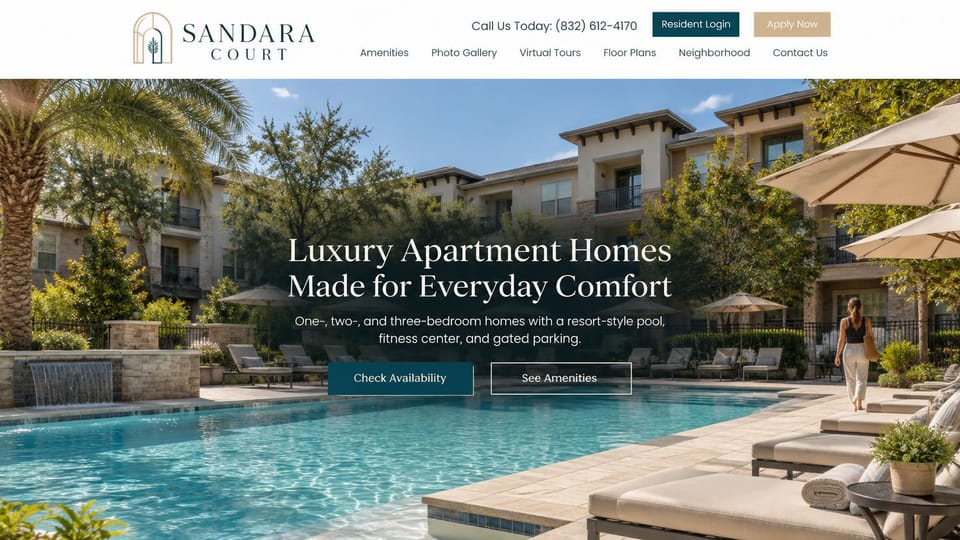
A sunny pool photo, availability and amenity buttons, and resident and apply links up top, for a classic complex.
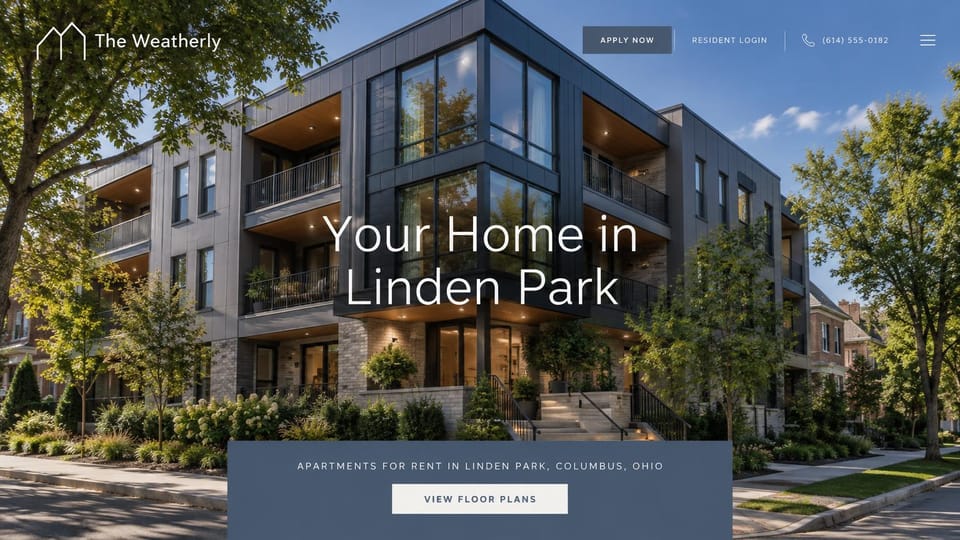
The building on its tree-lined street under a big centered headline and a floor plans box, for in-town communities.
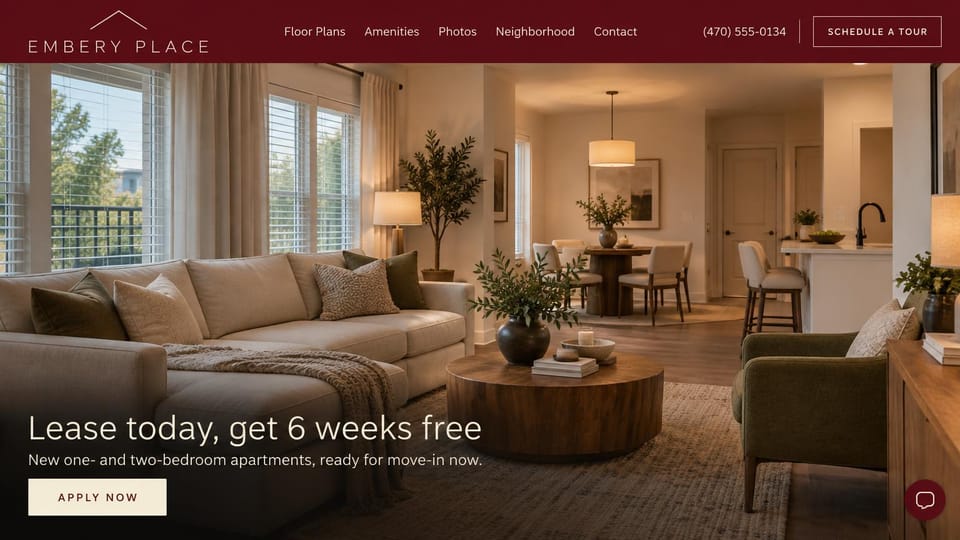
A warm living room with the move-in special as the headline, for a new building working to fill its units.
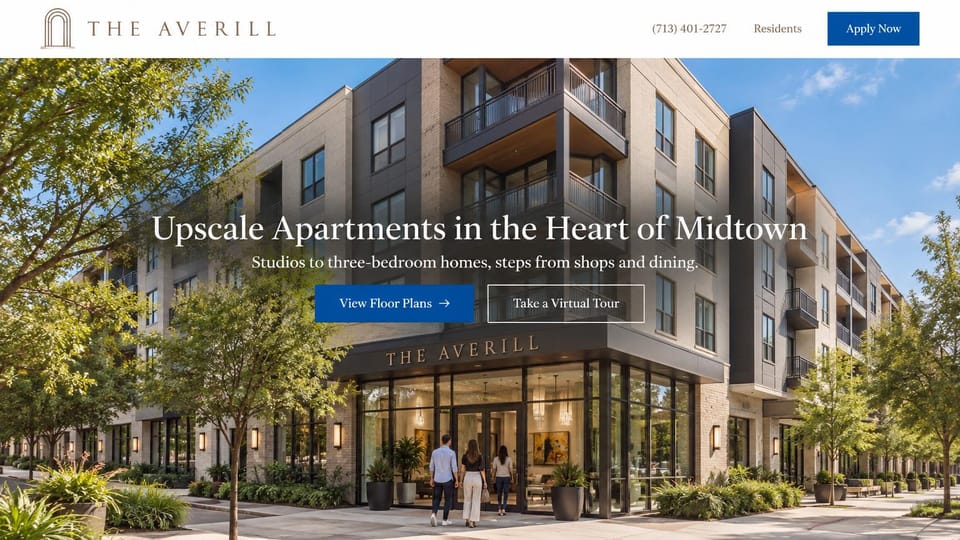
Residents walking into a corner lobby under a centered headline and two tour buttons, for a building in the city.
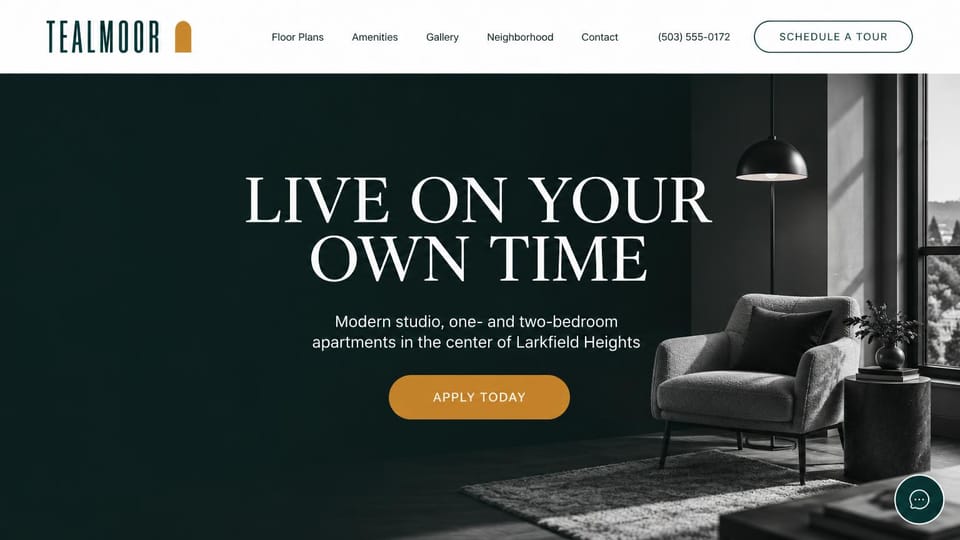
A centered headline on deep green beside a quiet interior photo, for modern buildings in a city neighborhood.
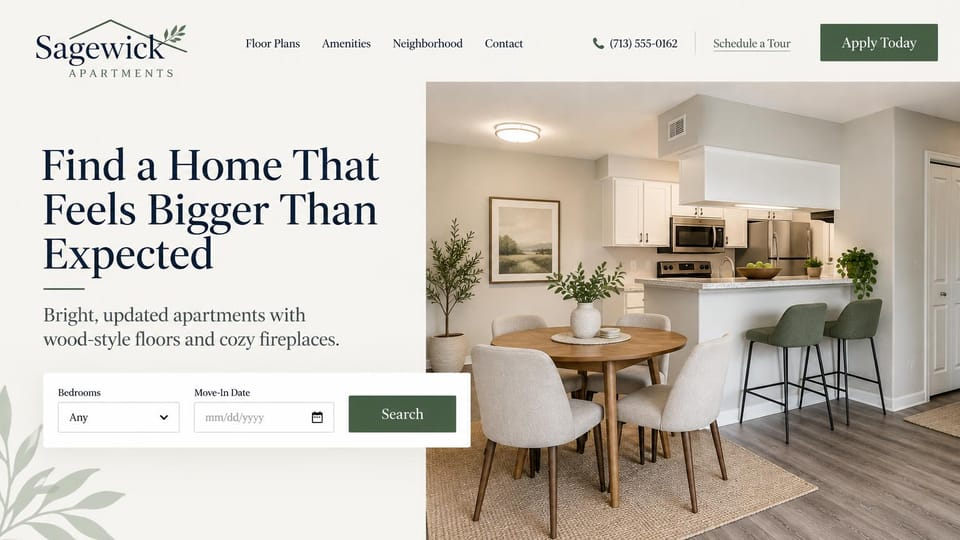
A small unit search under the headline, for communities that keep their available homes listed online.
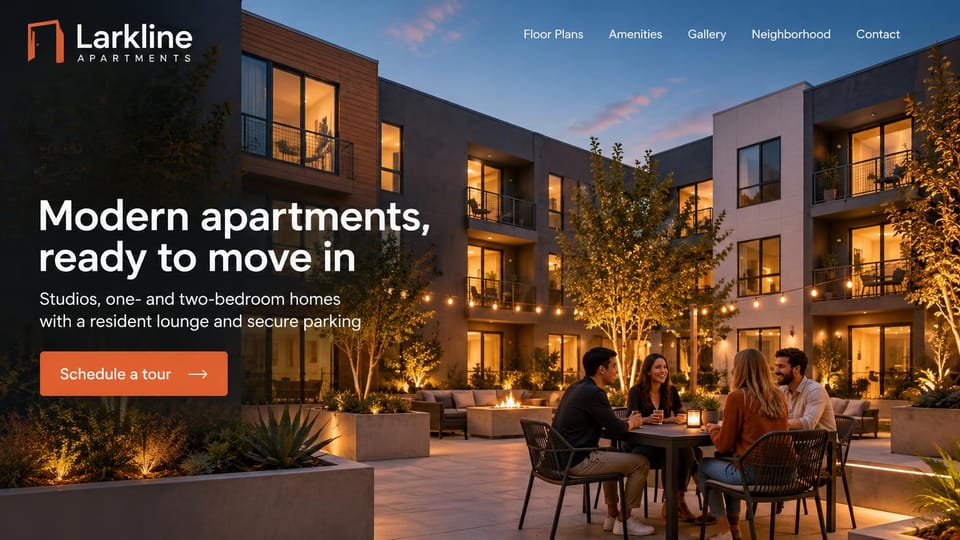
A dusk courtyard full of neighbors and one tour button, for a new building that sells its shared spaces.
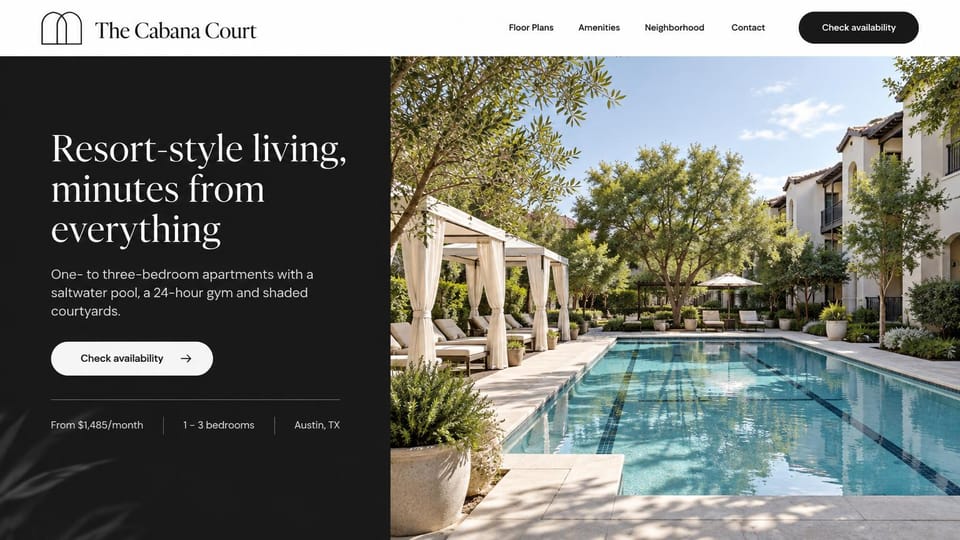
A black text panel with rent, bedrooms and city in one line, beside a cabana-lined pool, for a resort-style complex.
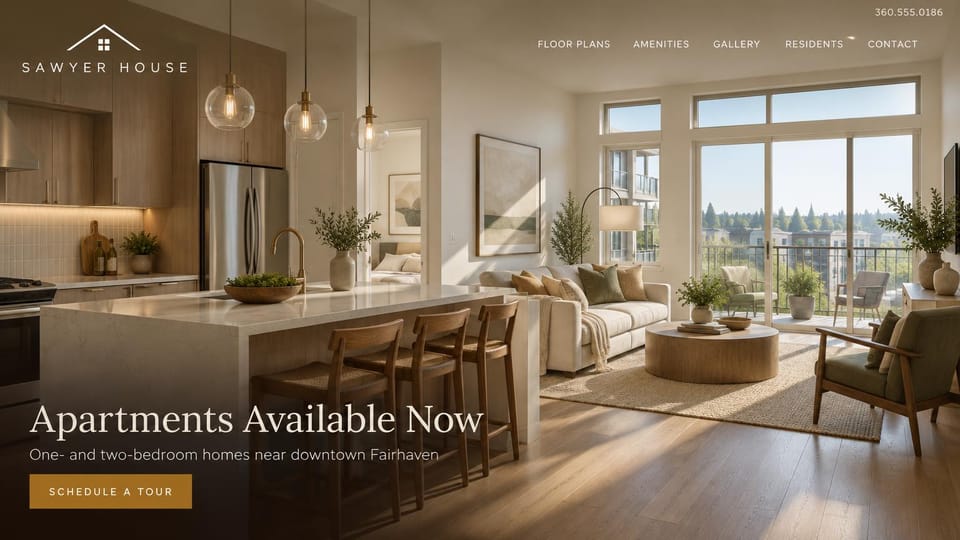
A sunlit kitchen and living room with the headline low on the photo, for a building with units ready to lease.
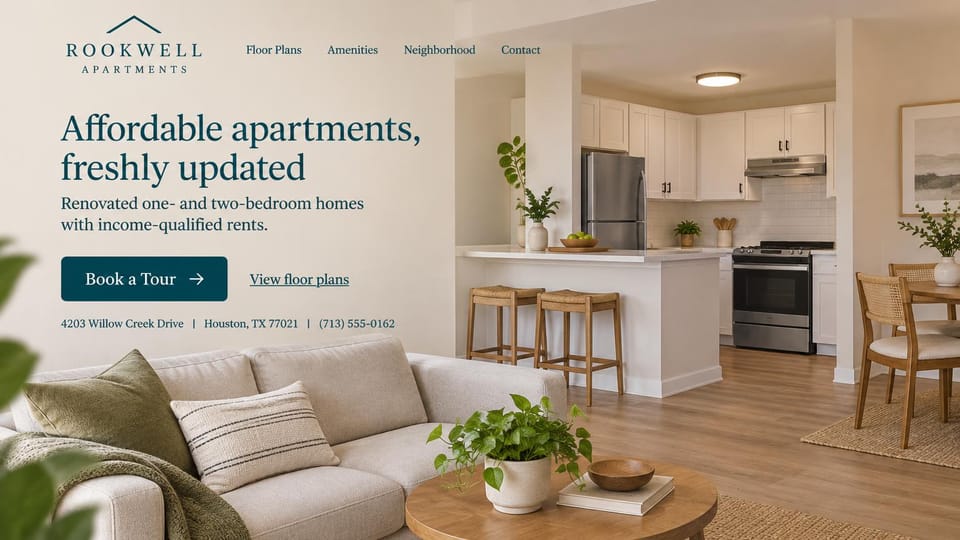
States plainly that rents are income-qualified over a renovated home, for affordable housing communities.
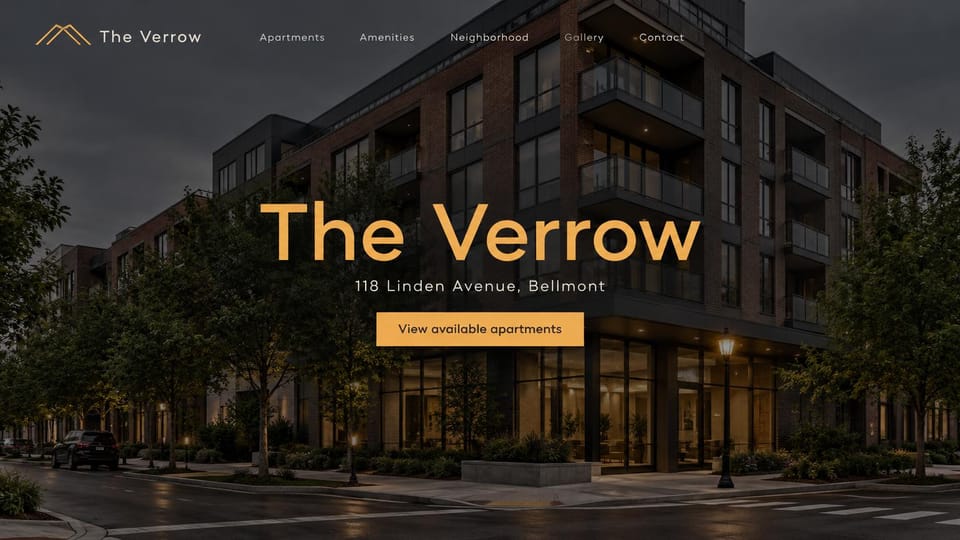
The building at dusk with its name and street centered, for a single property that is its own brand.
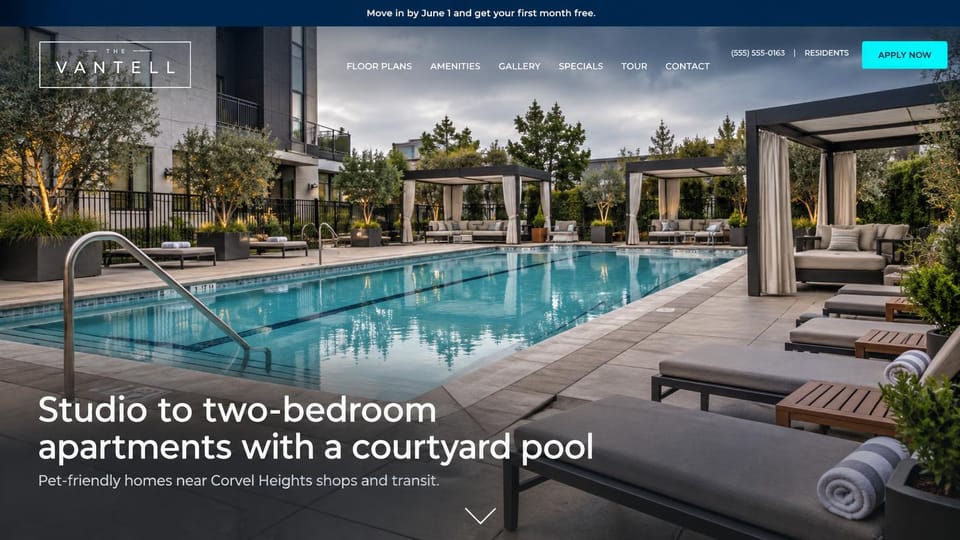
A full-width pool photo under an offer bar, for amenity-rich communities running a move-in special.
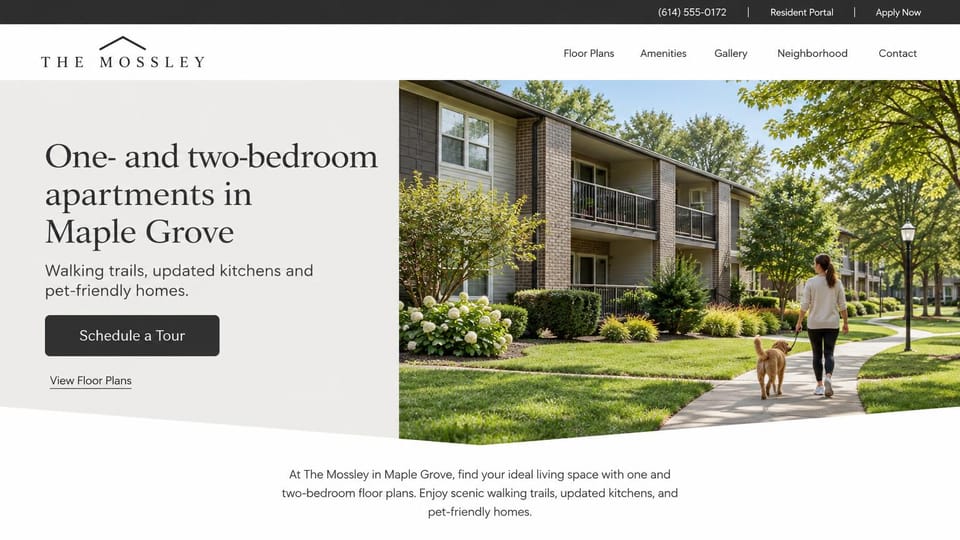
A resident walking her dog past garden buildings, for pet-friendly communities with green space.
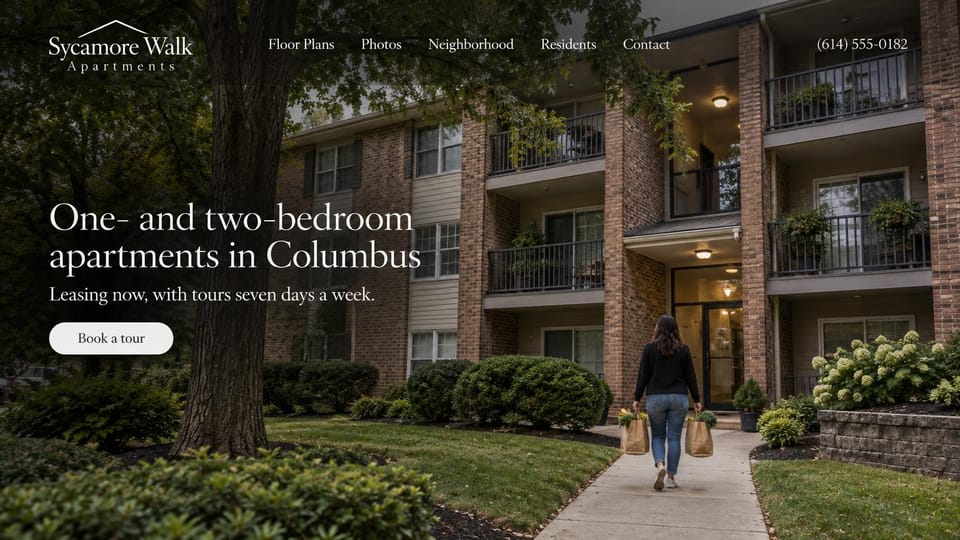
The headline names the bedrooms and the city over a resident carrying groceries home, with one tour button.
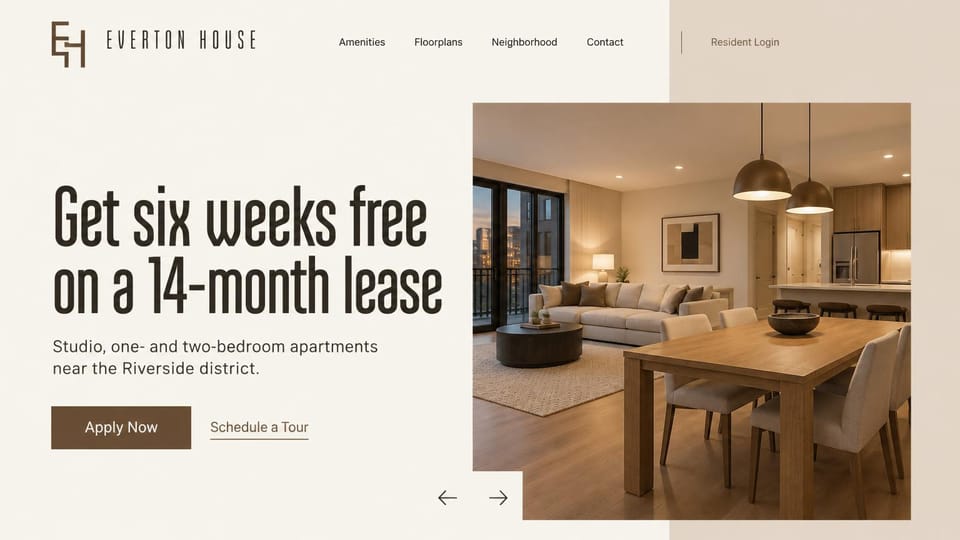
A big lease offer beside a warm interior photo, for communities leading with a leasing special.
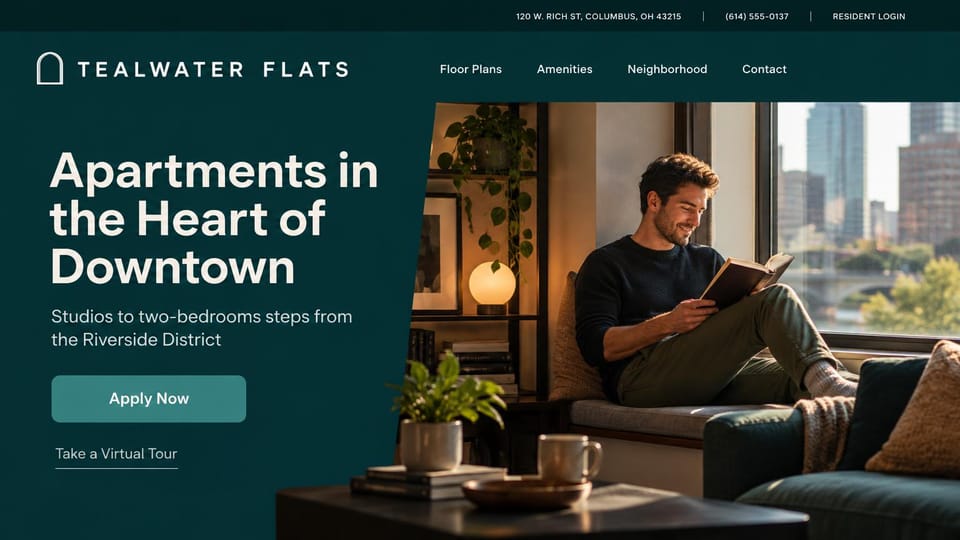
A resident at home by a city window beside a bold headline, with apply and virtual tour links.
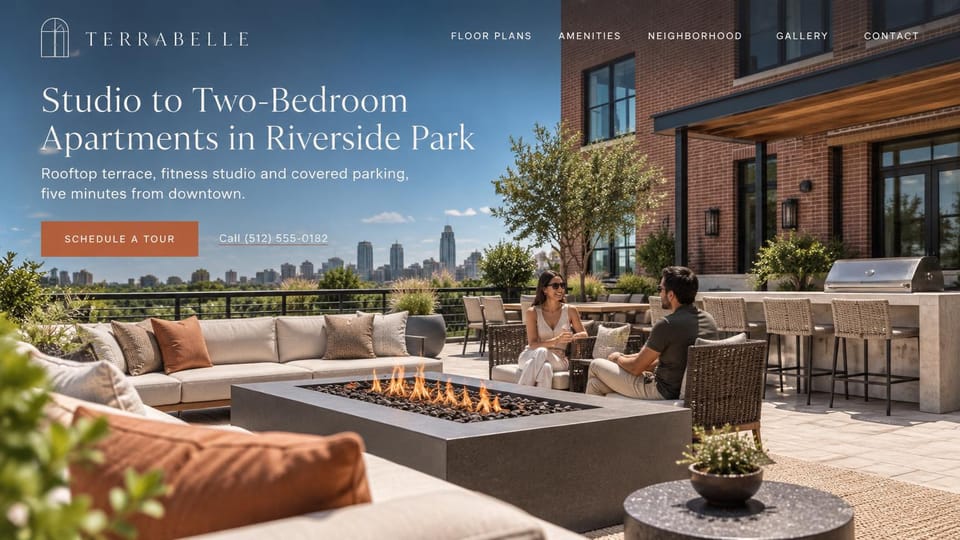
Residents by a rooftop fire pit with the skyline behind, for a building whose shared spaces help sell the lease.
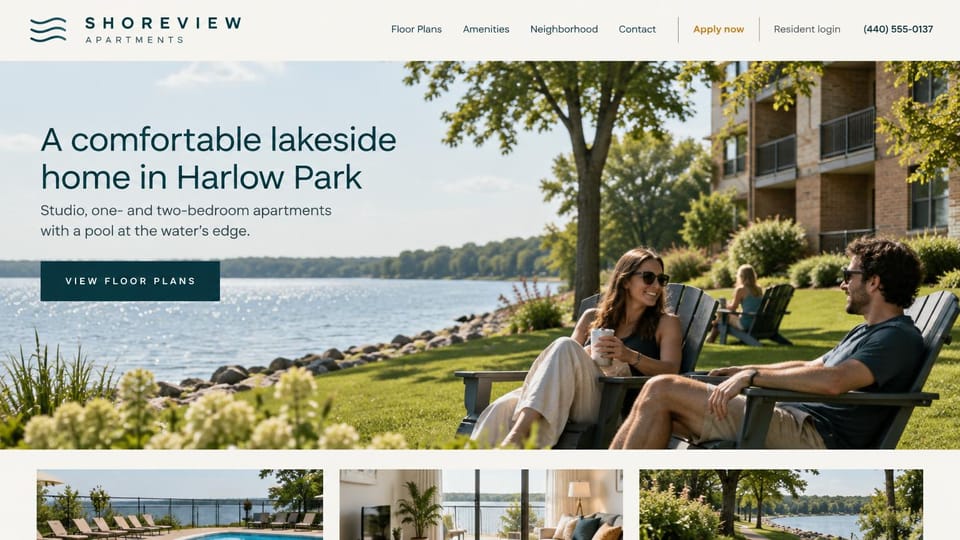
Neighbors in lawn chairs at the water's edge with a strip of photos below, for communities on a lake or river.
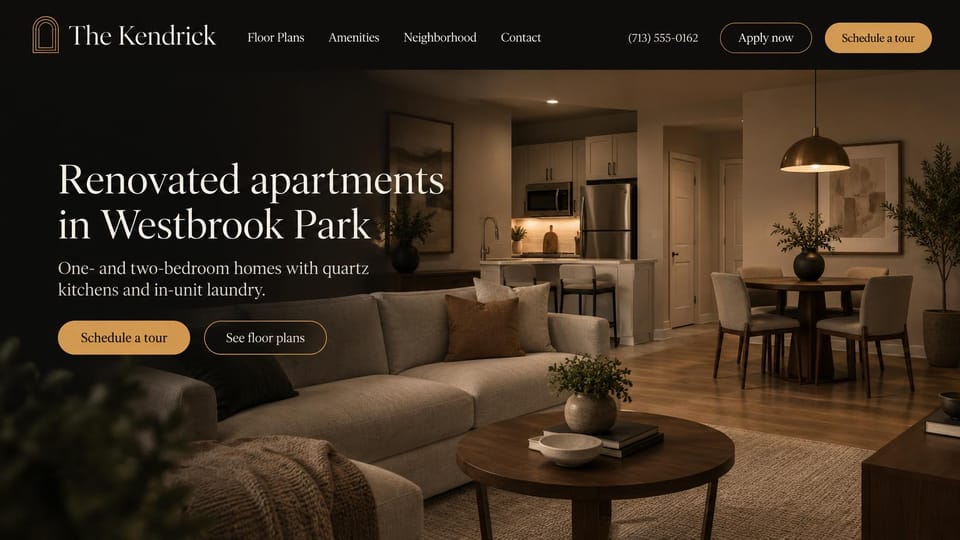
A dark, lamplit living room with apply and tour buttons up top, for a community showing off its updated units.
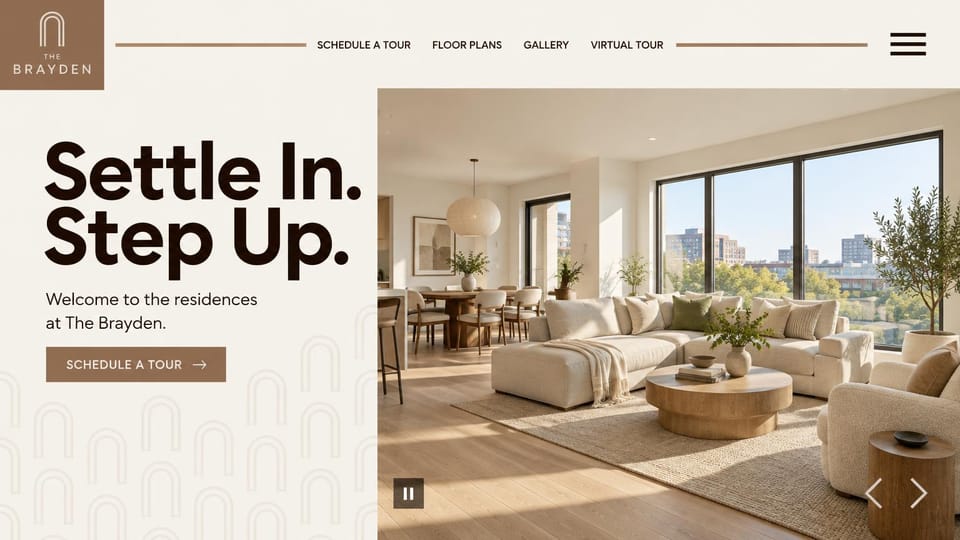
A bold two-line slogan beside a sunlit living room, for upscale residences that sell the space inside.
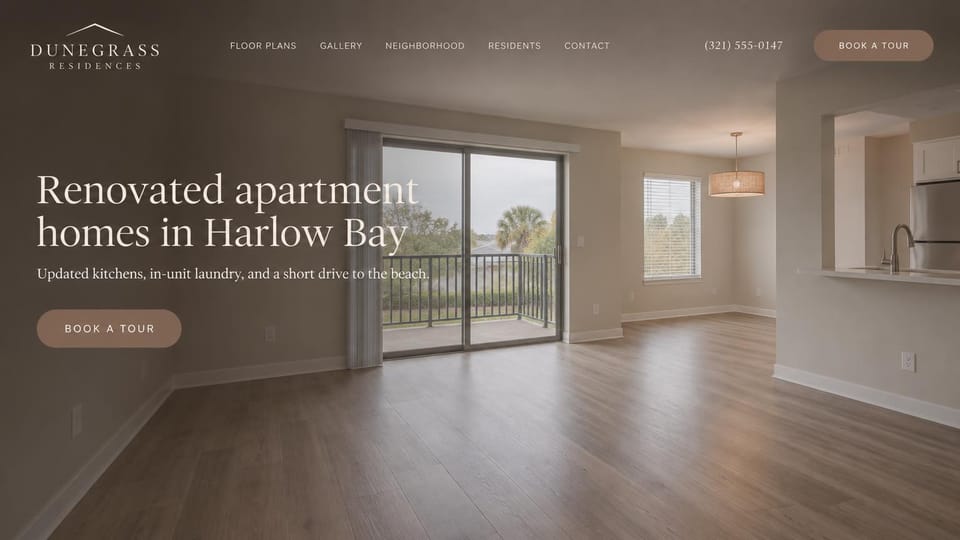
An empty, freshly renovated living room under a soft taupe tint, so renters see the finishes first.
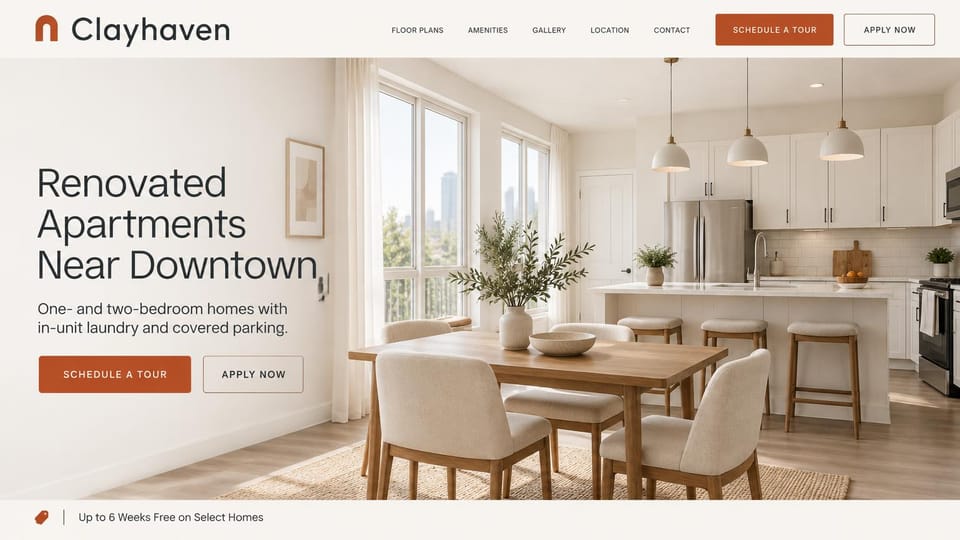
A bright renovated kitchen with an offer strip at the bottom, for in-town communities filling units.
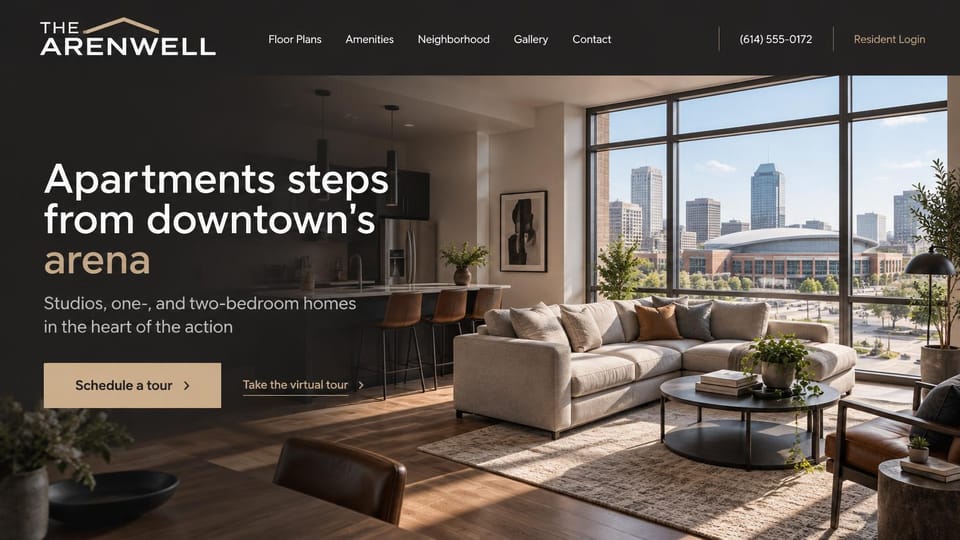
A living room that looks out on the city, with tour and virtual tour links, for buildings near the action.
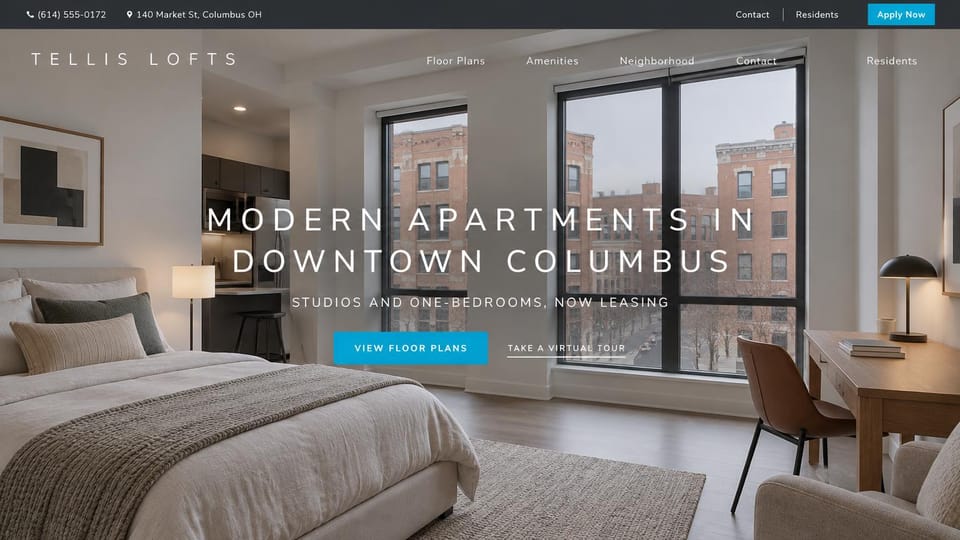
Letter-spaced capitals over a bright bedroom with city windows, for studio and one-bedroom buildings downtown.
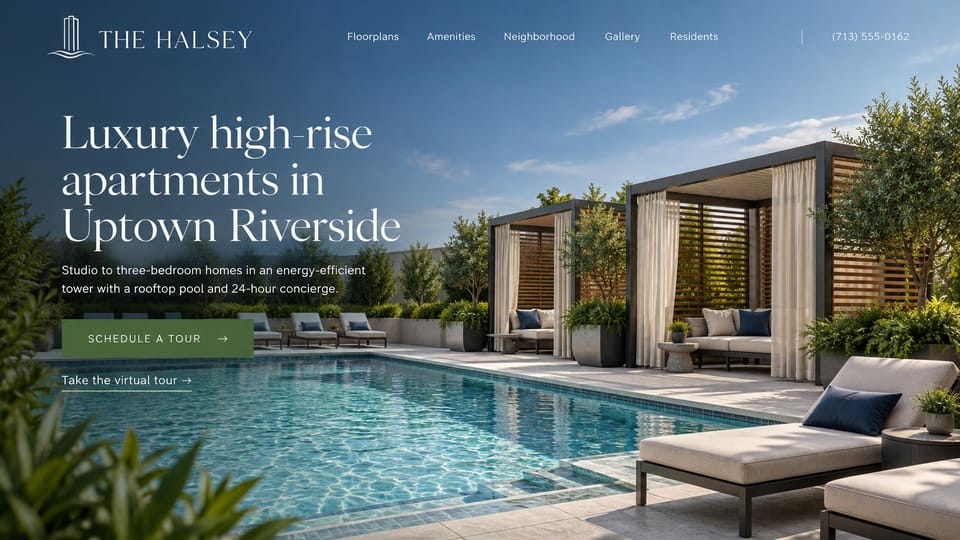
A rooftop pool and cabanas under a left-aligned serif headline, with a virtual tour link, for a luxury tower.
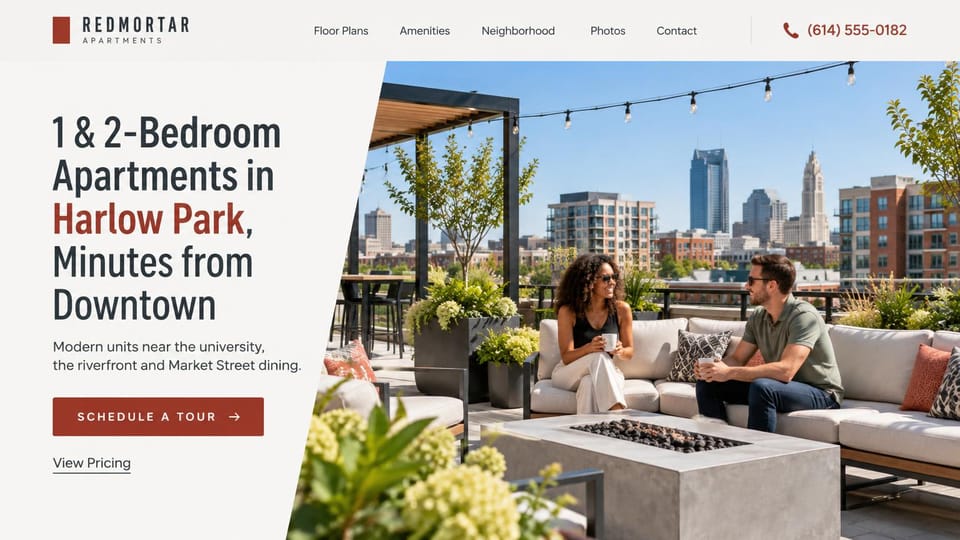
A slanted white panel with bedrooms, place and a pricing link beside a rooftop lounge, for in-town buildings.
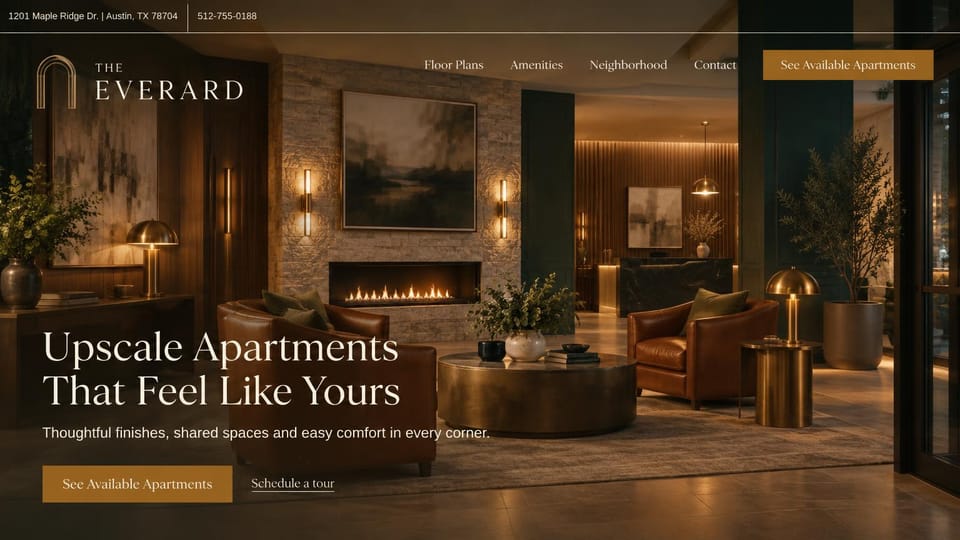
A dark, warm lobby lounge with the address up top and gold buttons, for an upscale community with shared spaces.
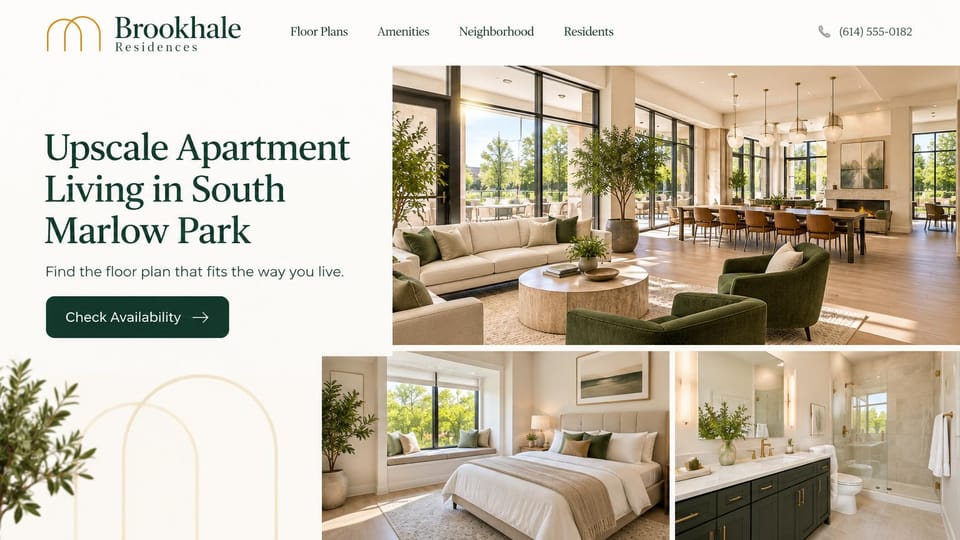
Photos of the clubhouse, a bedroom and a bath answer what it looks like inside before renters have to ask.
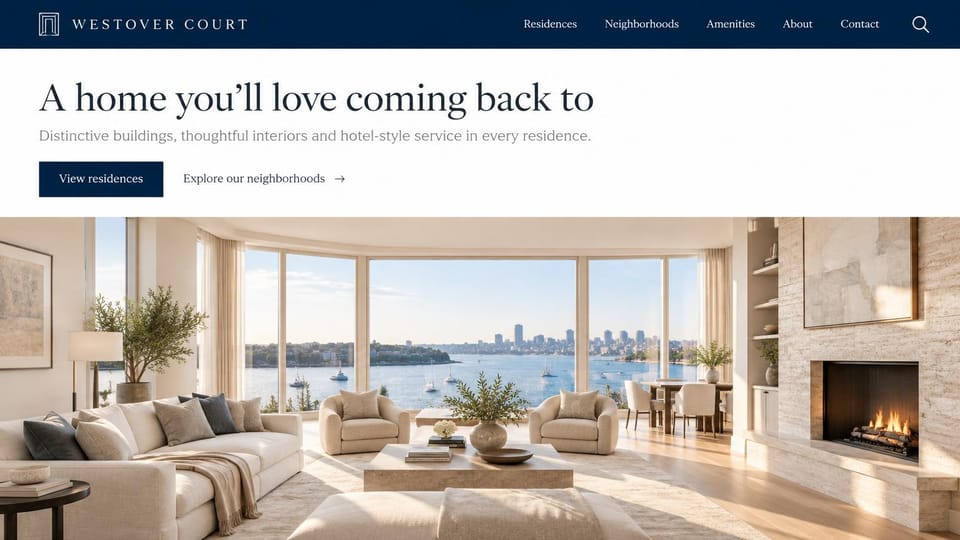
A white text band above a waterfront living room, for an owner with several buildings and neighborhoods to show.
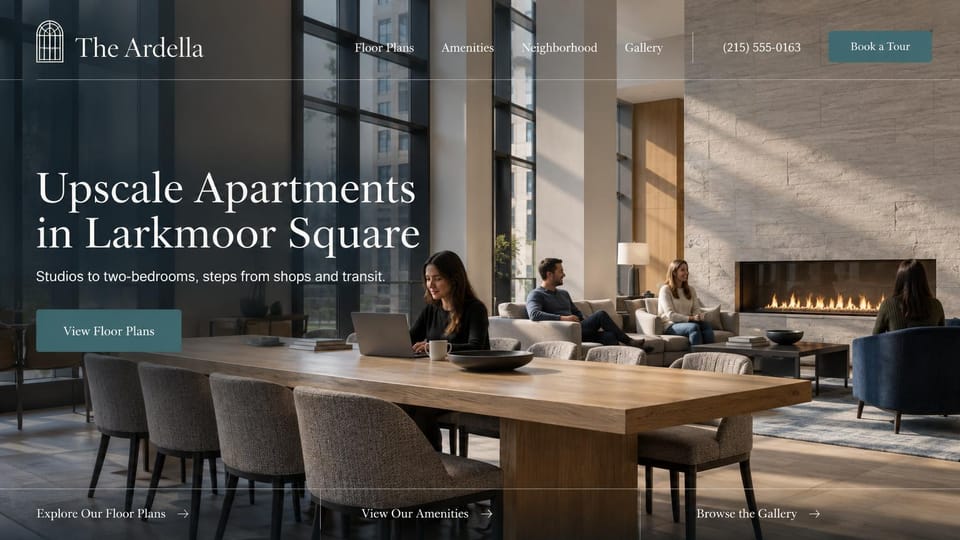
Residents working and talking by the fire in a shared lounge, with links to plans, amenities and photos below.
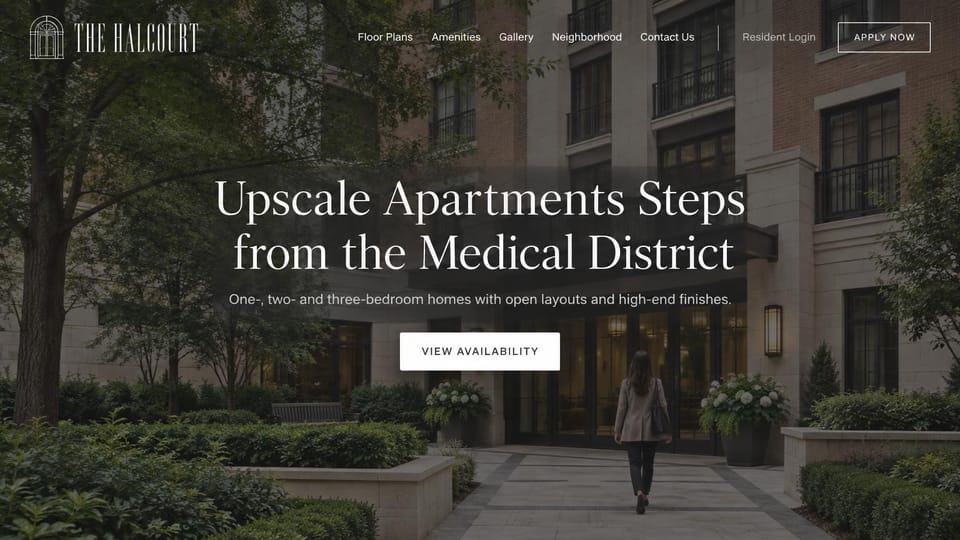
A resident walking up a shaded garden path to the door, under a dimmed photo and a centered headline.
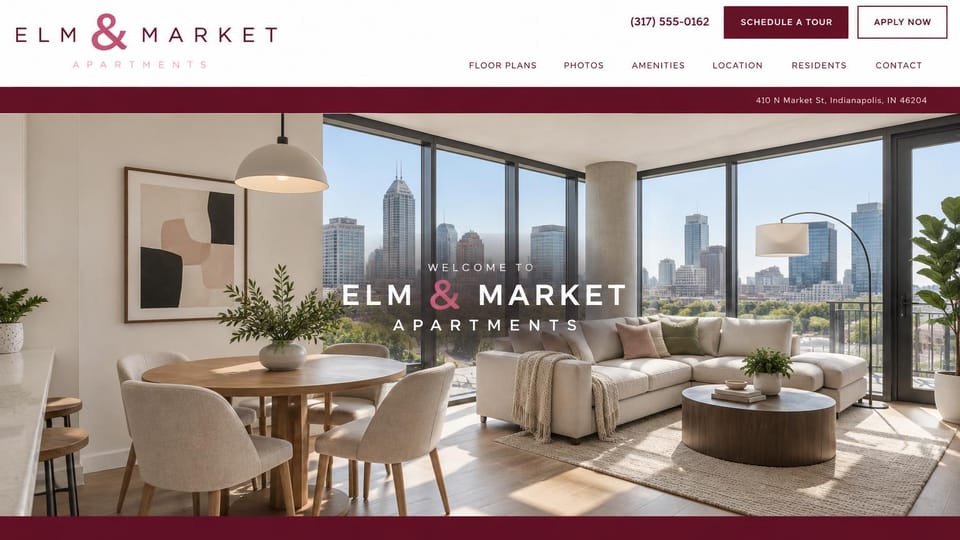
A welcome centered over a bright corner unit, with the address bar and both tour and apply buttons up top.
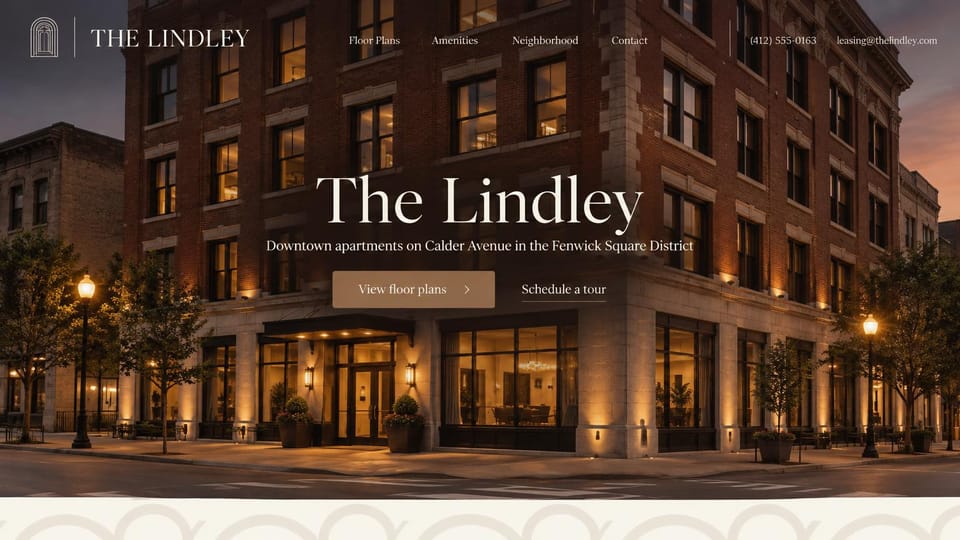
The lit-up building centered under its name, with the phone and leasing email in the header.
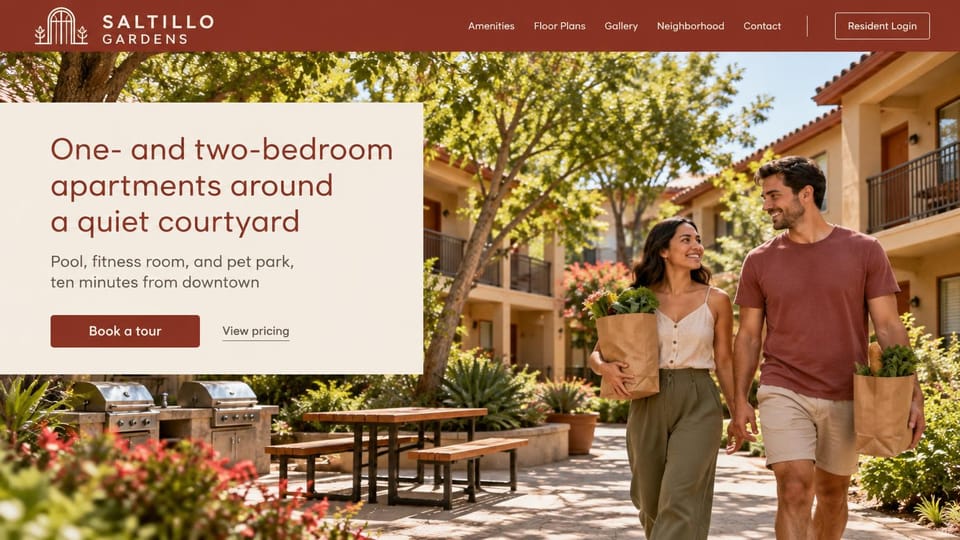
A headline card over a sunny courtyard of residents, for garden communities with shared outdoor space.
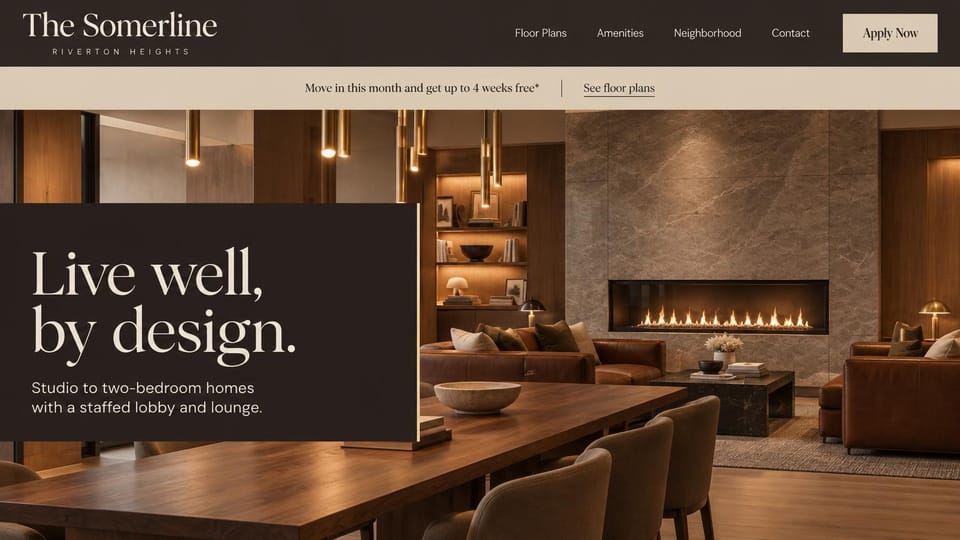
A dark text panel over a warm lobby lounge and a move-in offer bar, for buildings with a front desk.
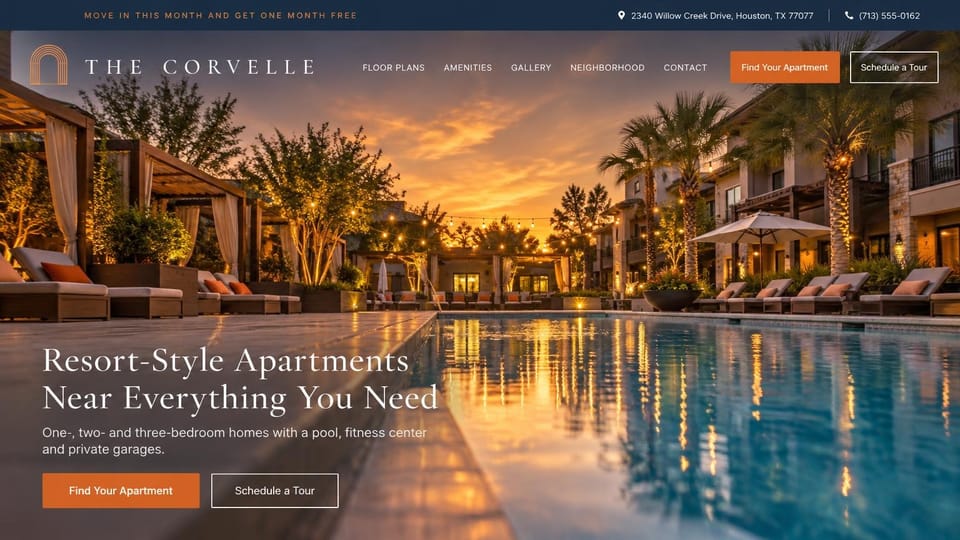
A move-in offer, address and phone in a slim top bar over a sunset pool, with find and tour buttons.
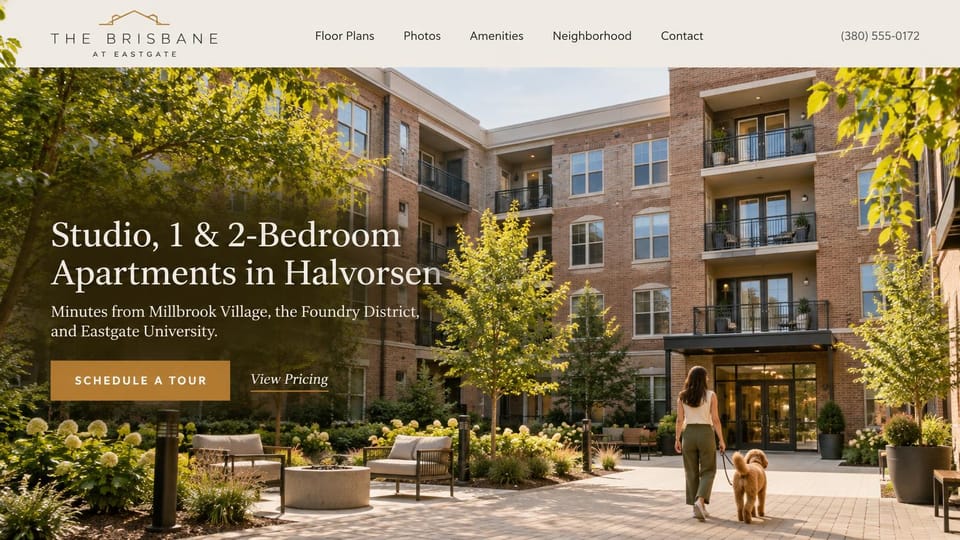
A garden courtyard with a fire pit and a resident heading home, plus tour and pricing links.
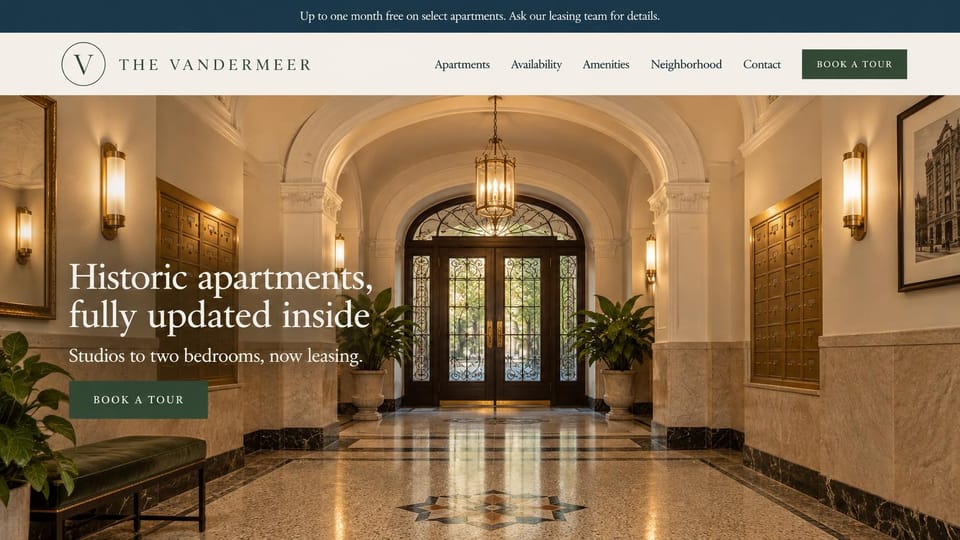
A marble and brass lobby with an offer bar on top, for older buildings that have been updated inside.
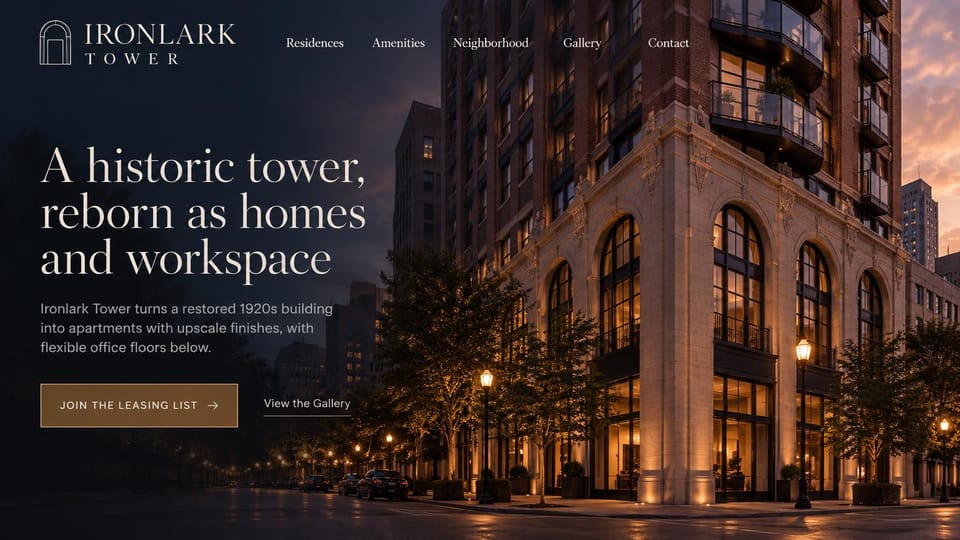
A restored tower at dusk and a leasing list button, for a building taking names before it opens.
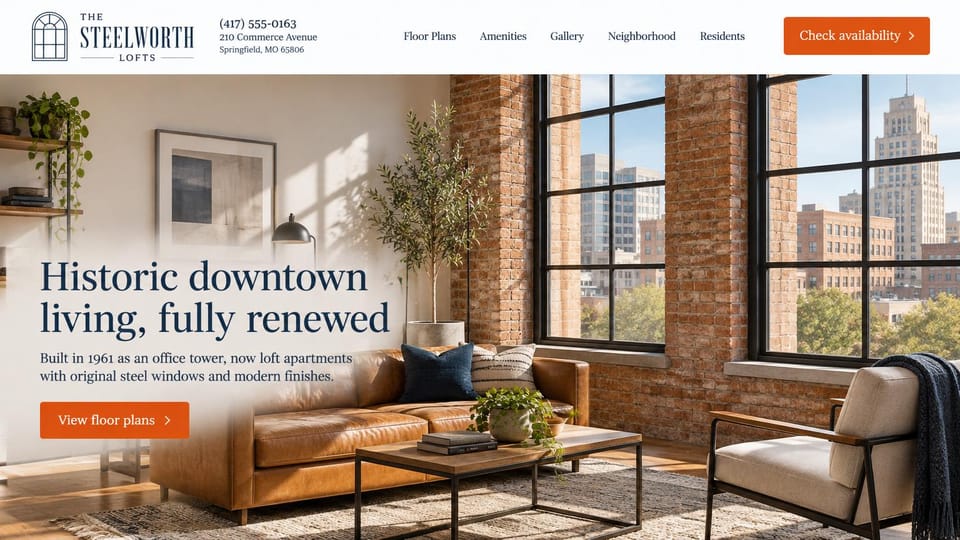
The address and phone sit in the header and the building's story fits in one line, over a brick-walled loft.
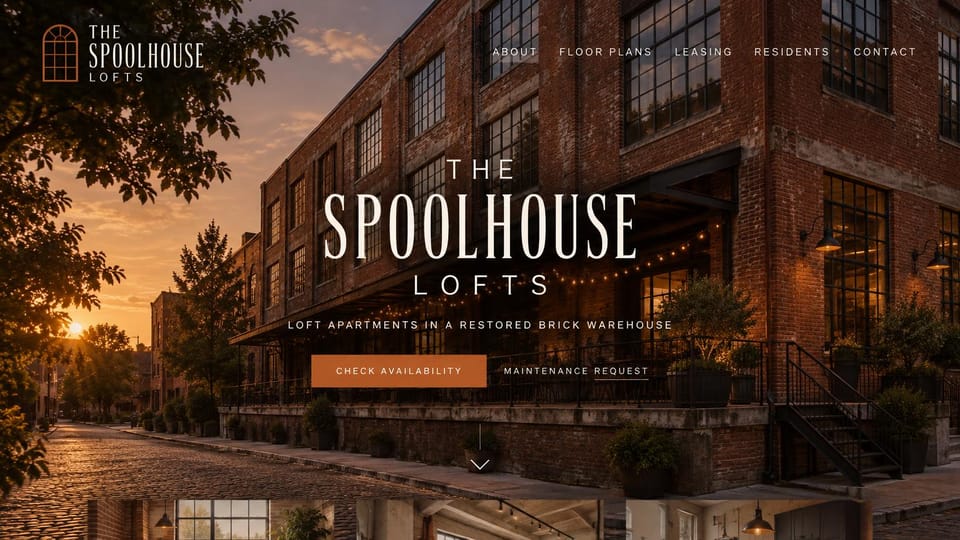
The restored building at sunset with availability and maintenance links, for renters and residents alike.
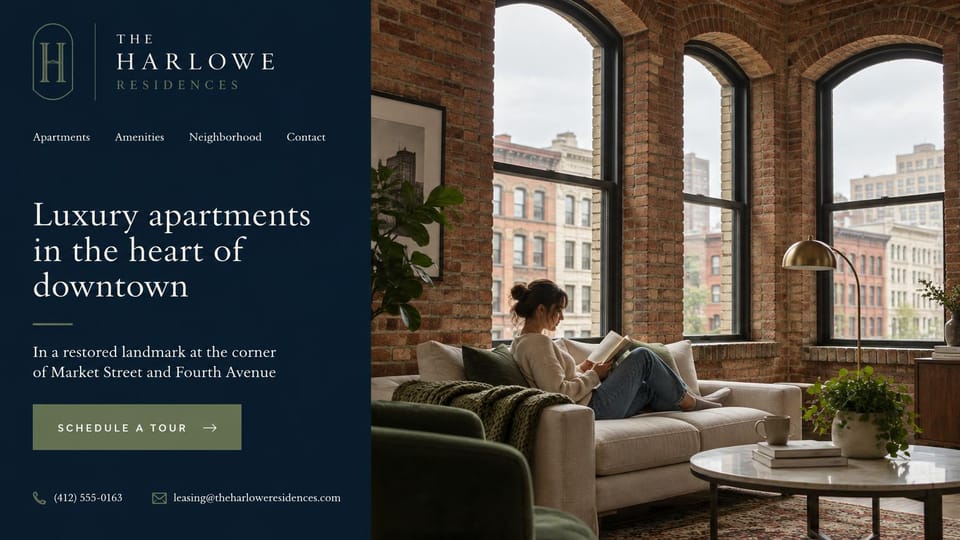
A navy panel with the location, phone and email beside a resident reading at home under arched windows.
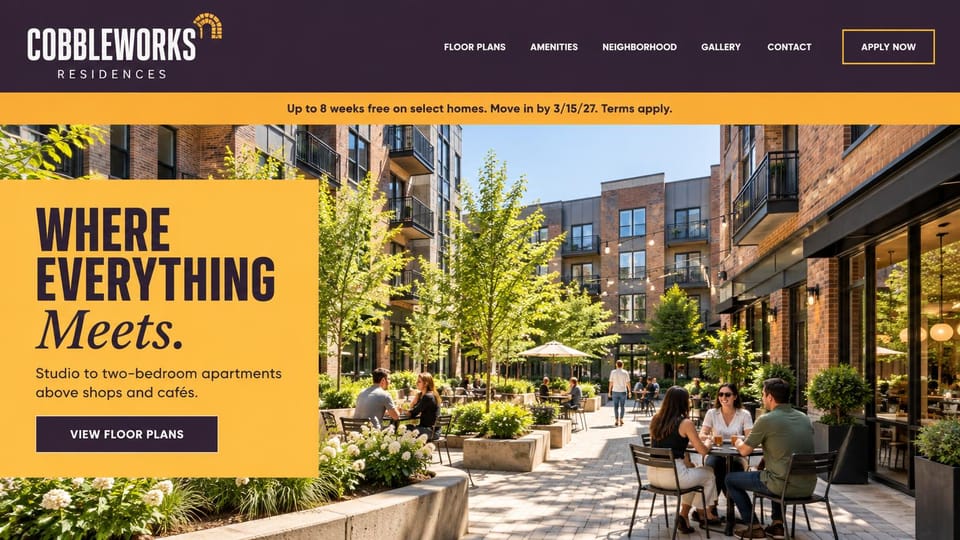
A big yellow headline card over a café courtyard, for mixed-use buildings with a move-in deal to share.
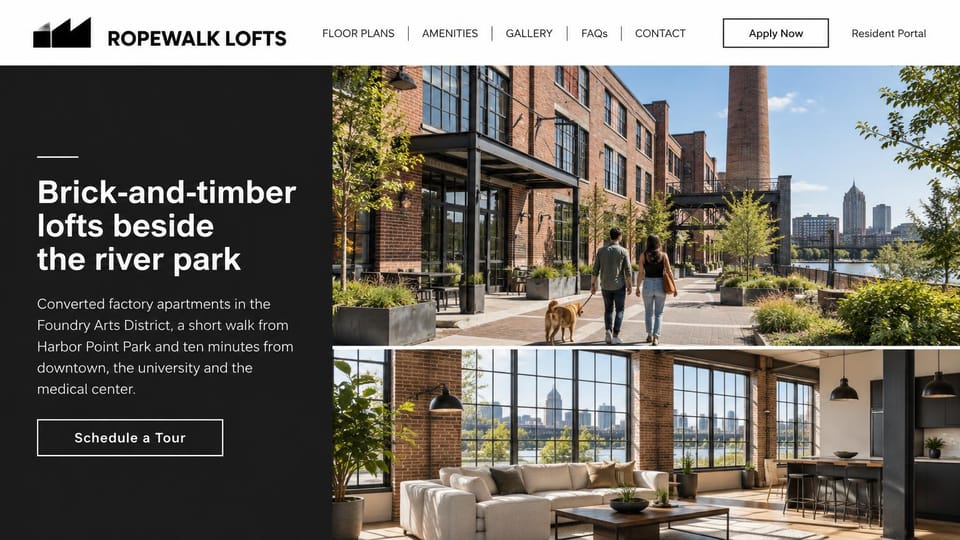
A charcoal panel tells the neighborhood story beside photos of the street outside and a loft inside.
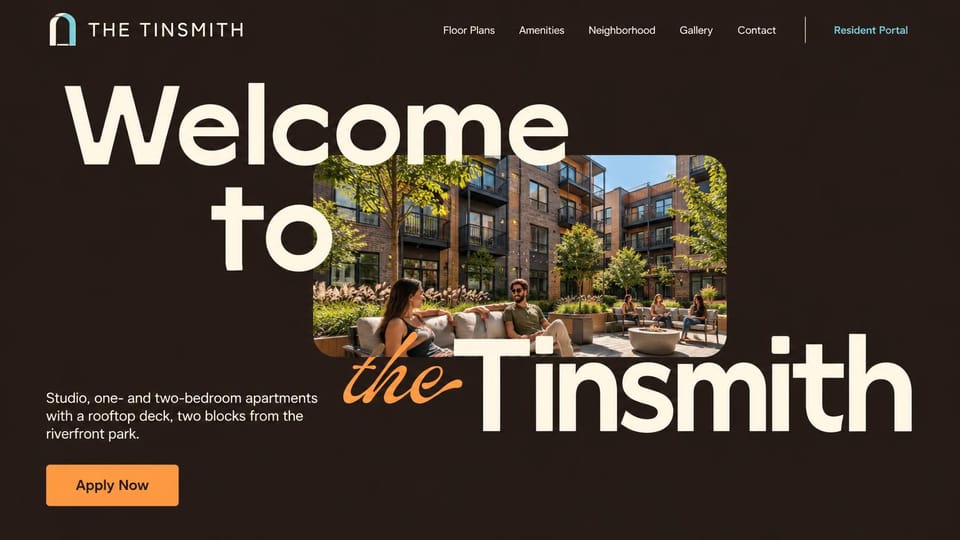
Huge layered type wrapped around a courtyard photo, for a building with a strong name and personality.
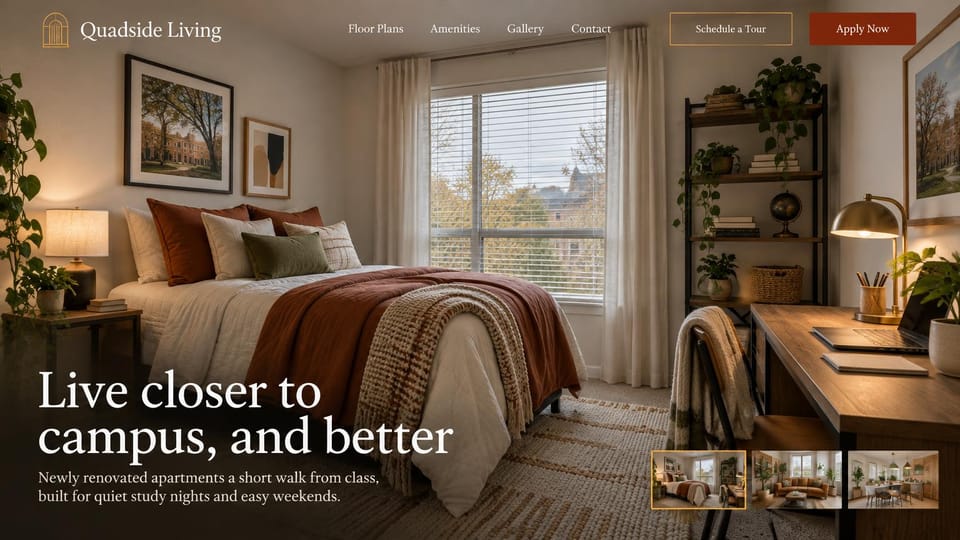
A cozy bedroom with a study desk and a strip of unit photos, for off-campus housing near a university.
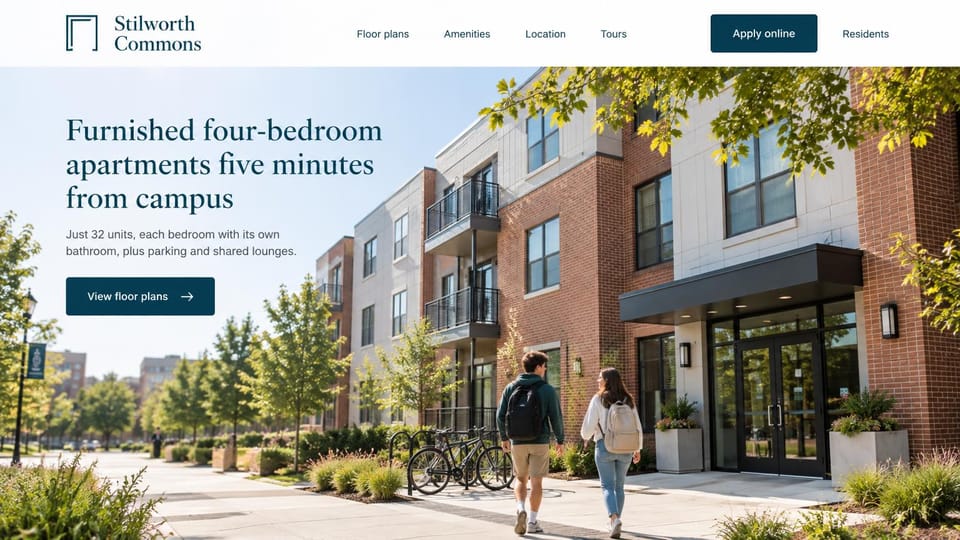
Students walking up to a three-story building, with plans one click away, for smaller off-campus housing.
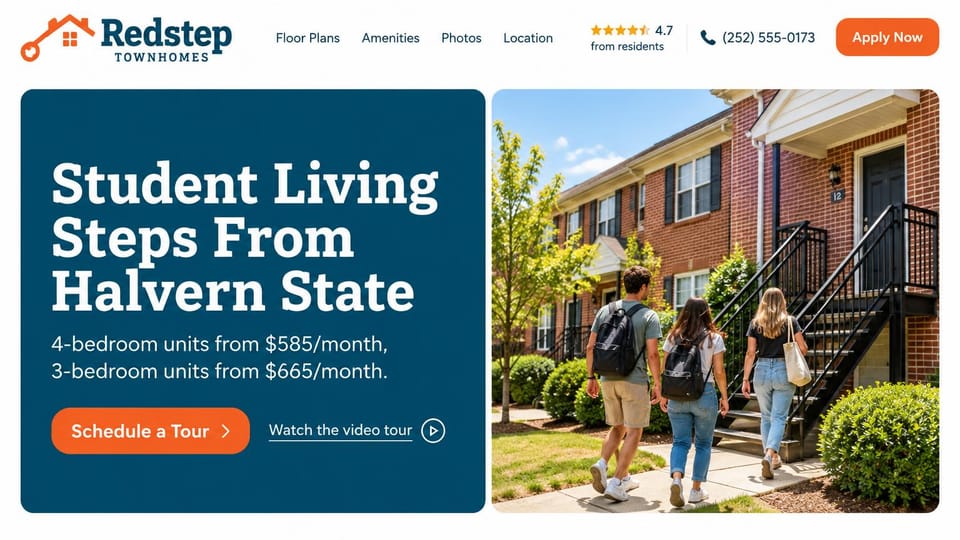
Rents by bedroom count beside students walking home, with a video tour link, for housing near a campus.
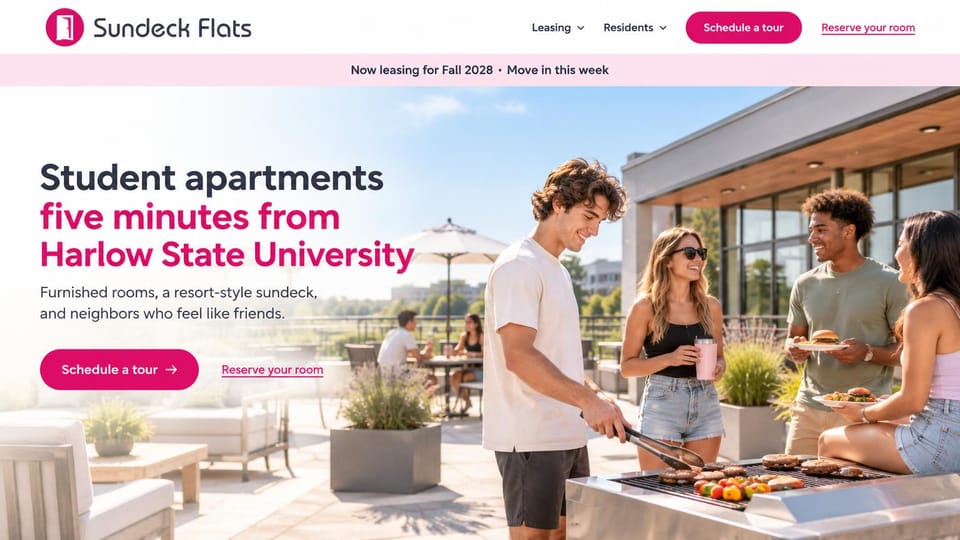
Students grilling on the roof under a bright pink banner, for housing that sells social life as much as space.
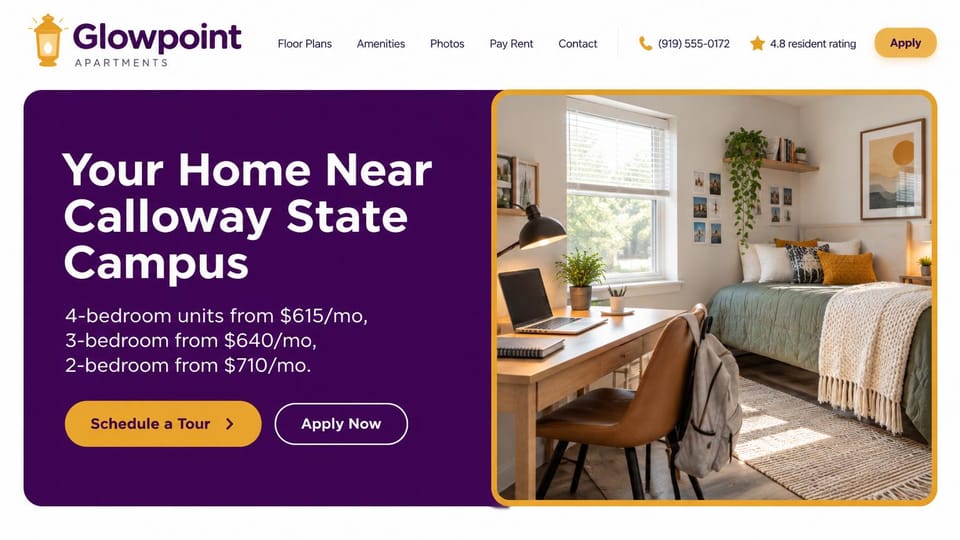
Rents by bedroom count in a bold color panel beside a study bedroom, for housing that serves one campus.
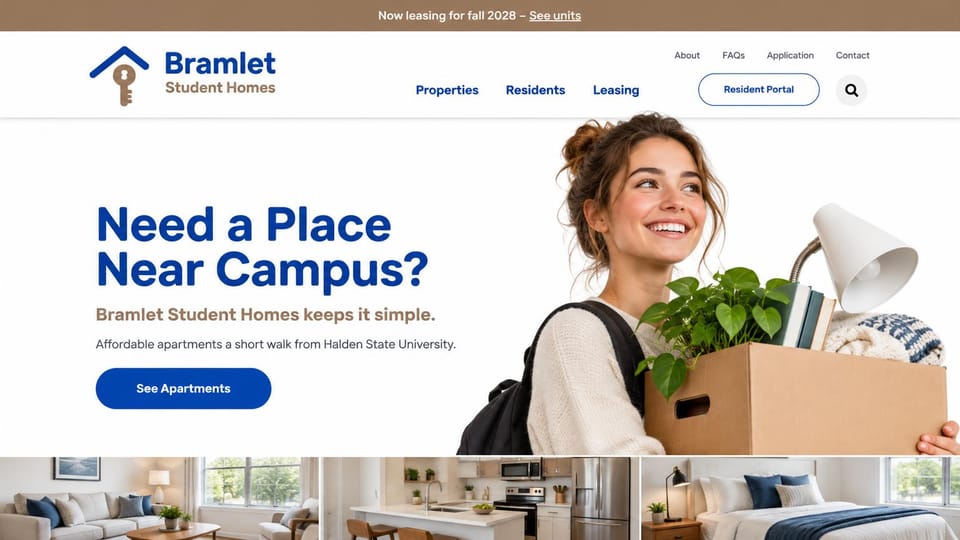
A student carrying a moving box and a strip of rooms below, for a landlord with several student properties.
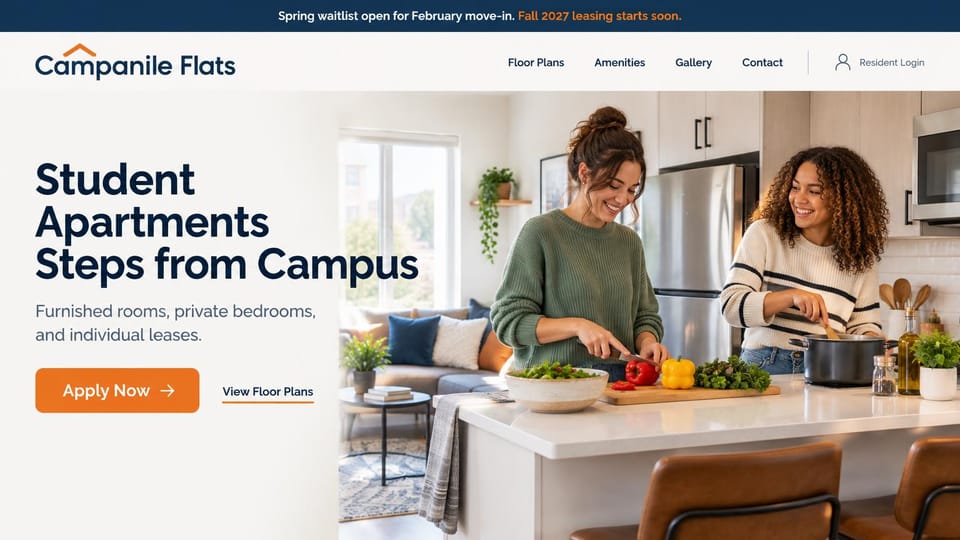
Roommates cooking together under a leasing banner, for furnished student housing with individual leases.
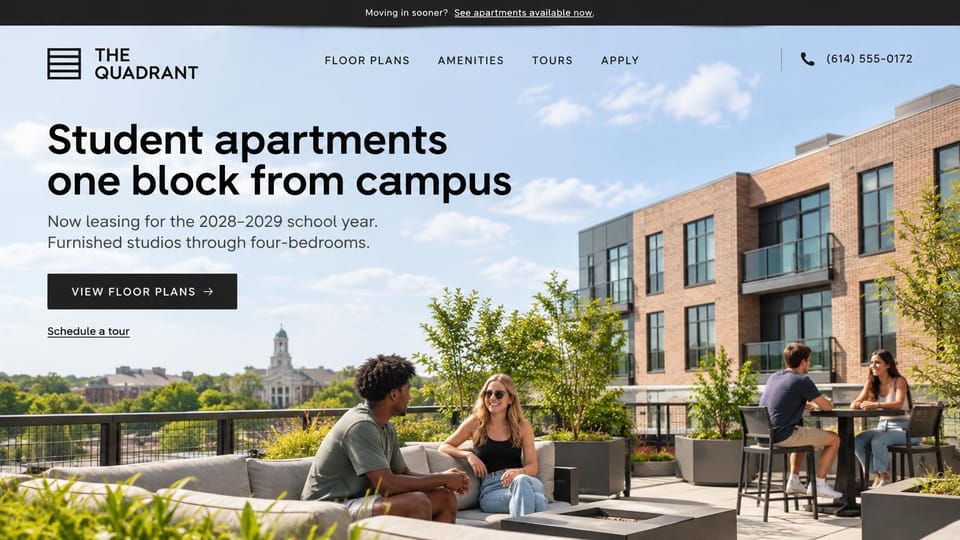
Students on a rooftop terrace with the campus behind them, plus a link for anyone moving in sooner.
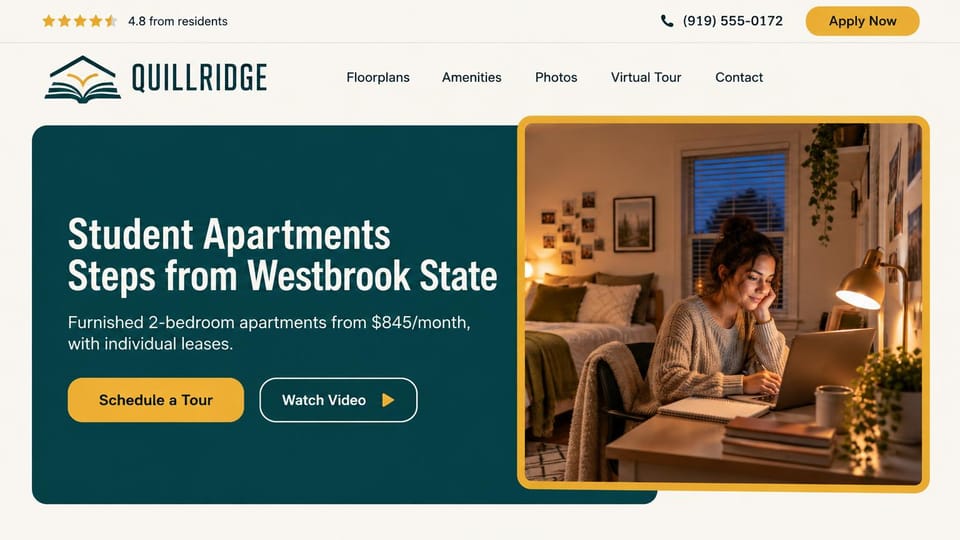
A student at her desk in a gold frame, with rents, individual leases and a video tour up front.
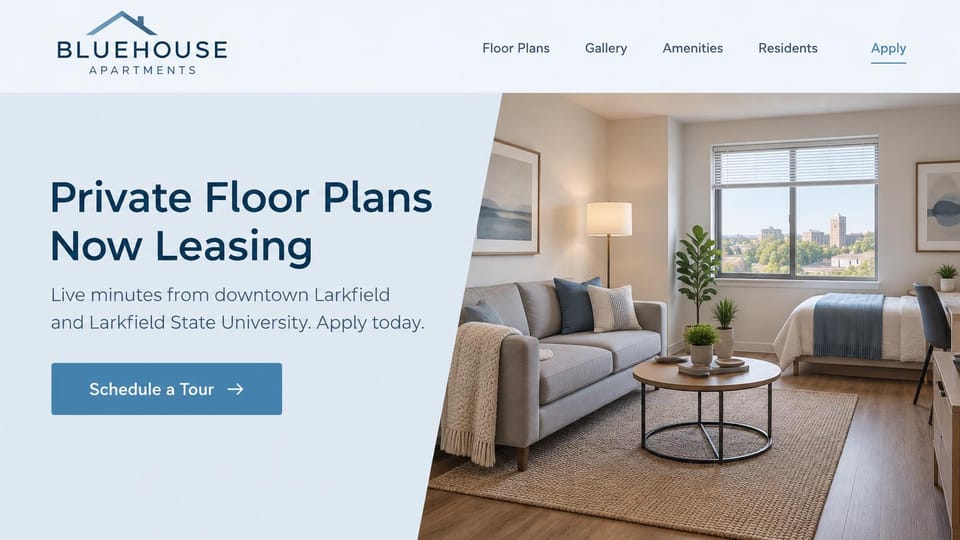
A slanted photo of a furnished studio with the campus in the window, for students who want their own place.
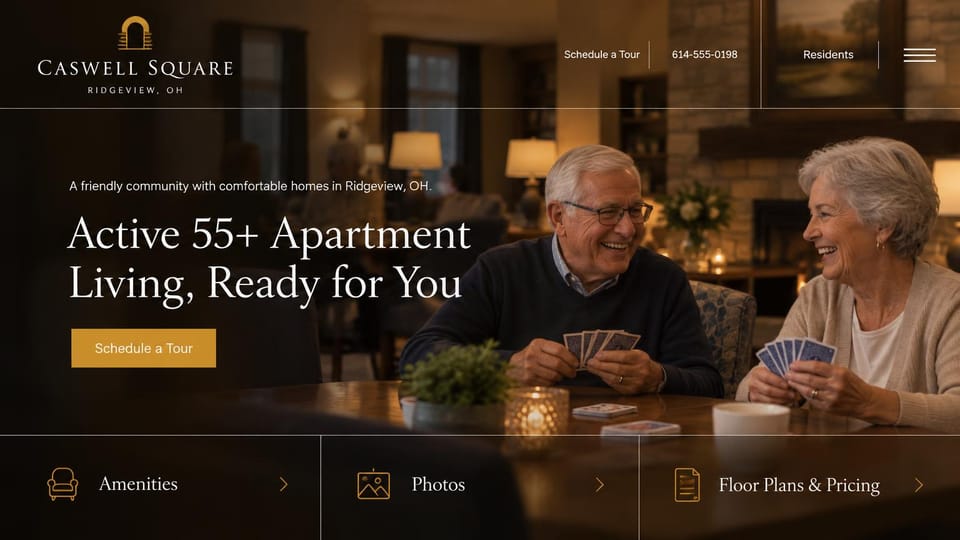
Two residents laughing over cards, with large links to amenities, photos and pricing, for active adult living.
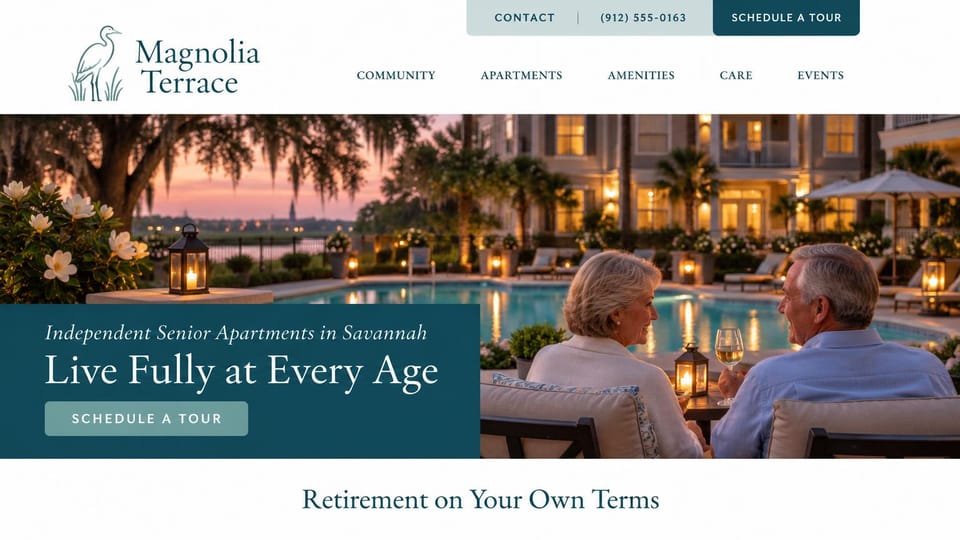
An older couple by the pool at sunset and a tour button up top, for 55+ communities with resort amenities.
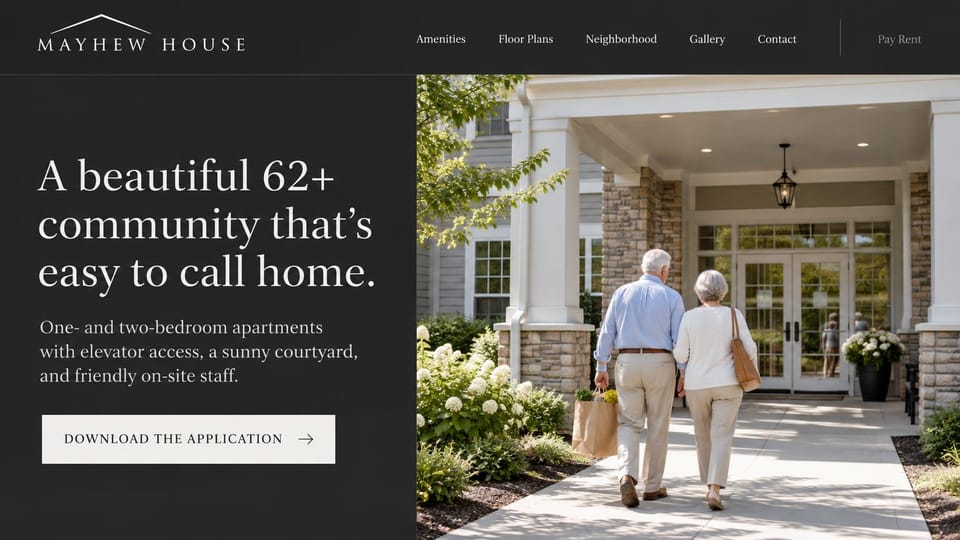
A dark panel with a warm welcome and an application download button, for a senior apartment community.
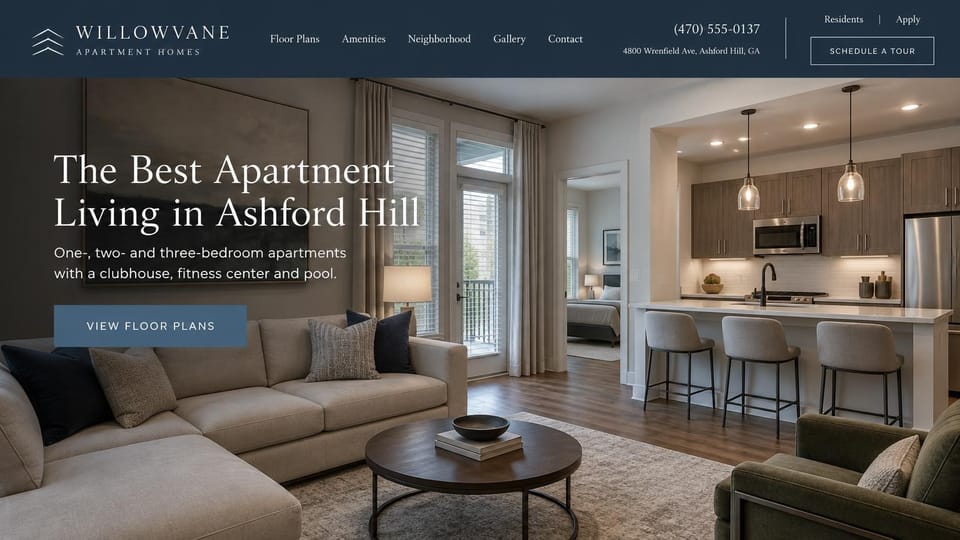
A calm open kitchen under a serif headline, with the address, phone and resident links in the header.
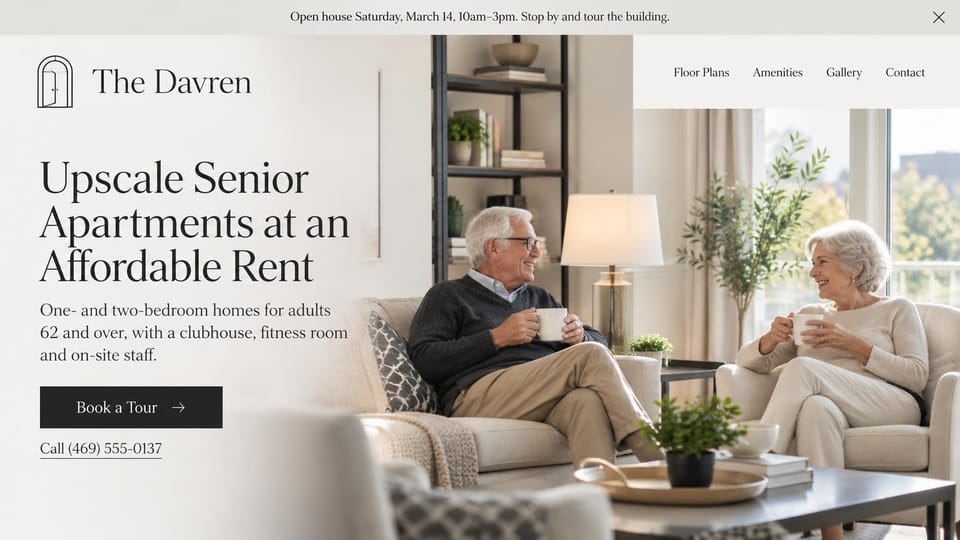
Two residents talking over coffee and an open house banner, for affordable senior communities.
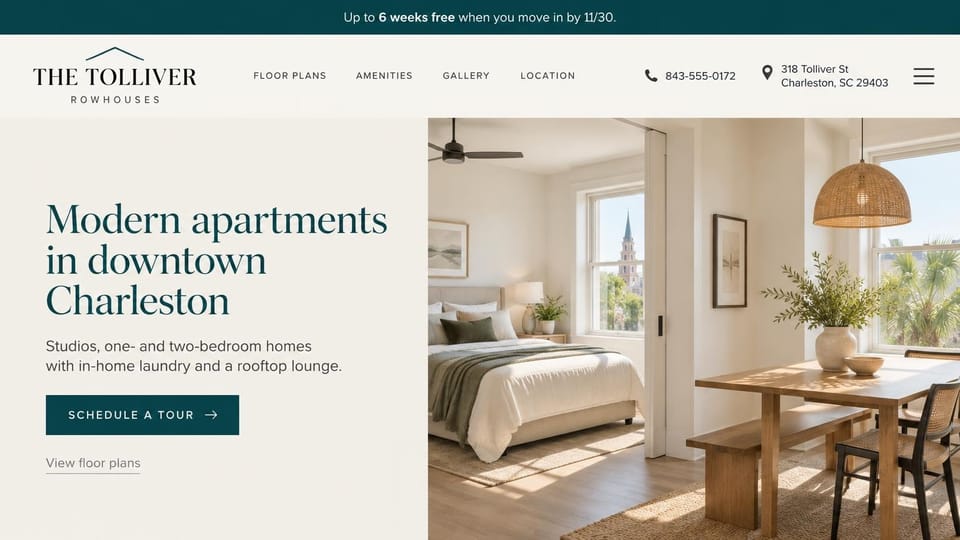
An offer bar and a header with phone and address beside a bright interior, for downtown buildings.
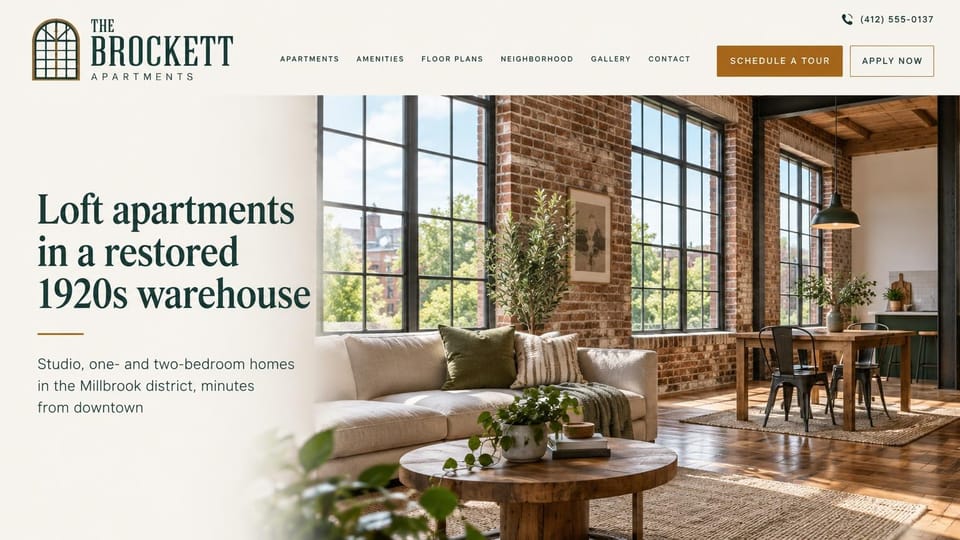
Brick, timber and tall windows carry the page, with tour and apply buttons in the header.
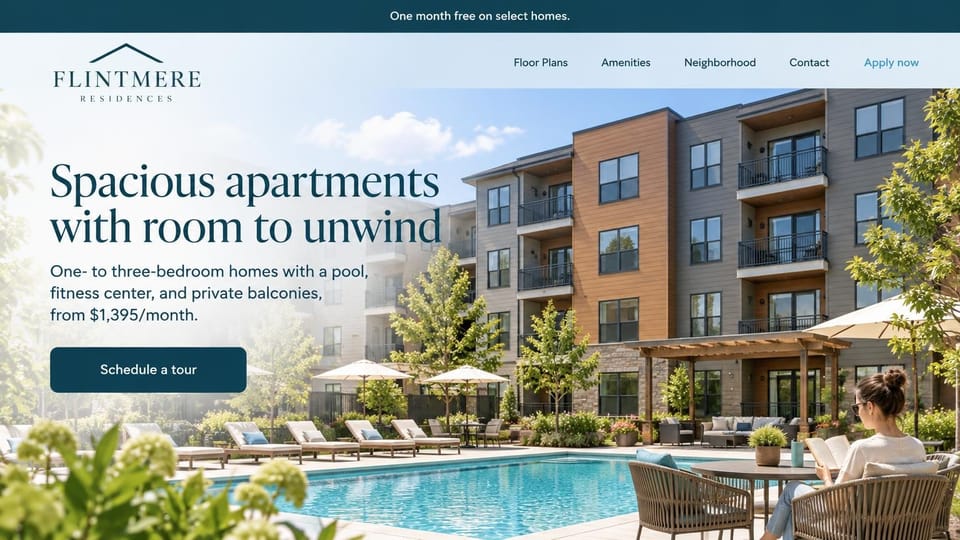
Bedrooms, amenities and a starting rent in the first lines over a sunny pool, for family-sized homes.
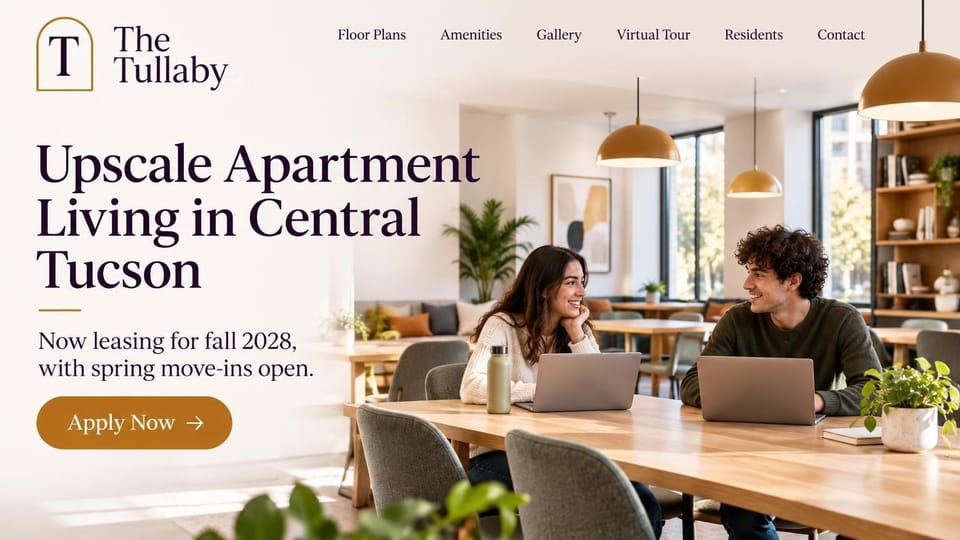
Students working side by side in a sunny shared lounge, with fall leasing in the first lines.
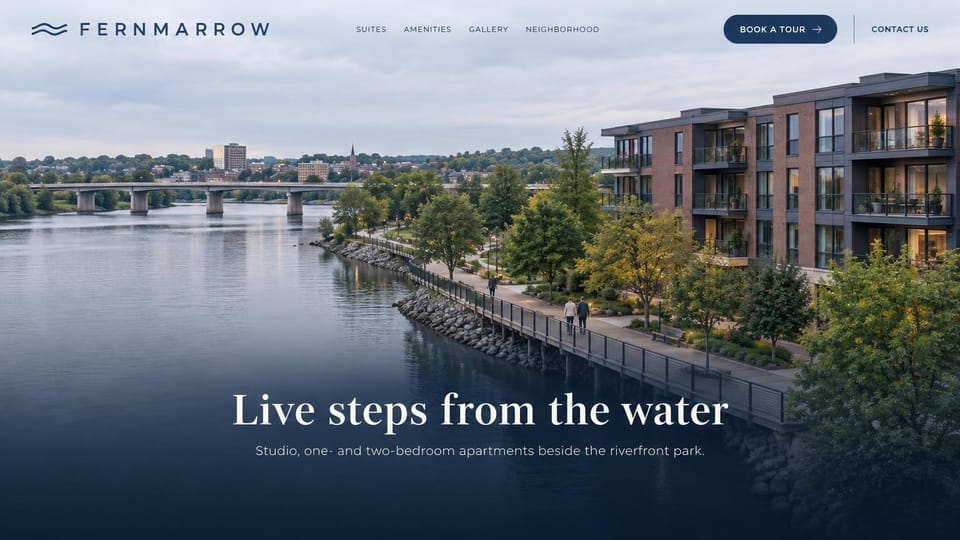
A wide aerial of the building on its river walk, for communities whose location does the selling.
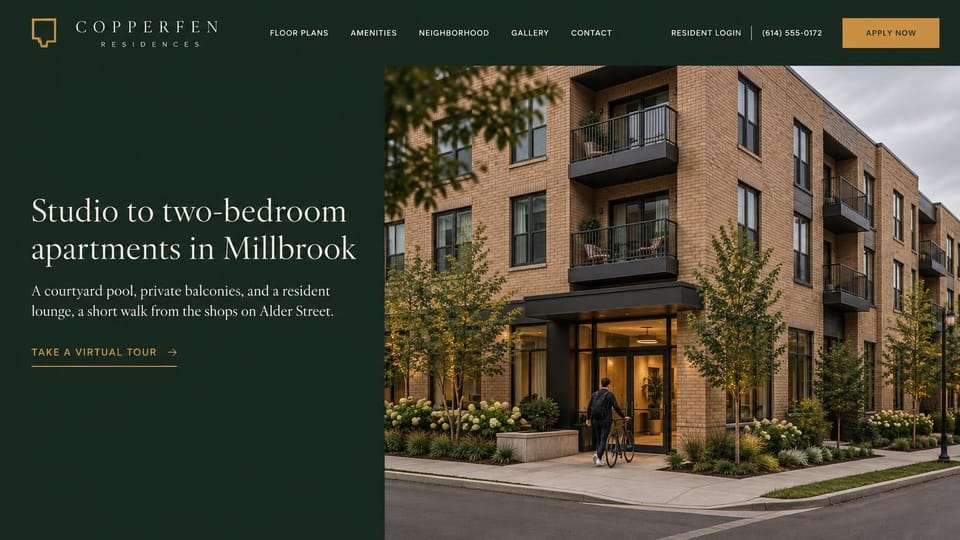
A deep green panel beside the building's front door, with a virtual tour link for renters still deciding.
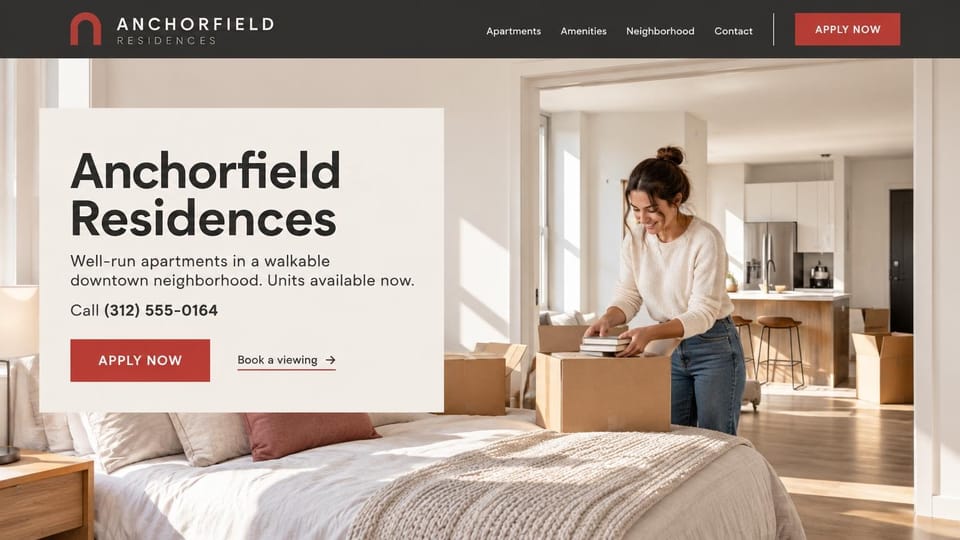
A resident unpacking in a sunny bedroom, with the phone number in the headline card, for units ready now.
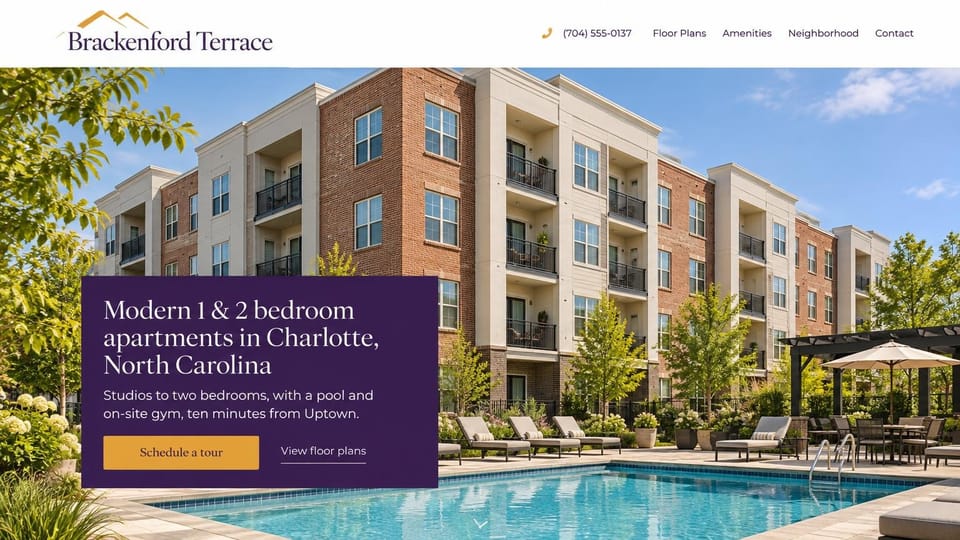
A text panel over a photo of the building and its pool, for mid-rise communities a short drive from a city.
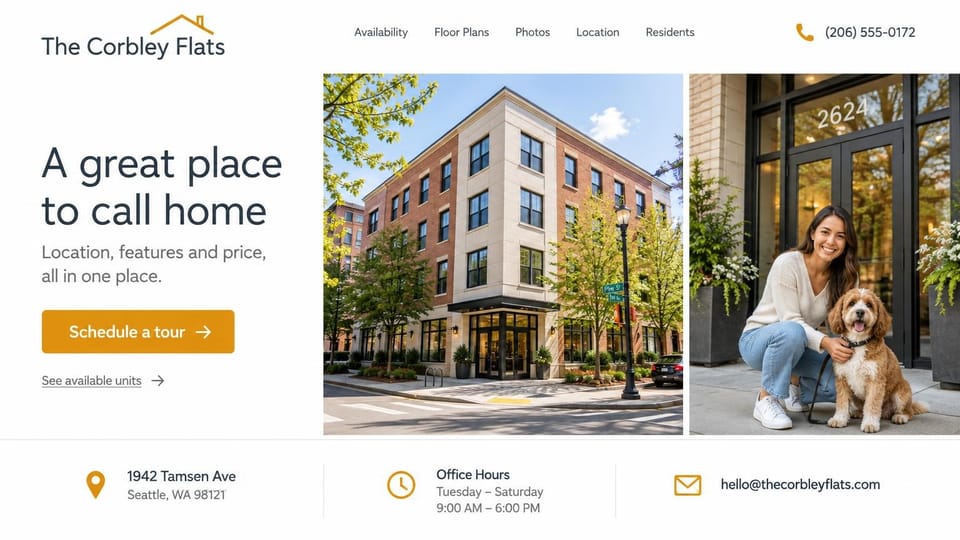
Two photos beside the headline and a strip of address, hours and email, for smaller city buildings.
Every design is an illustration by Cactal. The communities, people and photos in them are fictional. Updated October 2026.
Describe your community
What you offer, where you are and how renters should reach you. Cactal writes the pages, sets up your tour request form and publishes the site.
How it works
1 Pick a design
Browse by type of community and open any design to see it full size.
2 Add your community's details
Your floor plans, rents, amenities, neighborhood and how renters should reach you. Cactal writes every page and builds the site from your design.
3 Publish
Ask for changes in plain words until it's right, then publish free on a Cactal domain, or on your own domain with Pro.
What an apartment website needs
Floor plans with rents
Renters compare layouts and prices first. Show each plan with its size, a drawing and a starting rent, and list mandatory fees, since some places require advertised rents to include them.
A tour button in the header
Keep schedule a tour and apply buttons on every page. Link to or embed the scheduling and leasing tools your team already uses, or start with a short tour request form.
Amenities and real photos
Pools, gyms, parking, laundry and pet rules decide many leases. Show real photos of the units and shared spaces, and keep the amenity list current.
The neighborhood
Commutes, transit, schools, shops and parks help renters picture daily life. A map and a short neighborhood page answer questions your leasing office would otherwise field.
Links for current residents
Residents come to pay rent, request repairs and find their lease. Put a clear link to your resident portal in the header so they don't have to call the office.
Fair housing and accessibility
Fair housing rules apply to rental ads, so describe the homes and amenities rather than the renter you want, and check which notices your state requires. Keep pages usable by keyboard and screen reader.
Questions
Are these apartment website templates free?
Every design here is free to start from. You can sign up, build and publish on a Cactal domain without a card and with no time limit. Putting your site on a domain you own is $25 a month on Pro, or $240 a year.
Do I need to know how to code or design?
No. Describe your community in plain words and Cactal builds, edits and publishes the site. When you want a change, ask for it the same way.
How much does an apartment website cost?
A custom build from a multifamily marketing agency often runs into the thousands of dollars and takes weeks. A builder template costs less, but you still write and fill in every page. With Cactal it's free to build and publish on a Cactal address, and your own domain is $25 a month on Pro, or $240 a year, with no setup fee.
Can I use my own domain?
Yes. Every site starts on a free Cactal address. Connect a domain you own on Pro for $25 a month, or $240 a year, and each additional website on its own domain is $20 a month.
Who owns the website?
You do. Every Cactal site is real React source code, so you can take it and run it anywhere. There is no export to buy.
Are these real apartment communities?
No. Each design is an illustration made by Cactal, and the community names, people, numbers and photos in it are fictional. Your site is built around your own community.
Can renters apply, pay rent or book a tour on my site?
Your site can link to or embed the leasing, resident portal and tour scheduling tools you already use, so applications, payments and bookings go straight there. Cactal doesn't take applications or payments itself. A tour request form is built in and emails your leasing team each request.
Can one website cover several communities?
Yes. One site can give each property its own page with floor plans, photos and a tour form. If you'd rather give each community a separate website, each additional website on its own domain is $20 a month.
More website templates
- Realtor website designs and real estate website templates
- HOA and homeowners association website templates
- Real estate investor website templates
- Property management website templates
- Construction company website templates
- Law firm, lawyer and attorney website templates
- Cleaning service website templates
- Print shop website templates
- Landscaping and lawn care website templates

Your apartment website, built for you.
Pick a design or just describe your community. Free to start, no card needed.
Start building