HOA and homeowners association website templates. Pick one and Cactal builds it.
13 designs for homeowners associations, master-planned communities and neighborhood groups. Choose one and Cactal turns it into your association's website, with your news and meeting dates, your governing documents and a link to your resident portal.
HOA website designs
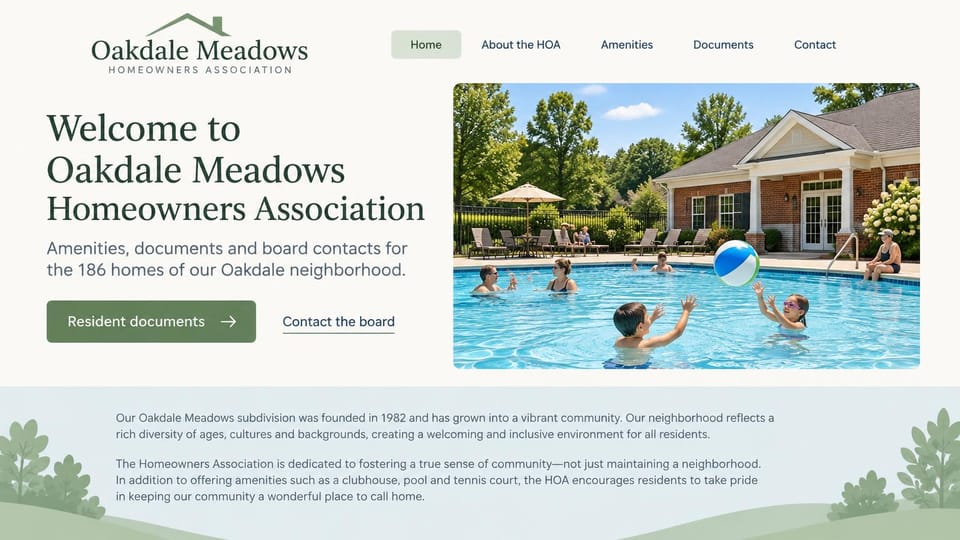
A documents button and a board contact link sit beside a pool photo, a calm fit for a small association.
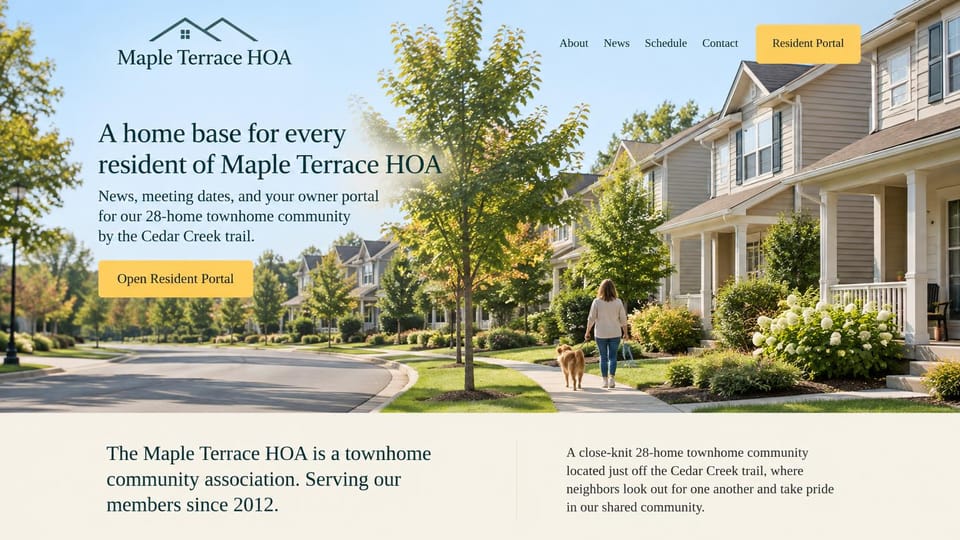
A sunny street photo and a single bright button to the owner portal, sized for a small townhome community.
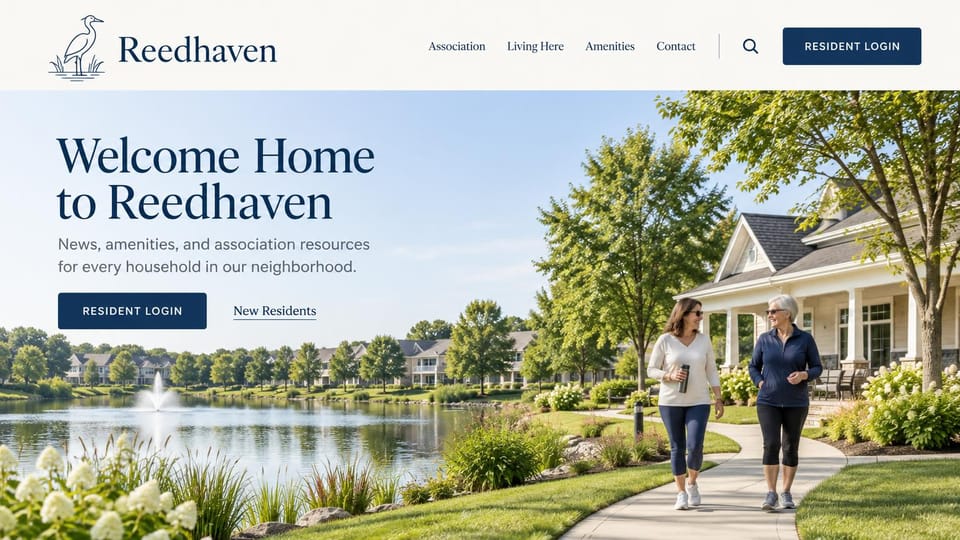
A wide pond-side photo with the login button in the header and the hero, for residents who check in often.
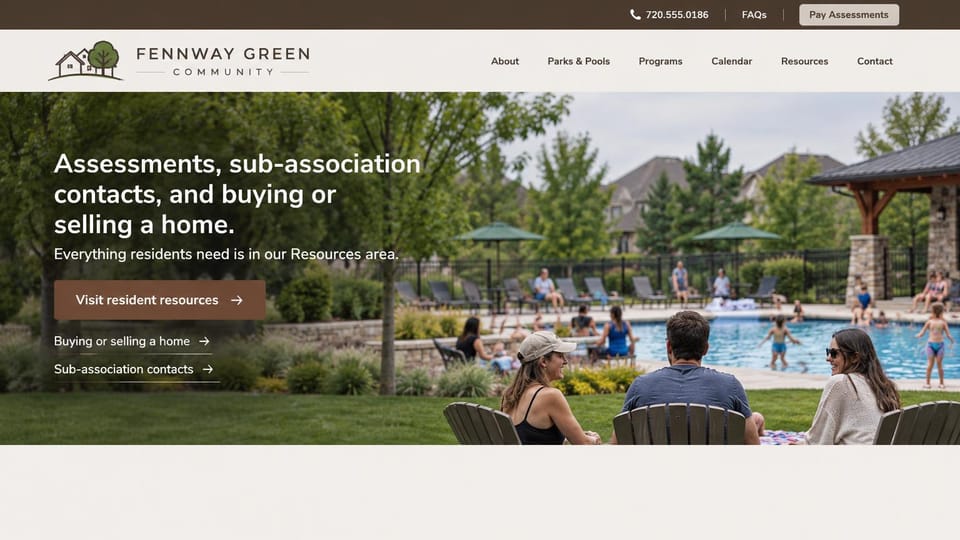
A pay assessments button in the top bar and quick links for buyers and sub-associations under the headline.
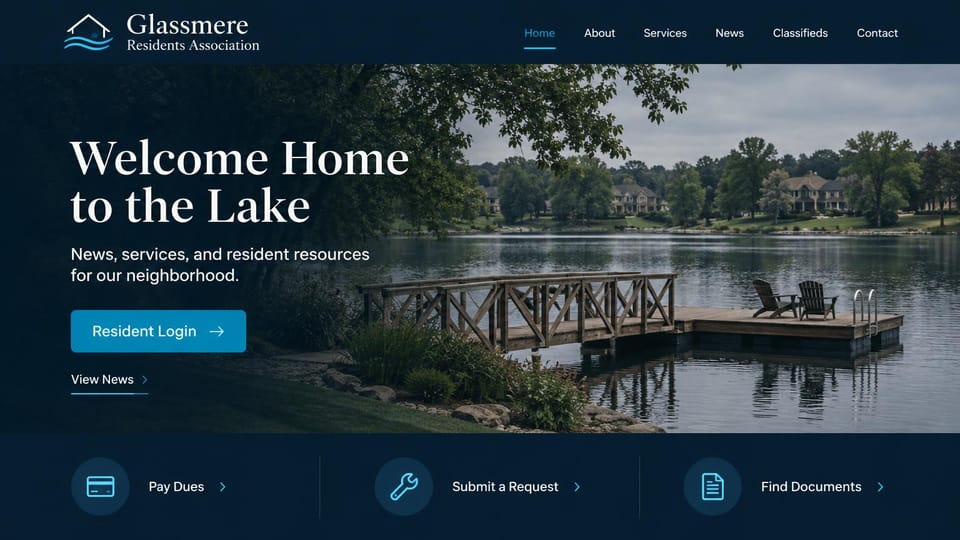
A login button over a lake dock, then shortcuts to pay dues, send a request or find a document.
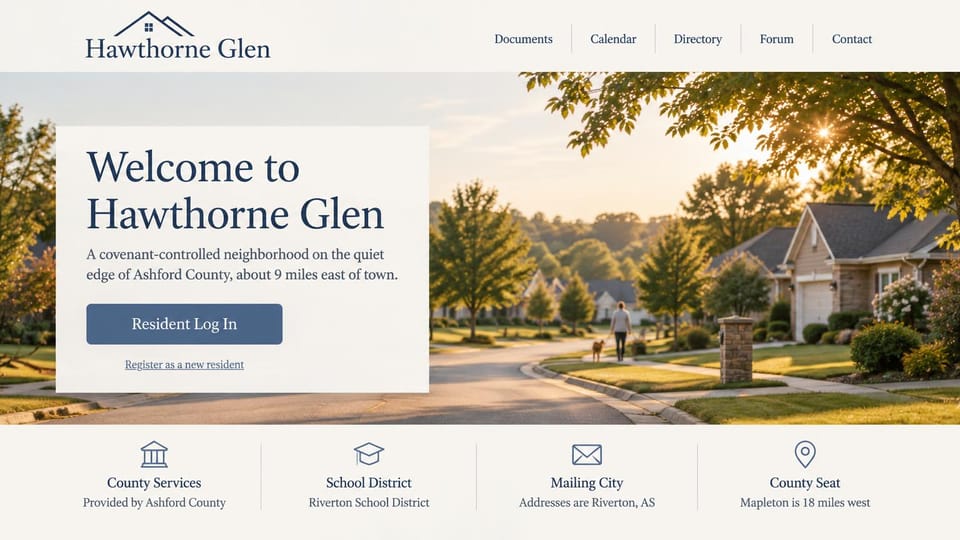
A login panel over a sunlit street and a row of local facts, for neighborhoods outside town limits.
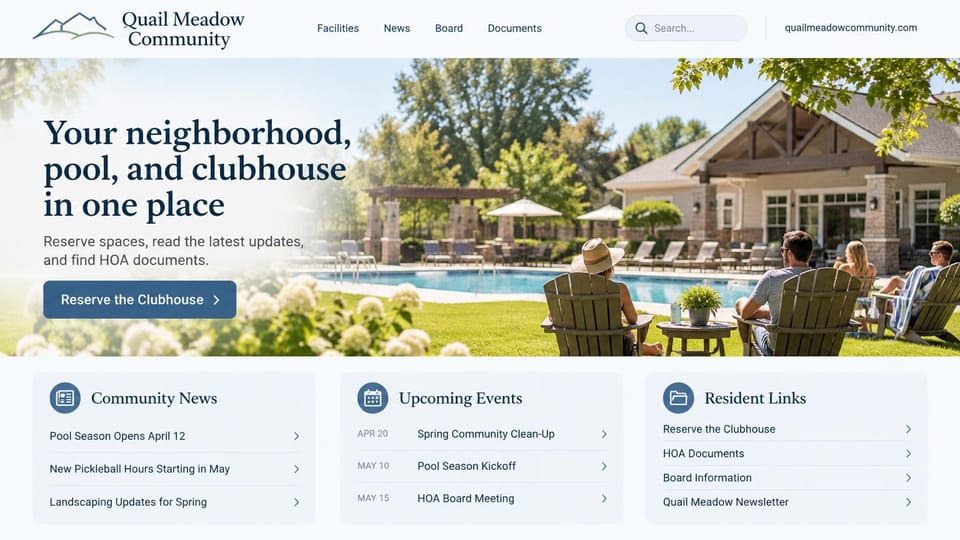
Three cards under the hero for news, upcoming events and resident links, so nothing hides in menus.
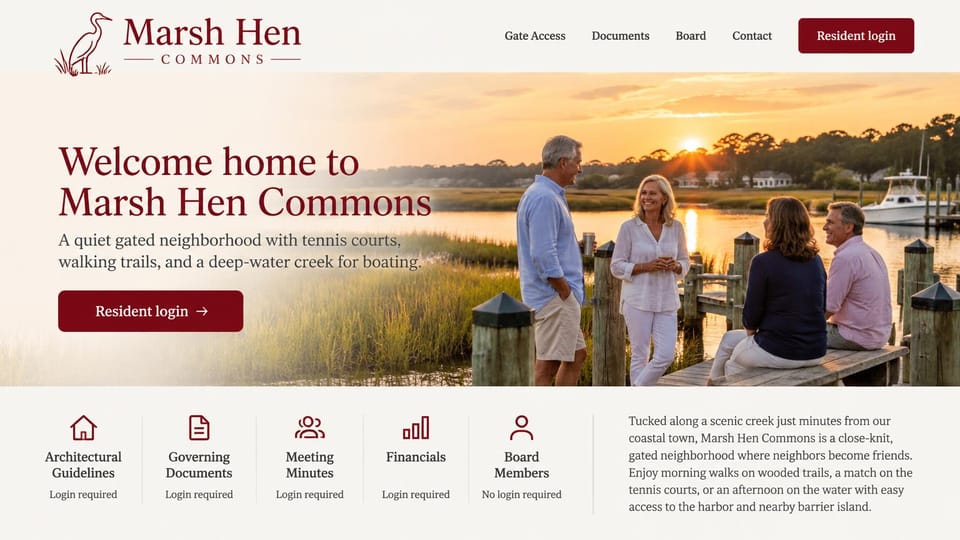
A sunset dock scene above a row of documents, each marked for whether residents need to log in to see it.
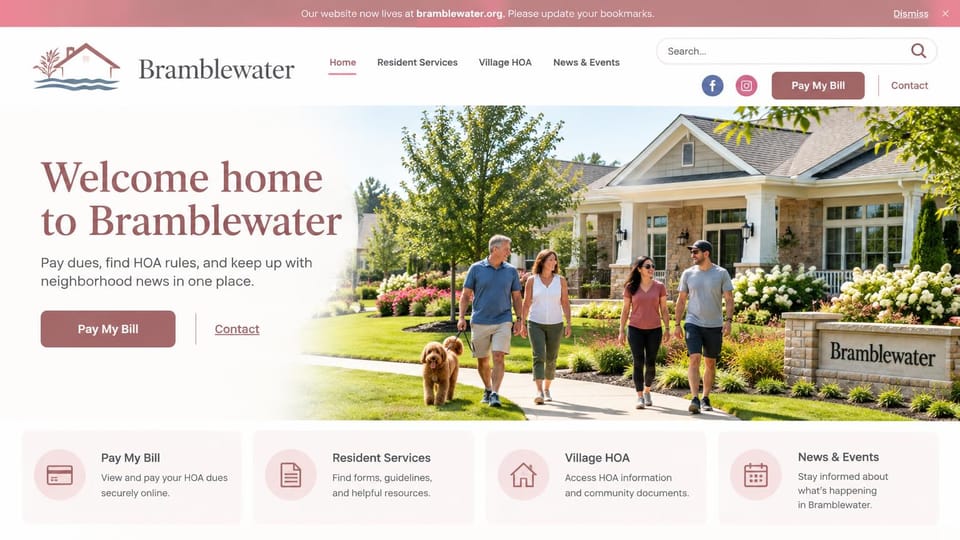
A pay button in the header and four service cards, for associations moving residents to a new site.
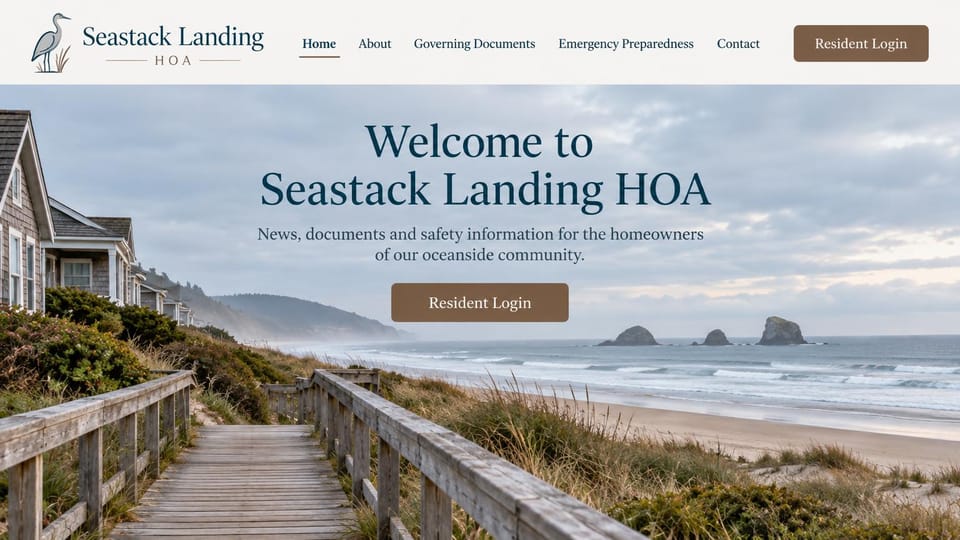
A centered welcome over a beach boardwalk, with governing documents and emergency preparedness in the menu.
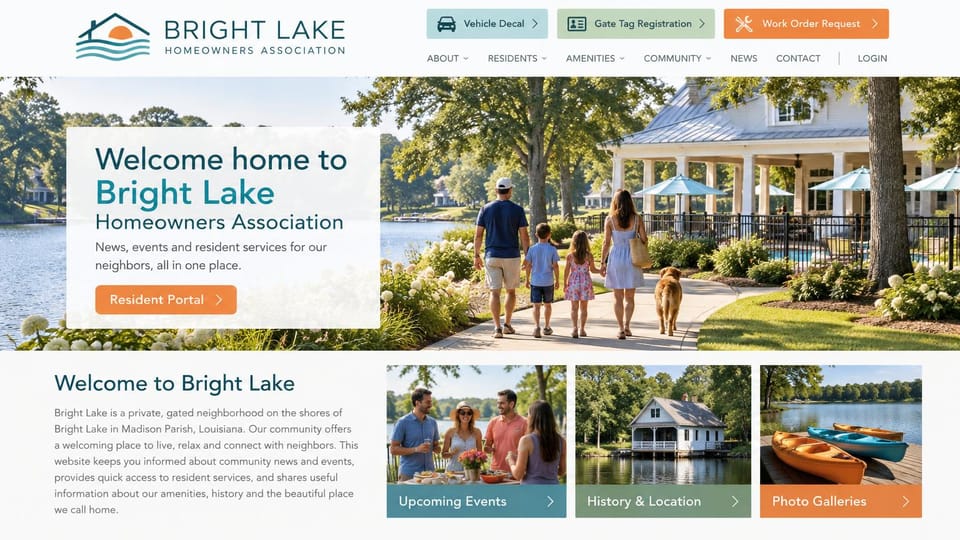
Shortcut buttons for gate tags, decals and work orders sit above the menu, for communities with many requests.
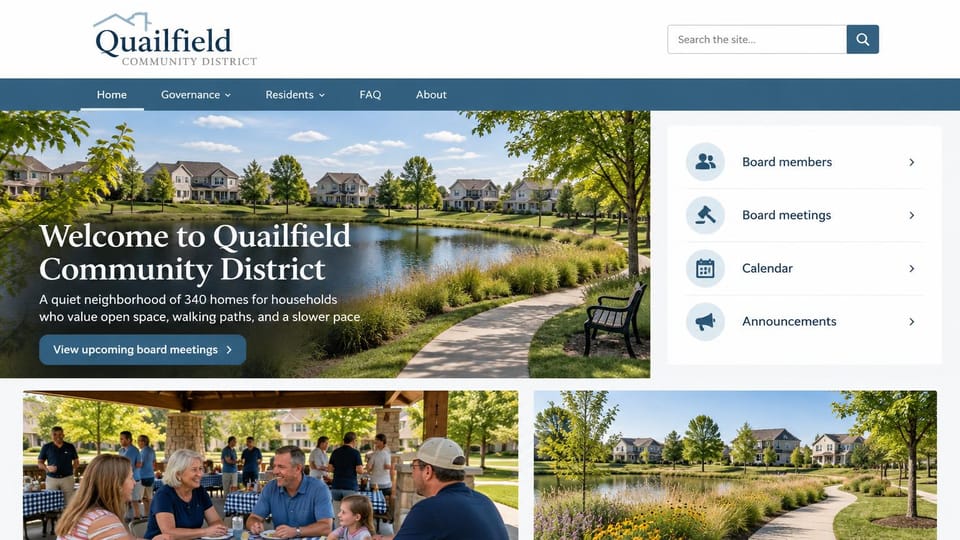
A quick-link panel for board members, meetings and announcements, for districts that hold public meetings.
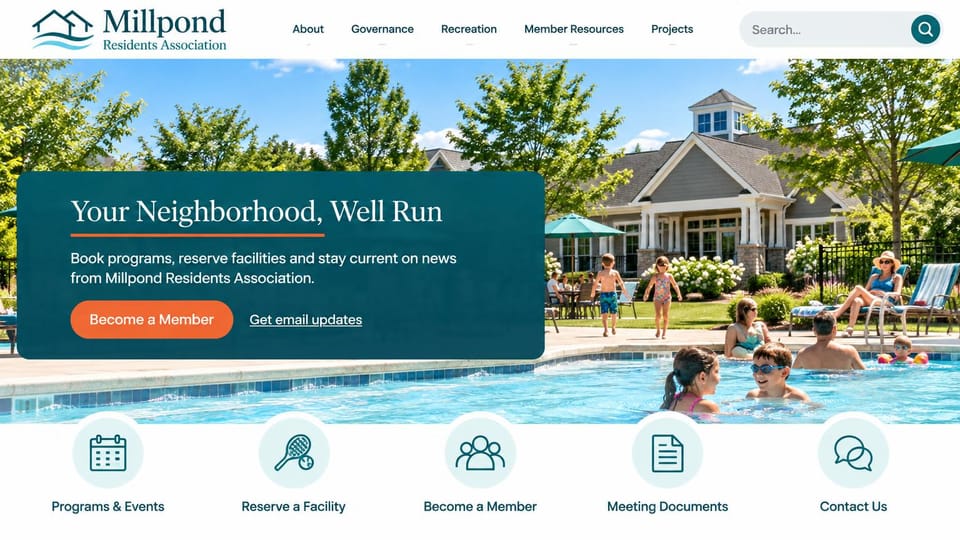
A teal welcome panel over a busy pool and round icon shortcuts, for voluntary associations that run programs.
Every design is an illustration by Cactal. The associations, people and photos in them are fictional. Updated October 2026.
Describe your association
Your neighborhood, what the association looks after and how residents should reach the board. Cactal writes the pages, sets up your contact form and publishes the site.
How it works
1 Pick a design
Browse by type of community and open any design to see it full size.
2 Add your association's details
Your amenities, board members, meeting dates, rules and how residents should reach you. Cactal writes every page and builds the site from your design.
3 Publish
Ask for changes in plain words until it's right, then publish free on a Cactal domain, or on your own domain with Pro.
What an HOA website needs
News and dates on the homepage
Most residents visit to check one thing: a pool opening, a trash change or the next board meeting. Put news and upcoming dates up front and keep them current.
Governing documents in one place
Bylaws, covenants, rules and architectural guidelines answer most questions before anyone writes to the board. List them with plain titles and dates, and check what your state requires you to post.
Who's on the board, and how to reach them
Name the board and your management company if you have one. A contact form sends messages to the right inbox and keeps volunteers' personal email addresses off the site.
A clear link to your resident portal
Dues, payments and resident directories usually live with a management or payment service. Link to it from the header, and keep private details there rather than on public pages.
Amenities and how to use them
Pool hours, clubhouse rules and how to reserve, with real photos. If reservations run through another tool, link to it from each amenity.
A page for new residents and buyers
Welcome details, trash and parking rules, and who handles architectural requests and resale paperwork. It saves the board answering the same emails every month.
Questions
Are these HOA website templates free?
Every design here is free to start from. You can sign up, build and publish on a Cactal domain without a card and with no time limit. Putting your site on a domain you own is $25 a month on Pro, or $240 a year.
Do I need to know how to code or design?
No. Describe your association in plain words and Cactal builds, edits and publishes the site. When you want a change, ask for it the same way.
How much does an HOA website cost?
A custom build from a web designer often runs into the thousands of dollars and takes weeks. A builder template costs less, but you still write and fill in every page. With Cactal it's free to build and publish on a Cactal address, and your own domain is $25 a month on Pro, or $240 a year, with no setup fee.
Can I use my own domain?
Yes. Every site starts on a free Cactal address. Connect a domain you own on Pro for $25 a month, or $240 a year, and each additional website on its own domain is $20 a month.
Who owns the website?
You do. Every Cactal site is real React source code, so you can take it and run it anywhere. There is no export to buy.
Are these real HOAs?
No. Each design is an illustration made by Cactal, and the association names, people, numbers and photos in it are fictional. Your site is built around your own community.
Can residents log in or pay dues on the site?
Resident logins and payments aren't built in. Your site can link to or embed the portal or payment service your association already uses, and Cactal can put that link on every page.
Will these work for a condo or townhome association?
Yes. A condo or townhome association needs the same pages: news, the board, meeting dates, rules and a contact form. Describe your building or community and Cactal adapts the design to it.
More website templates
- Realtor website designs and real estate website templates
- Real estate investor website templates
- Property management website templates
- Apartment website templates
- Construction company website templates
- Law firm, lawyer and attorney website templates
- Cleaning service website templates
- Print shop website templates
- Landscaping and lawn care website templates

Your HOA website, built for you.
Pick a design or just describe your association. Free to start, no card needed.
Start building