Engineering portfolio templates. Pick one and Cactal builds it.
27 portfolio designs for mechanical, electrical and robotics engineers, from engineering students to freelancers. Choose one and Cactal turns it into your website, with your projects, your resume and a contact form.
Engineering portfolio website designs
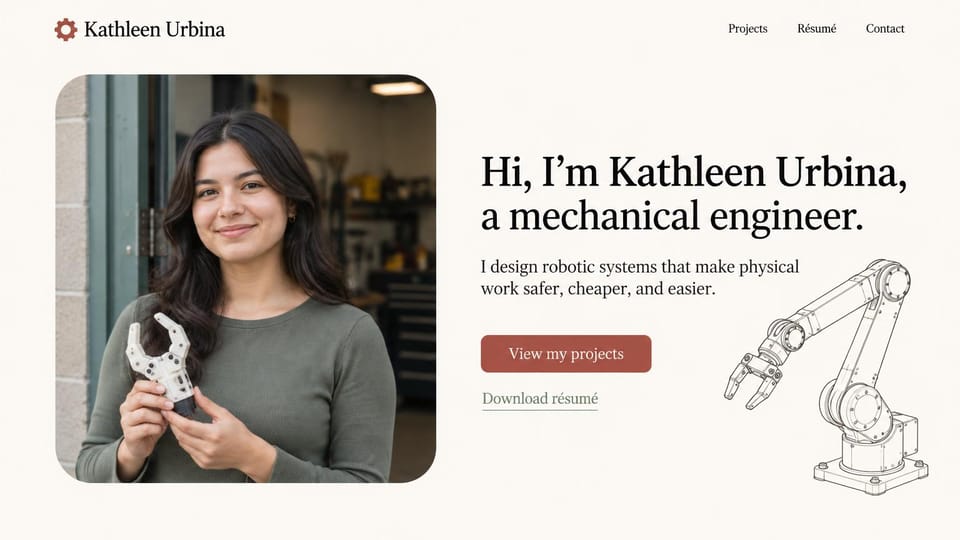
A friendly portrait holding a part you built, a plain serif hello and a robot arm drawing, for robotics roles.
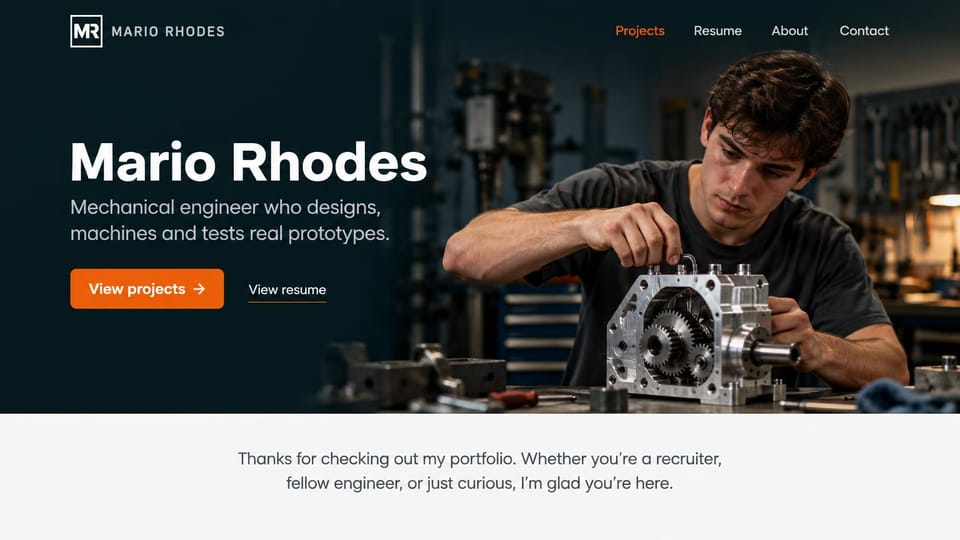
Your name over a dark shop photo, one line on what you design and test, and a welcome for recruiters below.
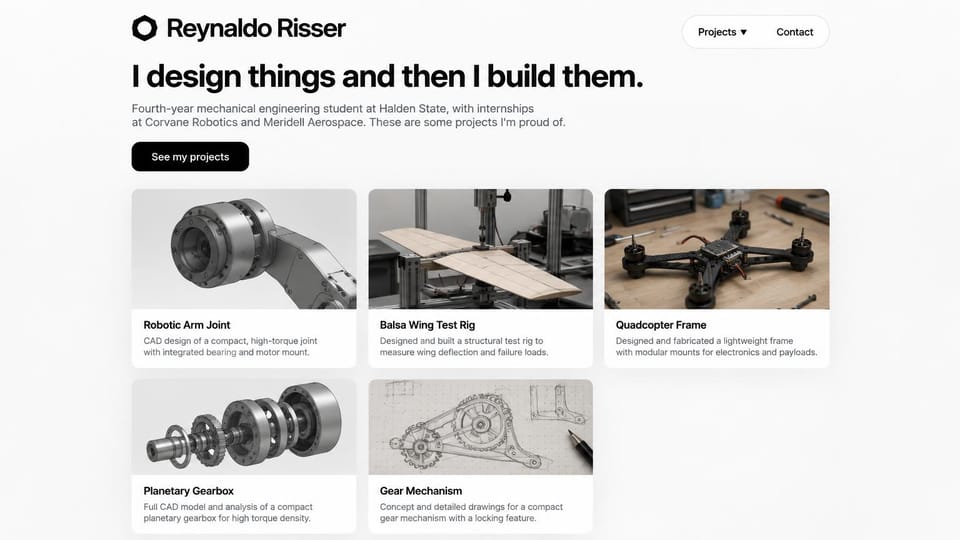
A one-line promise, your school and internships, then a grid of CAD renders and builds on the first screen.
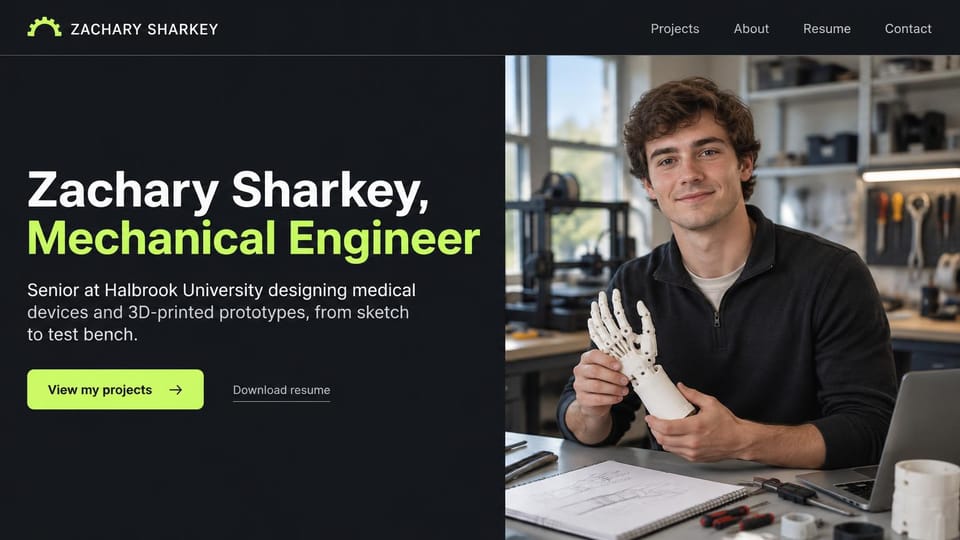
Name and discipline as the headline, beside a lab photo with a printed hand, for medical device roles.
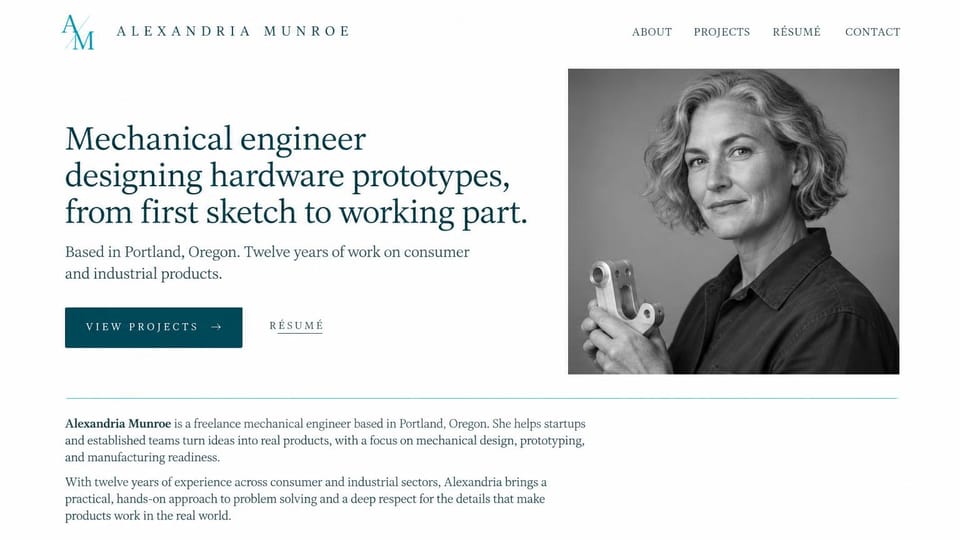
A serif headline on sketch-to-part work, a black and white portrait and a short bio, for client work.
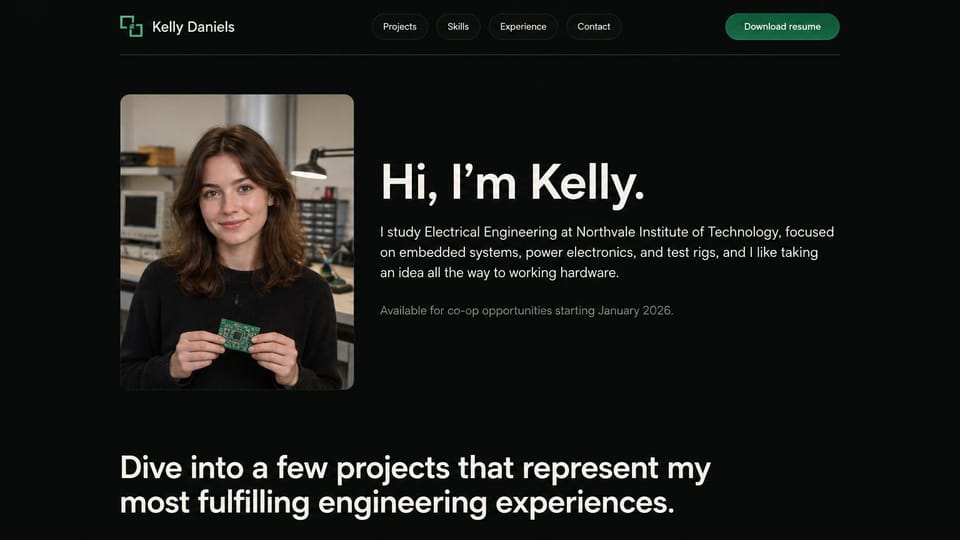
A portrait with your own circuit board, a short hello and when you're free for a co-op, all on black.
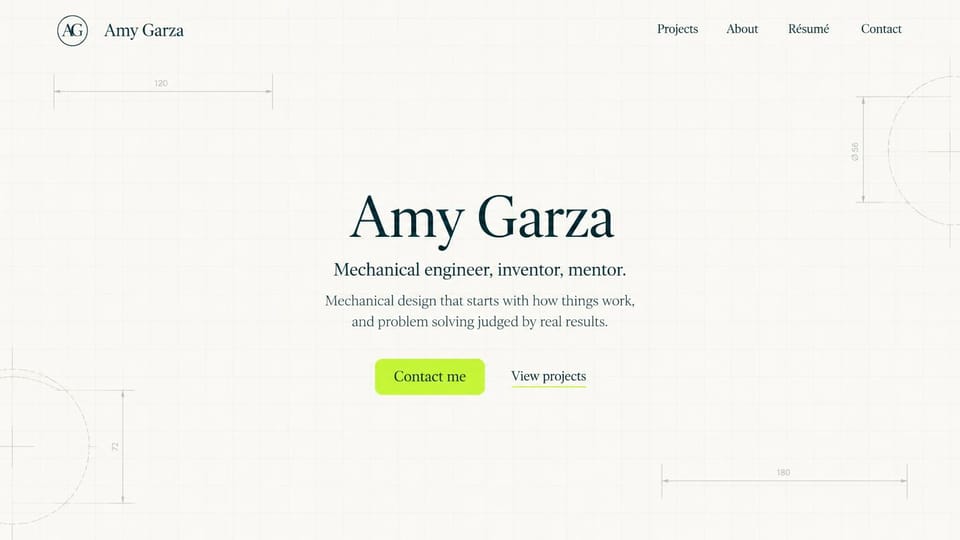
Your name centered on a faint drafting grid with dimension lines, and a contact button before projects.
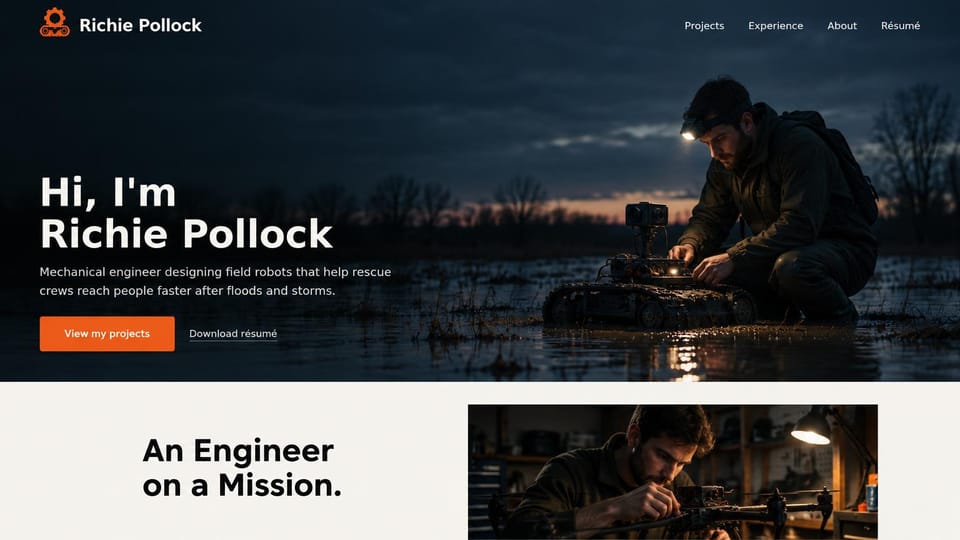
A dramatic field test as the hero and one line on who your robots help, for mission-driven robotics work.
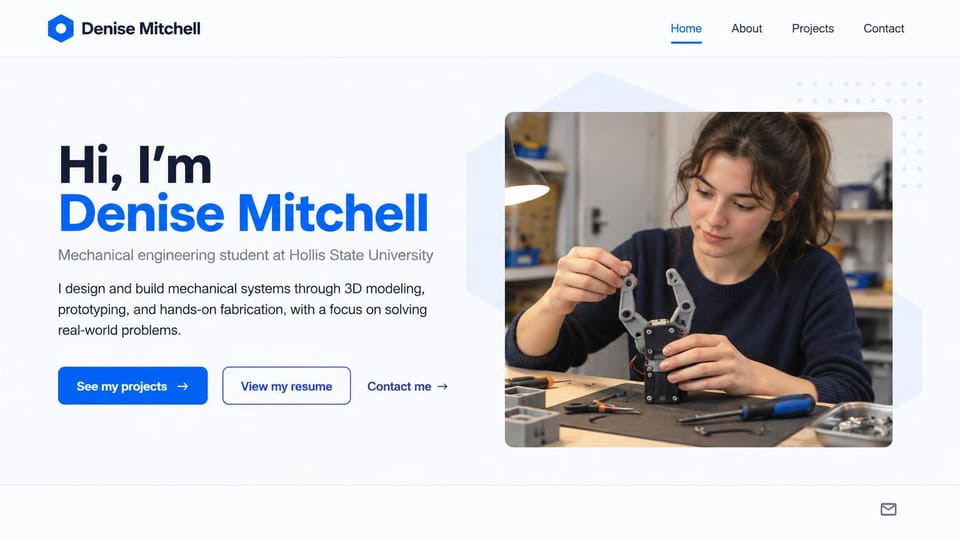
A big hello in blue, your school and clear buttons for projects, resume and contact beside a build photo.
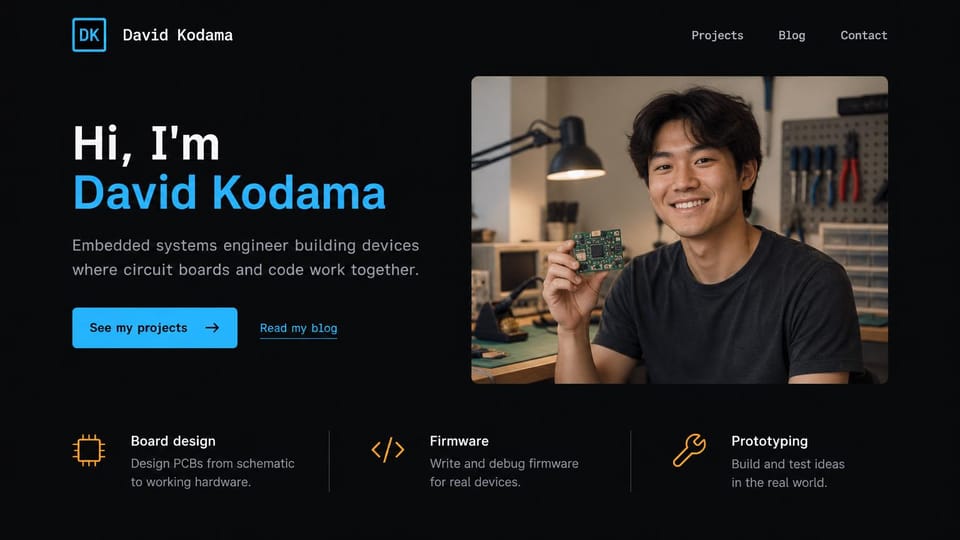
A workshop portrait with a board in hand, then board design, firmware and prototyping listed as services.
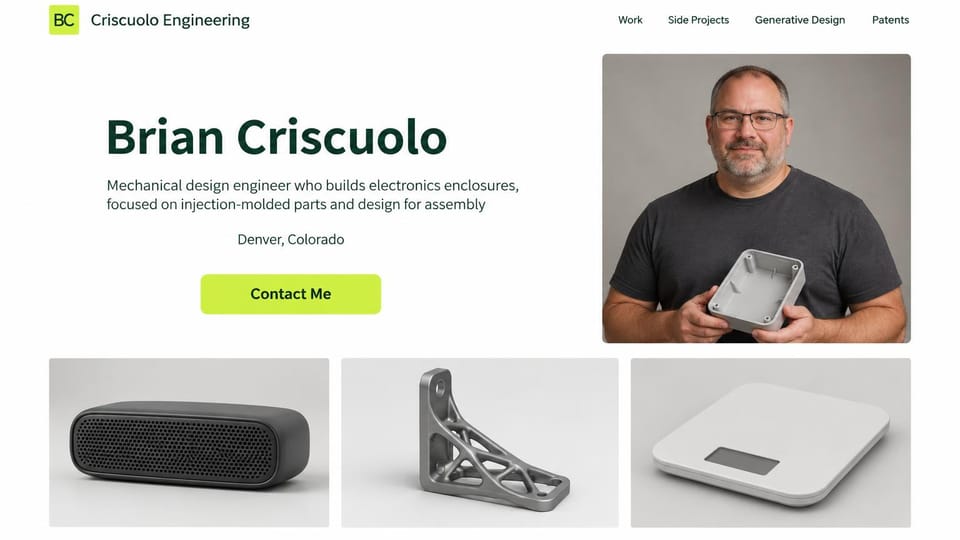
Your specialty in one line, a portrait holding a molded part and product photos across the bottom.
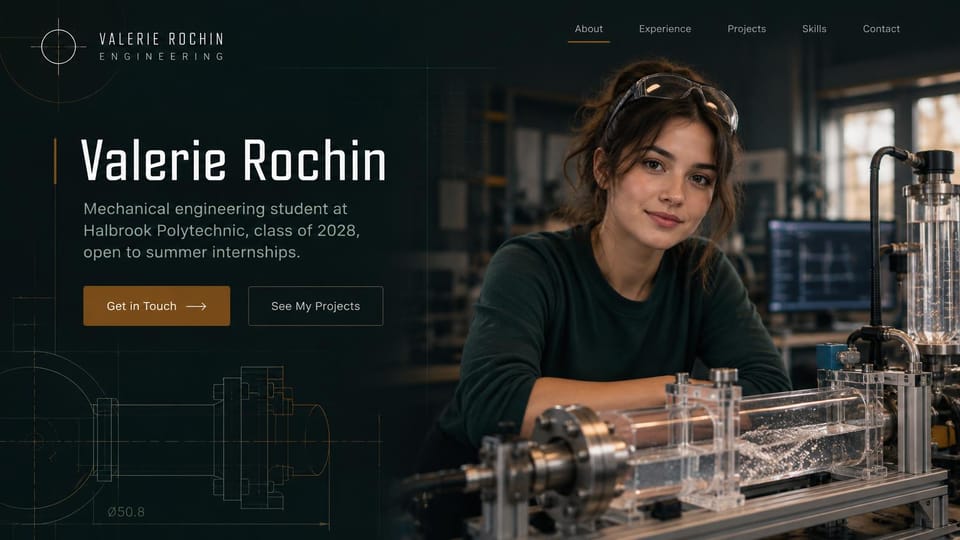
Faint technical drawings behind your name, your year and the internship you want, beside a lab photo.
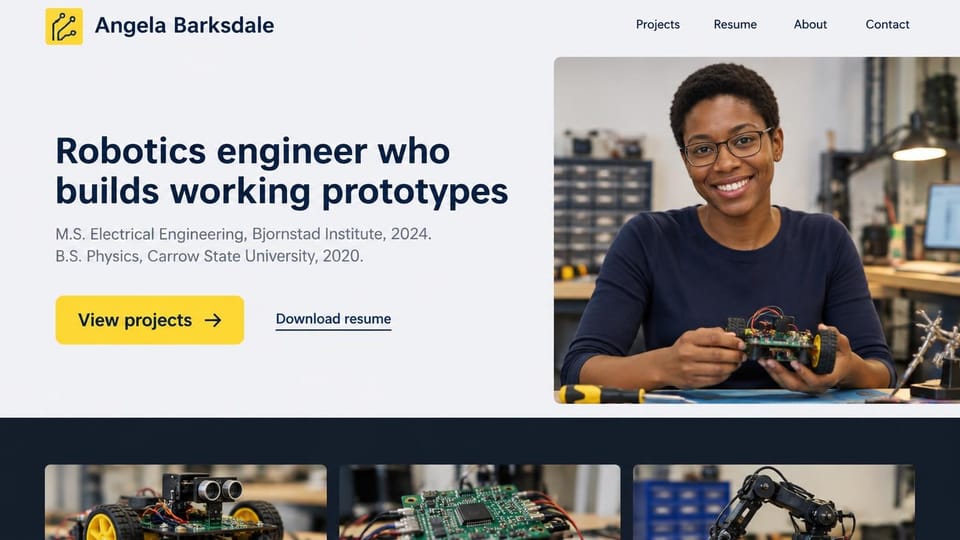
Your degrees right under the headline and project photos just below, for robotics and electrical roles.
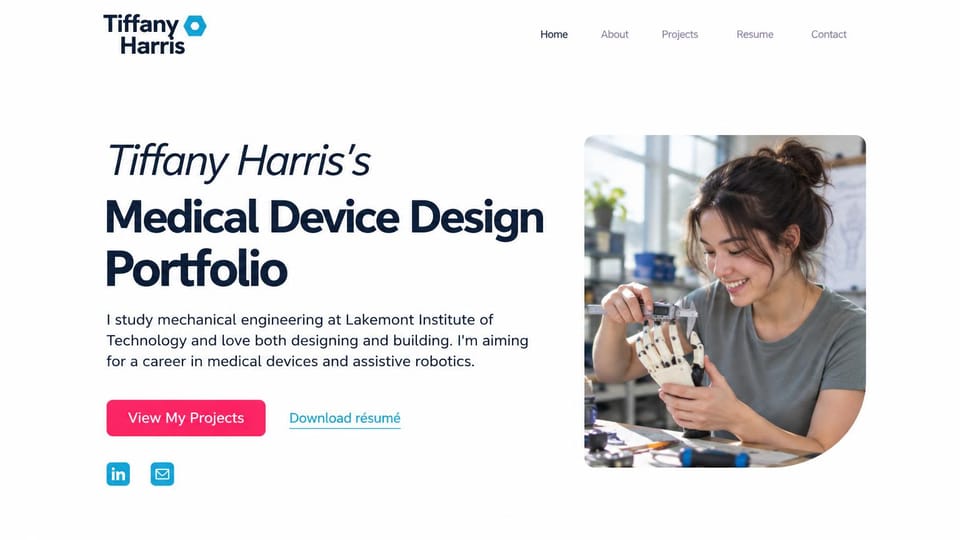
Your name in italics over a bold title, the career you're aiming for and a photo of you measuring a prototype.
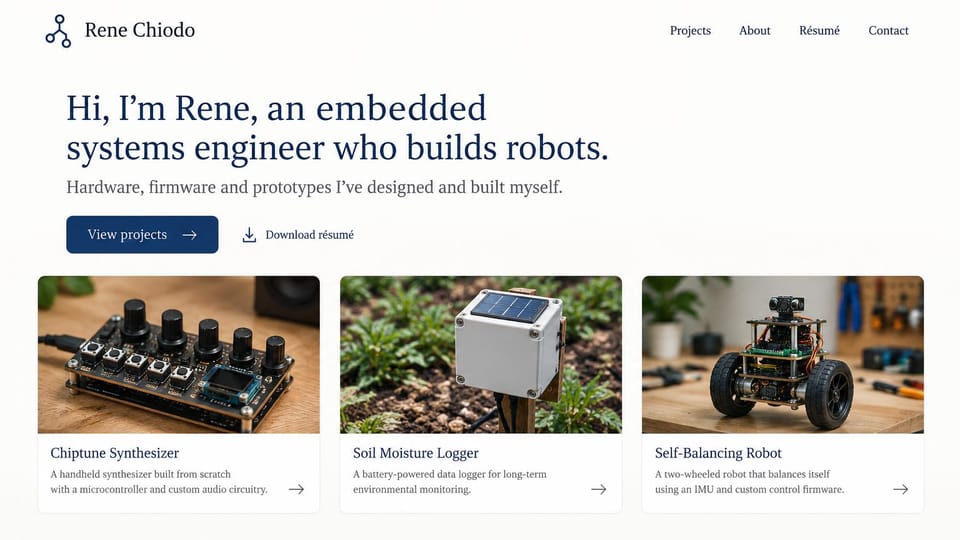
A serif hello on what you build, then a photo card for each project, all on the first screen.
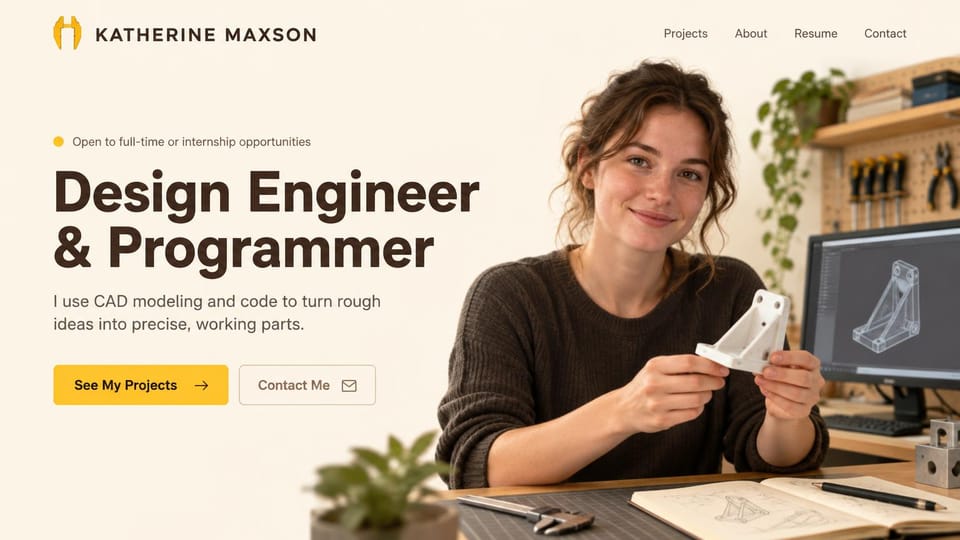
An open-to-work note, a bold title and a portrait holding a printed part with its CAD model behind you.
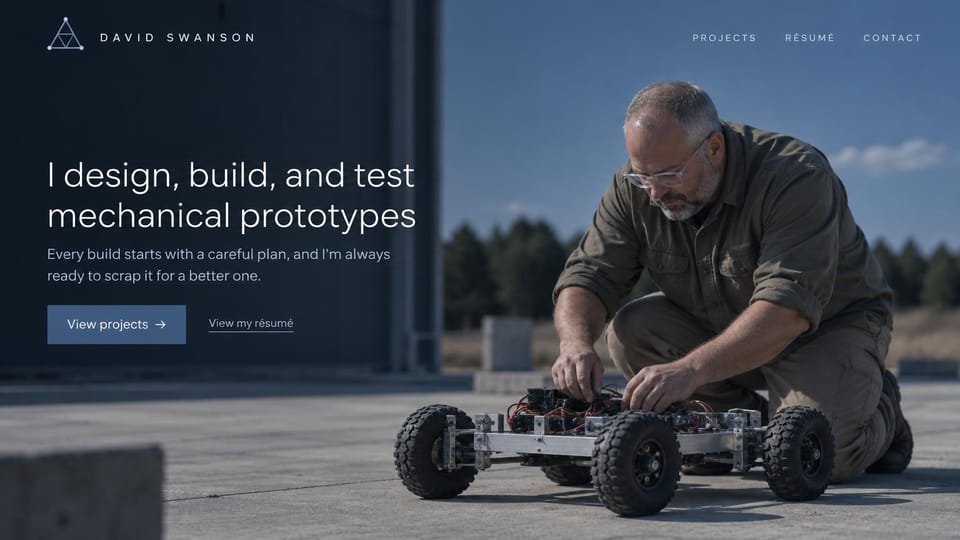
A full-width photo of you testing a build outdoors, with a plain first-person line on how you work.
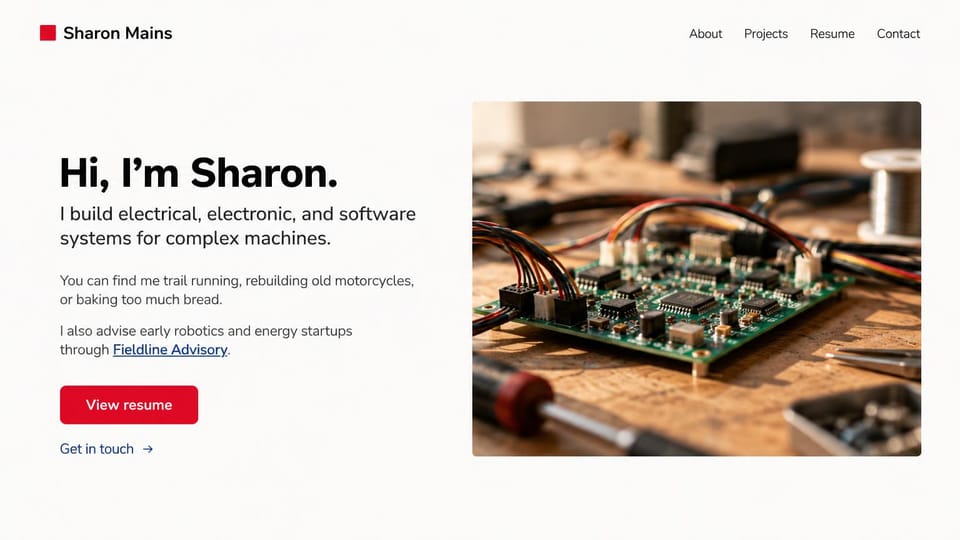
A short hello on the systems you build, a line about life outside work and a close-up of your hardware.
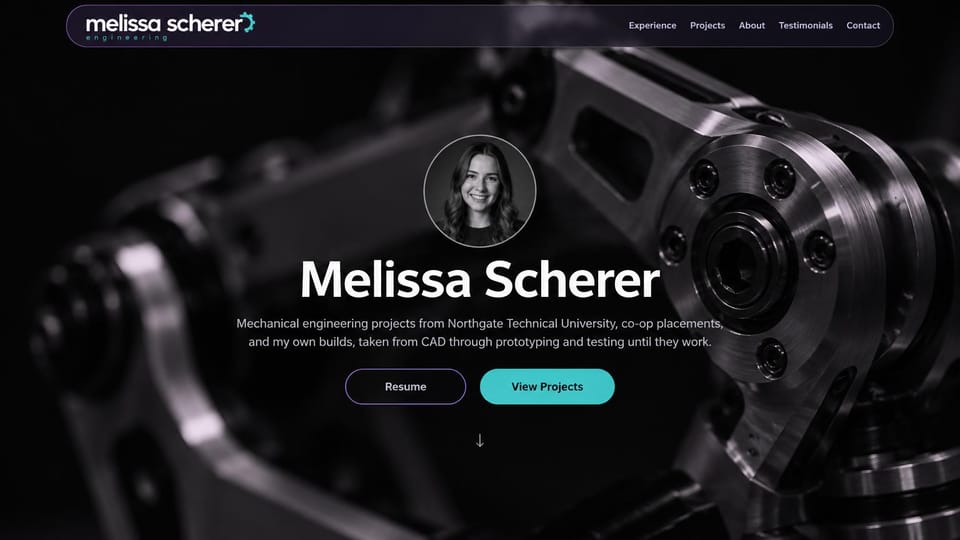
A round portrait and centered name over a dark close-up of machined metal, with resume and project buttons.
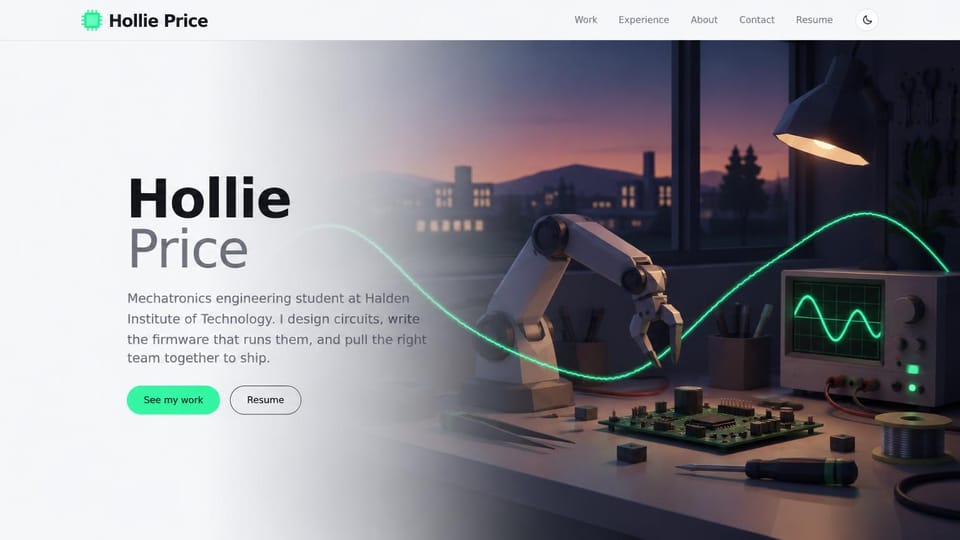
Your name beside an illustrated lab bench instead of a photo, for students without polished project shots yet.
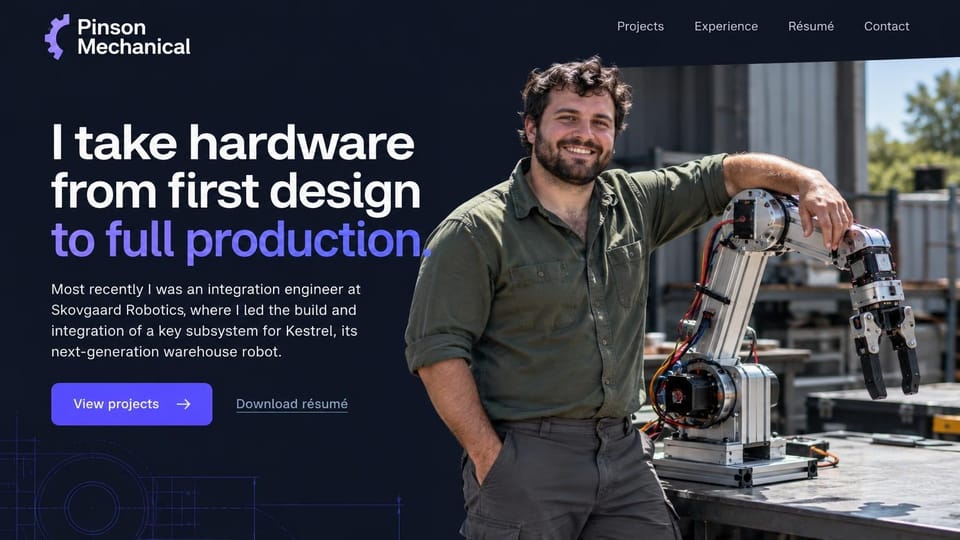
A two-color headline on taking hardware to production, your last role in a paragraph and a robot arm photo.
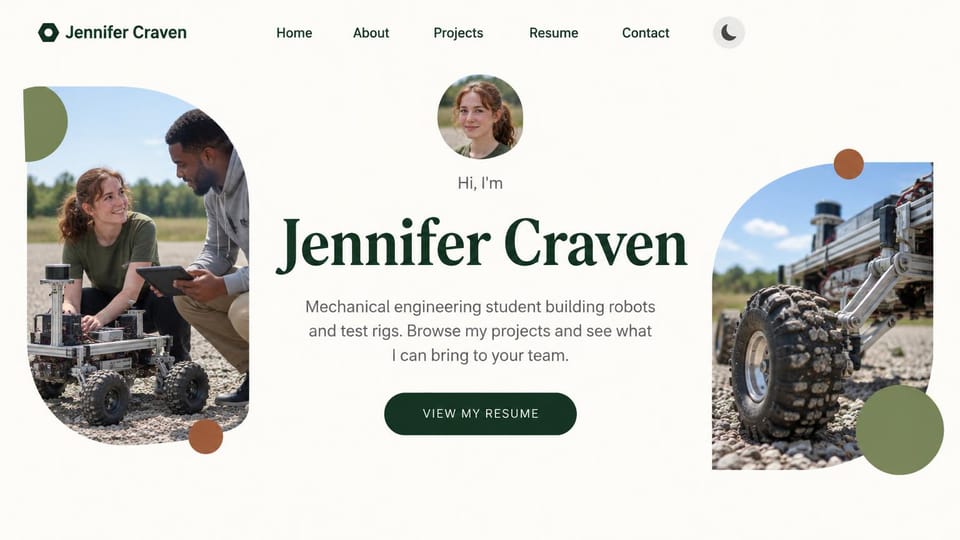
A big serif name between rounded field-test photos and one resume button, for students seeking a first role.
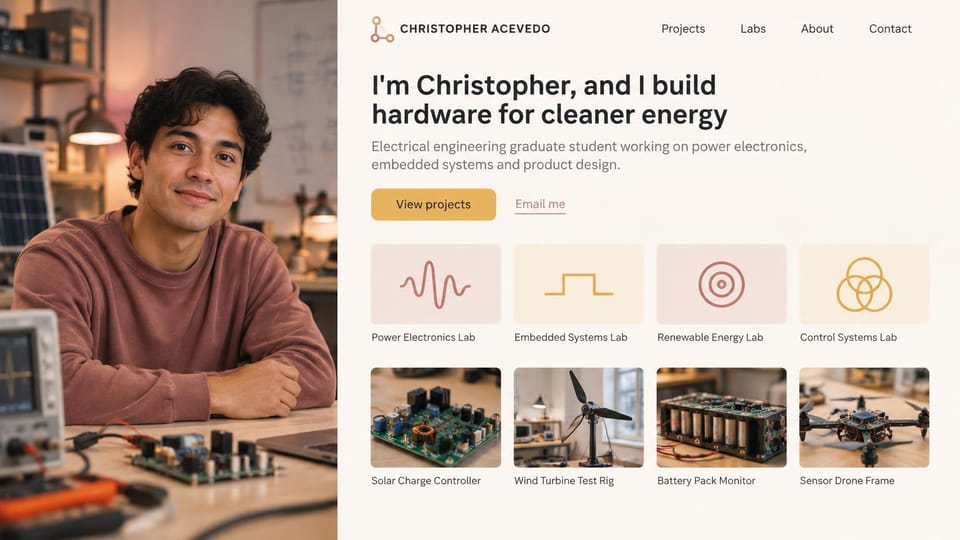
A portrait down one side, with your research labs as cards above project photos, for graduate students.
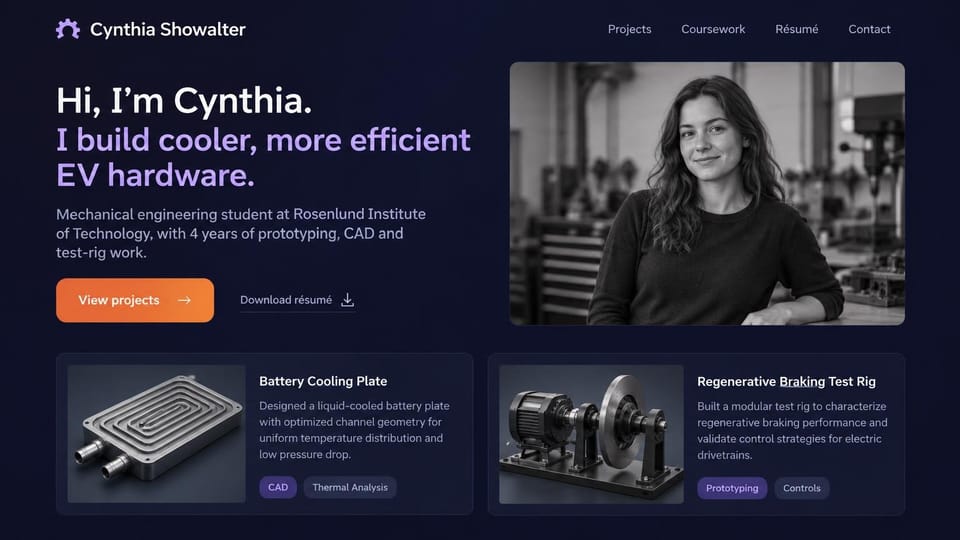
A hello and one line on what you build, a black and white portrait and two project cards with skill tags.
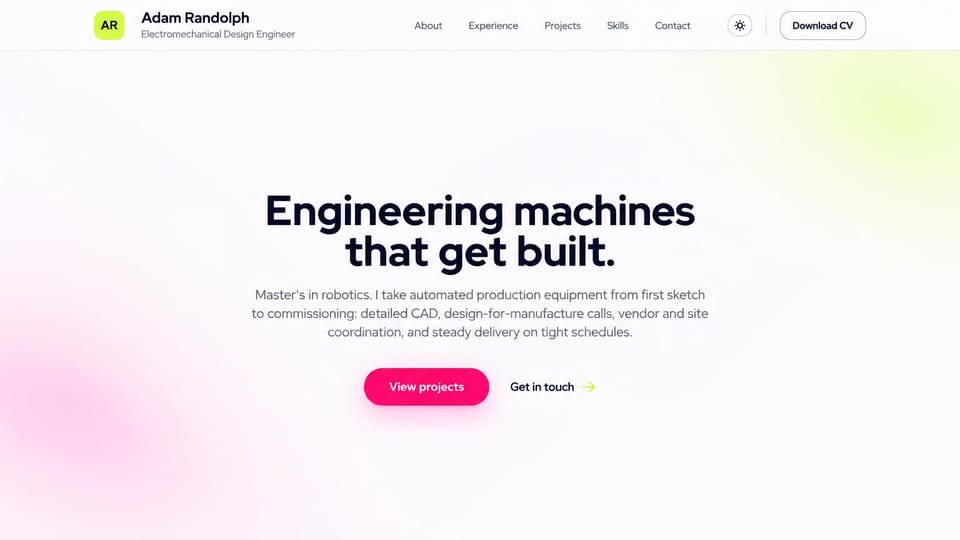
A centered headline and short summary with no photos, for engineers whose best work is under wraps.
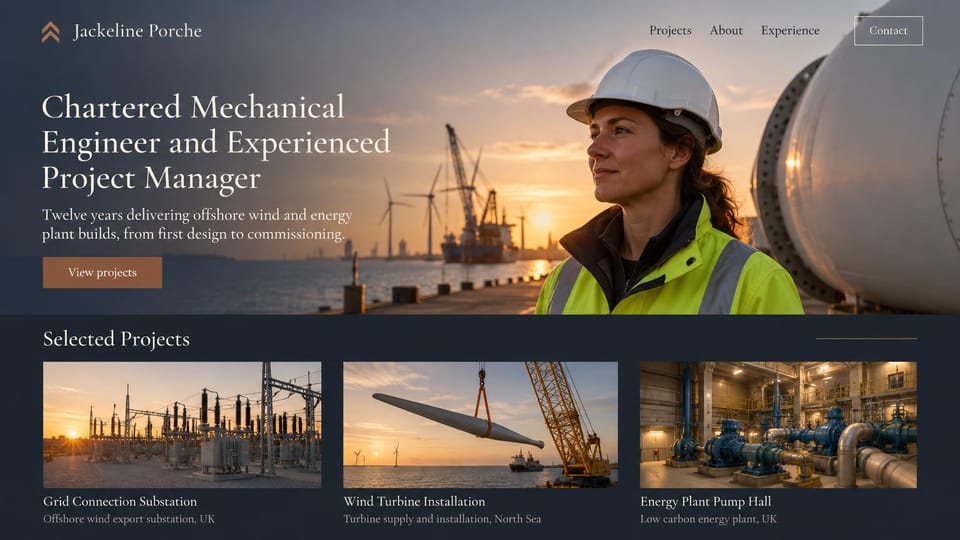
A credentials headline over a sunset harbor, with big project photos and locations below, for senior engineers.
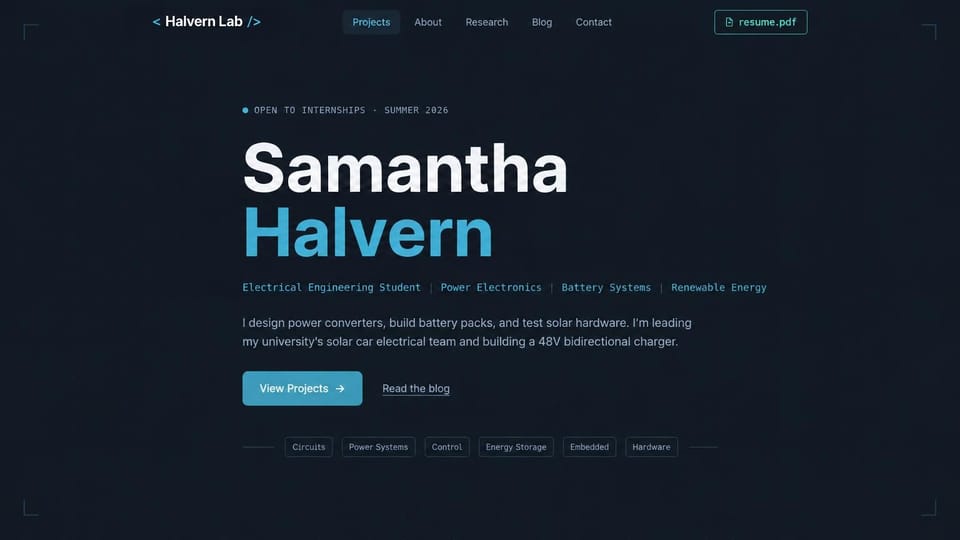
Your name in large type, your focus areas in a code-style line and skill tags, for students without photos yet.
Every design is an illustration by Cactal. The engineers, schools, employers, projects and photos in them are fictional. Updated October 2026.
Describe your work
What you design and build, what you're looking for next and how people should reach you. Cactal writes the pages, sets up your contact form and publishes the site.
How it works
1 Pick a design
Browse by field or career stage and open any design to see it full size.
2 Add your projects
Your projects, experience, skills and how recruiters or clients should reach you. Cactal writes every page and builds the site from your design.
3 Publish
Ask for changes in plain words until it's right, then publish free on a Cactal domain, or on your own domain with Pro.
What an engineering portfolio website needs
Your field and your goal, up top
Say your discipline, your level and what you want next: a co-op, an internship, a full-time role or client work. Recruiters skim before they read.
Projects that show the engineering
For each project, give the problem, the constraints, the decisions you made and how you tested them. Three projects explained well beat a gallery of twenty.
The build, not only the render
A CAD model shows the intent. Sketches, drawings and photos of the prototype on the test bench, including the version that failed, show you can make things work.
Your part in team projects
Senior design, competition teams and work projects are group efforts. Say exactly what you designed, built, analyzed or tested yourself.
Only what you're allowed to share
Work for employers and clients is often covered by a nondisclosure agreement, and some defense and aerospace work by export rules. Show what's public, describe the rest in general terms and ask before posting drawings or photos.
A resume and an easy way to reach you
Link a current resume with your degree, any license or charter you hold and the tools you use. A contact form lets recruiters and clients reach you without your email address on the page.
Questions
Are these engineering portfolio templates free?
Every design here is free to start from. You can sign up, build and publish on a Cactal domain without a card and with no time limit. Putting your site on a domain you own is $25 a month on Pro, or $240 a year.
Do I need to know how to code or design?
No. Describe your work in plain words and Cactal builds, edits and publishes the site. When you want a change, ask for it the same way.
How much does an engineering portfolio website cost?
A custom build from a web designer often runs into the thousands of dollars and takes weeks. A builder template costs less, but you still write and fill in every page. With Cactal it's free to build and publish on a Cactal address, and your own domain is $25 a month on Pro, or $240 a year, with no setup fee.
Can I use my own domain?
Yes. Every site starts on a free Cactal address. Connect a domain you own on Pro for $25 a month, or $240 a year, and each additional website on its own domain is $20 a month.
Who owns the website?
You do. Every Cactal site is real React source code, so you can take it and run it anywhere. There is no export to buy.
Are these real engineers?
No. Each design is an illustration made by Cactal, and the names, people, schools, employers, projects and photos in it are fictional. Your site is built around your own work.
Will these work for civil, aerospace or other engineers?
Yes. Every design has room for projects, experience and a resume, which every field needs. Tell Cactal what you work on, from structures to aircraft systems, and it writes the pages around your own projects and photos.
Do I still need a PDF portfolio?
Many applications still ask for one, so keep a short PDF of your best projects and link to it from your site. The website has room a PDF doesn't: a page for each project with photos, drawings and the full story, at one link you can put on a resume or an application.
More website templates
- Portfolio website templates
- Resume website templates
- Developer portfolio templates
- Graphic design portfolio templates
- Writer and copywriter portfolio templates
- Marketing portfolio templates
- UGC portfolio templates
- Model portfolio website templates
- Personal website templates
- Student portfolio website templates
- Actor and acting website templates

Your engineering portfolio website, built for you.
Pick a design or just describe your work. Free to start, no card needed.
Start building