Student portfolio website templates. Pick one and Cactal builds it.
17 portfolio designs for students in graphic, UX, interior and industrial design, engineering, data science and analytics, plus graduate students, recent graduates and students looking for an internship. Choose one and Cactal turns it into your website, with your projects, your resume and a contact form.
Student portfolio website designs
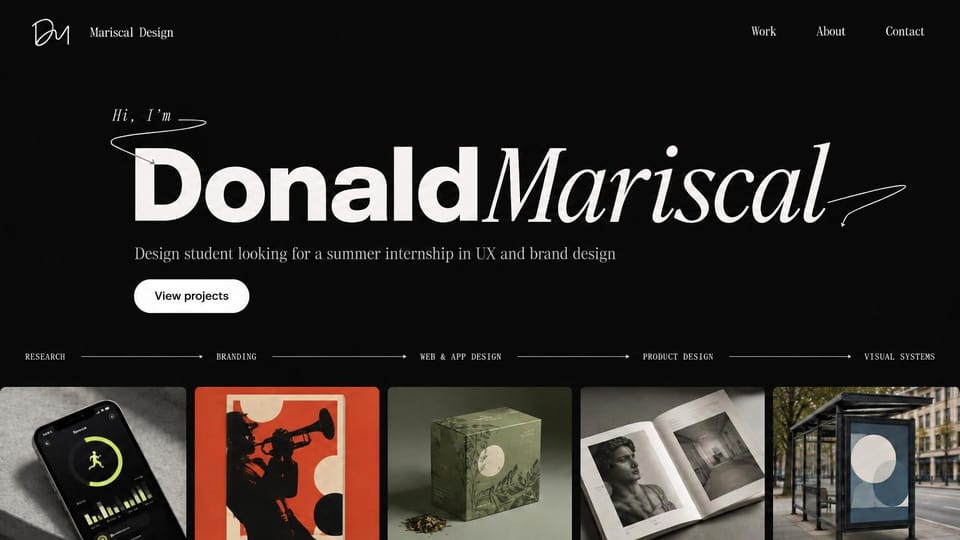
An oversized two-style name, one line asking for an internship and a strip of project images below.
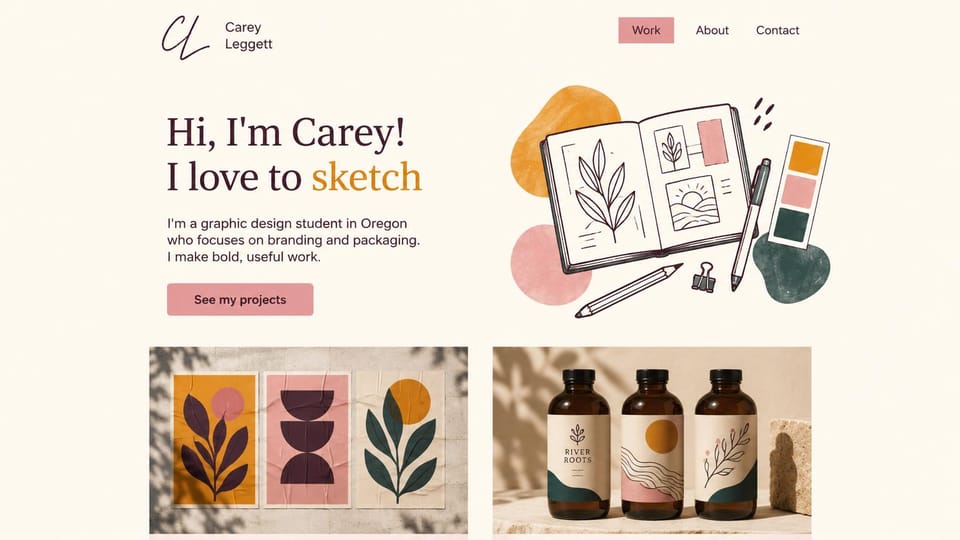
A friendly hello, a hand-drawn sketchbook illustration and poster and packaging work on the first screen.
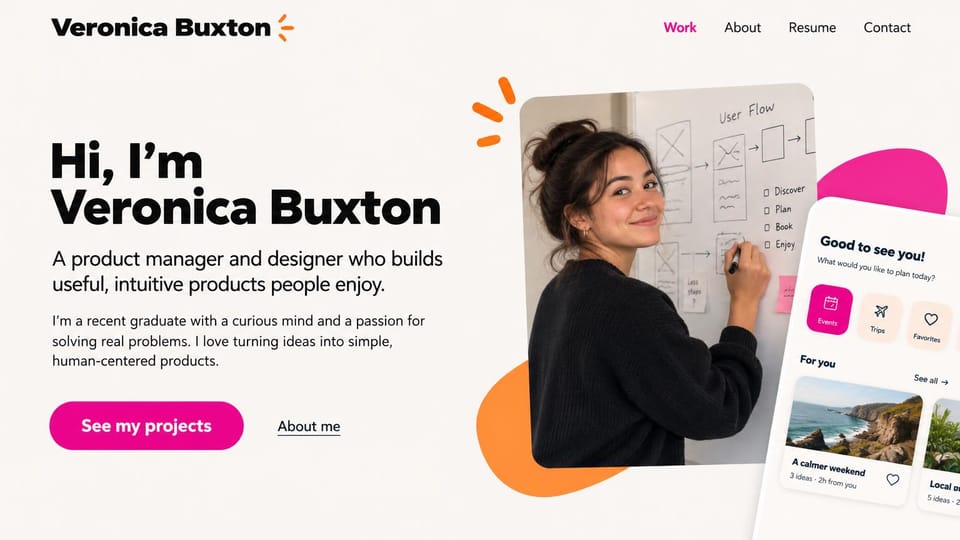
A big hello, one line on what you build and a whiteboard photo beside an app mockup, for product roles.
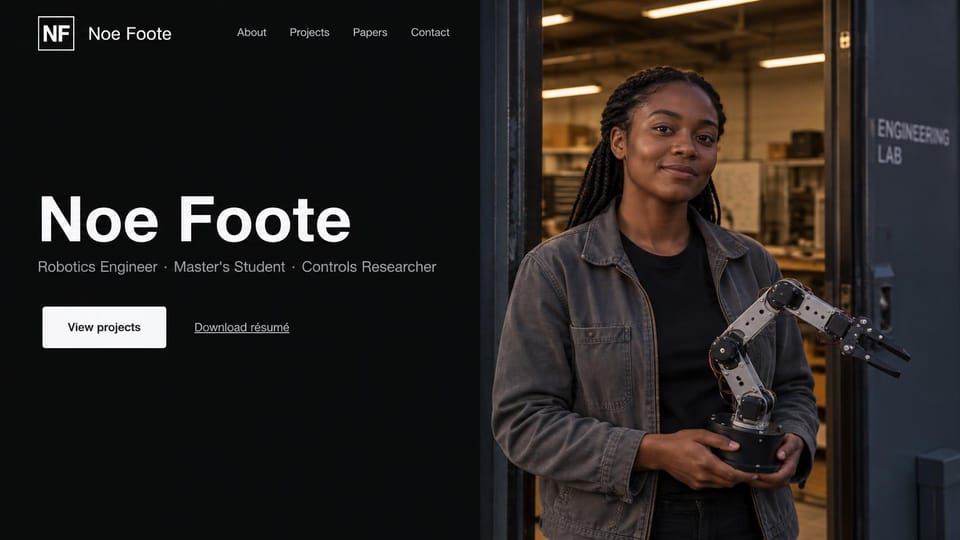
Your name, three roles and a resume link beside a lab photo, for engineering and research students.
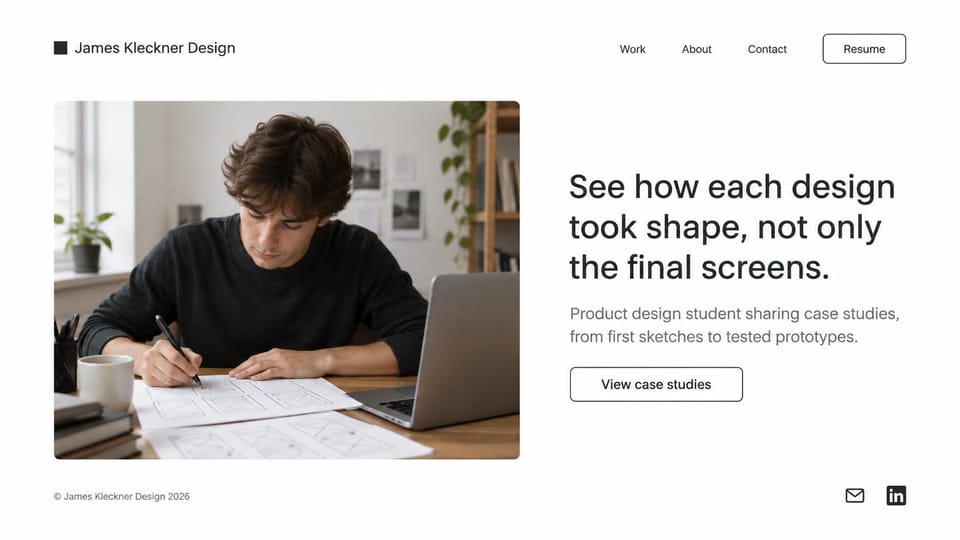
A headline about process beside a photo of you sketching, for students whose case studies show their thinking.
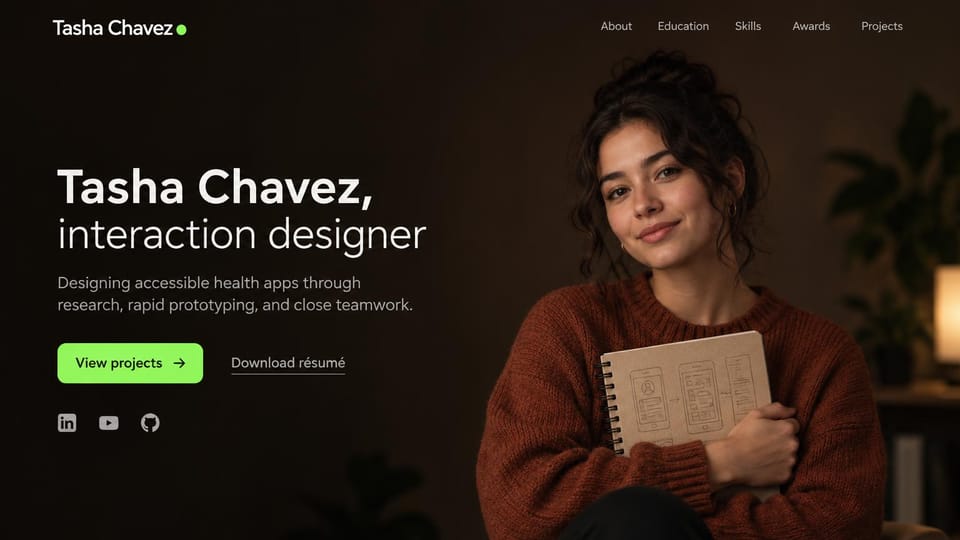
Your name, your focus in one line and a projects button, beside a photo of you holding your sketched ideas.
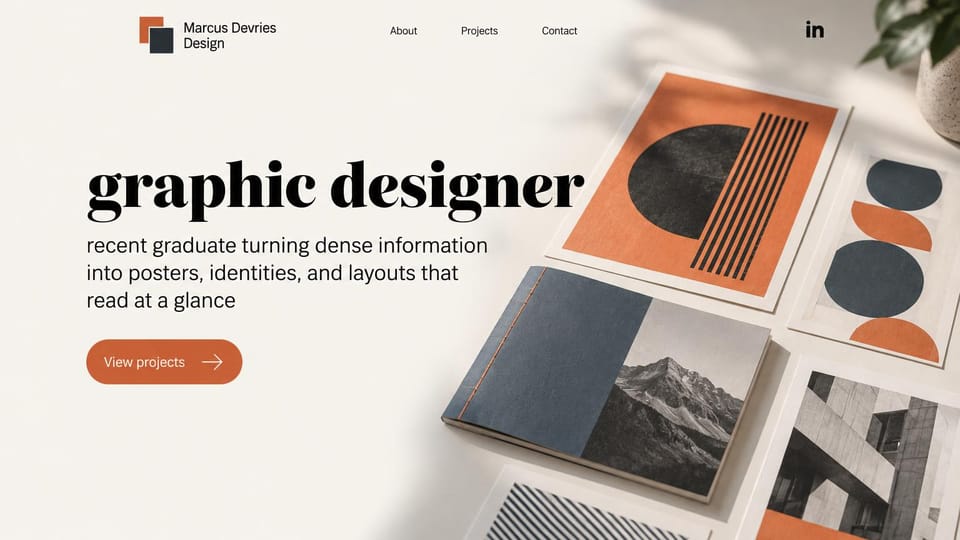
A giant serif job title and printed work laid out on a table, for graduates applying for a first role.
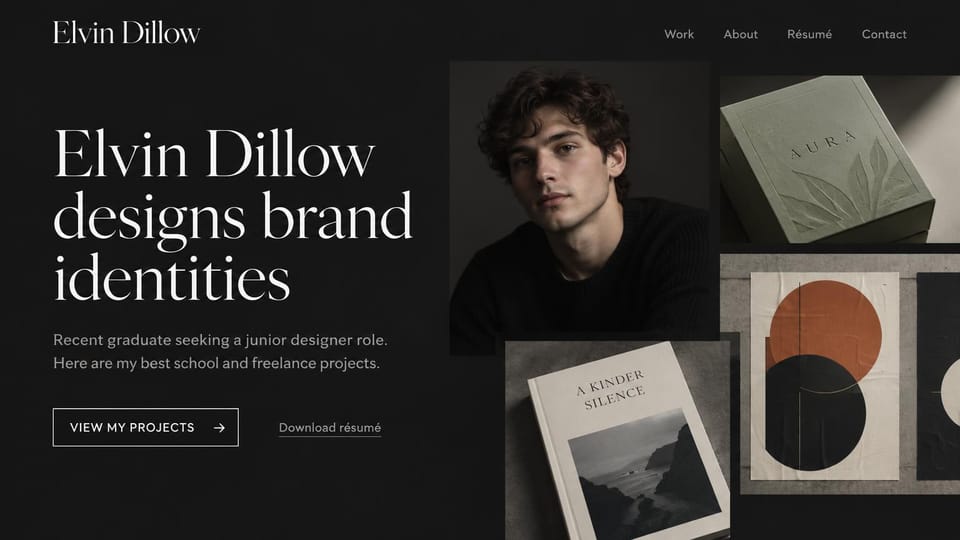
A large serif statement of what you design beside your portrait and three finished projects.
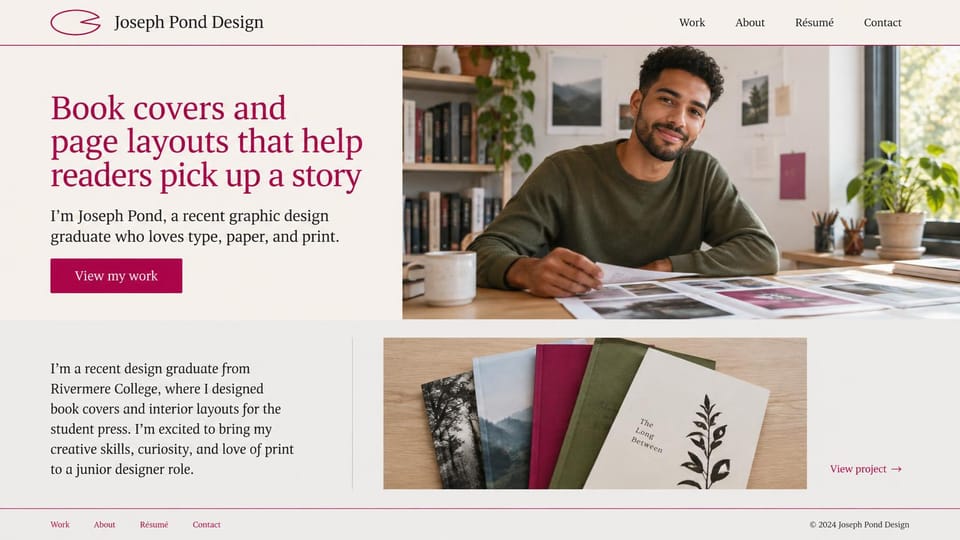
A serif line on the books you design beside a desk photo, then a short bio and your covers below.
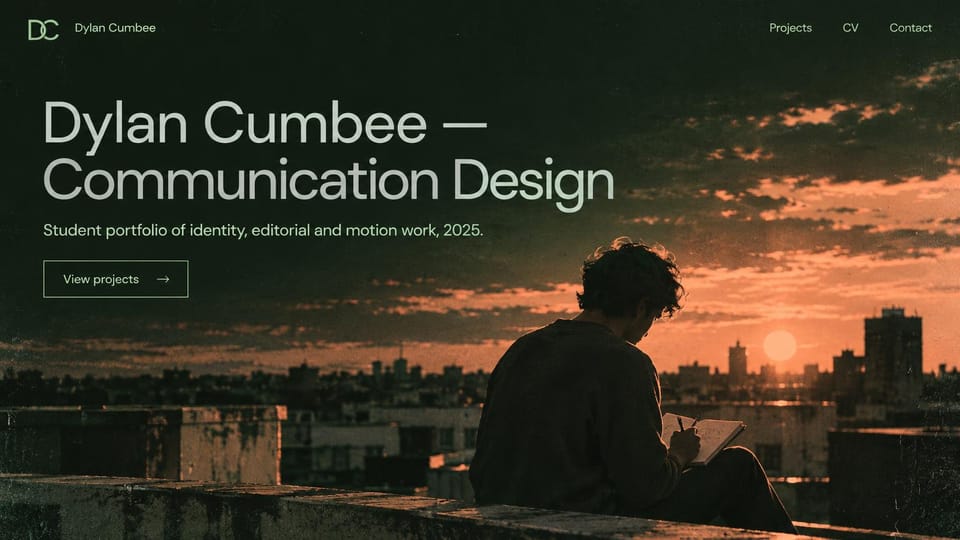
Your name and field in huge type over a dusk photo, for students showing identity, editorial and motion work.
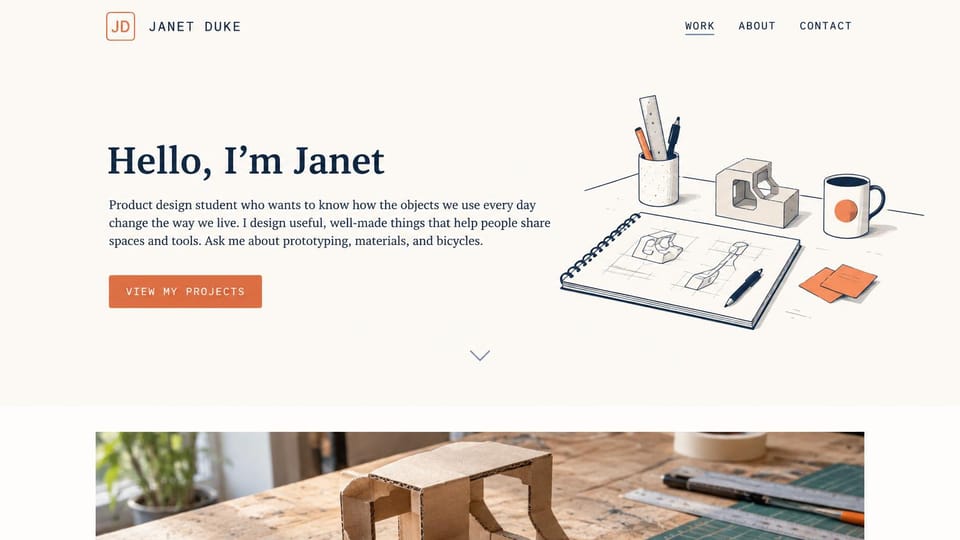
A hello and what you make beside a line drawing of your desk, with a workshop photo of a prototype below.
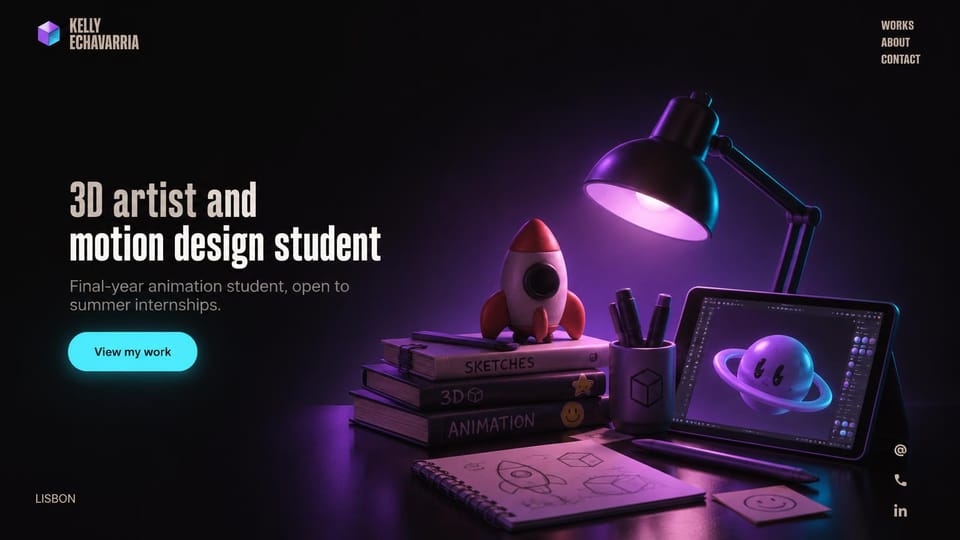
A glowing 3D desk scene beside a short intro, for animation and motion students showing their craft.
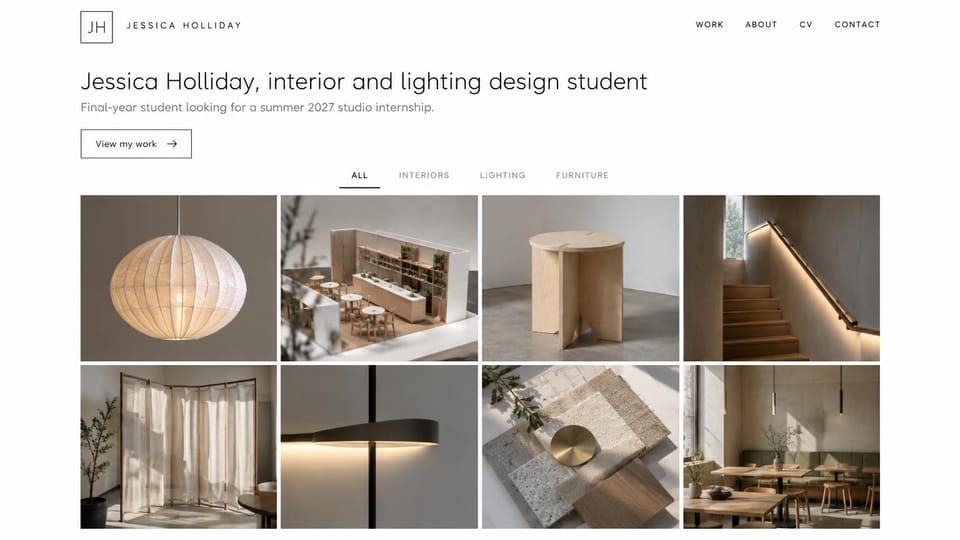
Your field and the internship you want in one line, then filters and a grid of rooms, lighting and furniture.
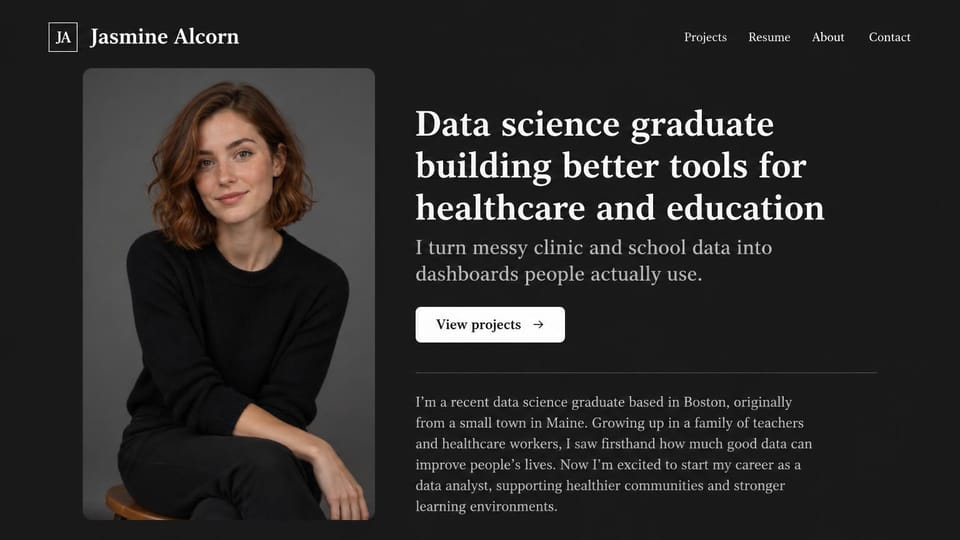
A plain headline on what you build and a short bio below, for graduates applying for analyst roles.
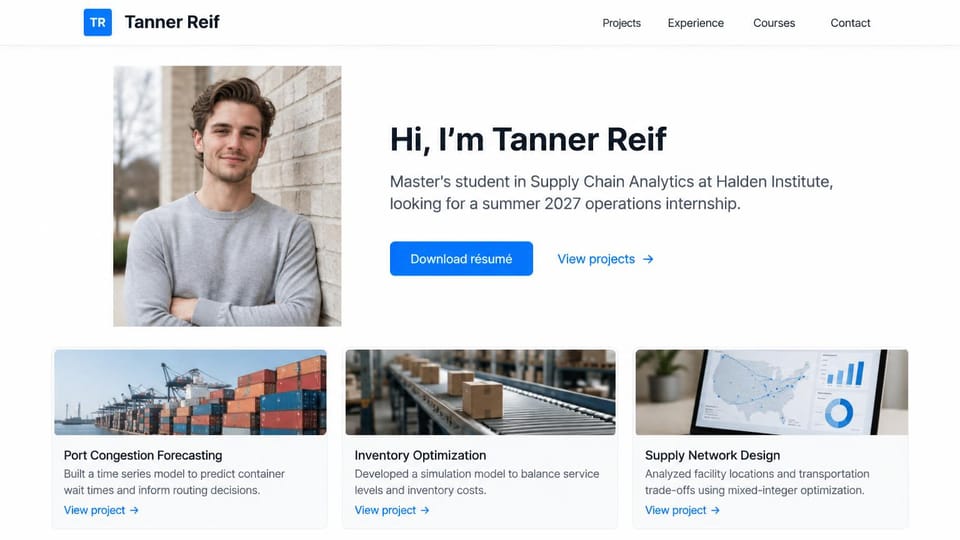
A friendly hello with your program and the internship you want, a resume button and three project cards.

A large serif name, your pronouns and your program, with research and CV buttons beside a campus photo.
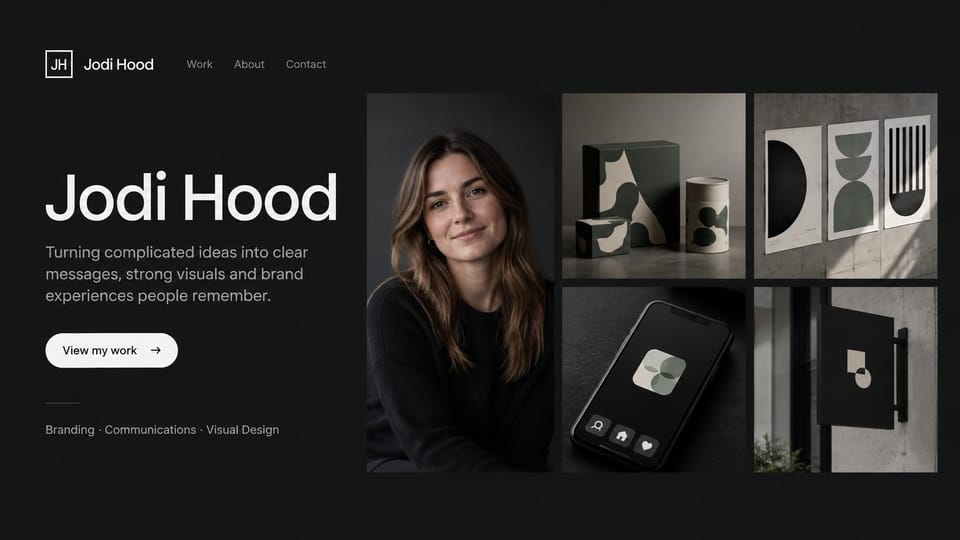
Your portrait set in a grid of finished brand work, for graduates whose projects look ready for clients.
Every design is an illustration by Cactal. The students, projects and photos in them are fictional. Updated October 2026.
Describe your projects
What you study, the work you're proud of and what you're looking for next. Cactal writes the pages, sets up your contact form and publishes the site.
How it works
1 Pick a design
Browse by field or goal and open any design to see it full size.
2 Add your projects
Your projects, studies, skills and what you're looking for next. Cactal writes every page and builds the site from your design.
3 Publish
Ask for changes in plain words until it's right, then publish free on a Cactal domain, or on your own domain with Pro.
What a student portfolio website needs
What you study and what you want next
Your field, your year and what you're looking for, like an internship, a first job or a place in a program. Reviewers skim, so put it in the first line.
A few strong projects
Pick three to five pieces you're proud of rather than everything you've made. Class projects count when you explain the brief and your thinking.
Your part in group work
Say exactly what you did on team projects, whether that was research, code, writing or visuals. Reviewers want to know what you can do yourself.
Process, not only the result
Sketches, drafts and early versions show how you think, which matters most when your experience is short.
A resume or CV to download
Link a current resume, or an academic CV if you're in graduate school, and keep it in step with the site. Add the coursework, awards and activities that a short work history leaves out.
Easy to reach, careful with details
A contact form on every page lets people reach you without your email on show. Keep your home address and phone number off a public site, especially if you're under 18.
Questions
Are these student portfolio templates free?
Every design here is free to start from. You can sign up, build and publish on a Cactal domain without a card and with no time limit. Putting your site on a domain you own is $25 a month on Pro, or $240 a year.
Do I need to know how to code or design?
No. Describe your work in plain words and Cactal builds, edits and publishes the site. When you want a change, ask for it the same way.
How much does a student portfolio website cost?
A custom build from a web designer often runs into the thousands of dollars and takes weeks. A builder template costs less, but you still write and fill in every page. With Cactal it's free to build and publish on a Cactal address, and your own domain is $25 a month on Pro, or $240 a year, with no setup fee.
Can I use my own domain?
Yes. Every site starts on a free Cactal address. Connect a domain you own on Pro for $25 a month, or $240 a year, and each additional website on its own domain is $20 a month.
Who owns the website?
You do. Every Cactal site is real React source code, so you can take it and run it anywhere. There is no export to buy.
Are these real students?
No. Each design is an illustration made by Cactal, and the names, people, schools, projects and photos in it are fictional. Your site is built around your own work.
Can I link to my portfolio from applications?
Yes. Every site gets a free Cactal address you can share right away, on a resume, an application or a profile. If you want your own domain later, you can connect it on Pro.
What if I don't have much work yet?
Start with class projects, personal projects and work in progress, and explain your thinking for each. Ask Cactal to add new projects as you finish them.
More website templates
- Portfolio website templates
- Resume website templates
- Developer portfolio templates
- Graphic design portfolio templates
- Writer and copywriter portfolio templates
- Marketing portfolio templates
- UGC portfolio templates
- Engineering portfolio templates
- Model portfolio website templates
- Personal website templates
- Actor and acting website templates

Your student portfolio website, built for you.
Pick a design or just describe your projects. Free to start, no card needed.
Start building