Medical practice and clinic website templates. Pick one and Cactal builds it.
41 designs for primary care, pediatric and dermatology practices, urgent care clinics and specialists. Choose one and Cactal turns it into your practice's website, with your services, your providers and a book button linked to the scheduling tool you already use.
Medical practice website designs
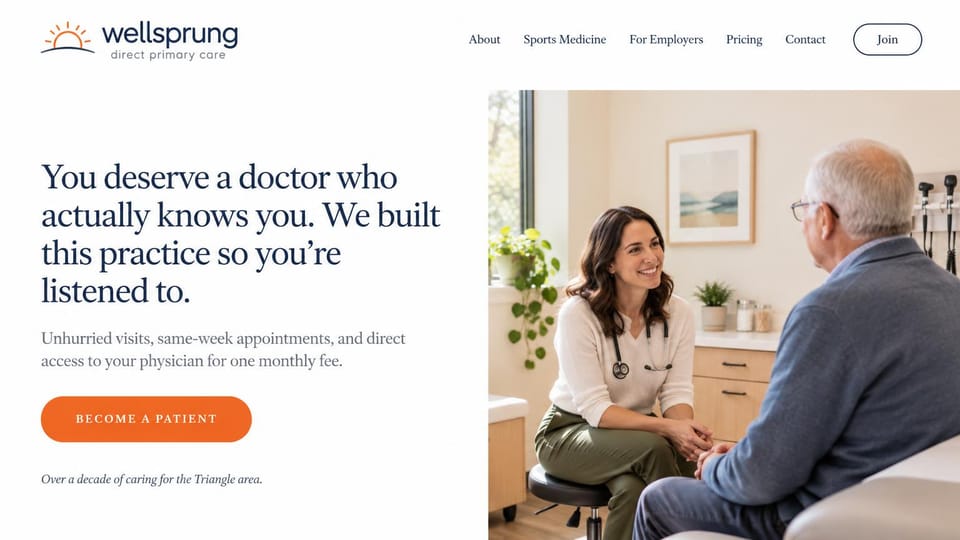
A personal headline and one clear join button, for a membership practice that promises unhurried visits.
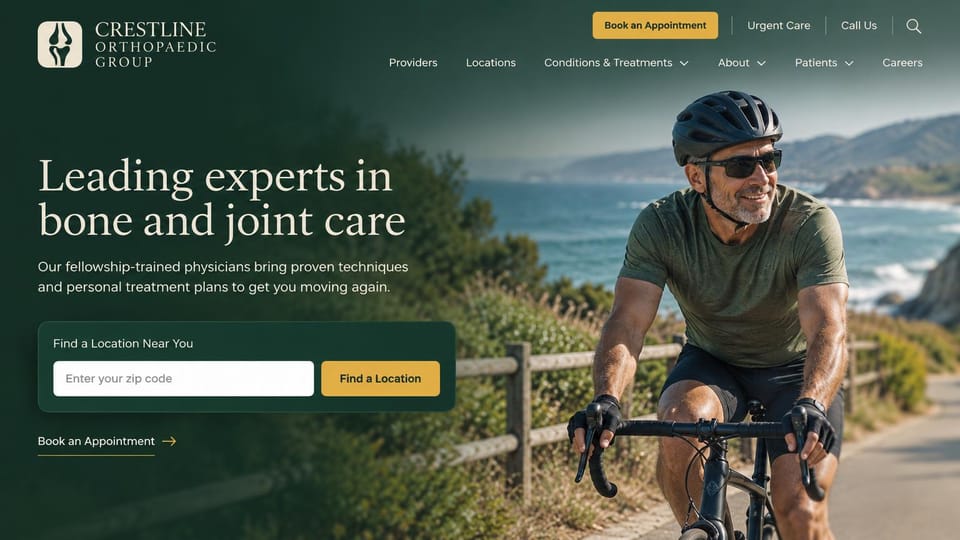
A zip code search sits right in the hero, for a group with several clinics and its own urgent care line.
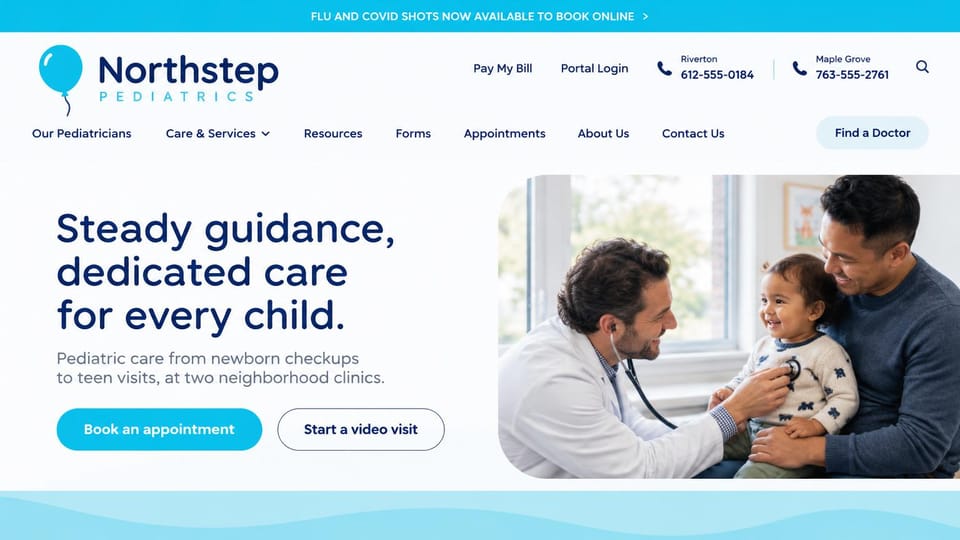
A phone number for each office up top and a video visit button beside booking, for a small pediatric group.

A navy panel beside a sunlit portrait and a patient quote below, for an independent practice.
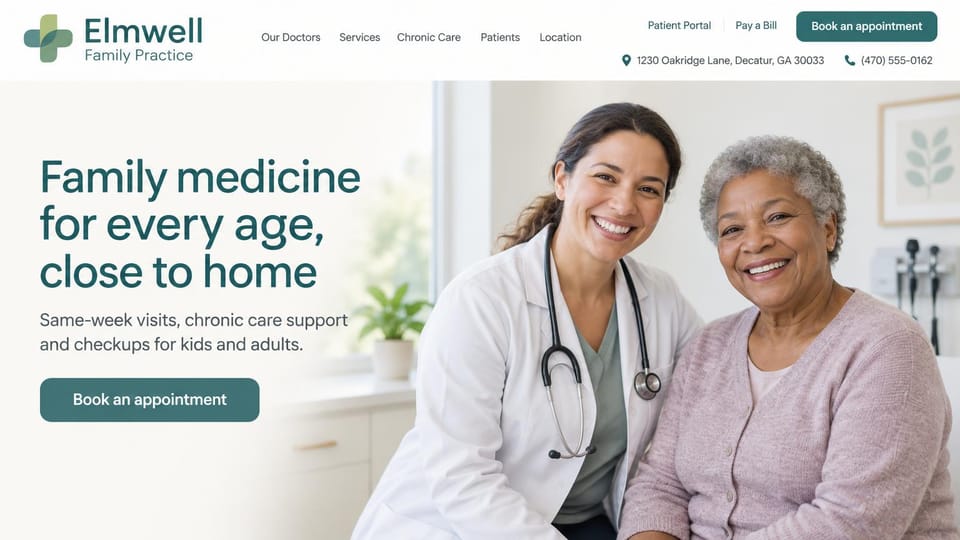
A smiling doctor beside an older patient, with the address, phone, portal and bill pay all in the header.
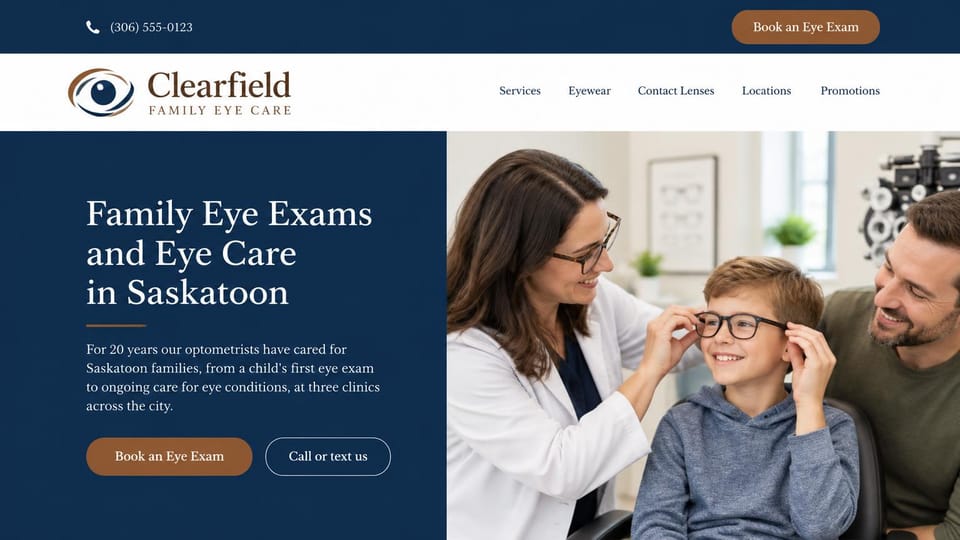
A navy panel with the city in the headline and a book button, for an optometry practice with a few clinics.
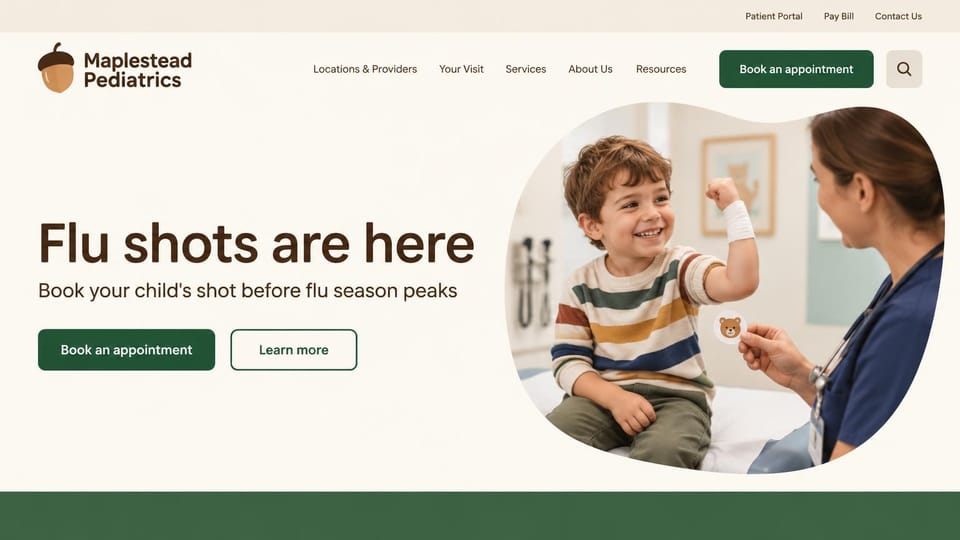
A seasonal shot reminder and a book button in warm cream and green, a calmer choice than clinical blue.
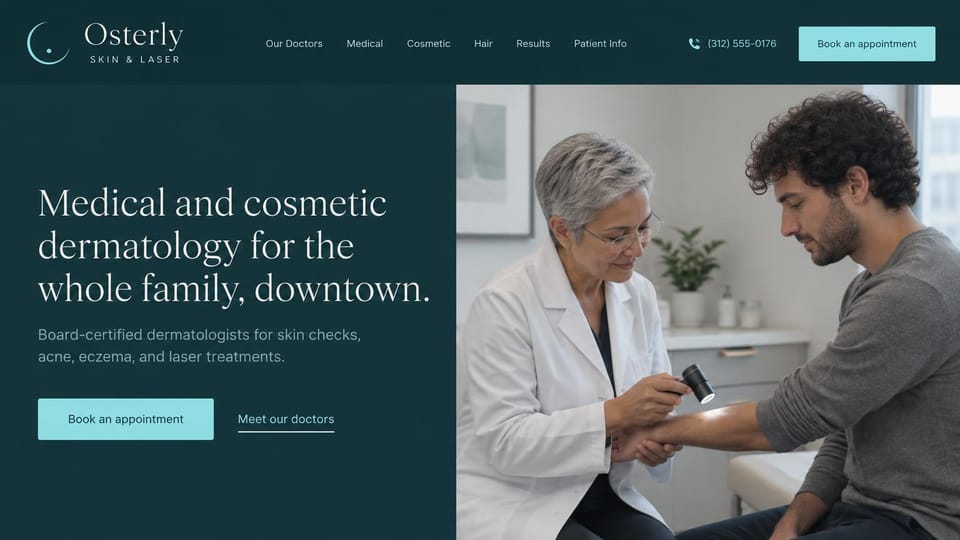
A dark teal panel and quiet serif headline beside a skin check, for medical and cosmetic dermatology.
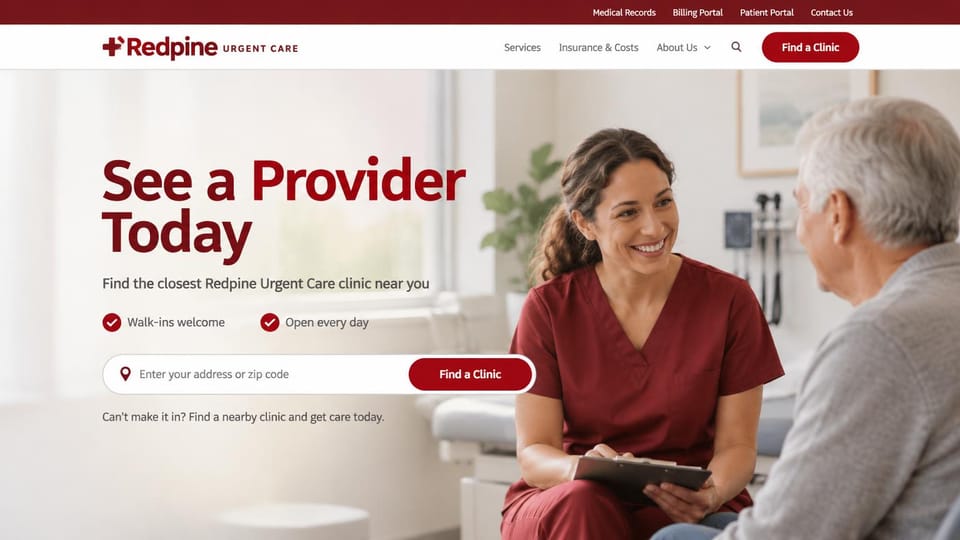
A zip code search under the headline and walk-in promises beside it, for a group of urgent care clinics.
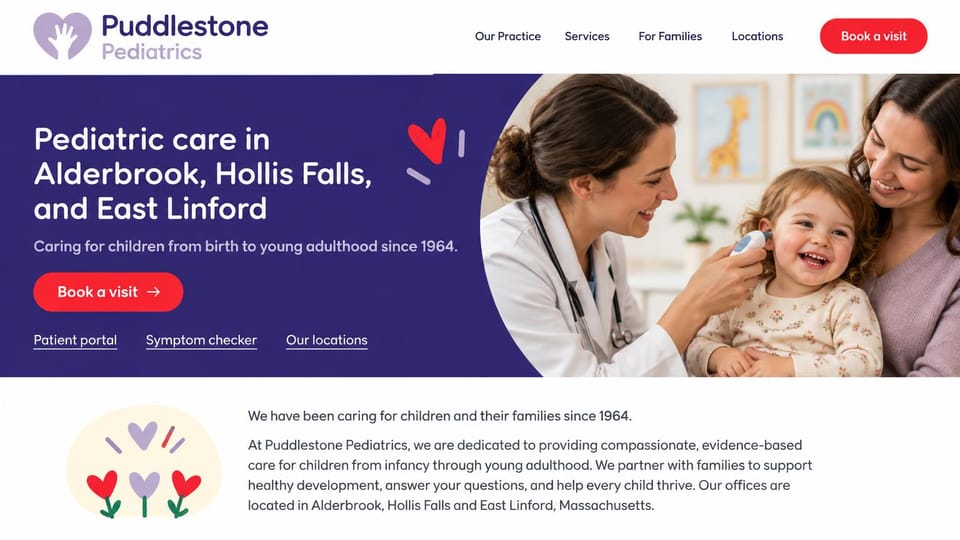
A deep purple panel names each office's town in the headline, with portal, symptom checker and location links.
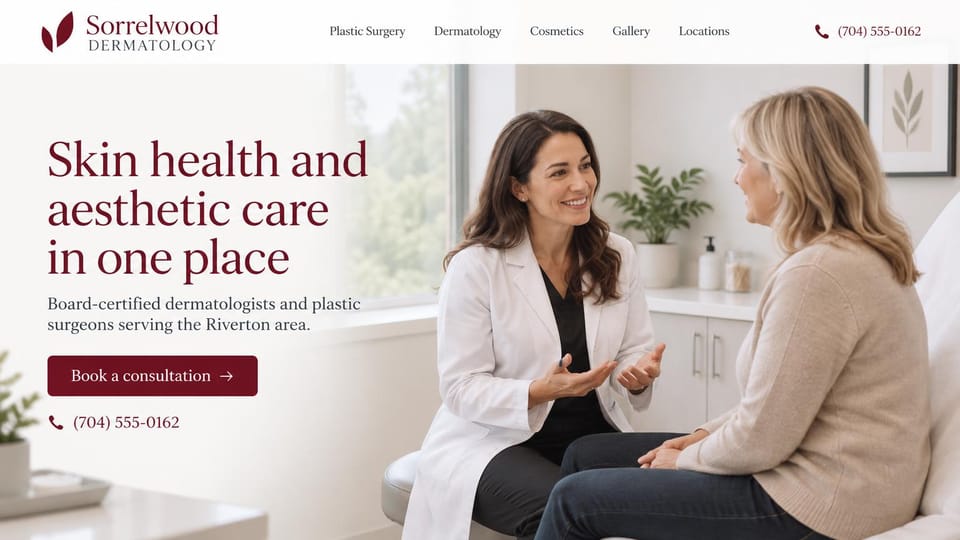
A burgundy serif headline beside a relaxed consult, for a practice with dermatologists and plastic surgeons.
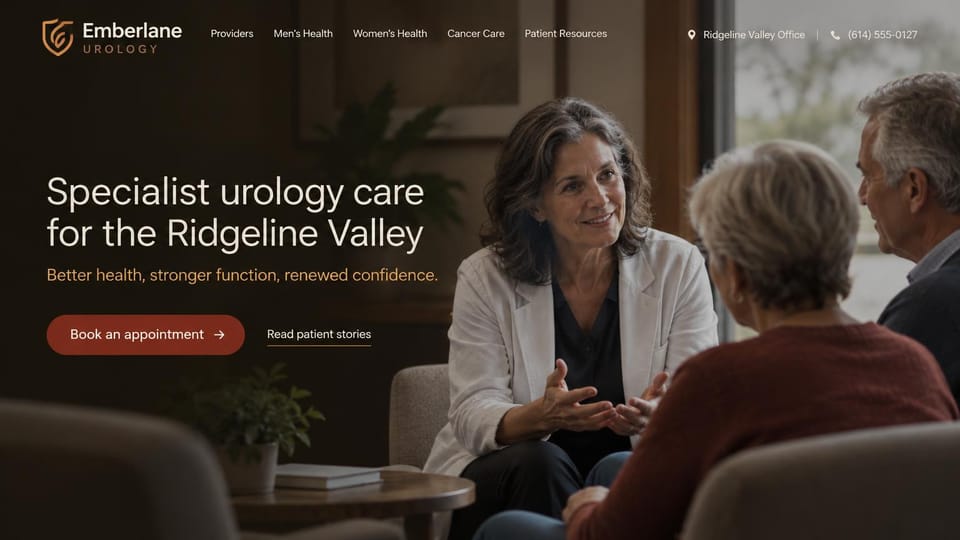
A dimmed photo of a doctor talking with an older couple, with a book button and a patient stories link.
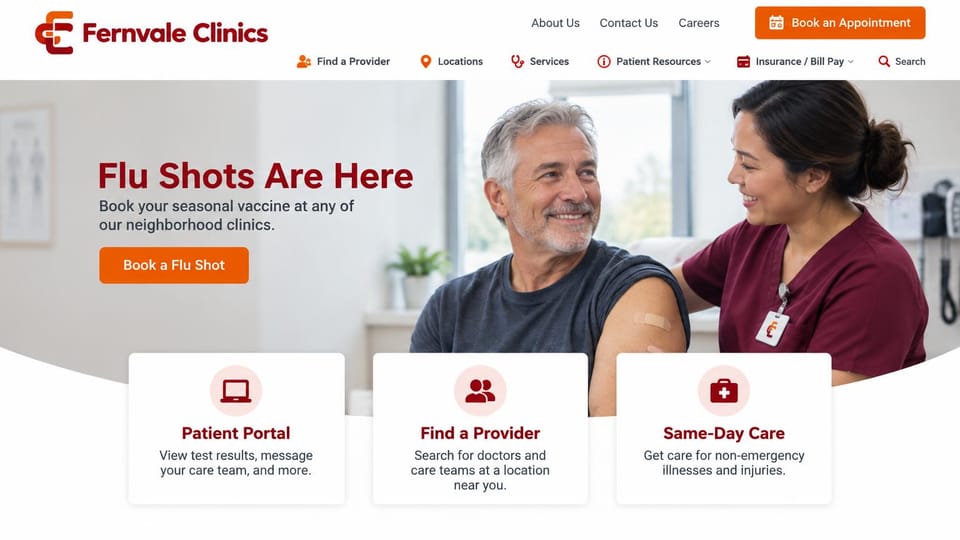
A seasonal message up top and three cards for the patient portal, finding a provider and same-day care.
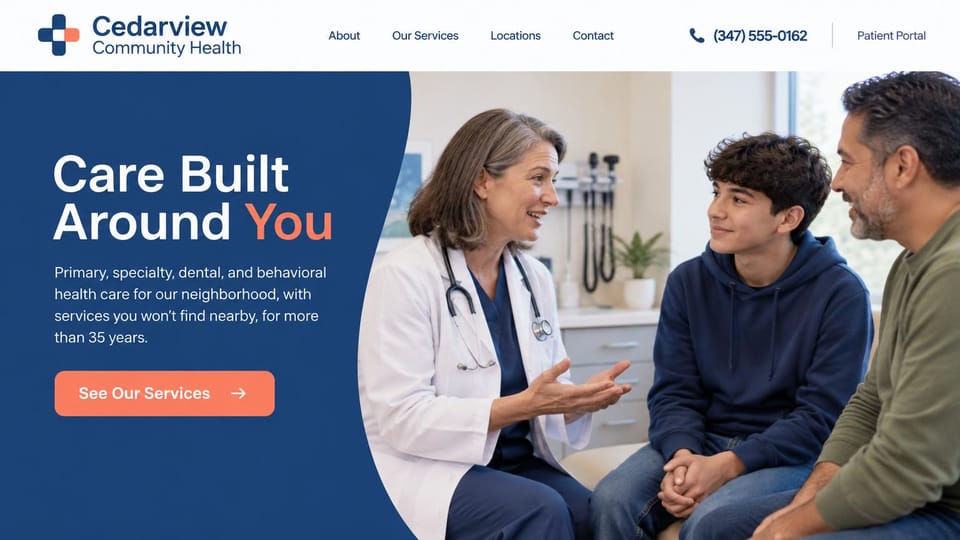
A curved navy panel sums up every service in one line, for a health center serving a whole neighborhood.
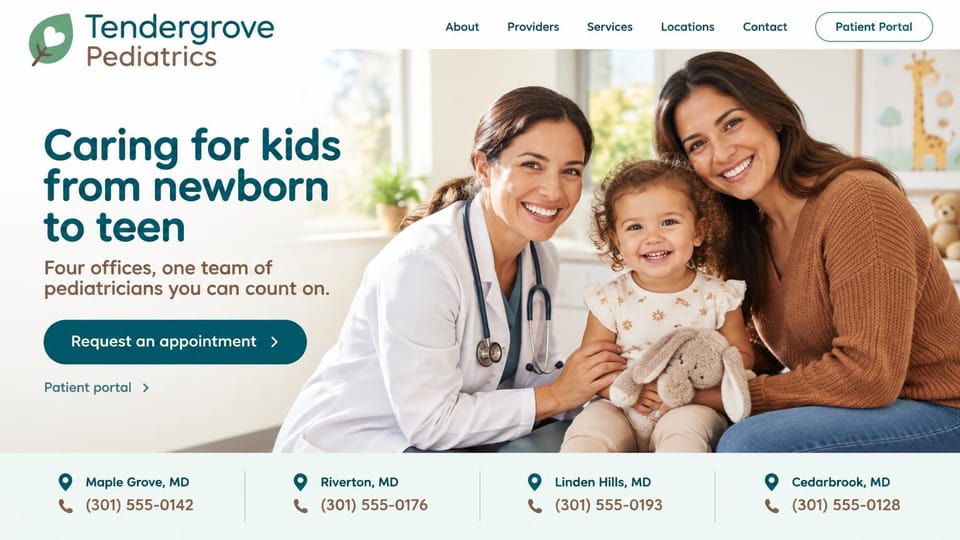
Each office and its phone number sit in a strip under the hero, for a pediatric group with several locations.
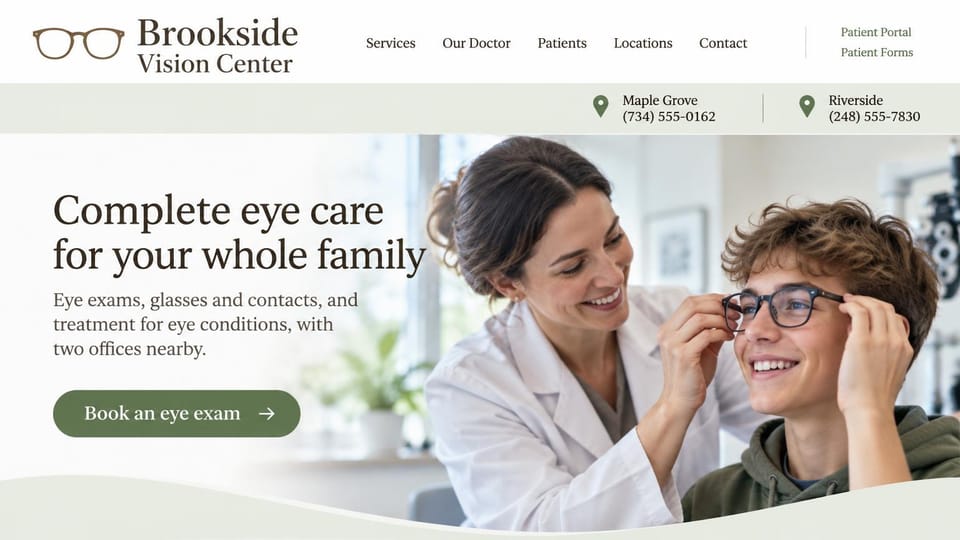
Each office and its phone number sit in a band under the menu, for an optometry practice with two locations.
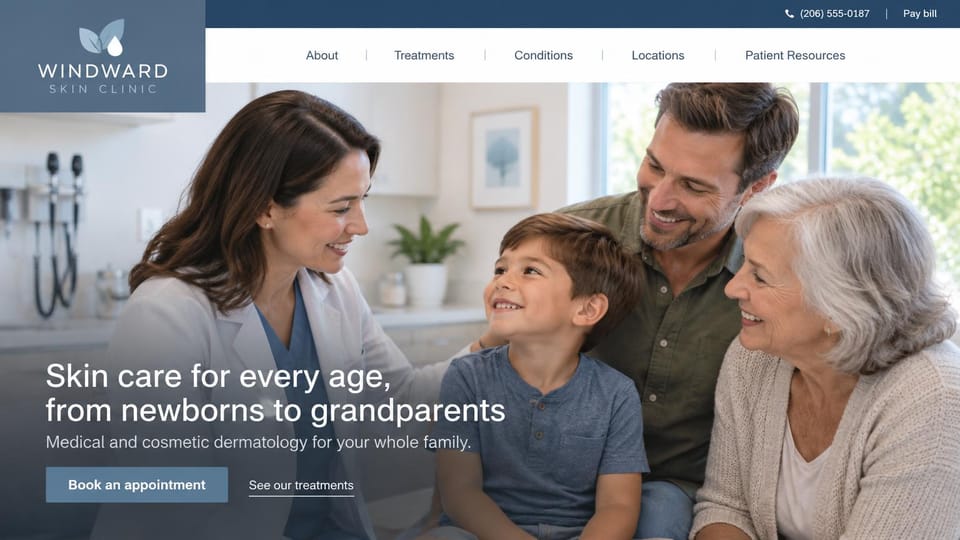
Three generations with their dermatologist show a practice that treats newborns and grandparents alike.

A dark plum fade over a clinician checking a patient's shoulder, for non-surgical joint and back care.
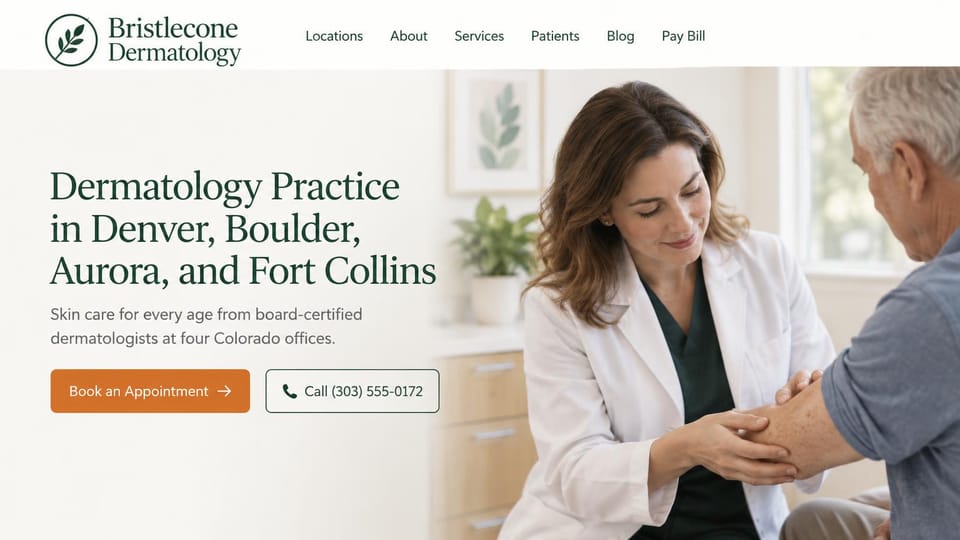
A serif headline lists every city served, with book and call buttons side by side, for a multi-office group.
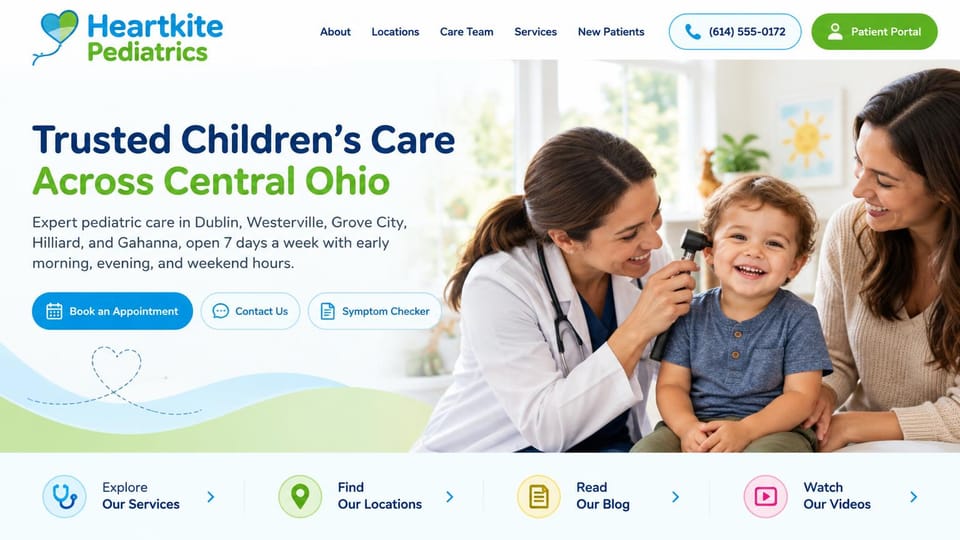
Book, contact and symptom checker buttons side by side, with big links below, for a busy pediatric group.

A soft black and white photo and one orange consultation button, calm and personal for cancer and blood care.
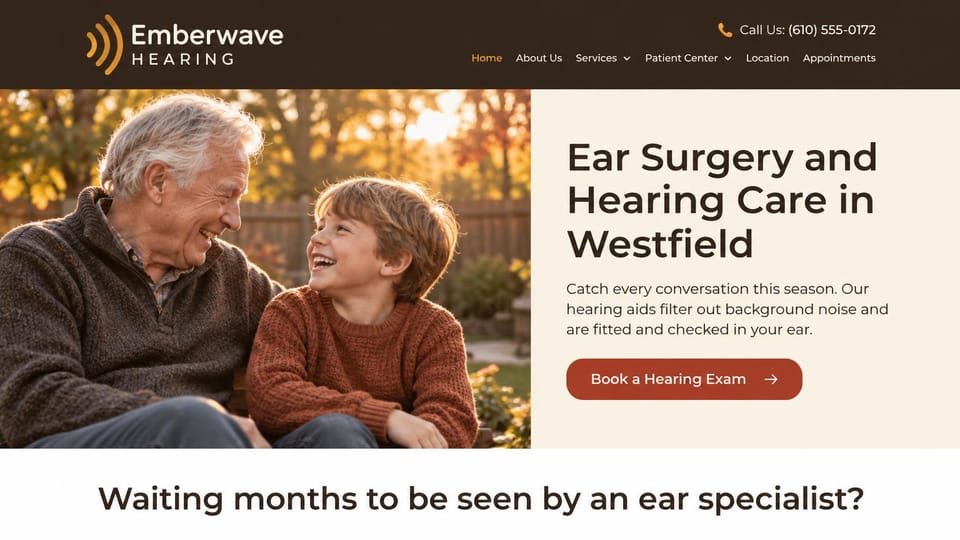
A grandfather and grandson laughing, then a question that names the worry, for an ear and hearing clinic.
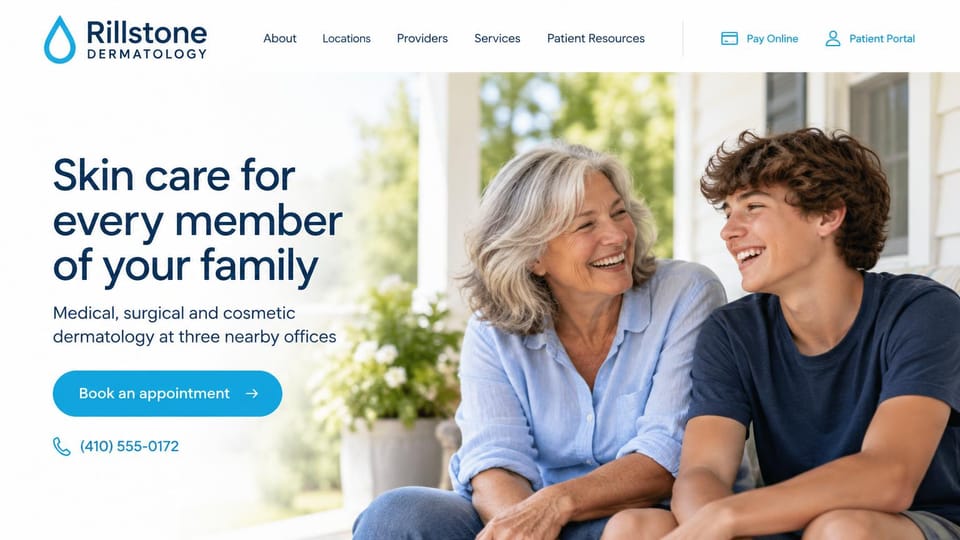
An older woman and a teenager laughing on a porch instead of an exam room, for a practice that sees all ages.
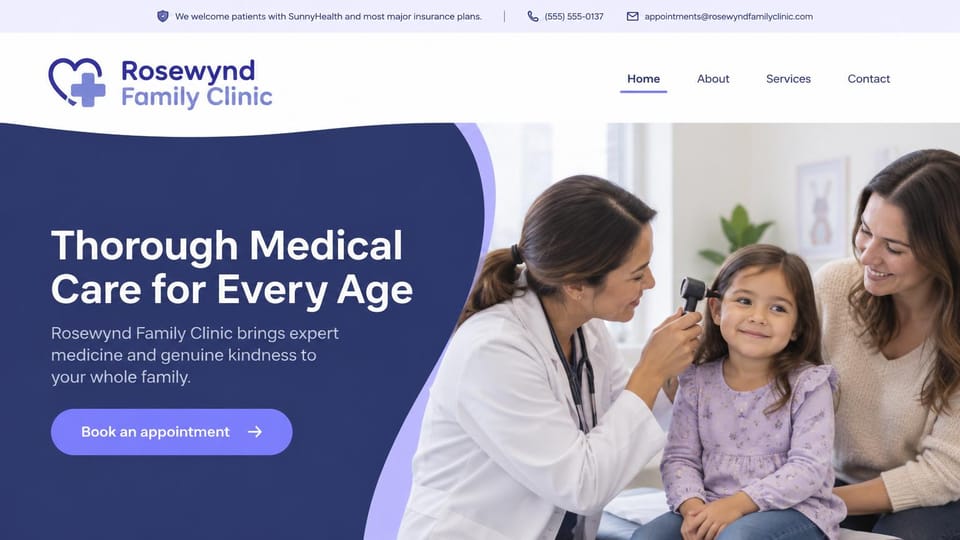
A top bar names the insurance accepted above a curved navy panel, for a family clinic that sees all ages.
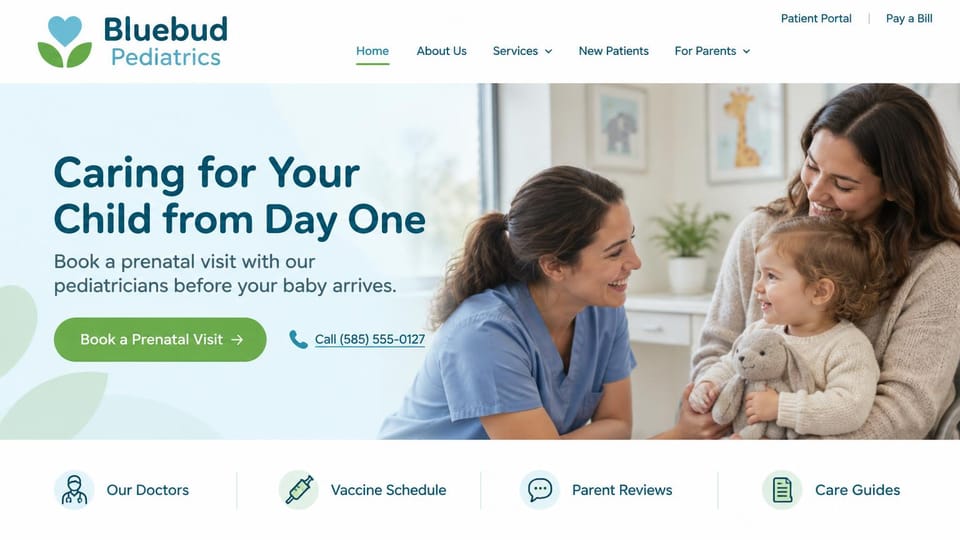
Leads with a prenatal visit for parents-to-be, with doctors, vaccine schedule and reviews linked below.
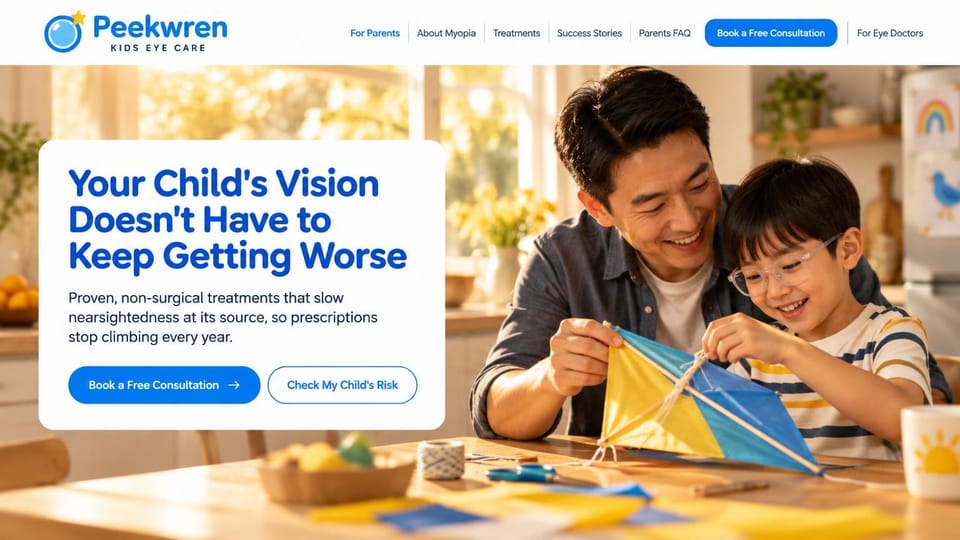
Speaks to parents, with a risk check beside the consultation button and a separate page for eye doctors.

A serif headline and consultation button beside a gentle exam, for a practice doing medical and laser care.
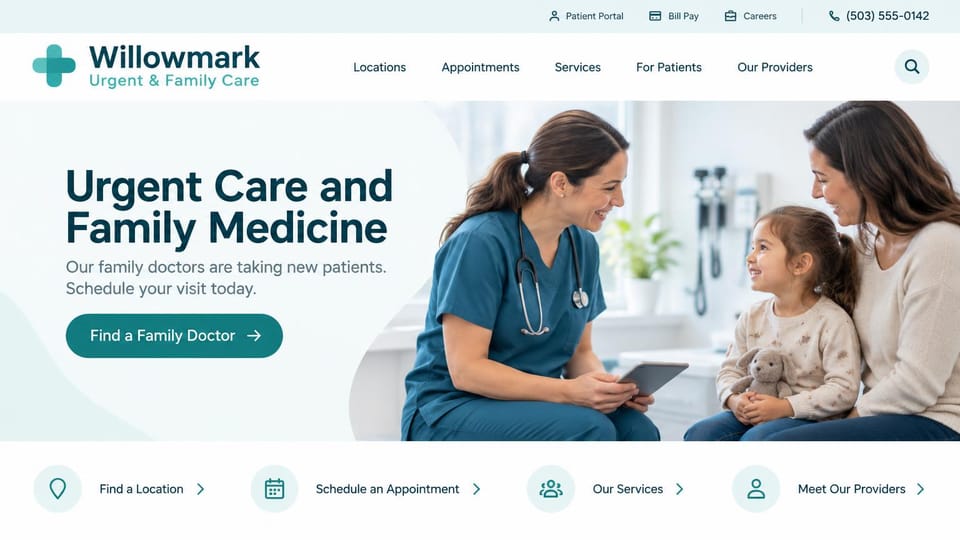
A find a doctor button and task links under the hero, with portal, bill pay and careers in the top bar.

Book and meet the doctor buttons, with the hospital affiliation in a quiet line below, for a solo specialist.
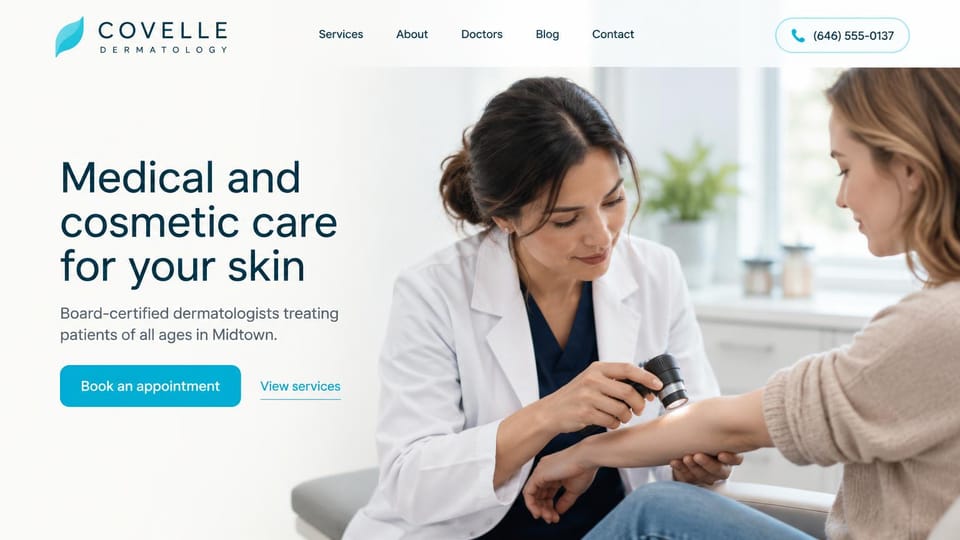
A plain headline, one aqua button and a services link beside a skin check, for a neighborhood practice.
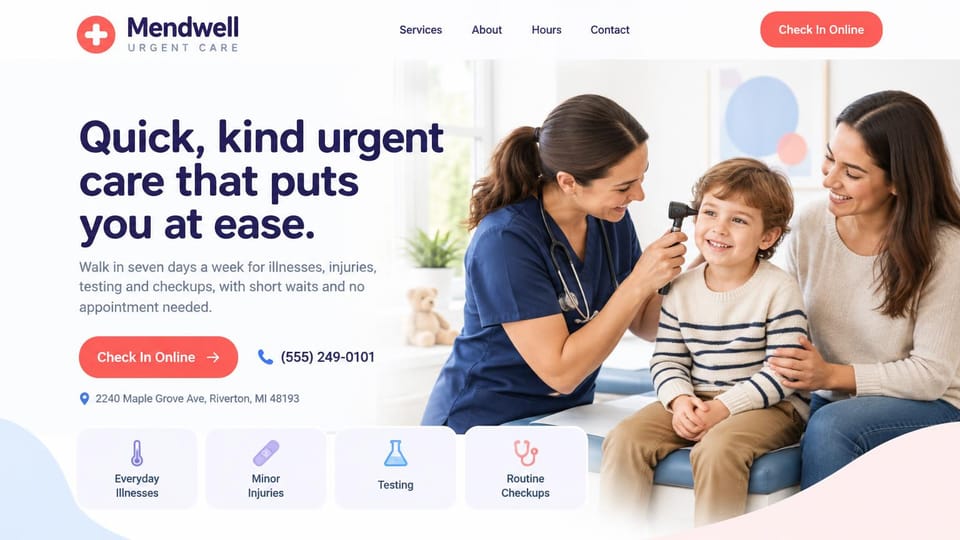
Check-in button, phone and address under the headline, and tiles for common visits along the bottom.
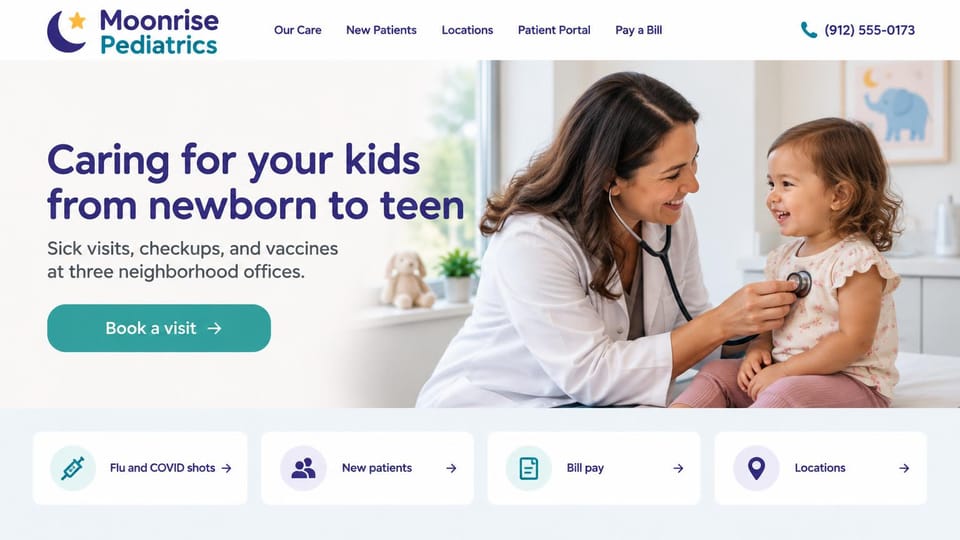
One book button and cards for shots, new patients, bill pay and locations, for a few neighborhood offices.

Names the conditions it treats under a serif headline, with one request button, for a medical skin practice.
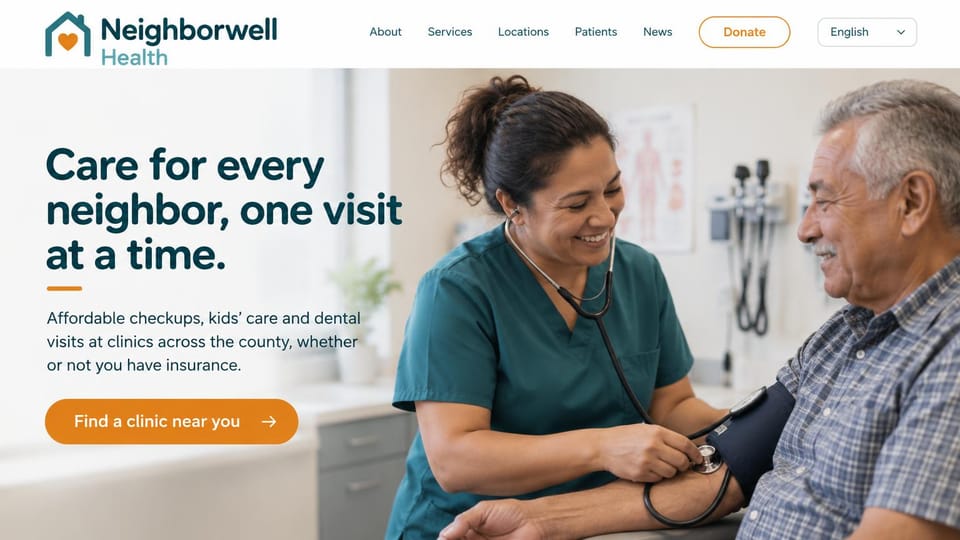
Promises care with or without insurance, with a clinic finder button and donate and language options up top.
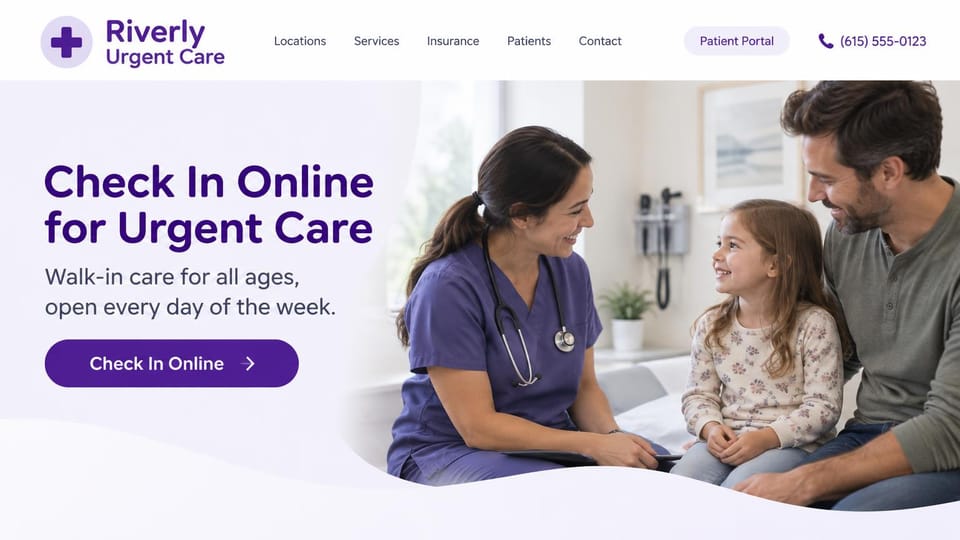
The headline is the check-in itself, with one purple button, for a walk-in clinic open every day.
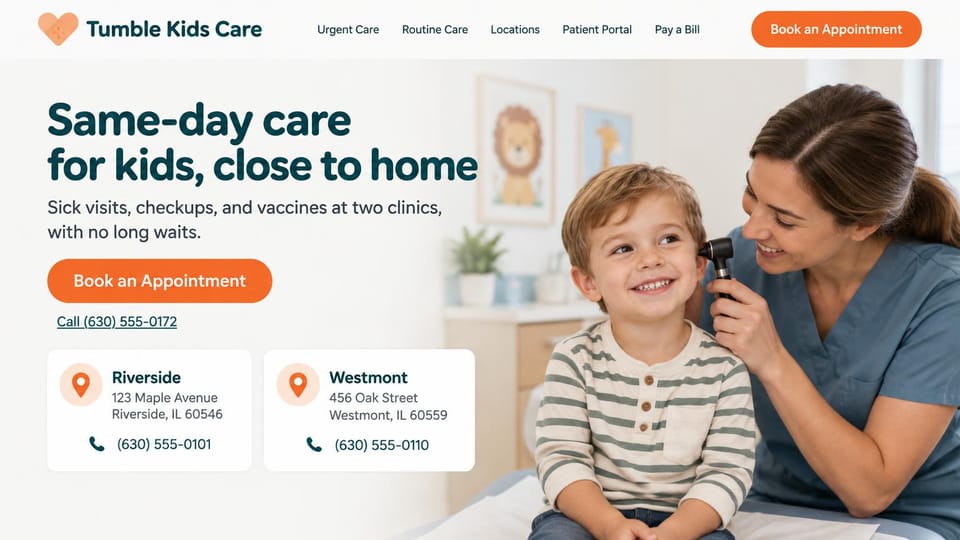
Address and phone cards for each clinic sit under the book button, for same-day care for children.
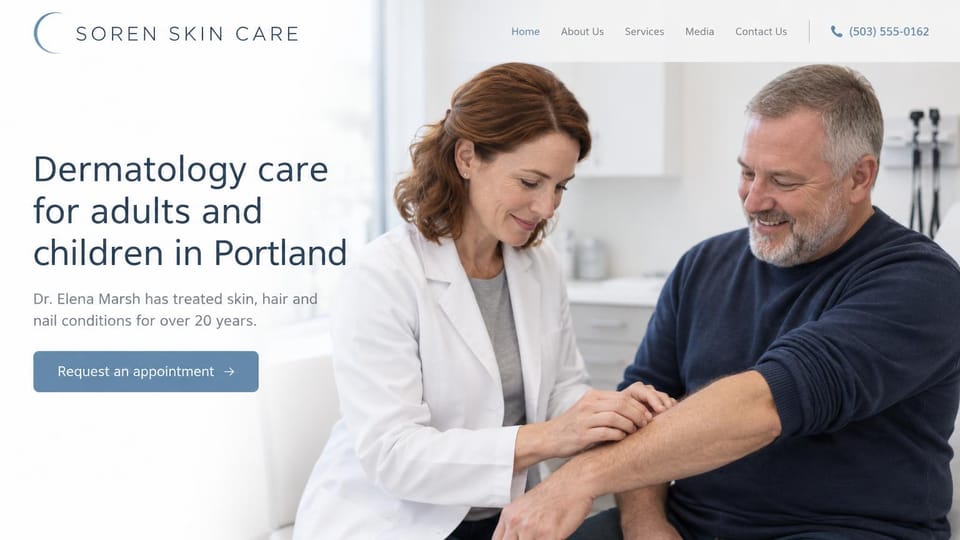
One doctor's experience in the intro and one soft blue request button, for a single-physician skin practice.
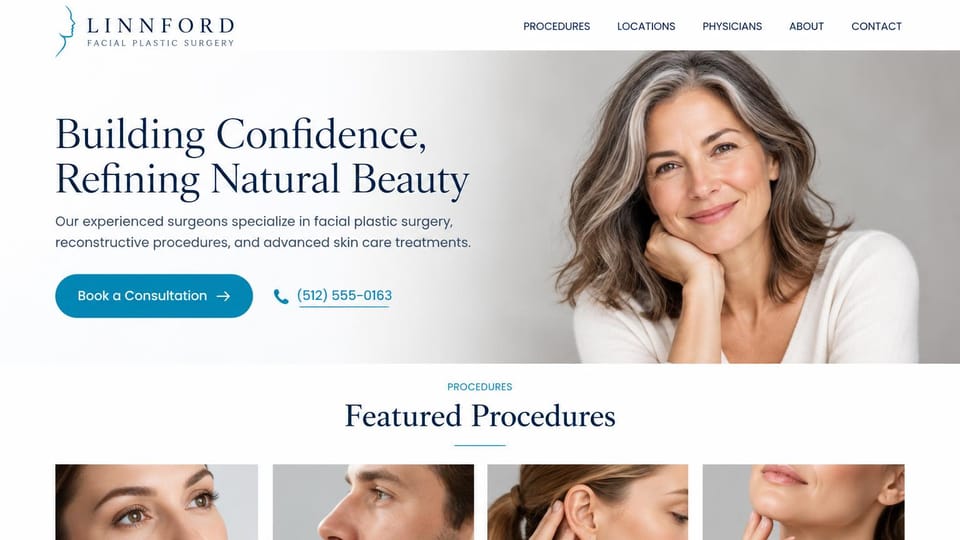
A portrait beside a serif headline, then a row of procedure photos, for cosmetic and reconstructive surgeons.
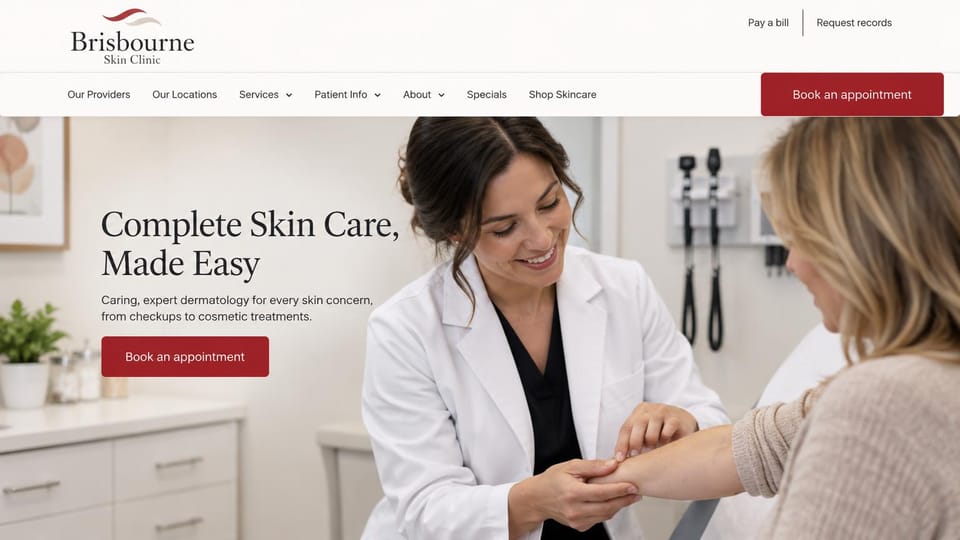
Specials and shop links in a two-tier header and one red book button, for a practice that sells skincare.
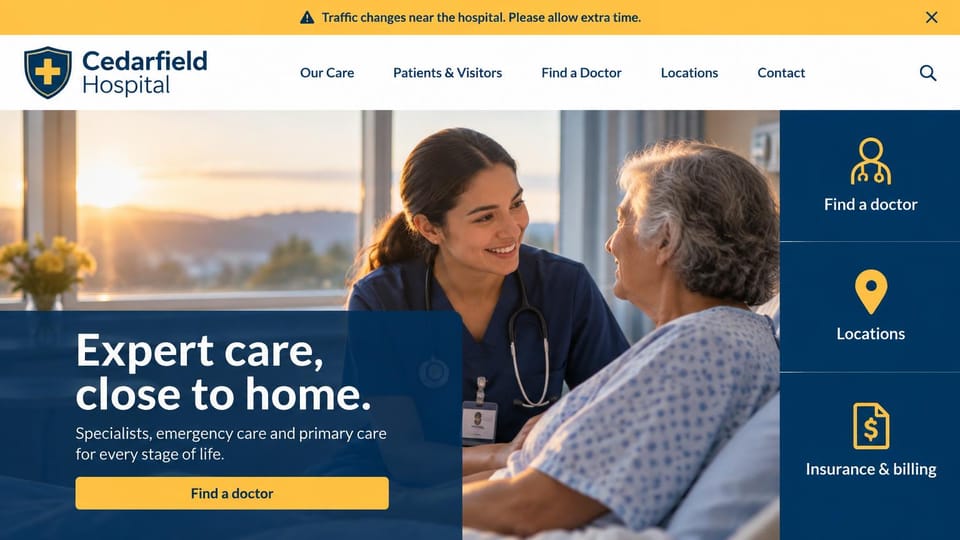
Three big panels for doctors, locations and billing beside the hero, with an alert bar for urgent notices.
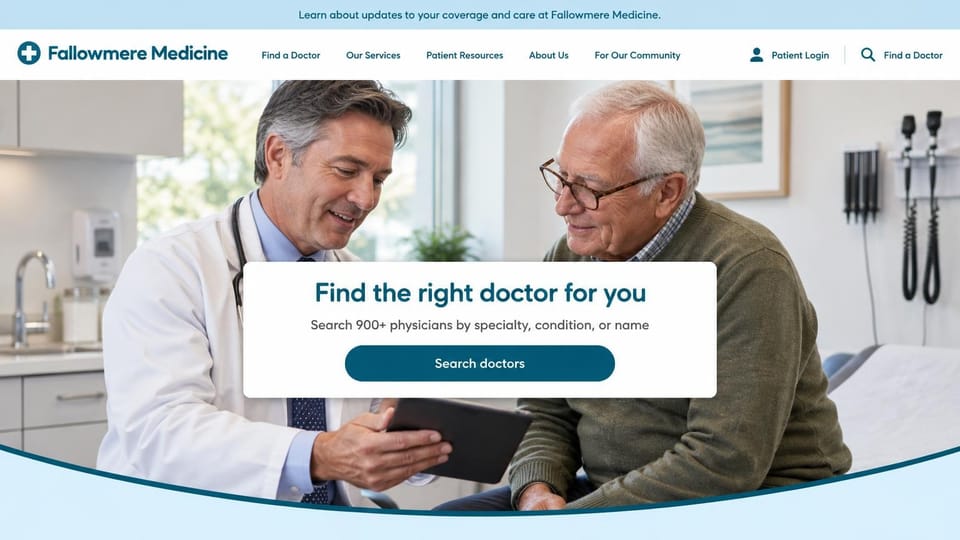
A centered search card over a doctor visit, for a large group whose visitors arrive looking for a physician.
Every design is an illustration by Cactal. The practices, people and photos in them are fictional. Updated October 2026.
Describe your practice
Who you treat, where you practice and how patients should reach you. Cactal writes the pages, sets up your contact form and publishes the site.
How it works
1 Pick a design
Browse by kind of practice and open any design to see it full size.
2 Add your practice's details
Your services, providers, locations, insurance and how patients should book. Cactal writes every page and builds the site from your design.
3 Publish
Ask for changes in plain words until it's right, then publish free on a Cactal domain, or on your own domain with Pro.
What a medical website needs
Call and book from every page
Patients want your phone number, hours and a way to book without hunting. Keep them in the header, link the book button to the scheduling tool you already use, and say what to do after hours.
Insurance and costs, answered early
List the plans you accept, whether you're in network and what self-pay patients can expect, or your membership fee and what it includes. Many people want this answered before they call.
A page for each service
What you treat, what a visit involves and how to prepare, in plain words. These are the pages people find when they search for one problem.
Providers with faces and credentials
Photos, training, board certifications and the languages each provider speaks. Patients are choosing who they trust with their health.
Easy to read for every patient
Large, clear type, strong contrast and plain words help older patients and people with low vision. Accessibility rules for healthcare providers vary, so check what applies to you.
A contact form that asks for little
A name, a phone number and a good time to call are enough. Keep health details out of a general web form, and check your own privacy obligations, such as HIPAA, before you collect more.
Questions
Are these medical website templates free?
Every design here is free to start from. You can sign up, build and publish on a Cactal domain without a card and with no time limit. Putting your site on a domain you own is $25 a month on Pro, or $240 a year.
Do I need to know how to code or design?
No. Describe your practice in plain words and Cactal builds, edits and publishes the site. When you want a change, ask for it the same way.
How much does a medical website cost?
A custom build from a healthcare marketing agency often runs into the thousands of dollars and takes weeks. A builder template costs less, but you still write and fill in every page. With Cactal it's free to build and publish on a Cactal address, and your own domain is $25 a month on Pro, or $240 a year, with no setup fee.
Can I use my own domain?
Yes. Every site starts on a free Cactal address. Connect a domain you own on Pro for $25 a month, or $240 a year, and each additional website on its own domain is $20 a month.
Who owns the website?
You do. Every Cactal site is real React source code, so you can take it and run it anywhere. There is no export to buy.
Are these real medical practices?
No. Each design is an illustration made by Cactal, and the practice names, people, numbers and photos in it are fictional. Your site is built around your own practice.
Can patients book appointments online?
Cactal doesn't run scheduling itself. Your site links to or embeds the scheduling tool your practice already uses, so the book button takes patients straight to it.
Can my site link to our patient portal?
Yes. Your site can link to the patient portal you already use from the header of every page. For new inquiries, the contact form emails you each message and filters spam. Keep it to contact details and a short note, and check your privacy obligations, such as HIPAA, before you collect anything clinical.
More website templates
- Therapist website templates and designs
- Dental website design templates
- Chiropractor and physical therapy website templates
- Home care website templates
- Hair salon website templates
- Gym and fitness website templates
- Spa and wellness website templates
- Sports team and club website templates
- Makeup artist website templates

Your practice's website, built for you.
Pick a design or just describe your practice. Free to start, no card needed.
Start building