Roofing website templates. Pick one and Cactal builds it.
17 designs for residential and family-run roofers, storm damage specialists, roofing, exterior and solar contractors, and commercial roofing companies. Choose one and Cactal turns it into your website, with your services, the towns you cover and a form for inspection and estimate requests.
Roofing website designs
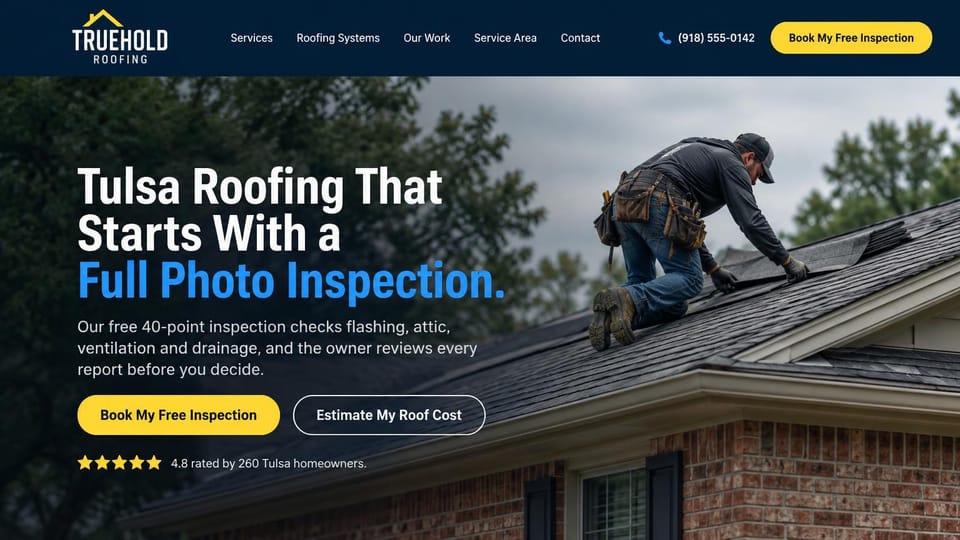
Explains what the free inspection checks, with an estimate button and the rating right underneath.
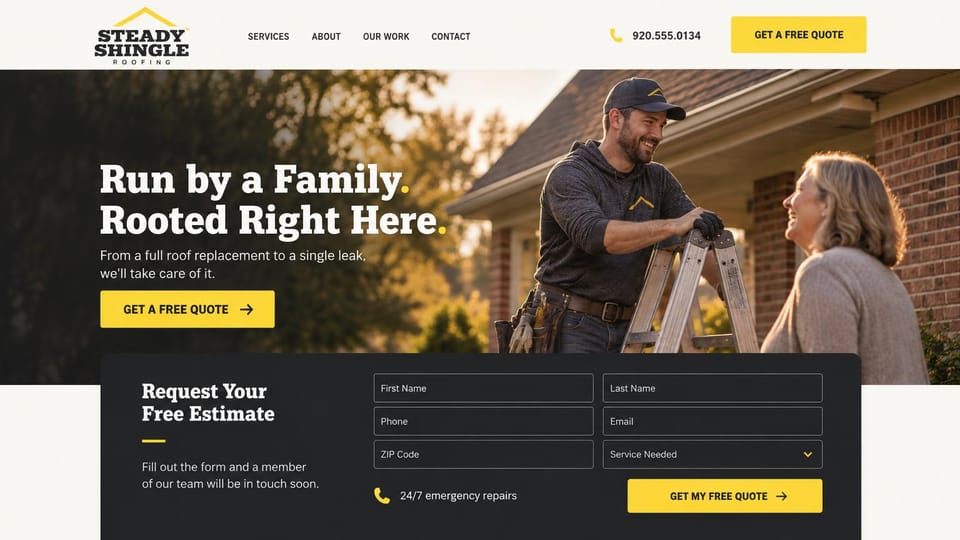
A roofer chatting with a homeowner and a full estimate form just below the photo feel warm and neighborly.
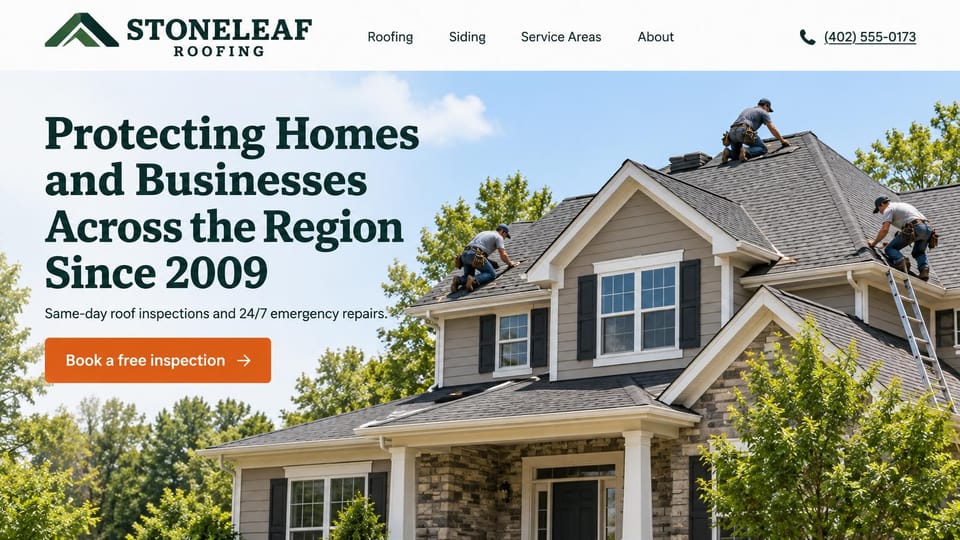
A crew on a big family home under a slab serif promise, for roofers who also do siding and emergency calls.
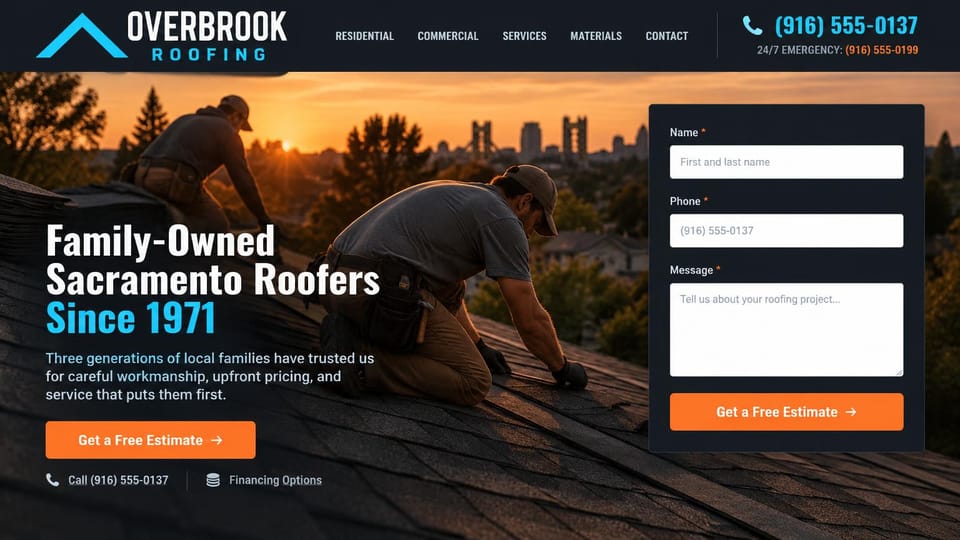
Roofers at sunset beside an estimate form, with an emergency number and financing in the first screen.
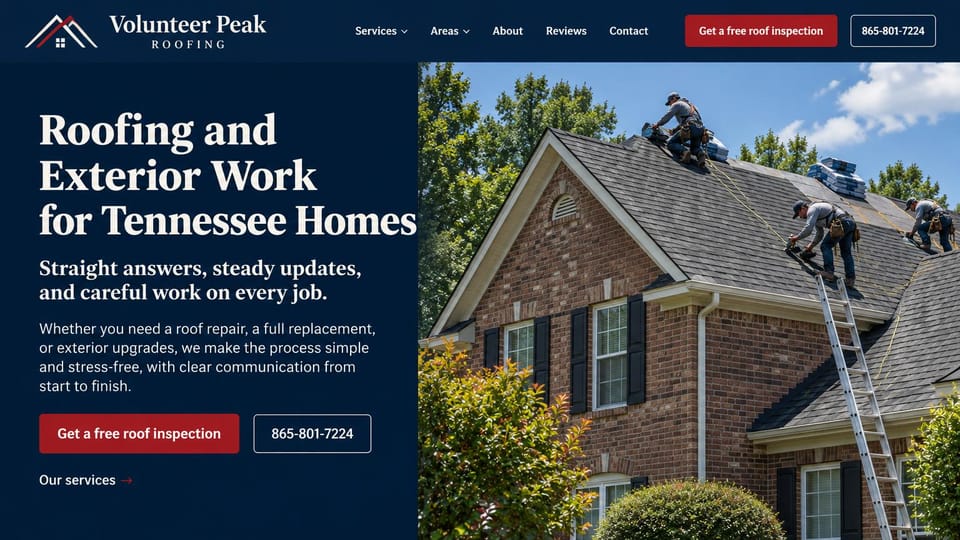
A serif headline in a navy panel beside a bright crew photo, for a roofer who sells clear communication.
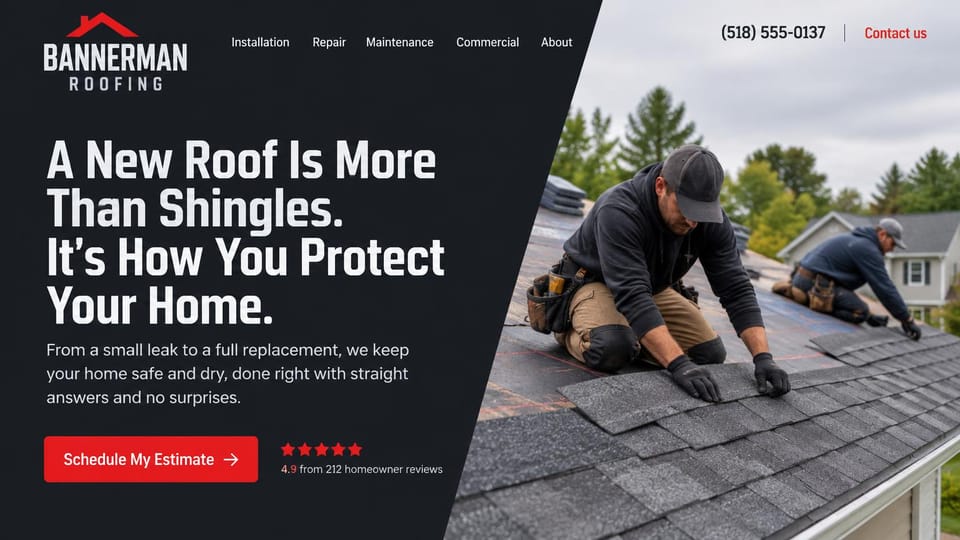
A dark panel cut on a diagonal beside roofers at work, with homeowner reviews right next to the estimate button.
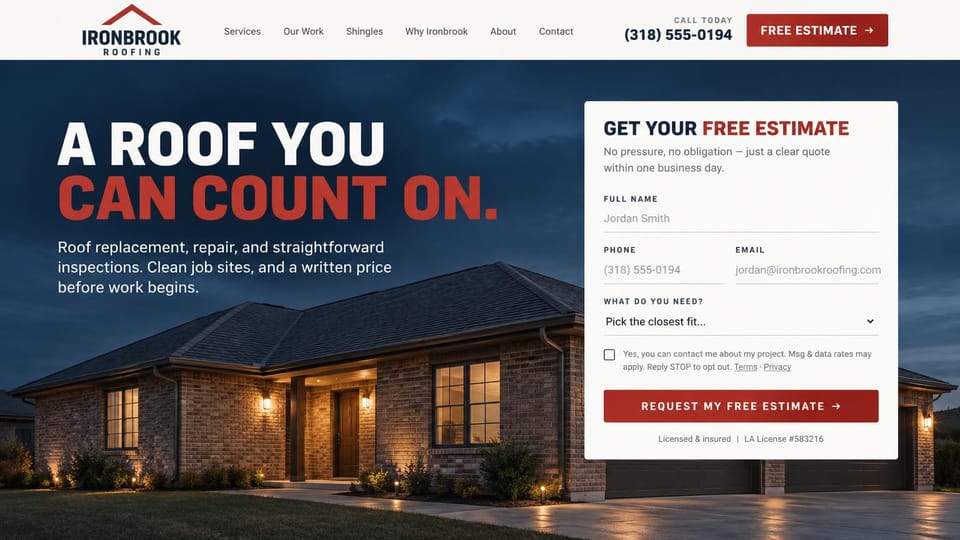
A finished home glowing at dusk and an estimate form that promises a written price, with no ladder in sight.

A crew laying membrane beside solar panels, with links for commercial and home clients under the button.
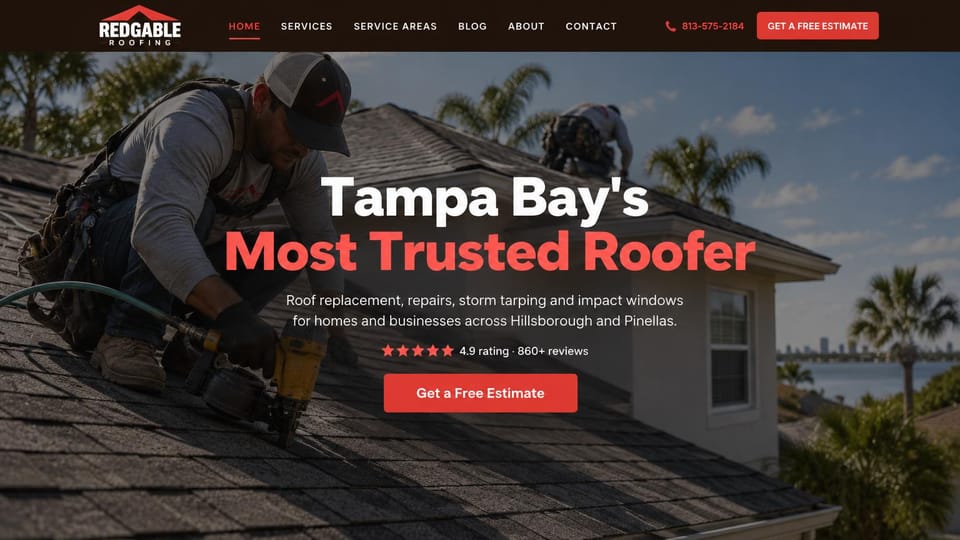
Lists repairs, storm tarping and impact windows under one bold claim, with the rating above the button.
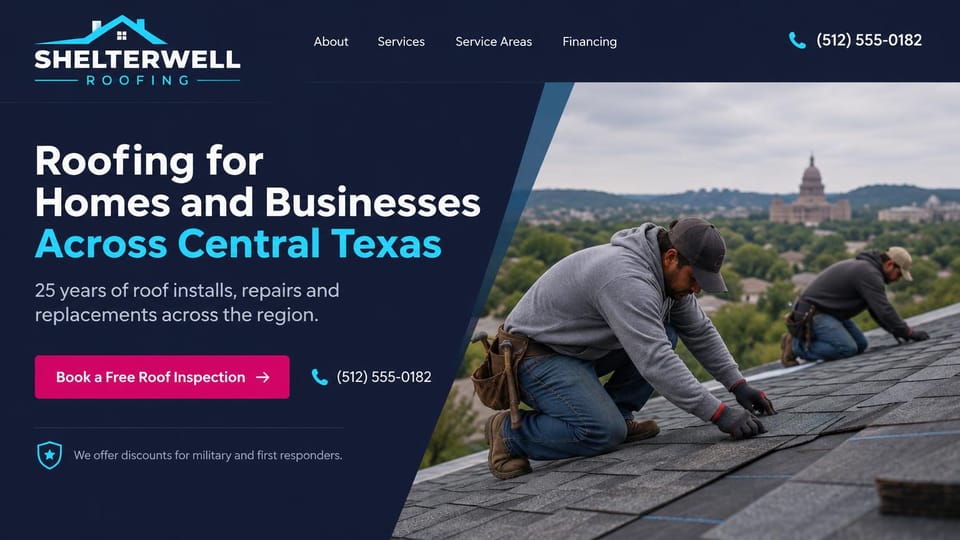
Roofers above the city on a slanted photo, with an inspection button and a discount for service members.
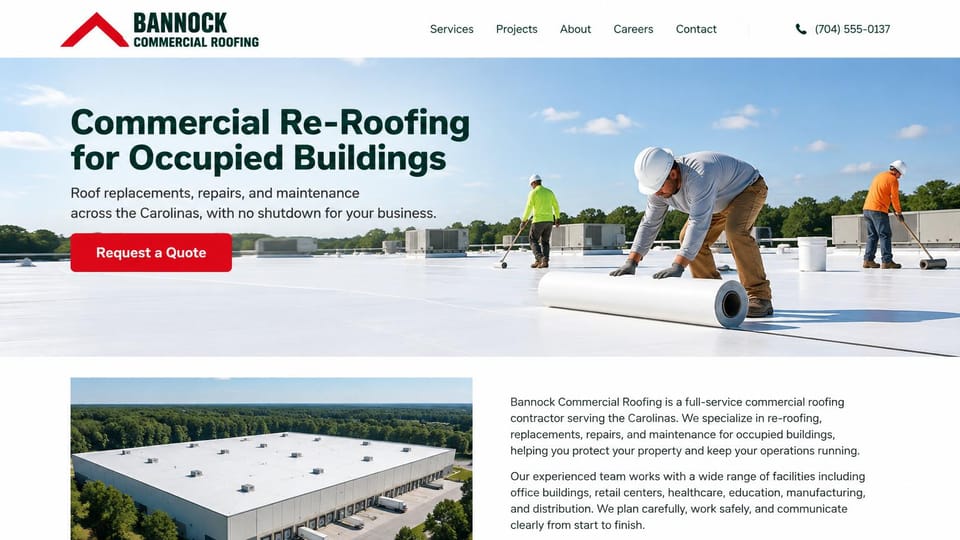
A crew rolling out membrane on a bright flat roof, with a promise of no shutdown and a company overview below.

A membrane crew under a dark overlay and a stakes-first headline, for roofers who bid on large buildings.
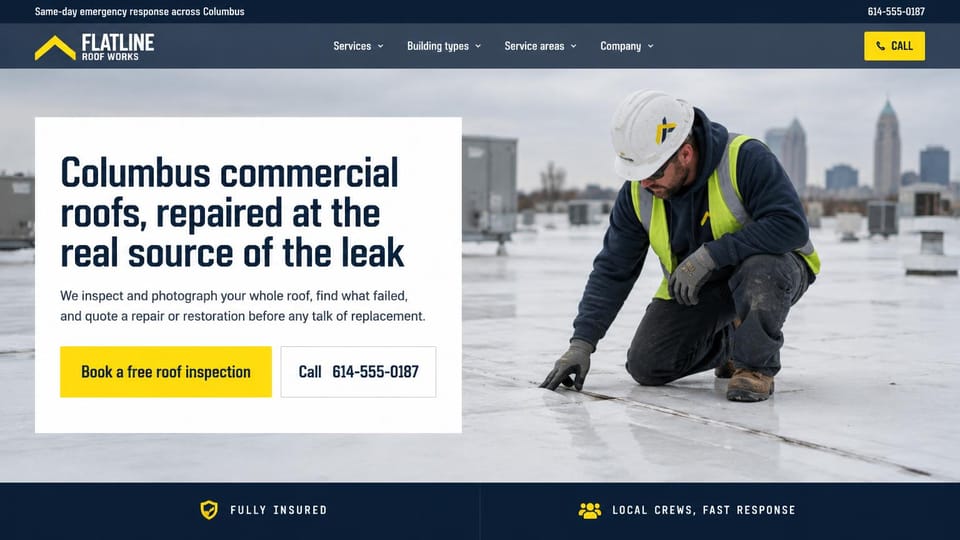
A white panel over a rooftop inspection promises to find the real leak before anyone mentions replacement.
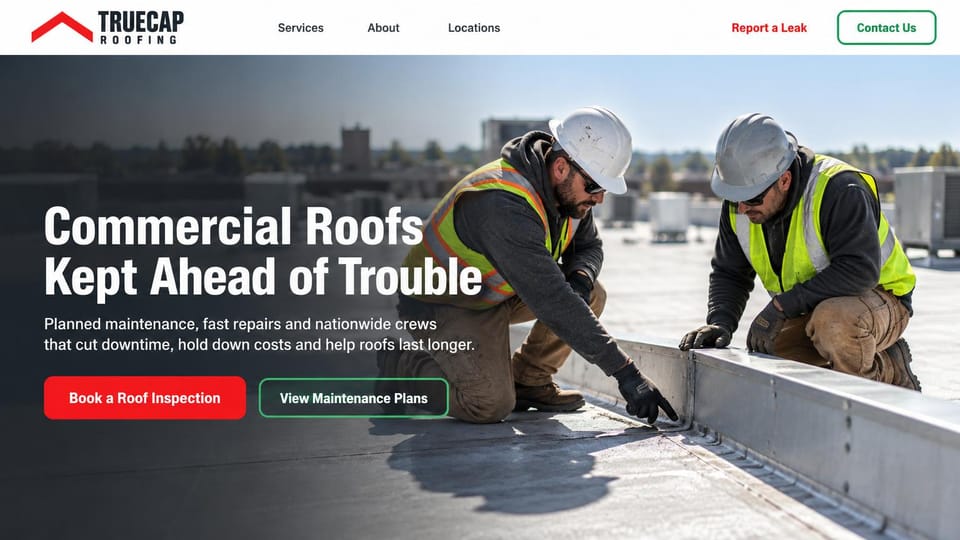
Puts maintenance plans beside the inspection button and a leak report link in the menu, for repeat business.
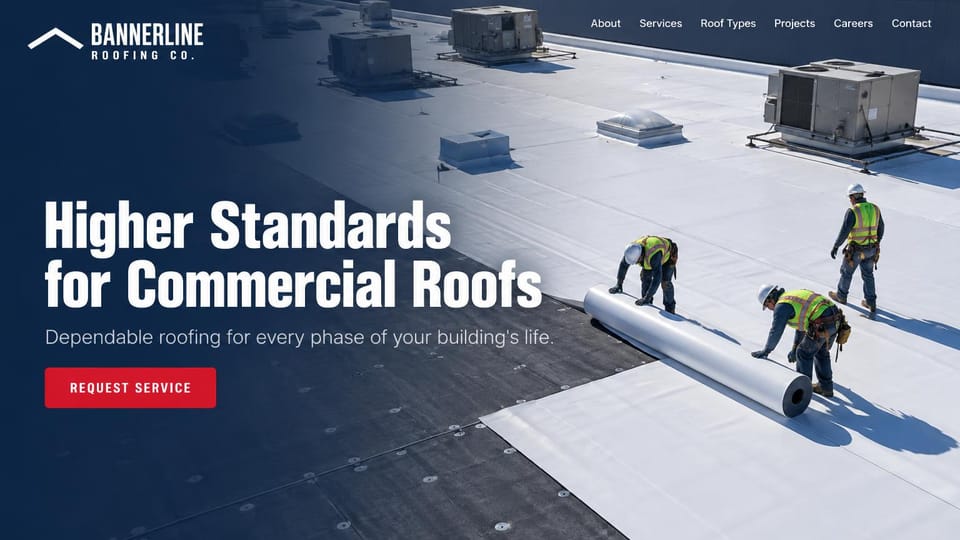
An aerial view of new membrane going down, with one short line and one button for building owners.
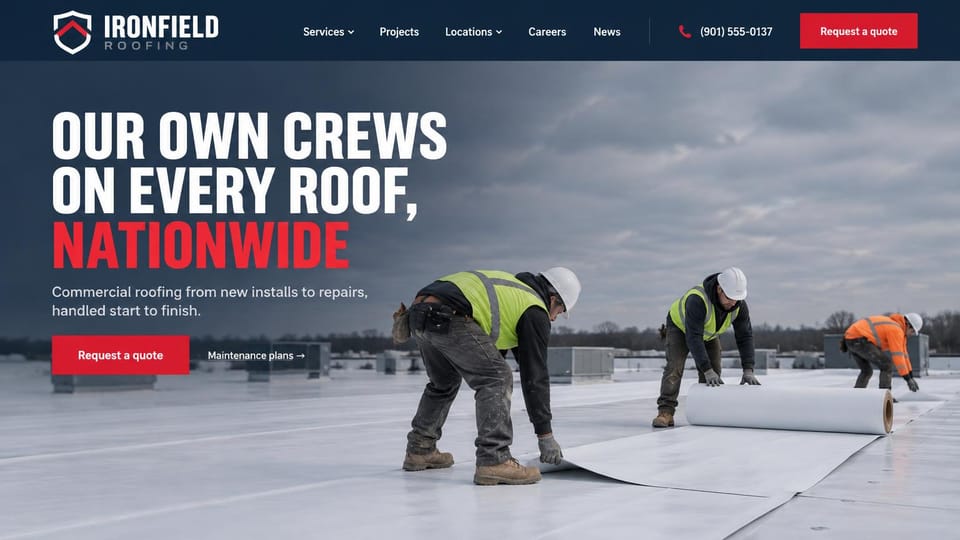
A big condensed promise over a crew rolling out membrane, with maintenance plans beside the quote button.
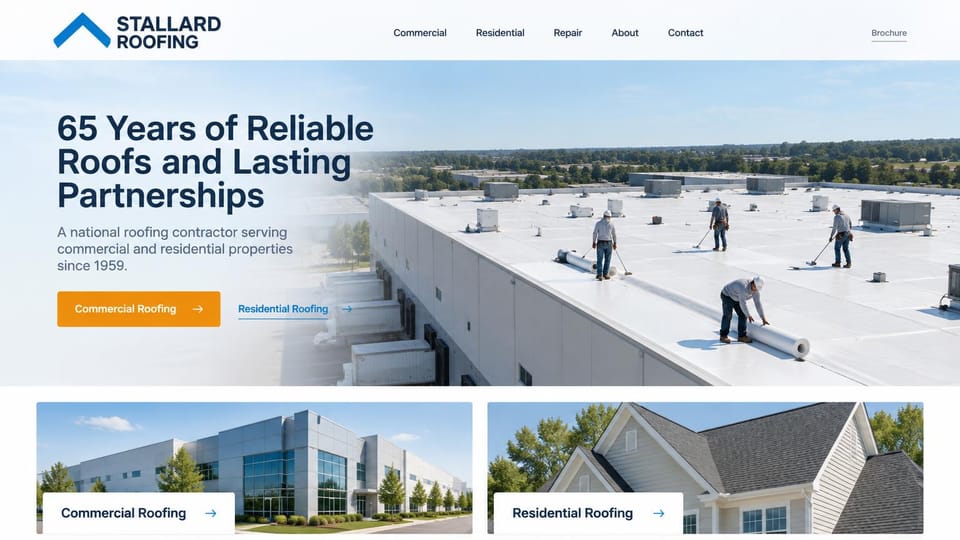
A vast warehouse roof and two photo cards below, so commercial and home clients each pick their own path.
Every design is an illustration by Cactal. The companies, people and photos in them are fictional. Updated October 2026.
Describe your roofing company
The roofs you work on, the towns you cover and how customers should reach you. Cactal writes the pages, sets up your inspection request form and publishes the site.
How it works
1 Pick a design
Browse by type of roofing work and open any design to see it full size.
2 Add your company's details
Your services, service area, license number and how customers should reach you. Cactal writes every page and builds the site from your design.
3 Publish
Ask for changes in plain words until it's right, then publish free on a Cactal domain, or on your own domain with Pro.
What a roofing website needs
An inspection button on every screen
Most roofing jobs start with someone looking at the roof. Keep your phone number and a free inspection or estimate button in the header, and say who calls back and how soon.
A page for each service
Leak repair, full replacement, storm damage and gutters are different searches with different worries. Give each its own page that explains the process and how pricing works, and name the towns you cover.
Storm damage, explained honestly
After hail or high wind, homeowners want to know what to check and how a claim works. Explain how you inspect and document damage. Some states limit what a roofer may do in a claim, such as waiving a deductible, so check yours.
License, insurance and warranties
Many states and cities license roofing contractors, and some require the license number on ads and websites. Show it where required, say you're insured and spell out what your workmanship warranty covers.
Proof from your own roofs
Before and after photos of real jobs, your crew and your trucks build more trust than stock images. Pair them with recent reviews, and share customer names only with permission.
A separate path for commercial roofs
Property managers and building owners look for the roof systems you install, maintenance plans and a way to request a bid. Give commercial work its own pages so homeowners and businesses each find their way.
Questions
Are these roofing website templates free?
Every design here is free to start from. You can sign up, build and publish on a Cactal domain without a card and with no time limit. Putting your site on a domain you own is $25 a month on Pro, or $240 a year.
Do I need to know how to code or design?
No. Describe your business in plain words and Cactal builds, edits and publishes the site. When you want a change, ask for it the same way.
How much does a roofing website cost?
A custom build from a roofing marketing agency often runs into the thousands of dollars and takes weeks. A builder template costs less, but you still write and fill in every page. With Cactal it's free to build and publish on a Cactal address, and your own domain is $25 a month on Pro, or $240 a year, with no setup fee.
Can I use my own domain?
Yes. Every site starts on a free Cactal address. Connect a domain you own on Pro for $25 a month, or $240 a year, and each additional website on its own domain is $20 a month.
Who owns the website?
You do. Every Cactal site is real React source code, so you can take it and run it anywhere. There is no export to buy.
Are these real roofing companies?
No. Each design is an illustration made by Cactal, and the company names, people, numbers and photos in it are fictional. Your site is built around your own business.
Can homeowners book an inspection on my site?
Cactal sets up a request form for inspections and estimates, with spam filtering and an email to you for each one. If you use a scheduling tool, your site can link to it or embed it; Cactal doesn't run its own booking calendar.
Can I offer financing on my site?
Cactal doesn't take payments or process loan applications. Your site can explain the financing you offer and link to your lender's application.
More website templates
- Construction company website templates
- Cleaning service website templates
- Landscaping and lawn care website templates
- Plumber and plumbing website templates
- HVAC website templates
- Handyman website templates
- Electrician website templates
- Home remodeling website templates
- Carpentry and woodworking website templates
- Junk removal website templates
- Pest control website templates
- Painting company website templates
- Solar company website templates
- Pressure washing website templates
- Home inspector website templates
- Moving company website templates

Your roofing website, built for you.
Pick a design or just describe your business. Free to start, no card needed.
Start building