Insurance agency website templates. Pick one and Cactal builds it.
18 designs for independent agencies and agents who sell home and auto, business, life and health insurance or employee benefits, including agencies that quote online. Choose one and Cactal turns it into your agency's website, with your lines of coverage, your agents and a quote request form.
Insurance agency website designs

A family loading the car at dusk sets a warm tone, with one quote button and a short row of ratings below.
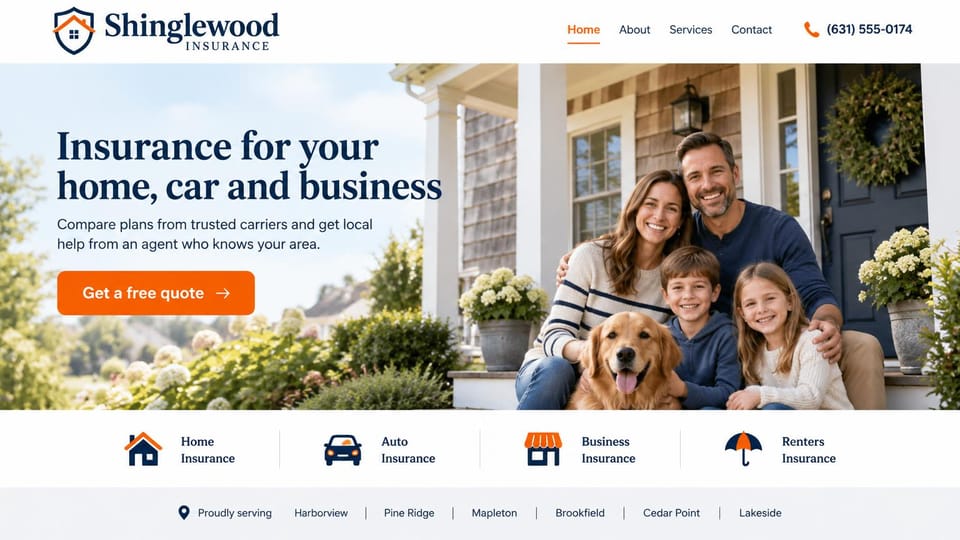
A family and their dog on the porch, four coverage icons and a row of the towns you serve below.

A shop owner at work fills the screen, with tabs below for an advisor, business coverage and employee benefits.
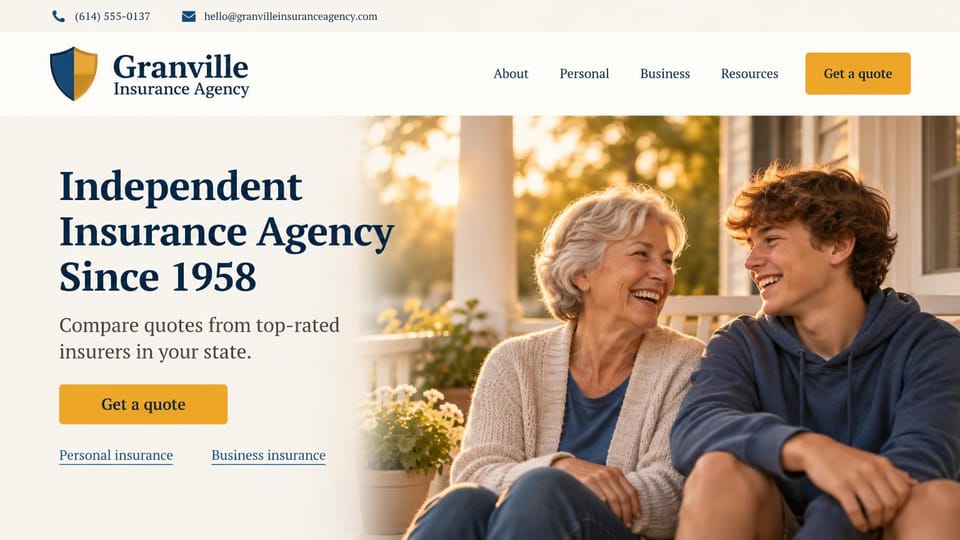
Says independent and how long you've served, with personal and business links under the quote button.

A short quote form and a call link sit under the headline, with a star rating from clients below.
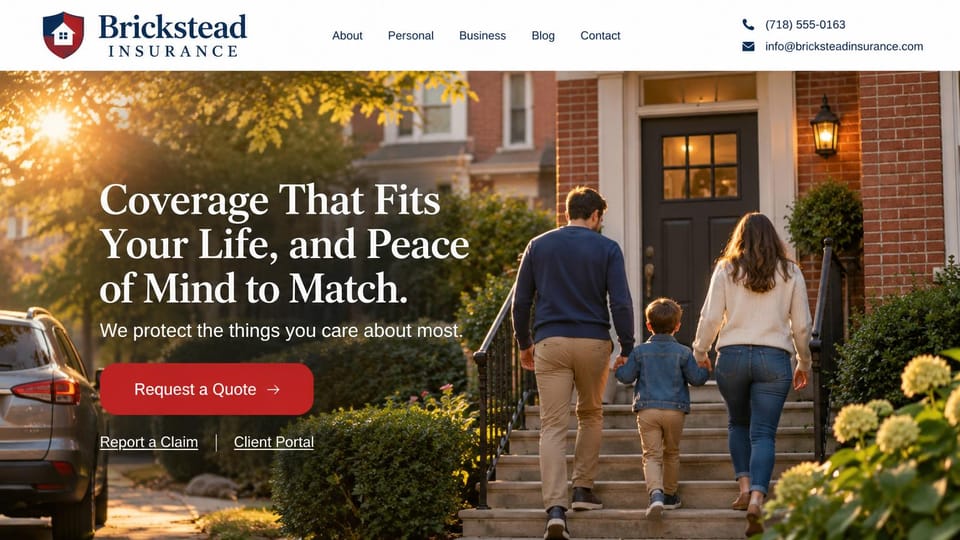
A family walking up to their door at golden hour, with claim and portal links right under the quote button.
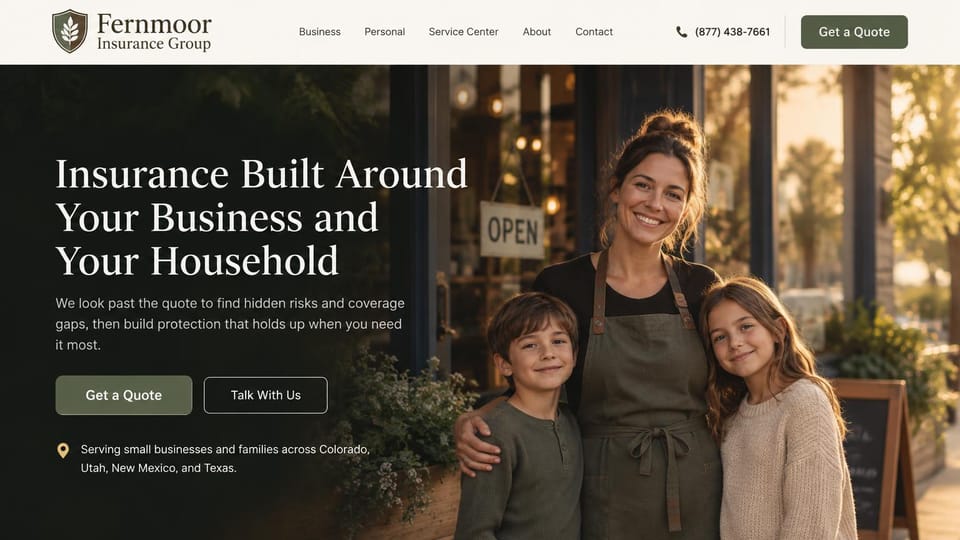
A shop owner and her children outside the store say one agency covers the business and the family behind it.

Two shop owners unloading boxes beside the headline, with separate links for personal and business coverage.

A couple carrying boxes into their new home and one quote button, for family agencies with deep local roots.

A warm table meeting beside the headline, with file a claim next to the quote button and make a payment in the menu.

A vivid curved panel holds the headline, with quote and policy buttons and a top bar for claims.
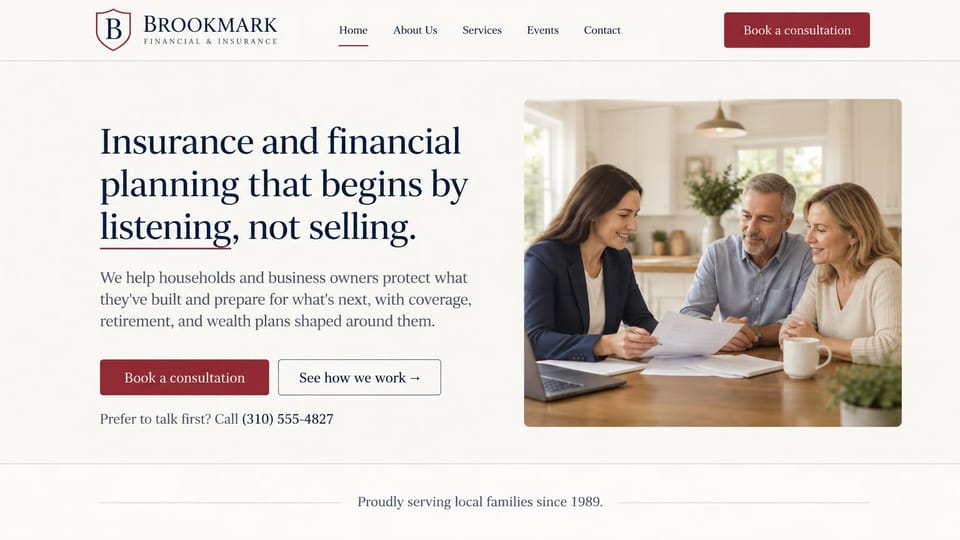
An agent meeting a couple at home suits an agency that sells life cover alongside retirement planning.

A quote form fills the right half, with the office address and phone under the headline, for local agencies.

Speaks to employers in the headline, with a curved meeting photo and compare plans as the main button.

A friendly agent going over a policy with a couple, with a talk-to-an-agent button instead of a quote form.
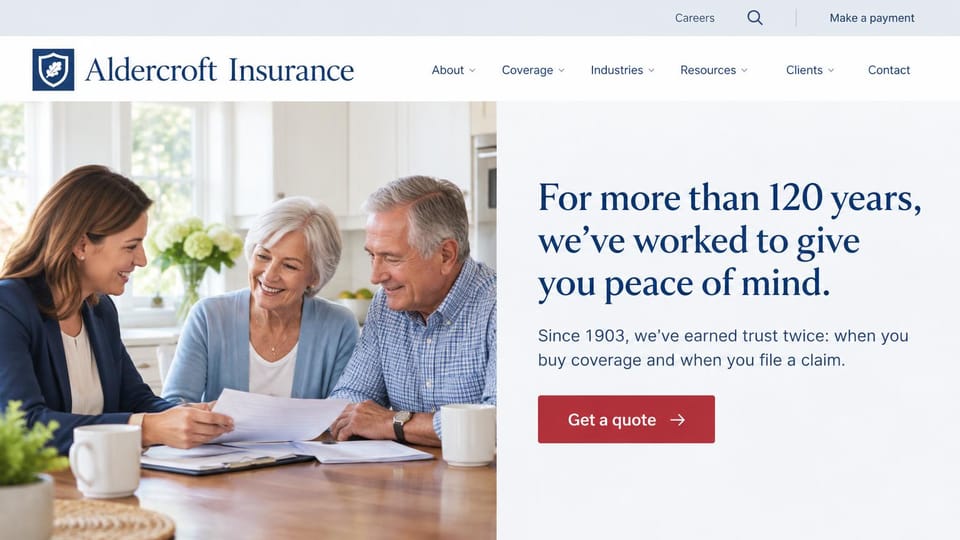
Half photo and half headline, with a pay-online link in the top bar, for a long-established agency.

An advisor going over a plan with a couple, plus individual and employer links, for health benefits brokers.
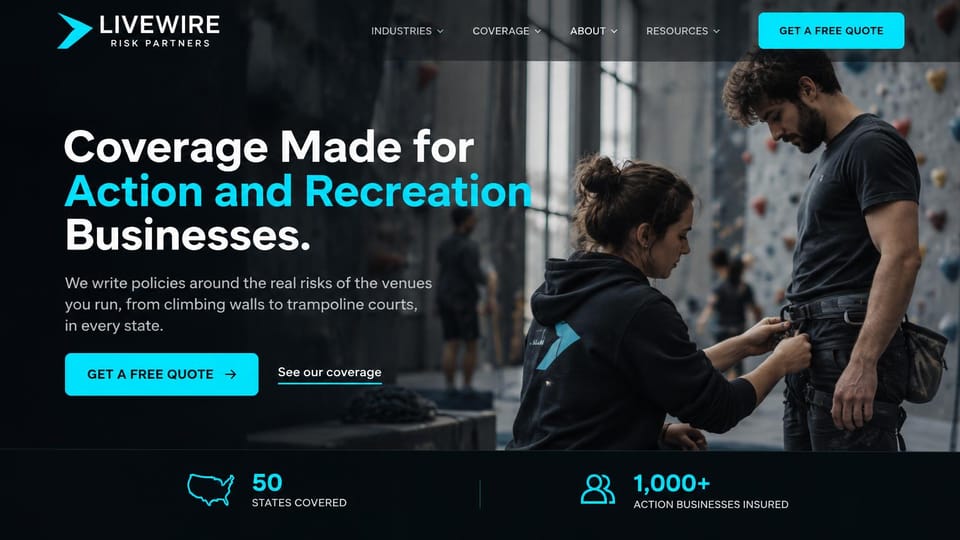
Shows the kind of venue it insures in action, with a stats bar below, for a broker built around one niche.
Every design is an illustration by Cactal. The agencies, people and photos in them are fictional. Updated October 2026.
Describe your agency
What you insure, where you're licensed and how clients should reach you. Cactal writes the pages, sets up your quote request form and publishes the site.
How it works
1 Pick a design
Browse by coverage or kind of agency and open any design to see it full size.
2 Add your agency's details
Your lines of coverage, carriers, agents and how clients should reach you. Cactal writes every page and builds the site from your design.
3 Publish
Ask for changes in plain words until it's right, then publish free on a Cactal domain, or on your own domain with Pro.
What an insurance agency website needs
What you insure, up front
Put the lines you write and the states you serve in the headline, so visitors know in seconds they're in the right place.
A quote request that's quick to start
Ask for a name, contact details and the coverage needed, then follow up for the rest. A short form gets finished more often than a long one.
A page for each line of coverage
Explain what each policy covers, who needs it and what affects the price. These are the pages people find when they search for a specific kind of insurance.
Claims and payments one tap away
Many clients visit only to pay a bill or report a claim. Keep links to your carriers' claims and payment pages in the header or footer.
Your agents and the carriers you represent
Photos and short bios of your agents build trust, and an independent agency can say how many carriers it works with. Check each carrier's rules before you show its logo.
License details and disclosures
Rules vary by state: some require license numbers in advertising, and life and health products carry extra rules. Check yours before you publish.
Questions
Are these insurance agency website templates free?
Every design here is free to start from. You can sign up, build and publish on a Cactal domain without a card and with no time limit. Putting your site on a domain you own is $25 a month on Pro, or $240 a year.
Do I need to know how to code or design?
No. Describe your agency in plain words and Cactal builds, edits and publishes the site. When you want a change, ask for it the same way.
How much does an insurance agency website cost?
A custom build from an insurance marketing agency often runs into the thousands of dollars and takes weeks. A builder template costs less, but you still write and fill in every page. With Cactal it's free to build and publish on a Cactal address, and your own domain is $25 a month on Pro, or $240 a year, with no setup fee.
Can I use my own domain?
Yes. Every site starts on a free Cactal address. Connect a domain you own on Pro for $25 a month, or $240 a year, and each additional website on its own domain is $20 a month.
Who owns the website?
You do. Every Cactal site is real React source code, so you can take it and run it anywhere. There is no export to buy.
Are these real insurance agencies?
No. Each design is an illustration made by Cactal, and the agency names, people, numbers and photos in it are fictional. Your site is built around your own agency.
Can clients request a quote on my site?
Yes. Cactal sets up a quote request form that asks for the details you need, filters spam and emails you each request. If you use an online quoting tool, your site can link to it or embed it.
Can clients pay bills or file claims on my site?
Cactal doesn't take payments or run a client portal. Your site links clients to the carrier or agency portal where they pay, file a claim or update a policy.
More website templates
- Law firm, lawyer and attorney website templates
- Print shop website templates
- Accountant and bookkeeping website templates
- Logistics and trucking website templates
- Consulting website templates
- Coaching and life coach website templates
- Financial advisor website templates
- Mortgage broker and lender website templates
- Recruiting and staffing agency website templates
- Astrology and psychic website templates
- Virtual assistant website templates
- Notary website templates
- Speaker website templates
- Security company website templates
- Manufacturing website templates

Your insurance agency website, built for you.
Pick a design or just describe your agency. Free to start, no card needed.
Start building