Security company website templates. Pick one and Cactal builds it.
12 designs for security guard companies, mobile patrol services, construction site security and alarm and CCTV installers. Choose one and Cactal turns it into your website, with your services, the sites you protect and a form for quote requests.
Security company website designs
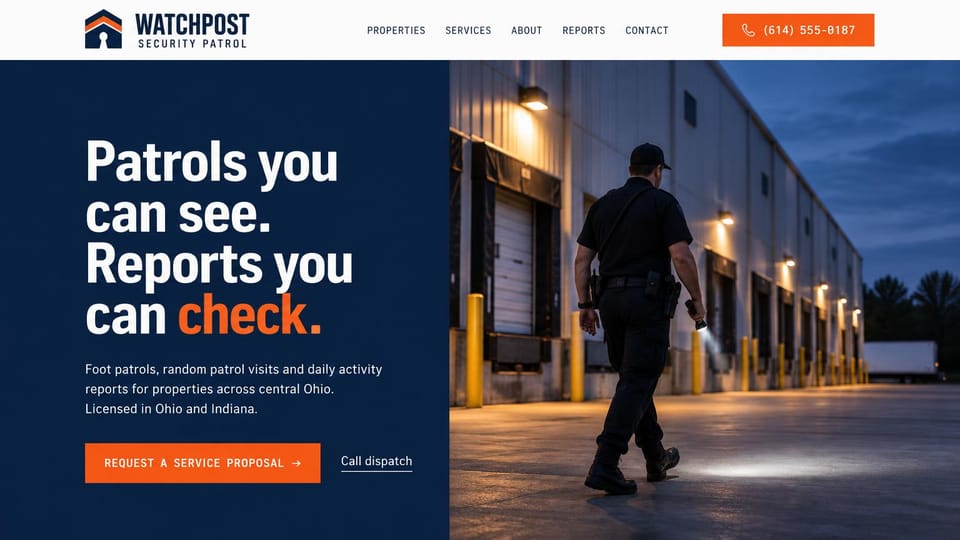
A split screen pairs a punchy promise with an officer on patrol, for companies that sell accountability.
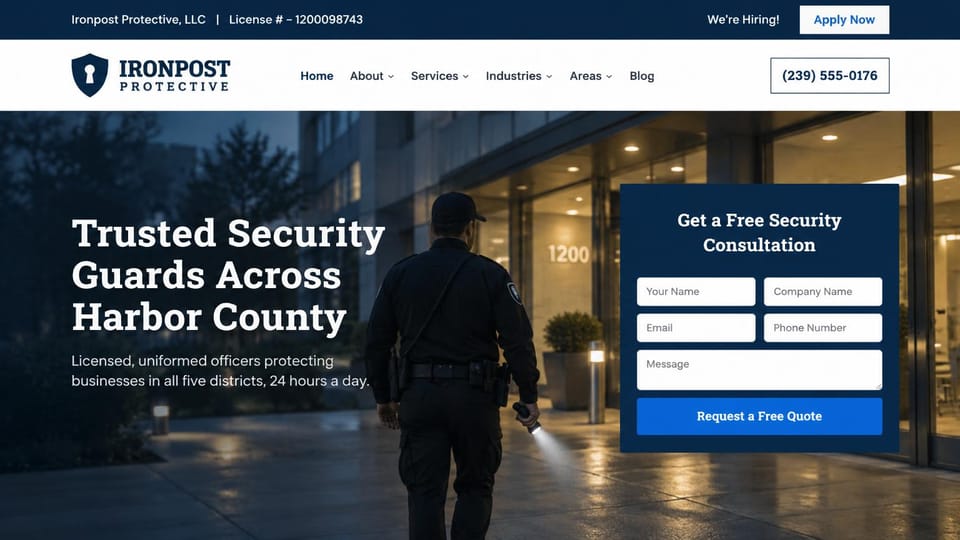
The license number up top and a full form beside the headline, for companies that win on the first call.
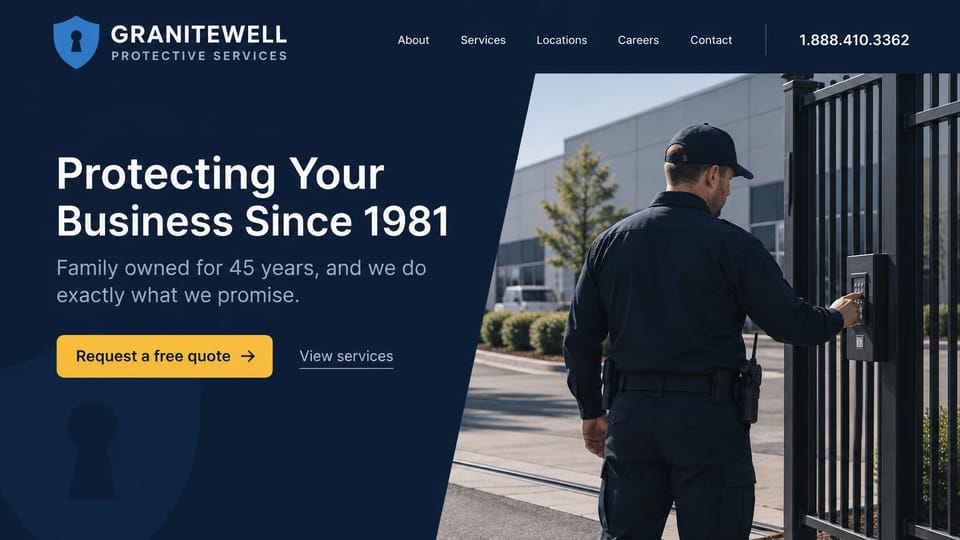
A family-run pitch beside an officer at a gate keypad, with the photo cut on a bold diagonal.
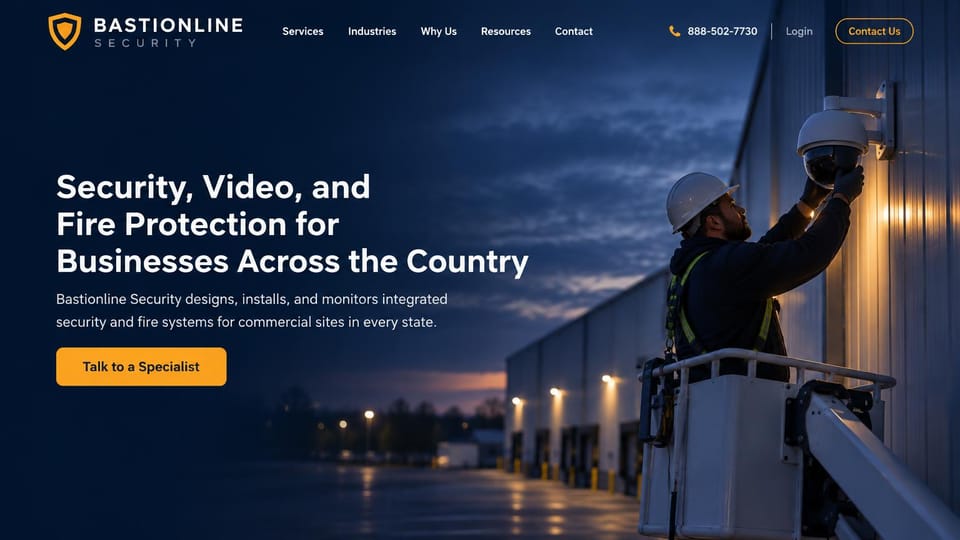
A technician mounting a camera at dusk, for installers of video, alarm and fire systems for businesses.
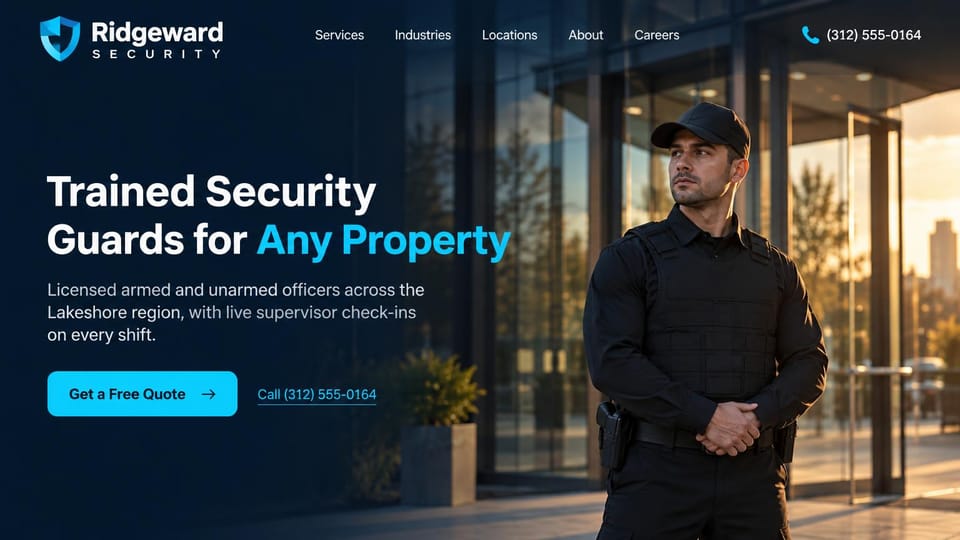
One officer standing watch outside a glass entrance, with quote and call buttons, for guard companies.
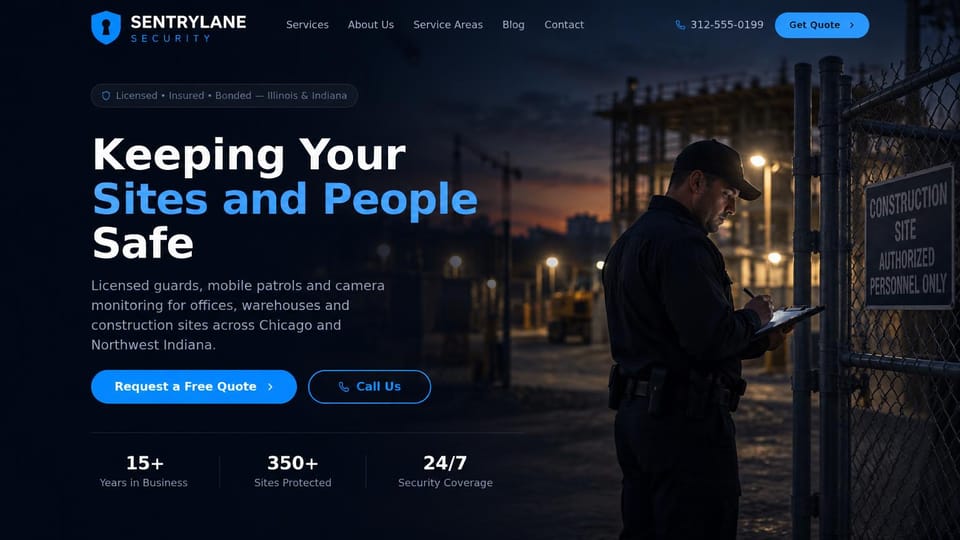
An officer logging a check at a site gate, with licensing up top and company stats below.
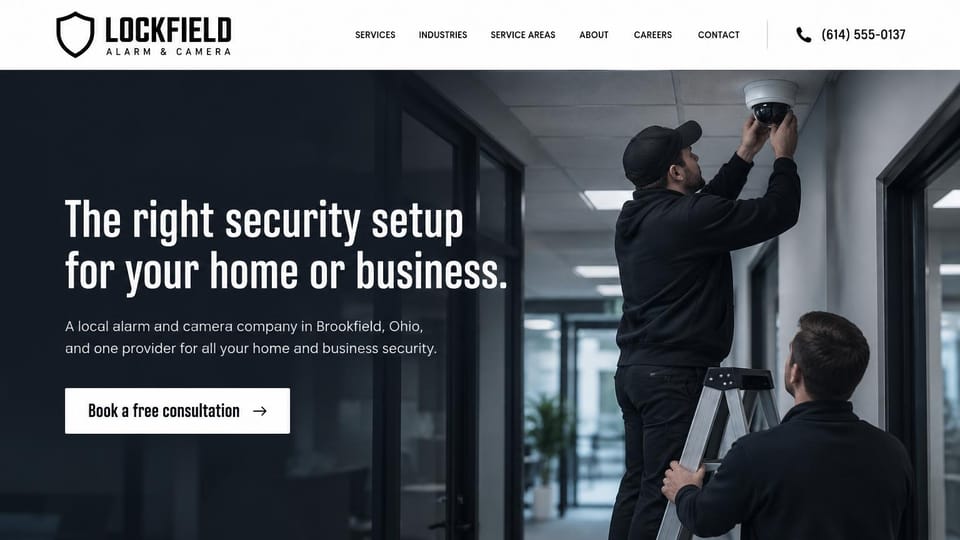
Technicians fitting a camera in an office hallway, with one consultation button, for local installers.
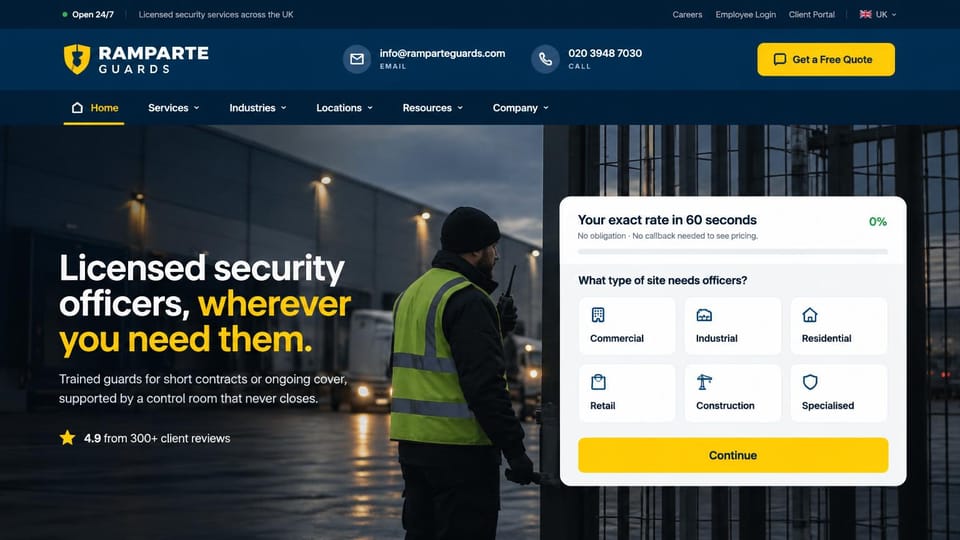
A quote card that starts by asking the type of site, for companies that cover many kinds of property.
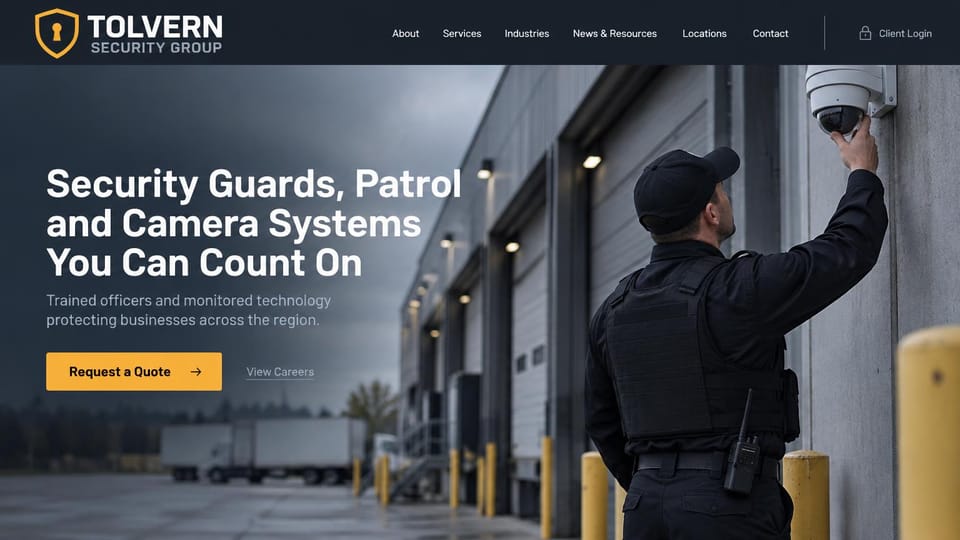
An officer checking a camera at a loading dock, for firms that combine guards, patrols and video systems.

An officer in hi-vis checking a pass at a loading bay, for firms that combine cameras and guarding.
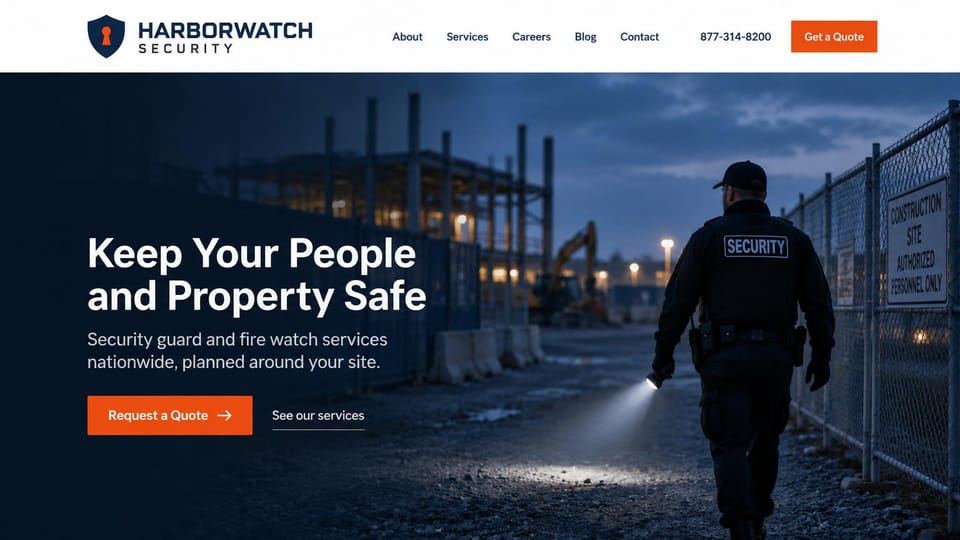
An officer patrolling a fenced site at dusk, for companies that guard builds and provide fire watch.

An officer welcoming a visitor outside a hospital, for firms that guard hospitals, transit and public sites.
Every design is an illustration by Cactal. The companies, people and photos in them are fictional. Updated October 2026.
Describe your security company
The services you offer, the areas you cover and how clients should reach you. Cactal writes the pages, sets up your quote request form and publishes the site.
How it works
1 Pick a design
Browse by type of security service and open any design to see it full size.
2 Add your company's details
Your services, service area, license number and how clients should reach you. Cactal writes every page and builds the site from your design.
3 Publish
Ask for changes in plain words until it's right, then publish free on a Cactal domain, or on your own domain with Pro.
What a security company website needs
Say what you protect, and where
Property managers and business owners decide fast whether you cover their kind of site. Name your services and the industries you serve in the headline, and list the areas you cover.
License and insurance in plain view
Many states license security guard companies and alarm installers, and some require the license number on ads and websites. Show yours where required, and say you're insured and bonded if you are.
A page for each service
Armed and unarmed guards, mobile patrols, event security, fire watch, cameras and access control are separate searches with separate buyers. Give each its own page that explains how it works.
A quote request built for sites
Ask for the type of property, the hours you need covered and the start date, so you can price the job on the first call. Keep the quote button and phone number in the header of every page.
Proof without exposing clients
Many clients don't want their names on a security company's site. Use reviews and short case summaries with permission, and photos of your own officers and vehicles rather than stock images.
A careers page that recruits
Guard companies are often hiring. A careers page with open roles, requirements and an application form brings in applicants without tying up the phone.
Questions
Are these security company website templates free?
Every design here is free to start from. You can sign up, build and publish on a Cactal domain without a card and with no time limit. Putting your site on a domain you own is $25 a month on Pro, or $240 a year.
Do I need to know how to code or design?
No. Describe your business in plain words and Cactal builds, edits and publishes the site. When you want a change, ask for it the same way.
How much does a security company website cost?
A custom build from a web designer often runs into the thousands of dollars and takes weeks. A builder template costs less, but you still write and fill in every page. With Cactal it's free to build and publish on a Cactal address, and your own domain is $25 a month on Pro, or $240 a year, with no setup fee.
Can I use my own domain?
Yes. Every site starts on a free Cactal address. Connect a domain you own on Pro for $25 a month, or $240 a year, and each additional website on its own domain is $20 a month.
Who owns the website?
You do. Every Cactal site is real React source code, so you can take it and run it anywhere. There is no export to buy.
Are these real security companies?
No. Each design is an illustration made by Cactal, and the company names, people, numbers and photos in it are fictional. Your site is built around your own business.
Can clients request a quote or site assessment on my site?
Cactal sets up a request form for quotes and site assessments, with spam filtering and an email to you for each one. If you use a scheduling or dispatch tool, your site can link to it or embed it; Cactal doesn't run its own booking calendar.
Can my site have a client or employee login?
Cactal doesn't run logins or portals. If you use a guard management, reporting or monitoring app, your site can link to its sign-in page.
More website templates
- Law firm, lawyer and attorney website templates
- Print shop website templates
- Accountant and bookkeeping website templates
- Logistics and trucking website templates
- Consulting website templates
- Coaching and life coach website templates
- Financial advisor website templates
- Mortgage broker and lender website templates
- Insurance agency website templates
- Recruiting and staffing agency website templates
- Astrology and psychic website templates
- Virtual assistant website templates
- Notary website templates
- Speaker website templates
- Manufacturing website templates

Your security company website, built for you.
Pick a design or just describe your business. Free to start, no card needed.
Start building