Virtual assistant website templates. Pick one and Cactal builds it.
17 designs for virtual assistants, VA agencies and online business managers who support small business owners, coaches, medical practices and busy executives. Choose one and Cactal turns it into your website, with your services, your packages and a form to request a discovery call.
Virtual assistant website designs
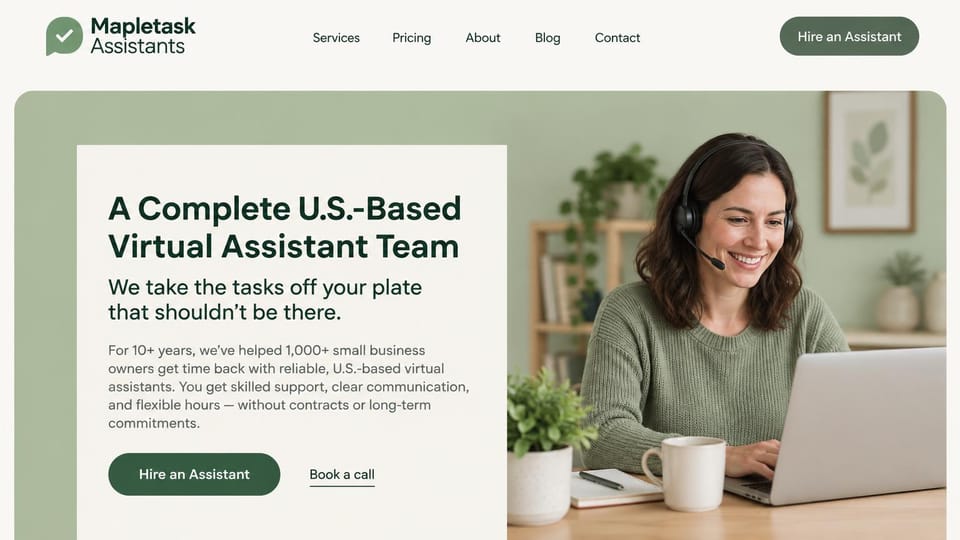
A calm sage panel and an assistant on a call make support feel personal, with hire and call buttons together.

A clear hire-and-get-time-back headline, with a second link that lists the roles you fill.

A long, warm serif headline names the work being handed off, with one intro call button.
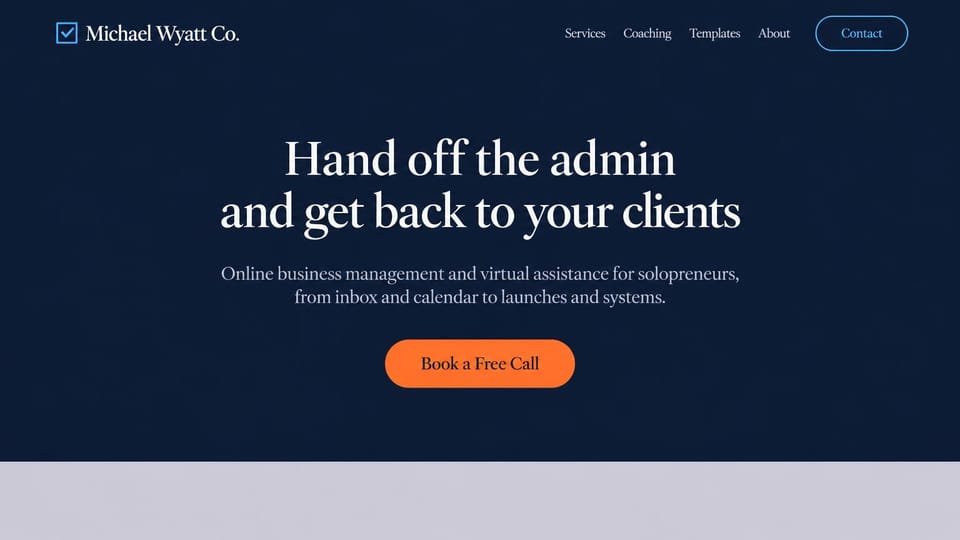
No photo, just a centered serif promise and one call button, for a VA who would rather not use stock images.

A first-person promise to run the systems behind a coaching business, with a call button and a services link.

Names the tasks you take on, a free-hours offer and pricing in small print, for teams selling hour blocks.

A punchy headline, a short proof line and a review card on the photo, with a top bar to announce a new service.
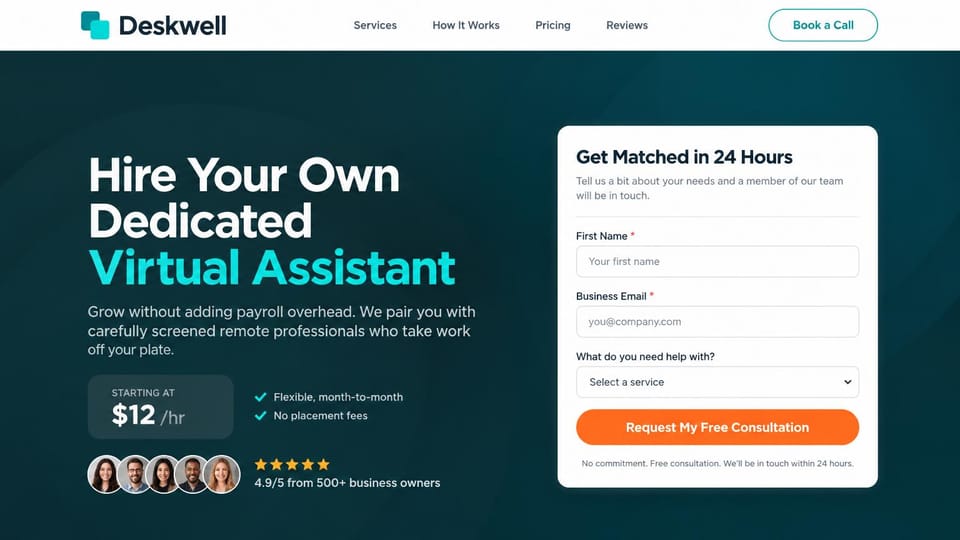
A starting rate, client portraits and a short consultation form beside the headline, for a VA staffing service.
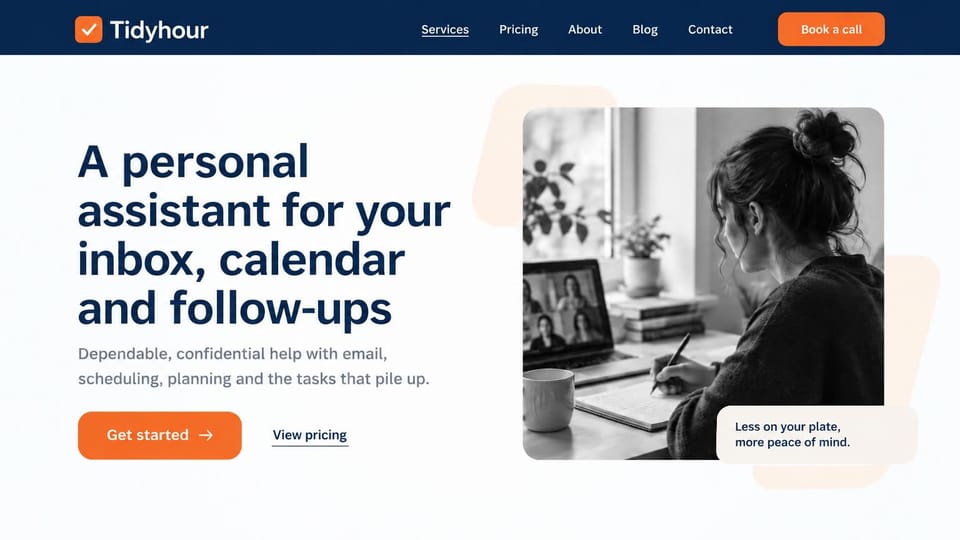
Names the tasks in the headline beside a black and white photo, with pricing a click away, for professionals.

Two big numbers under the hire button show scale, for an agency placing assistants and support staff.
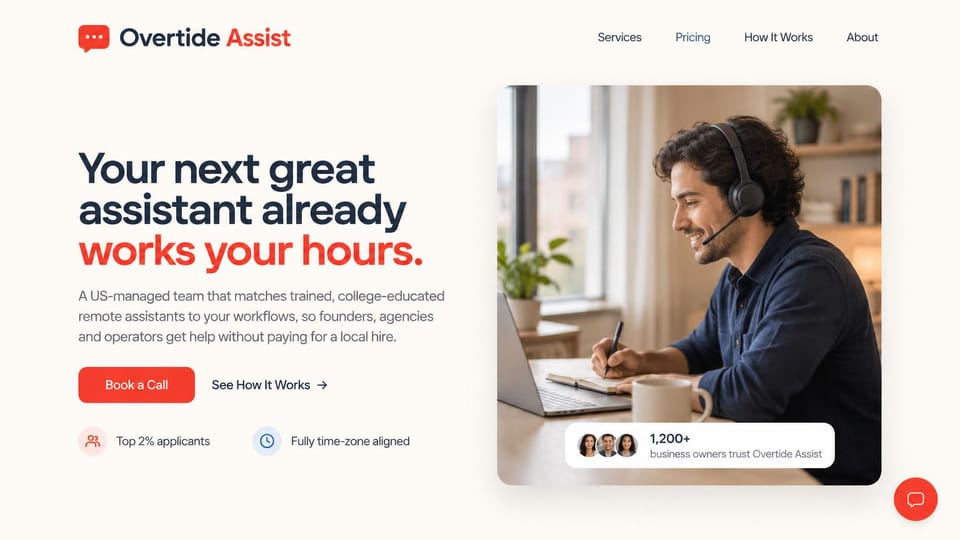
A bold promise with one red highlight, two quick proof points and a portrait card, for a VA matching service.
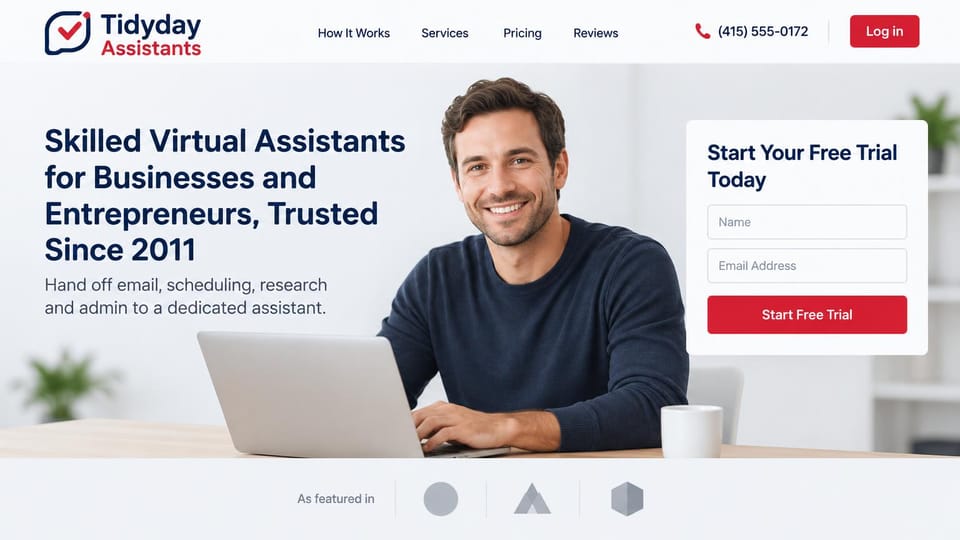
A two-field trial signup beside the headline and a friendly portrait, for agencies that offer a free start.
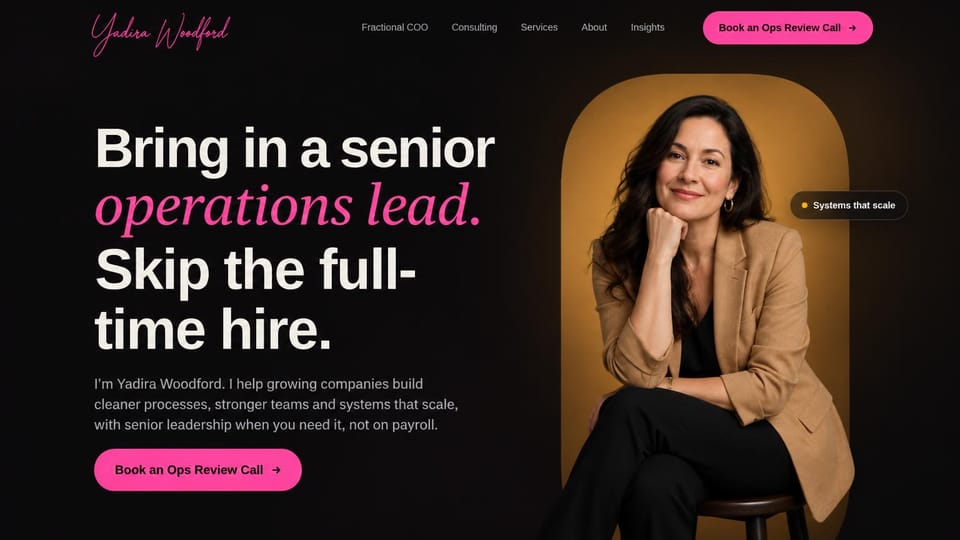
A first-person pitch beside a warm portrait, for a solo online business manager or senior VA.
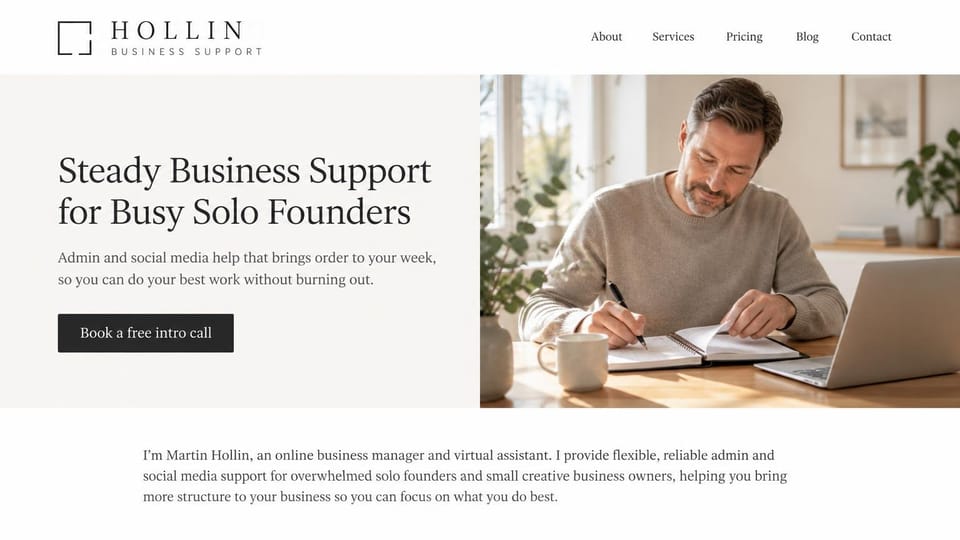
A soft serif promise, free intro call button and first-person intro, for a VA helping solo founders and creatives.
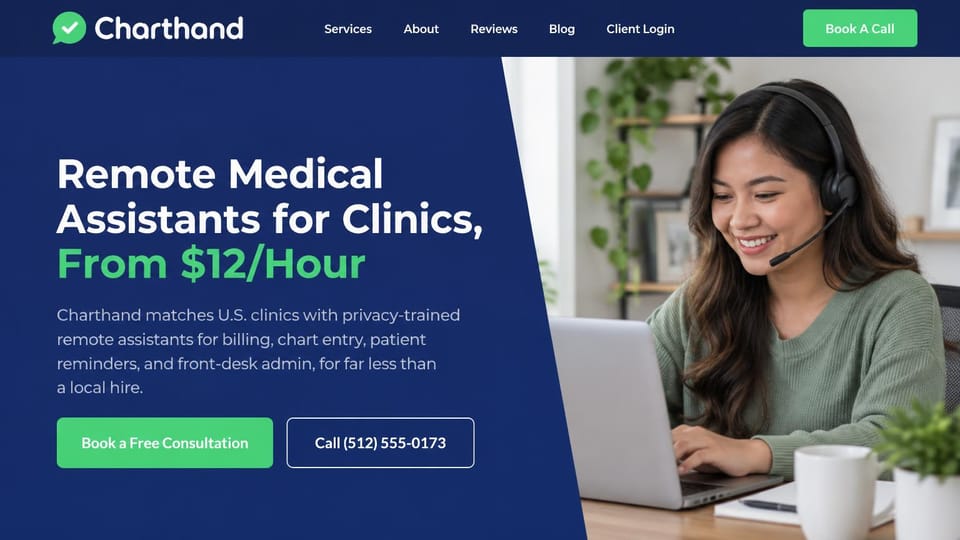
Puts the hourly rate and a call button in the first screen, for a VA service that staffs clinic front desks.

A doctor at work beside a calm promise, with a physician's quote under it, for a medical admin VA service.
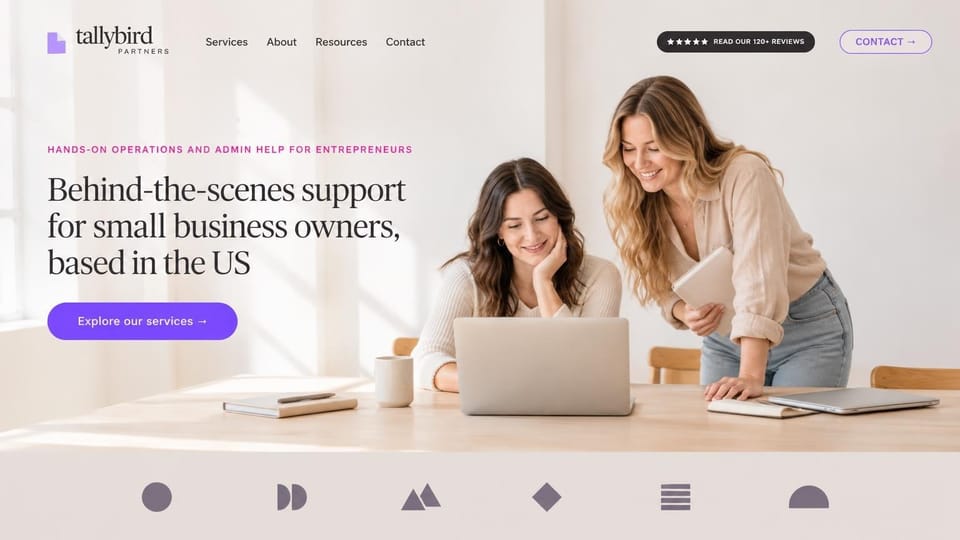
A friendly serif headline offers operations and admin support to entrepreneurs, with a reviews badge and a services button.
Every design is an illustration by Cactal. The businesses, people and photos in them are fictional. Updated October 2026.
Describe your VA business
Who you support, what you take off their plate and how clients should reach you. Cactal writes the pages, sets up your inquiry form and publishes the site.
How it works
1 Pick a design
Browse by who you support and open any design to see it full size.
2 Add your details
Your services, packages, the clients you support and how they should reach you. Cactal writes every page and builds the site from your design.
3 Publish
Ask for changes in plain words until it's right, then publish free on a Cactal domain, or on your own domain with Pro.
What a virtual assistant website needs
Who you help and what you handle
Say in the headline who you support and what you take on, like inboxes, calendars, travel or client follow-ups. A busy owner should see their own problem in the first line.
Packages people can compare
Monthly retainers, hourly blocks and project rates suit different clients. Spell out what each includes, whether unused hours roll over and how billing works.
Proof from past clients
Short testimonials with a name, a role and a result, like a cleared inbox or a calmer week, persuade more than adjectives. Ask clients before you quote them.
How working together works
Explain the first call, onboarding, how you communicate and how fast you turn work around. Clients handing over their inbox want to know the process first.
Care with sensitive access
You may see passwords, client data, finances or patient records. Say how you keep access secure and confidential, whether you sign a confidentiality agreement and, for medical practices, how you follow health privacy rules.
An easy first step
Put a discovery call button and a short inquiry form on every page, or link to the scheduling tool you already use. A few questions is enough to start.
Questions
Are these virtual assistant website templates free?
Every design here is free to start from. You can sign up, build and publish on a Cactal domain without a card and with no time limit. Putting your site on a domain you own is $25 a month on Pro, or $240 a year.
Do I need to know how to code or design?
No. Describe your VA business in plain words and Cactal builds, edits and publishes the site. When you want a change, ask for it the same way.
How much does a virtual assistant website cost?
A custom build from a web designer often runs into the thousands of dollars and takes weeks. A builder template costs less, but you still write and fill in every page. With Cactal it's free to build and publish on a Cactal address, and your own domain is $25 a month on Pro, or $240 a year, with no setup fee.
Can I use my own domain?
Yes. Every site starts on a free Cactal address. Connect a domain you own on Pro for $25 a month, or $240 a year, and each additional website on its own domain is $20 a month.
Who owns the website?
You do. Every Cactal site is real React source code, so you can take it and run it anywhere. There is no export to buy.
Are these real virtual assistant businesses?
No. Each design is an illustration made by Cactal, and the business names, people, numbers and photos in it are fictional. Your site is built around your own business.
Can I use one of these as my VA portfolio?
Yes. Pick any design and ask Cactal to make it about you: your services, the clients you support, testimonials and a page for your packages. It works whether you work solo or run a team.
Can clients book a discovery call on my site?
Your site can link to or embed the scheduling tool you already use, and Cactal sets up an inquiry form that emails you each request with spam filtered out. Cactal doesn't run its own booking calendar or take payments.
More website templates
- Law firm, lawyer and attorney website templates
- Print shop website templates
- Accountant and bookkeeping website templates
- Logistics and trucking website templates
- Consulting website templates
- Coaching and life coach website templates
- Financial advisor website templates
- Mortgage broker and lender website templates
- Insurance agency website templates
- Recruiting and staffing agency website templates
- Astrology and psychic website templates
- Notary website templates
- Speaker website templates
- Security company website templates
- Manufacturing website templates

Your virtual assistant website, built for you.
Pick a design or just describe your VA business. Free to start, no card needed.
Start building