App landing page templates. Pick one and Cactal builds it.
38 mobile app website and landing page designs for health, finance, productivity and travel apps. Choose one and Cactal turns it into your app's website, with your screenshots, store links and a waitlist form for launch.
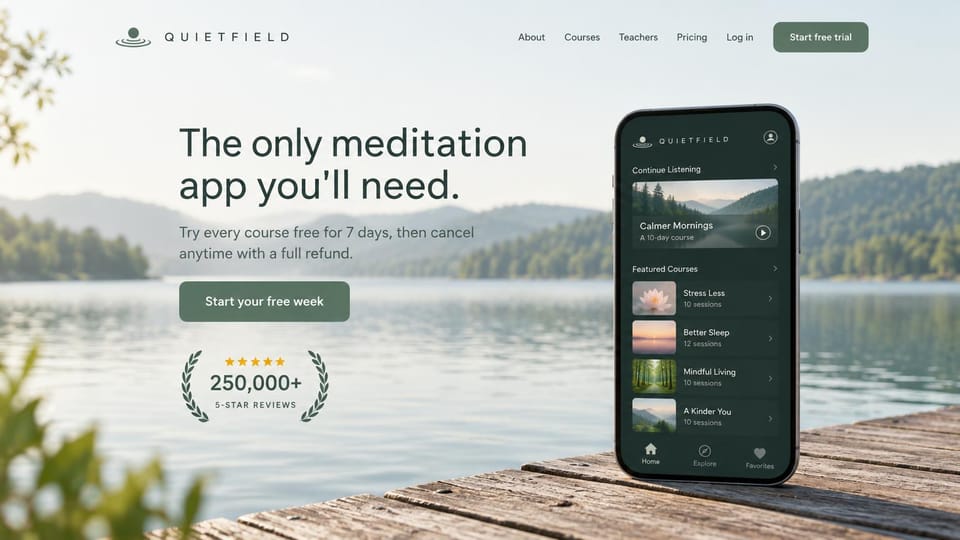
A phone resting on a dock with the app open, so the mood and the product arrive together.
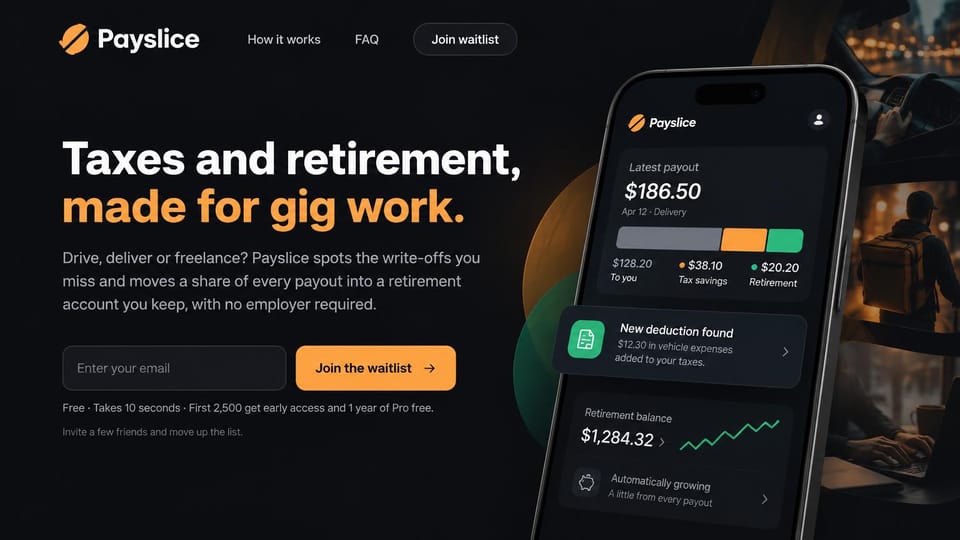
A phone with payout numbers, an orange waitlist field and a dark street scene behind.
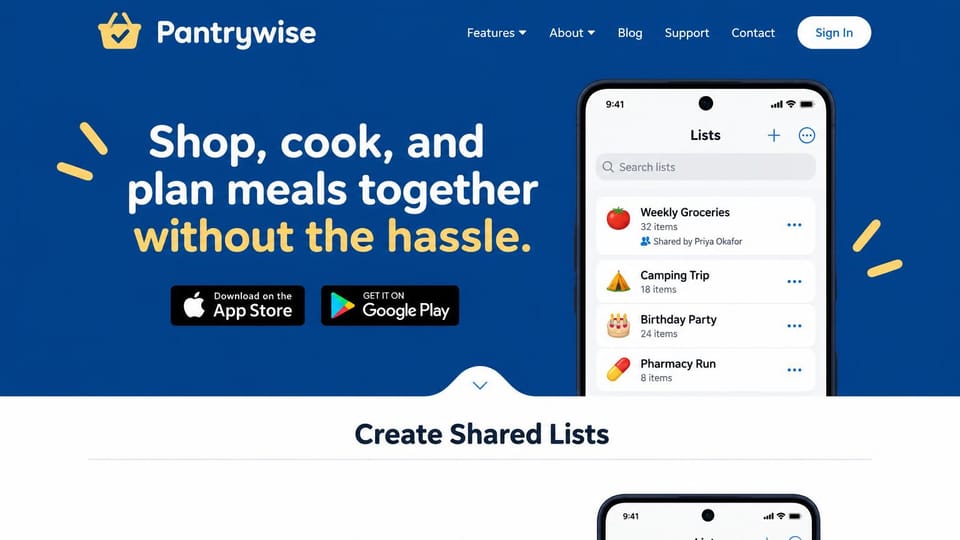
A phone of shared lists next to a yellow-highlighted headline, with store badges underneath.
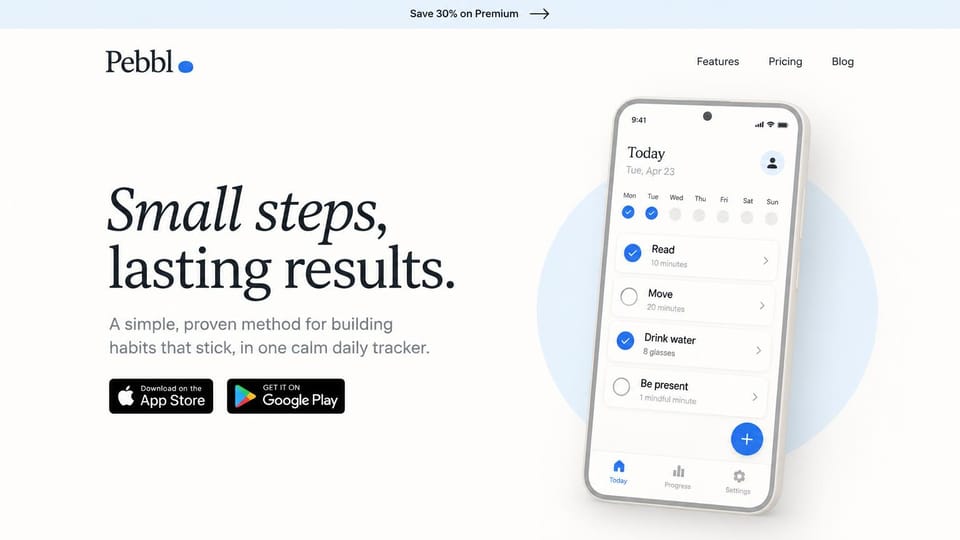
A large italic headline beside a clean phone, with both store badges and nothing else.
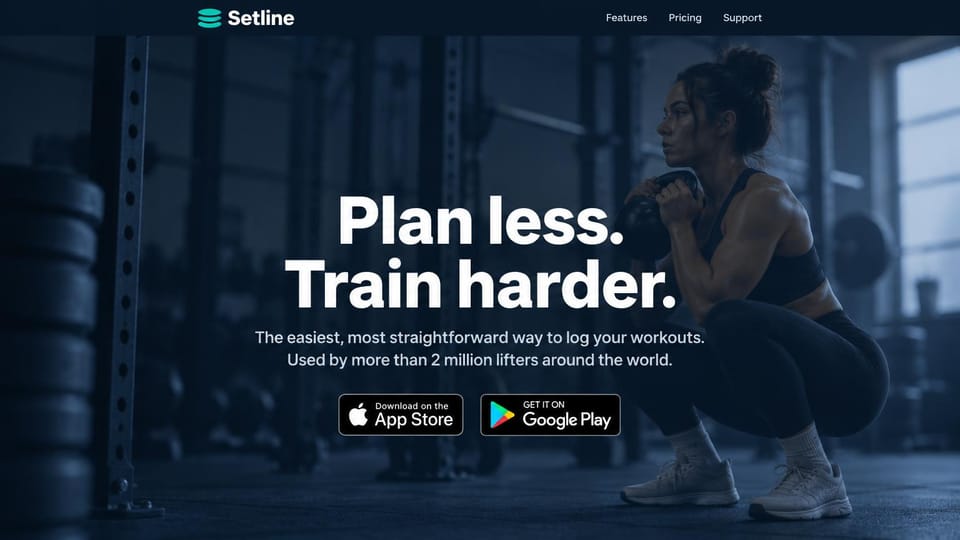
A gym photo under two short commands, with both store badges centered below.
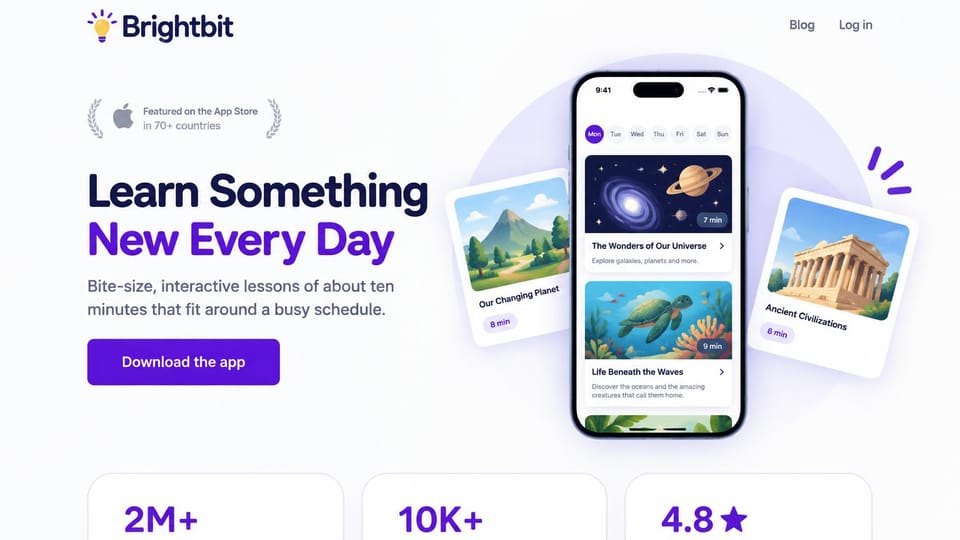
A phone and floating lesson cards on space and history, with three big numbers below.
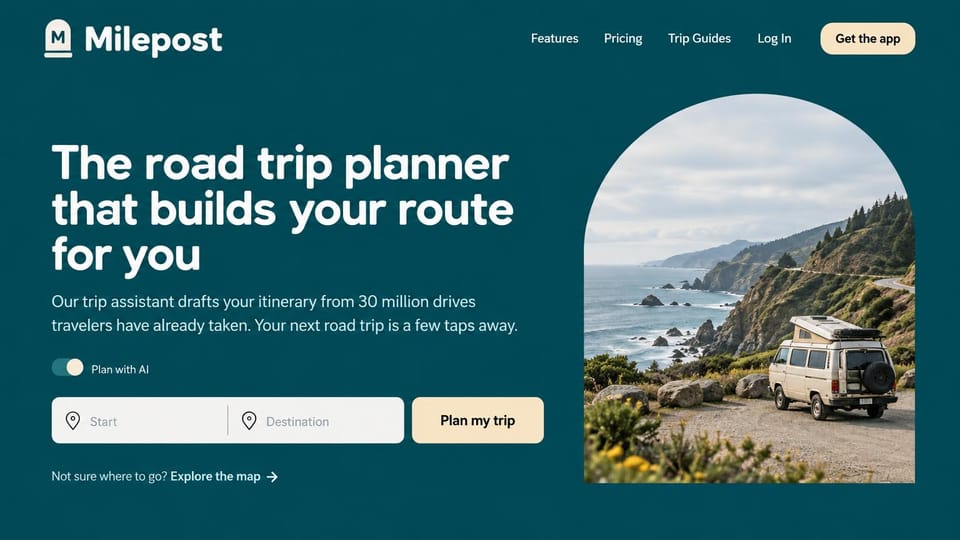
Start and destination fields right on the homepage let visitors try the app before downloading.
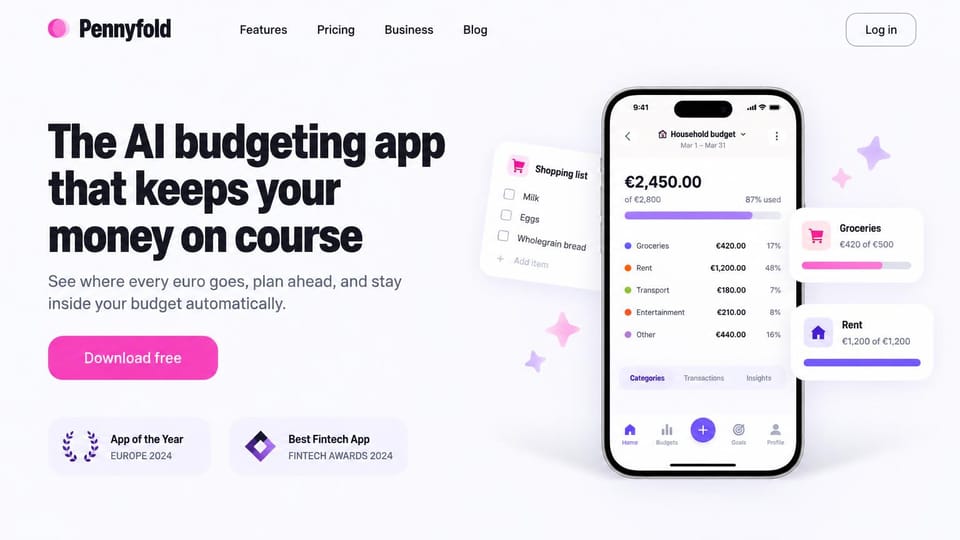
A phone surrounded by floating spending cards shows the app at work, with one pink download button.
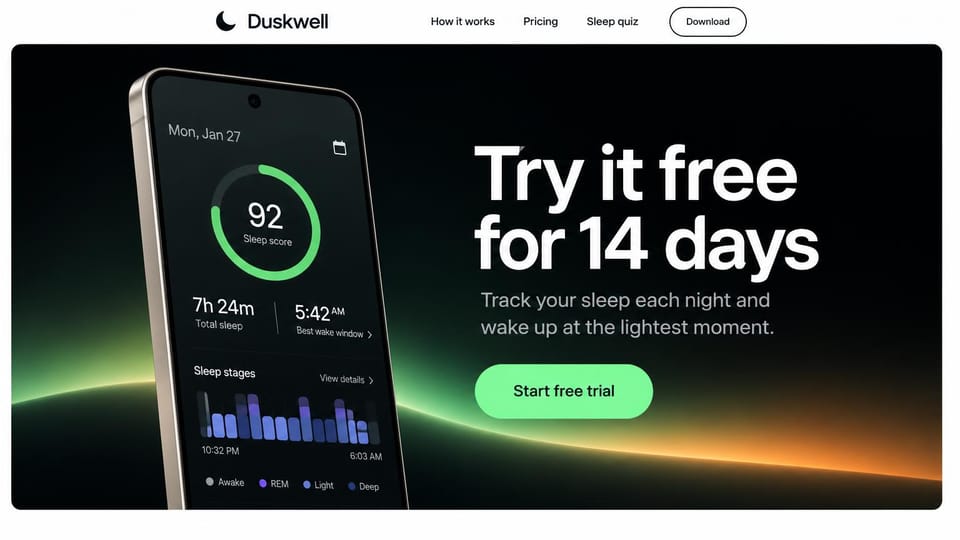
The trial offer is the headline, next to a phone showing last night's sleep score.
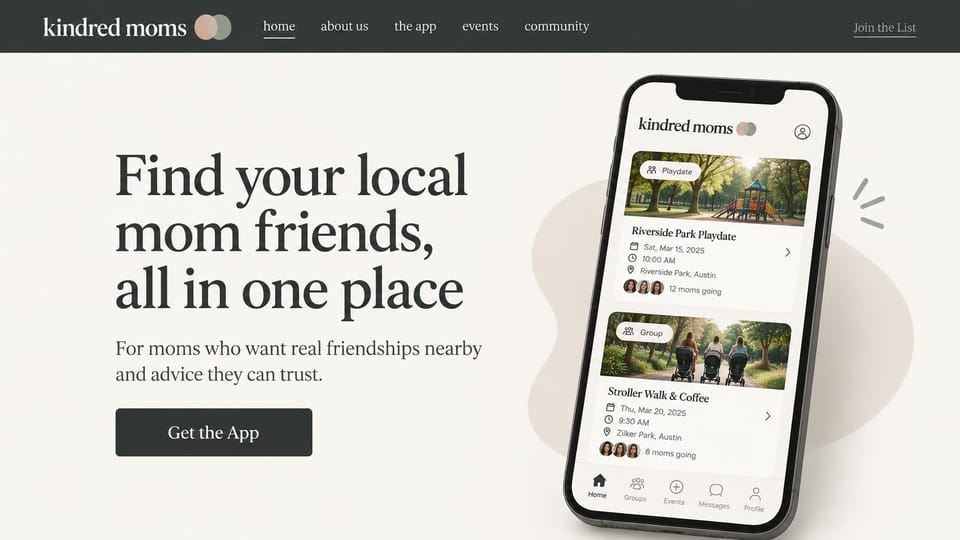
A large serif promise and a phone showing nearby playdates, warm without being cute.
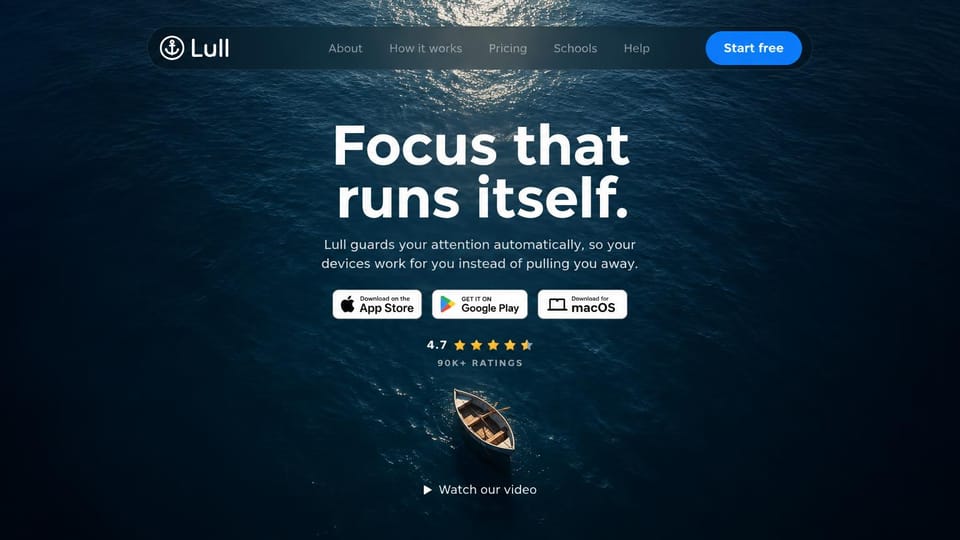
A small boat on dark water and a centered pitch, with badges for phone and desktop.
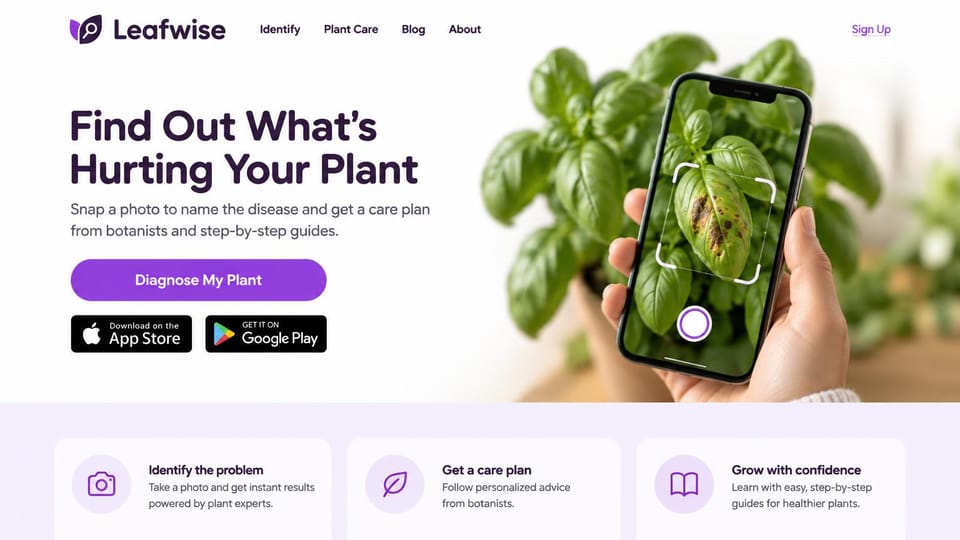
A hand scanning a plant shows exactly what the app does, with three steps underneath.
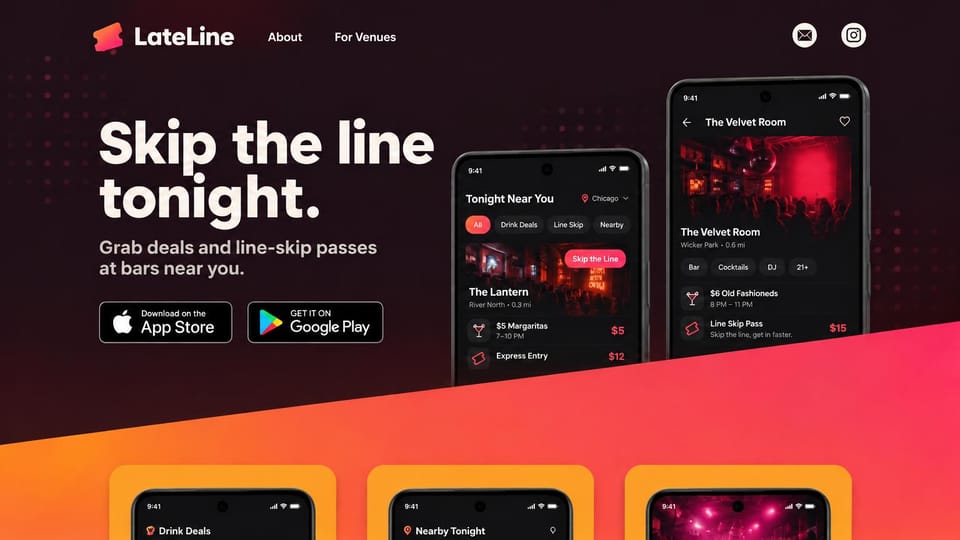
Dark red with a pink slash and two phones of nearby deals, made for nights out.
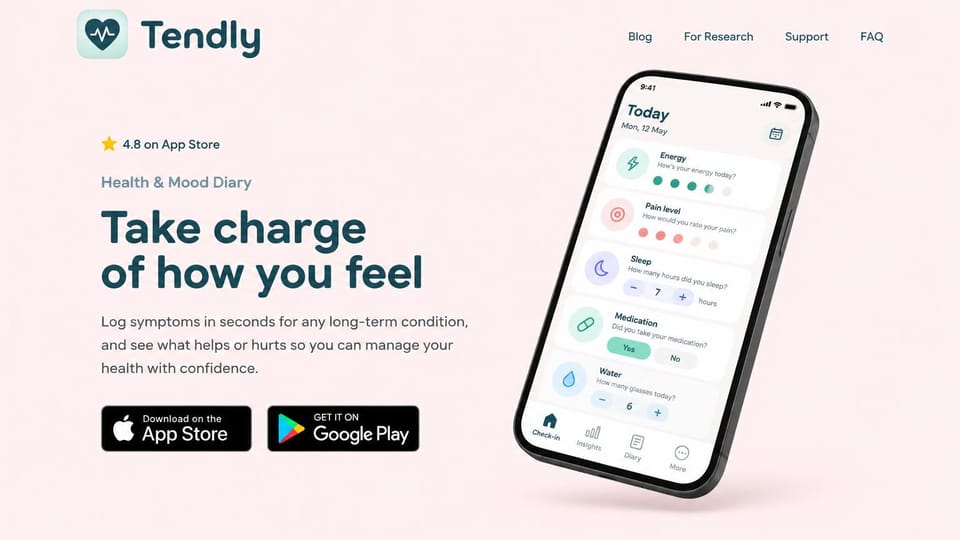
A tilted phone with daily check-ins and a store rating above the headline.
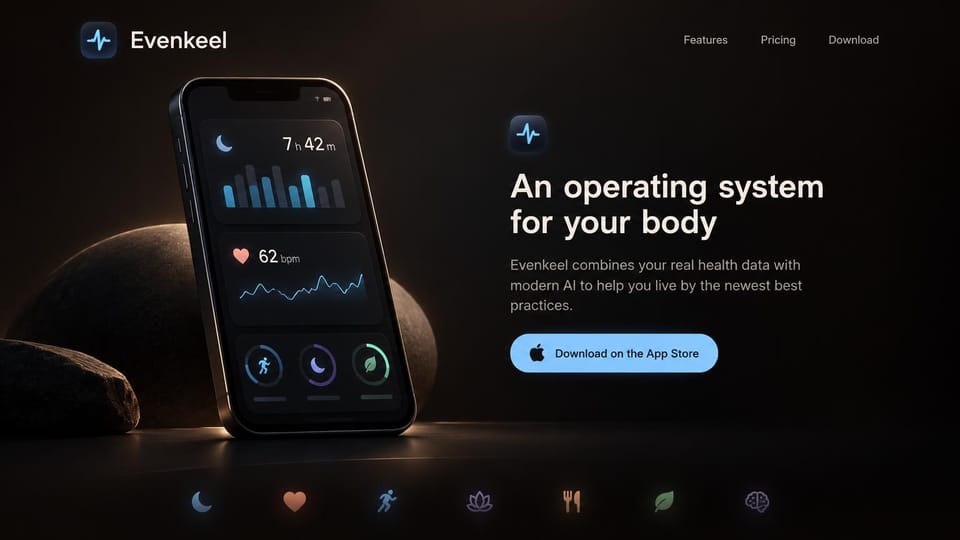
A dark phone glowing on stone, for health apps that want to feel premium and calm.
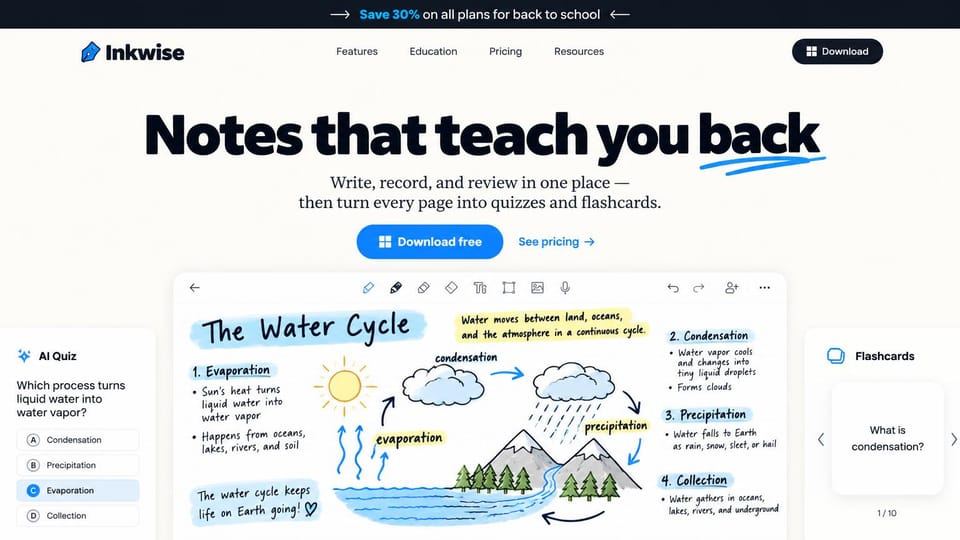
A handwritten science page with a quiz beside it shows the app's best trick at a glance.
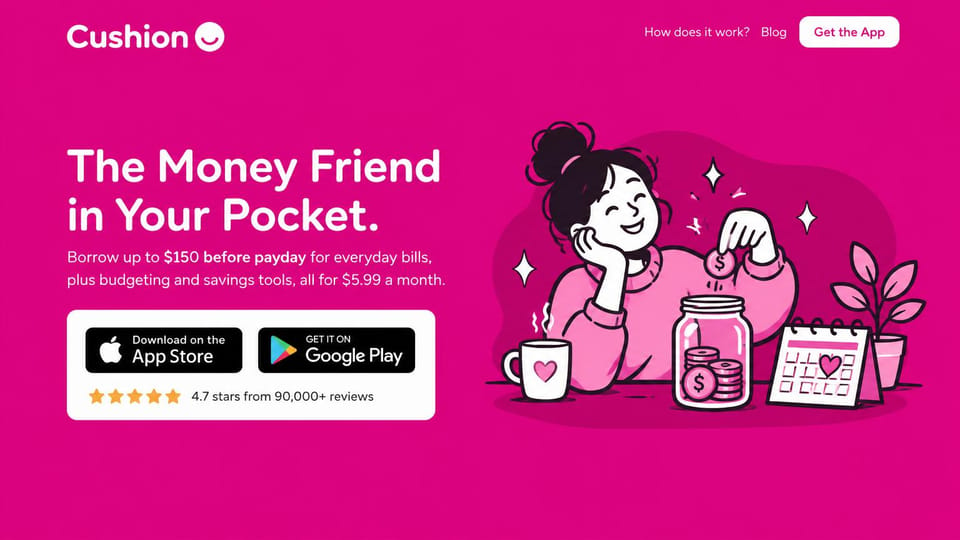
Hot pink and a hand-drawn character keep a money app friendly, with ratings under the store badges.
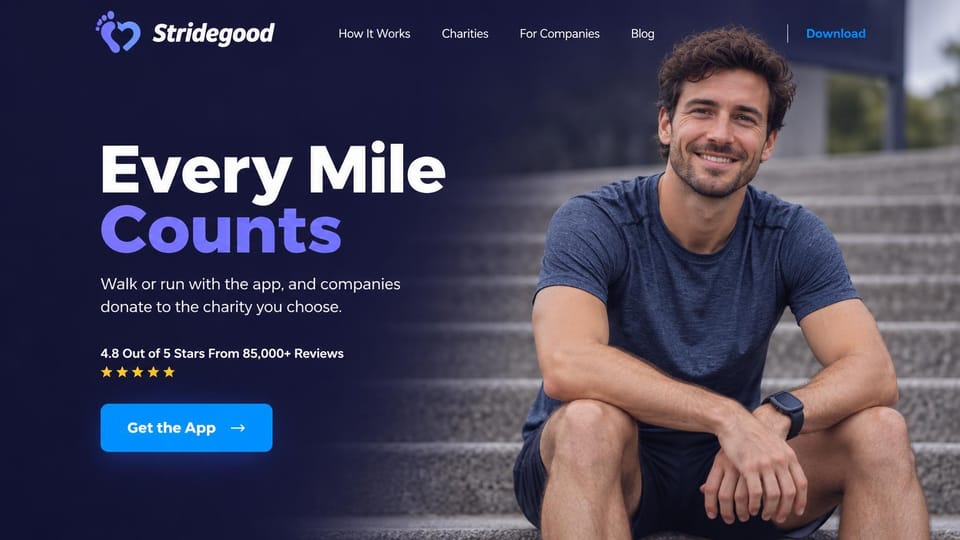
A runner resting on steps and a two-color headline, for apps where every workout helps someone.
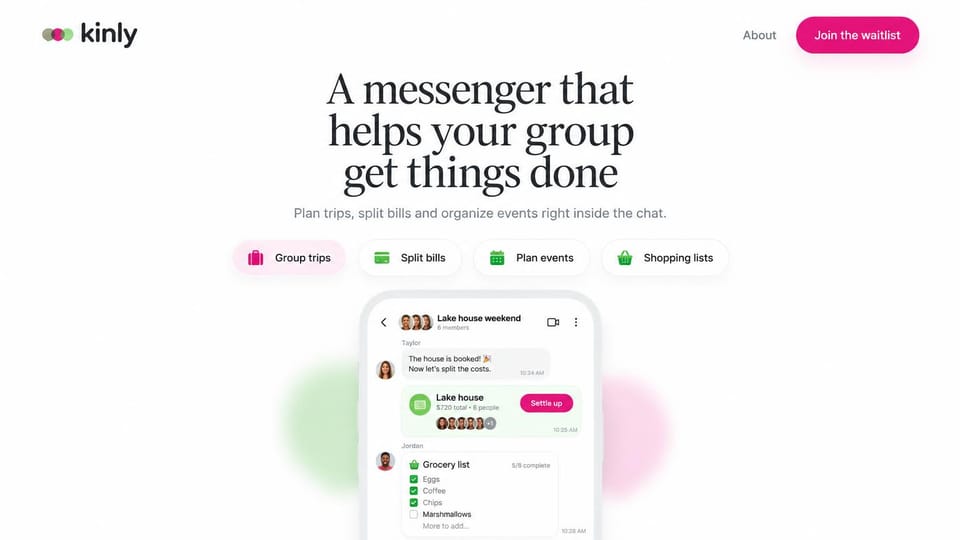
A centered serif headline, four feature chips and a phone peeking up from the bottom.
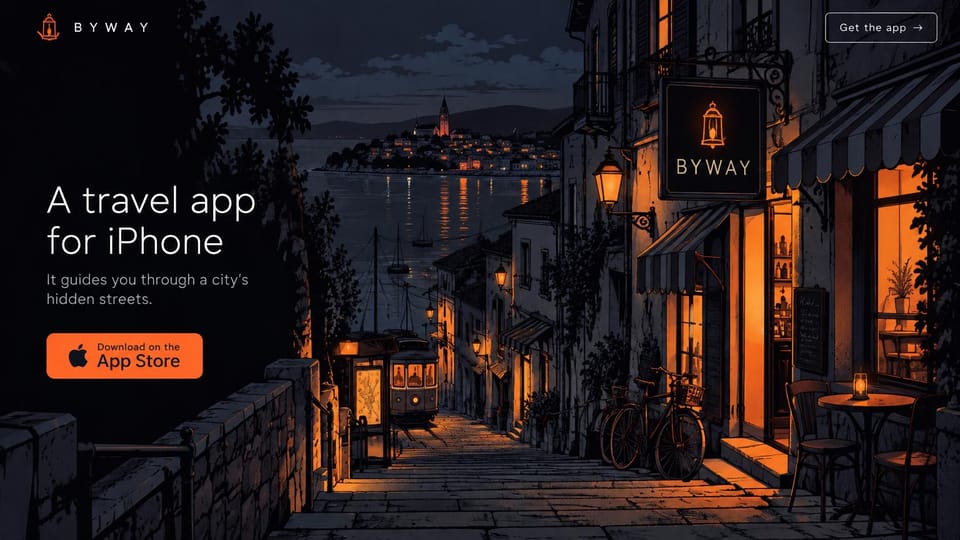
A painted street at night and a short, quiet pitch, for apps with a strong visual identity.
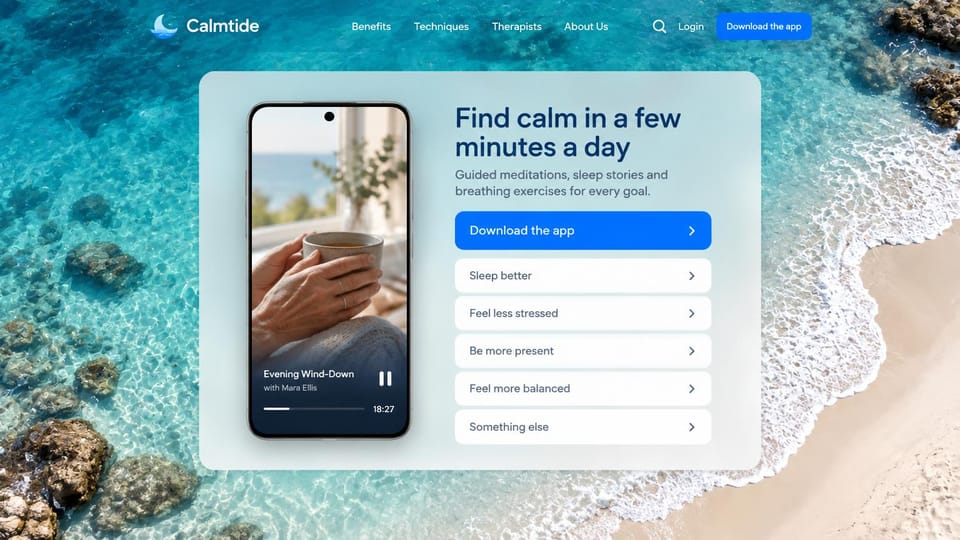
A card over clear water asks what you need, like sleep or less stress, before the download button.
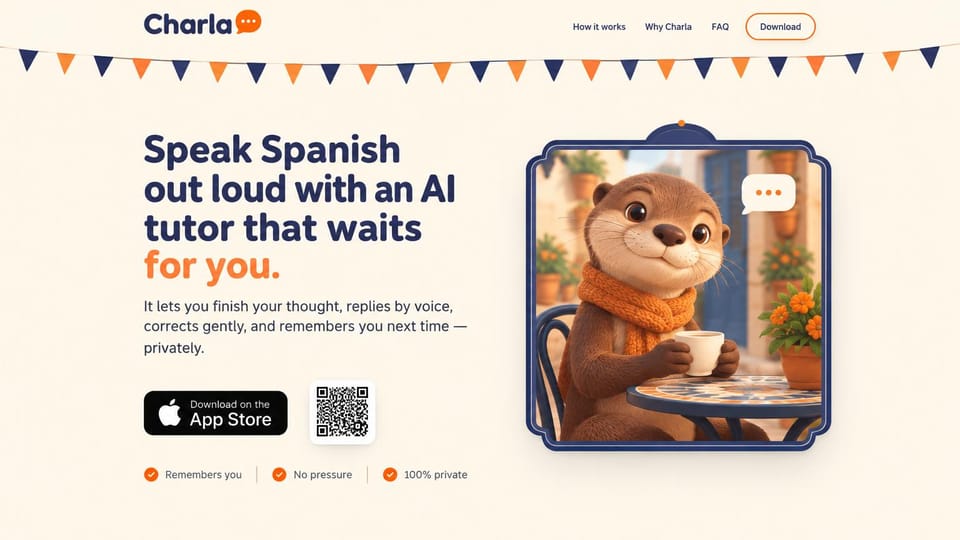
A cartoon otter and a store badge with a QR code, so desktop visitors can scan to download.
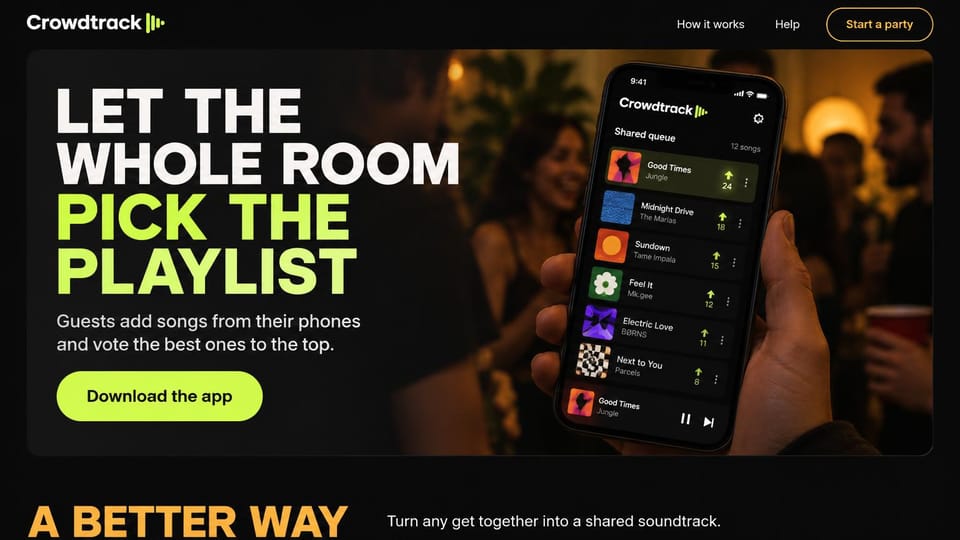
Huge uppercase type and a phone held up at a party, for social apps that should feel loud.
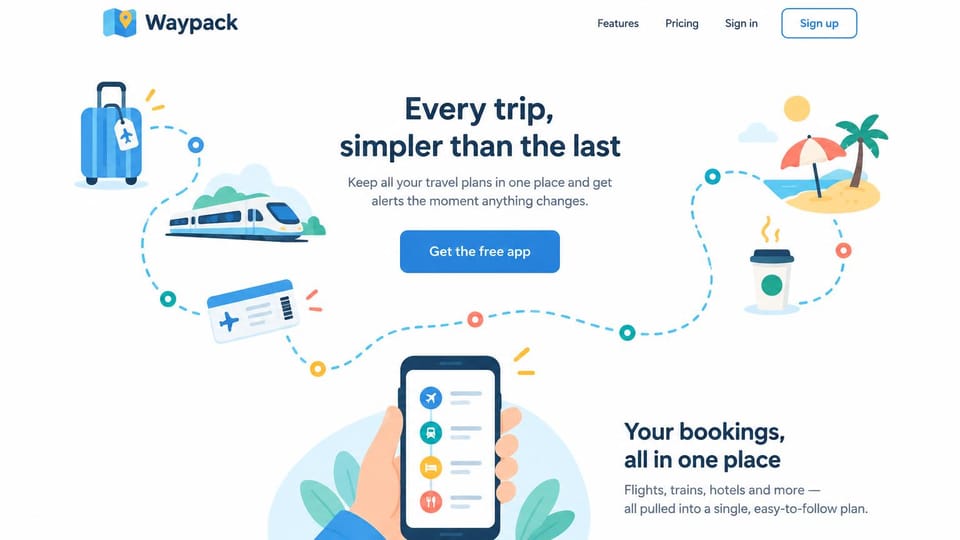
Playful travel icons along a dotted path lead the eye from the headline down to the phone.
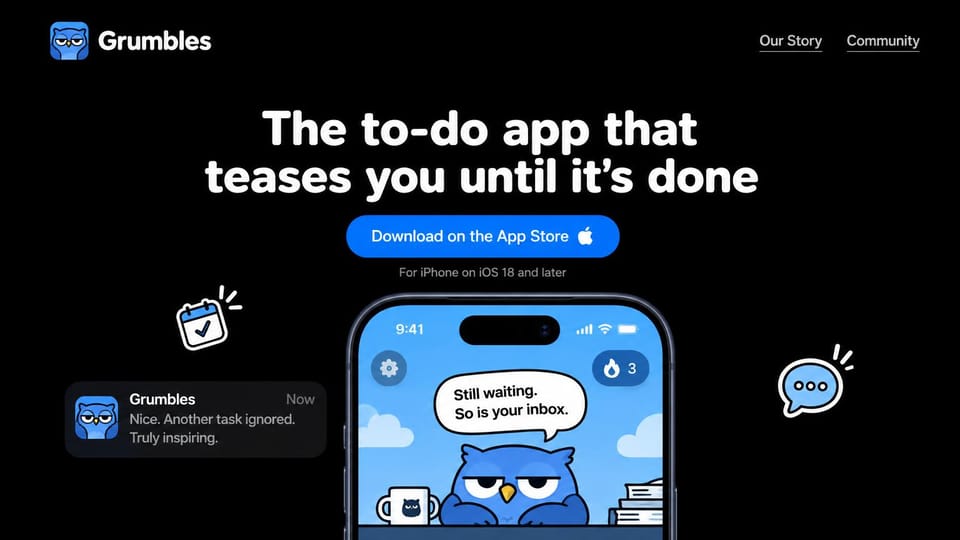
A grumpy owl on the phone screen and a joke in the headline give the app a personality.
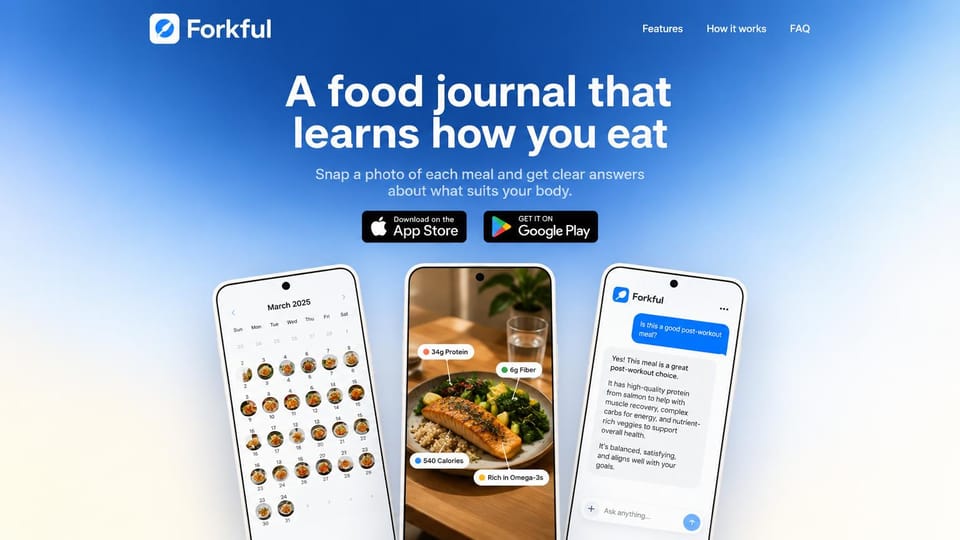
Three phones in a row show the calendar, a meal and the chat, so the tour happens up top.
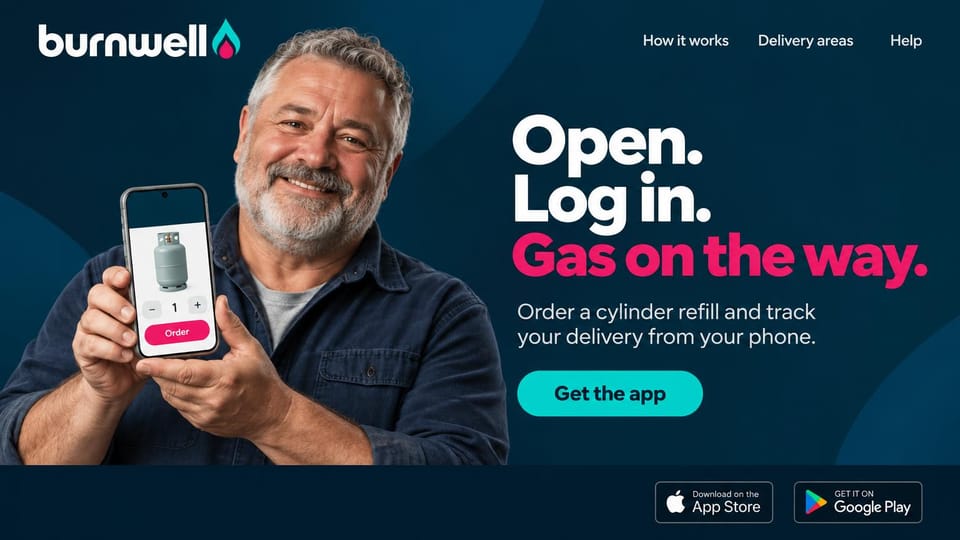
A smiling customer holding the app, with a three-step headline and store badges below.
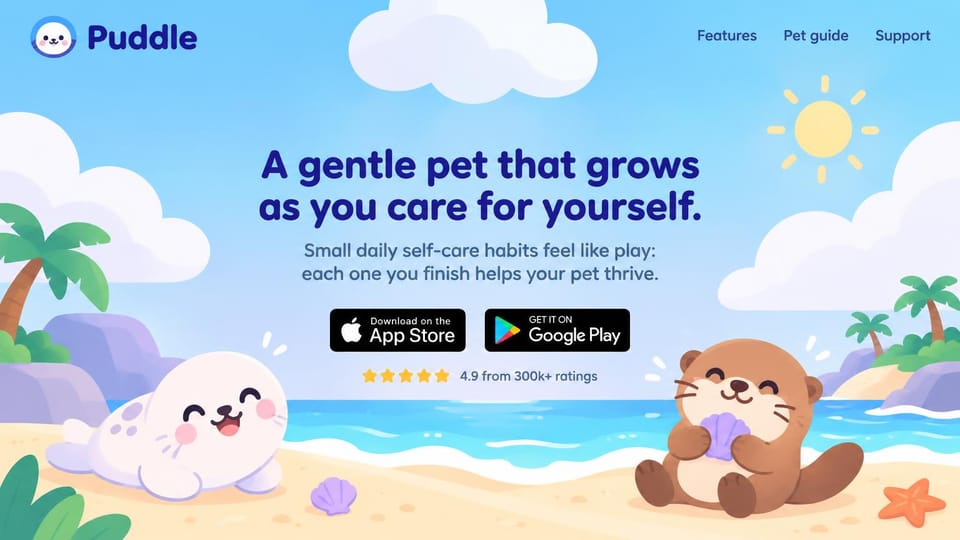
Cartoon sea animals on a sunny beach make daily habits feel like a game.
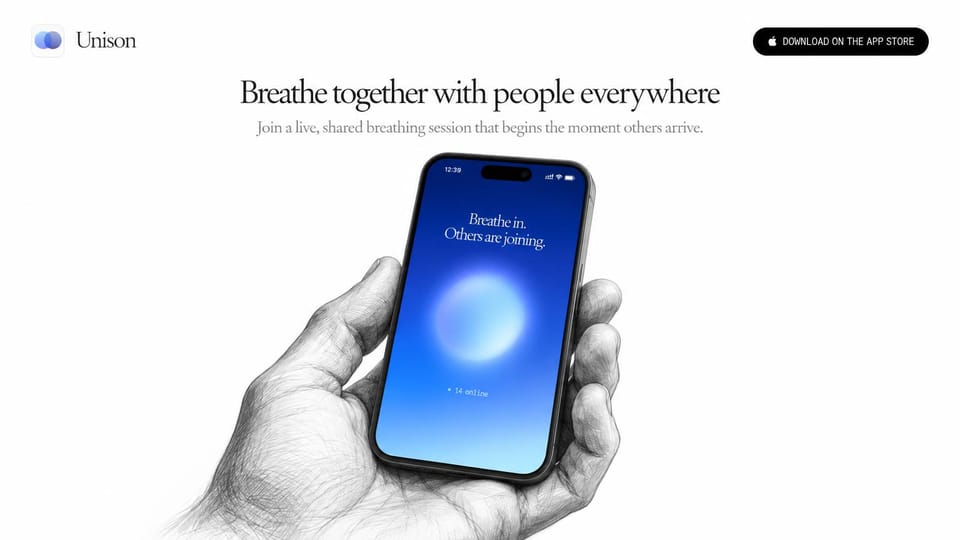
A pencil-drawn hand holding a glowing phone, quiet and unusual for a wellness app.
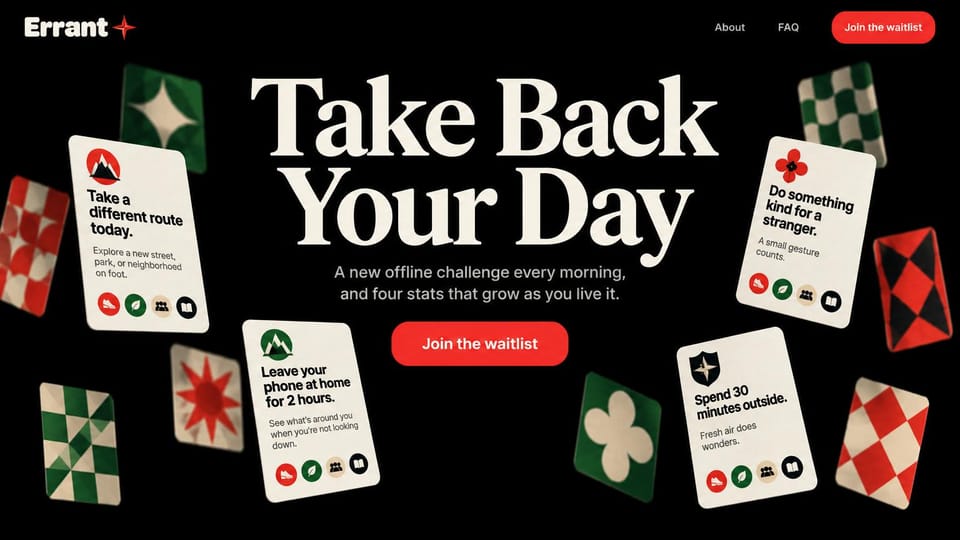
Scattered challenge cards around a big serif line show what a day with the app looks like.
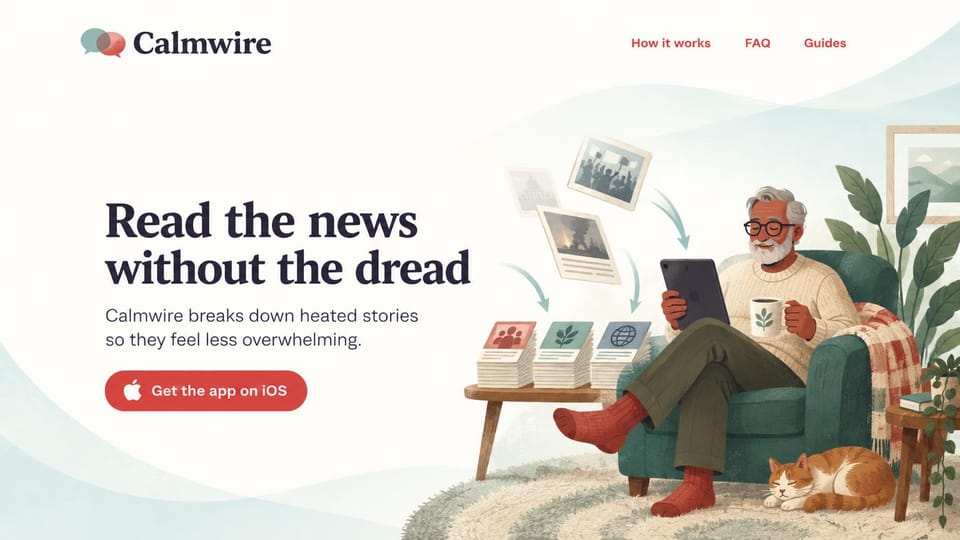
A man reading in an armchair with his cat says calm reading better than any screenshot.
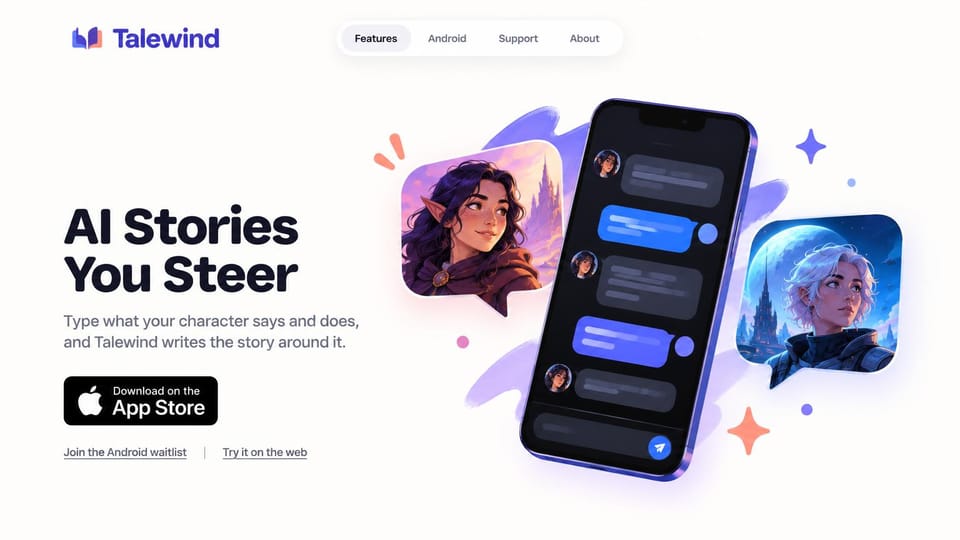
Illustrated characters beside a chat on the phone show an interactive story in one picture.
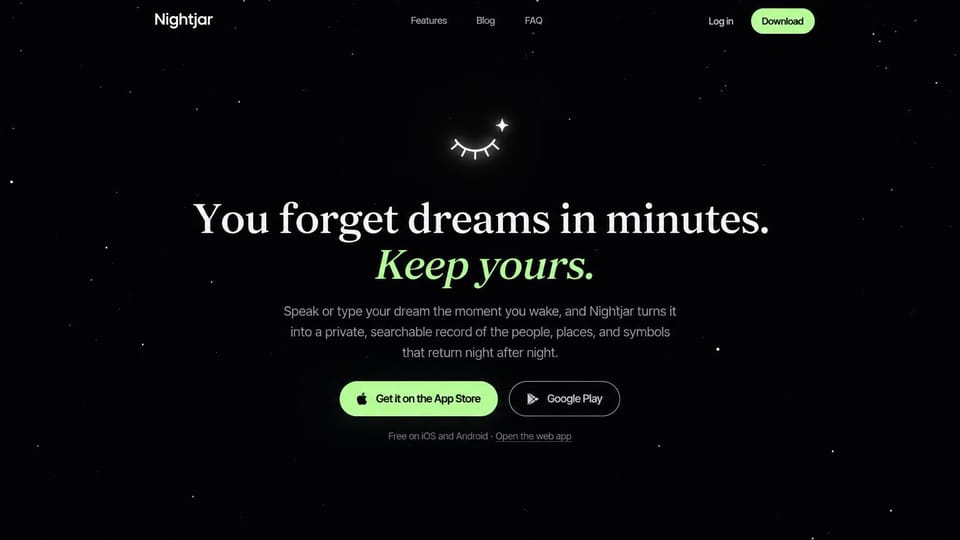
A starry black page, a tiny sleeping-eye icon and a headline that turns to italic green.
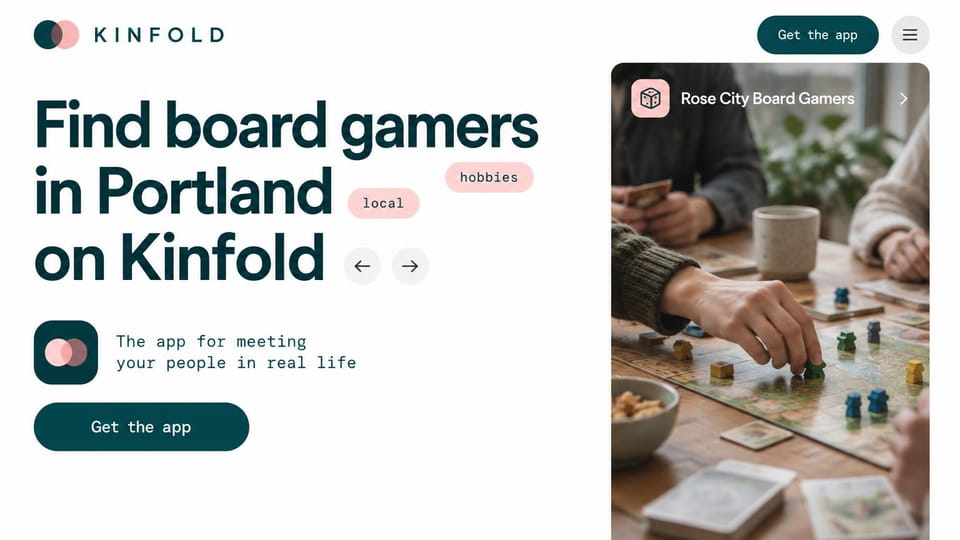
A city and a hobby in the headline plus a real game night photo, for apps built around meeting up.
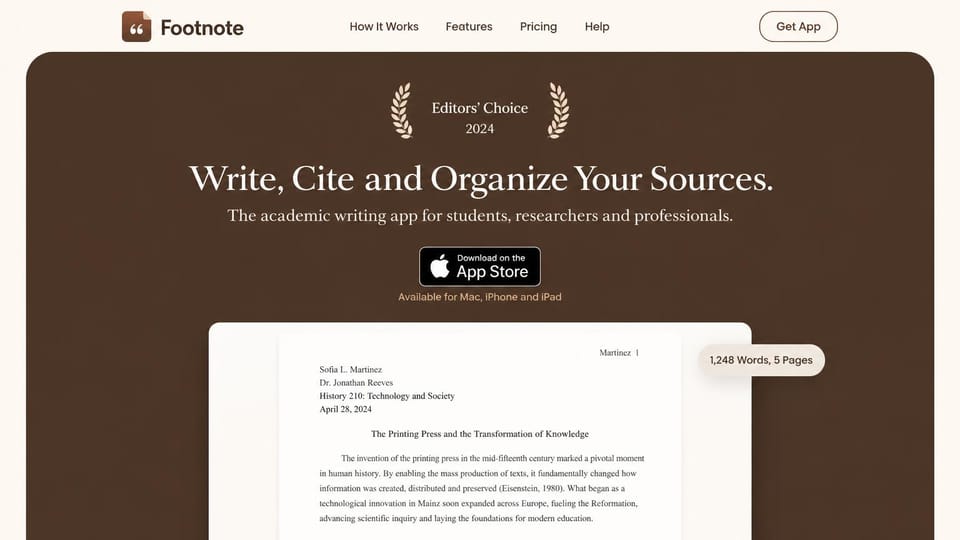
An award laurel, a centered serif line and a document preview, for apps aimed at students.
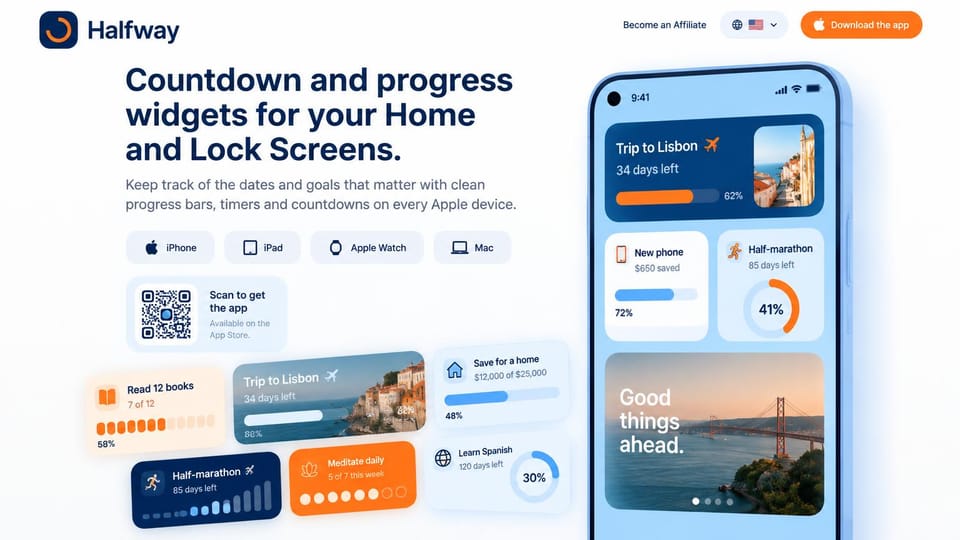
A grid of widgets and device icons shows everything the app can put on a home screen.
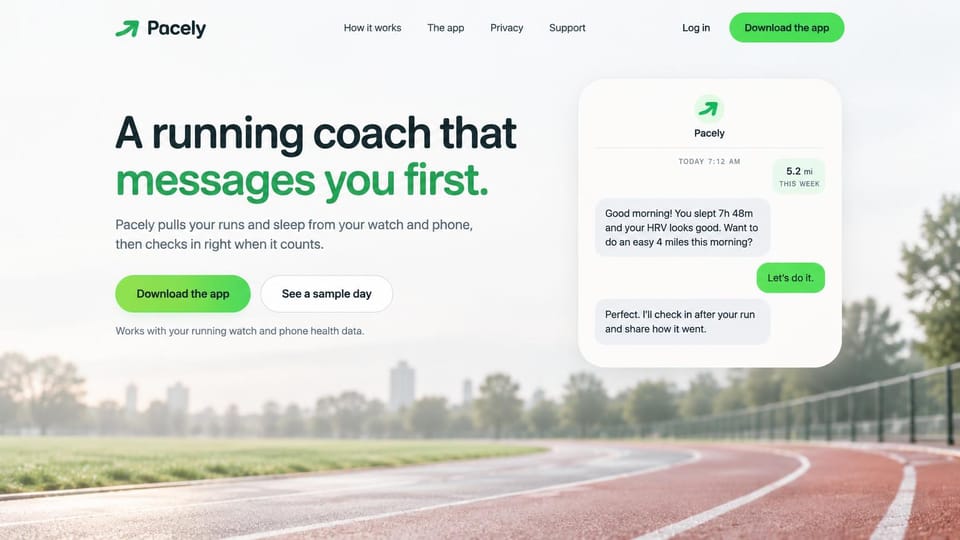
A coaching chat in a white card beside the headline, over a soft photo of a running track.
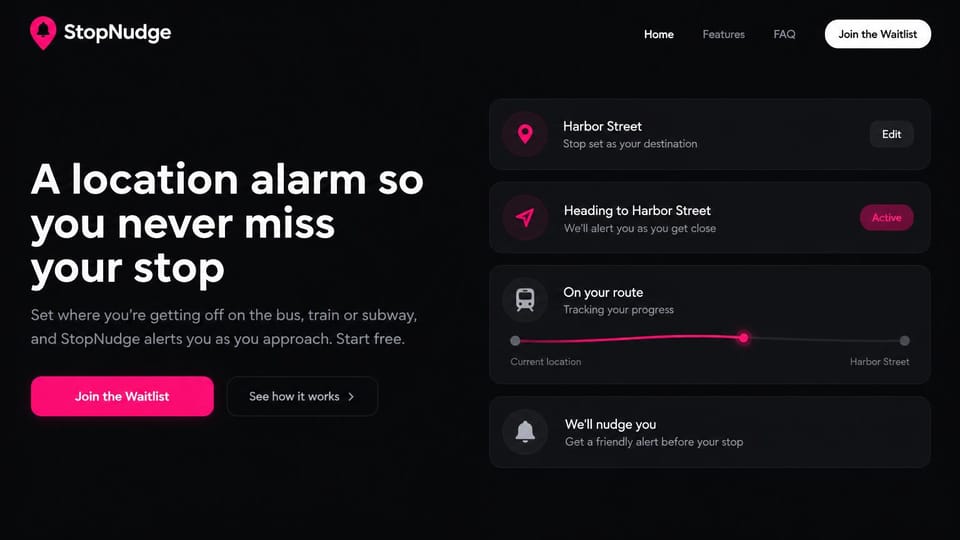
A stack of trip cards on the right explains how the app works before anyone scrolls.
Every design is an illustration by Cactal. The apps, people and screens in them are fictional. Updated October 2026.
Describe your app
What it does, who it's for and where people can download it. Cactal writes the pages, sets up your waitlist or support form and publishes the site.
How it works
1Pick a design
Browse by app category and open any design to see it full size.
2Add your app's details
Your features, screenshots, store links and support email. Cactal writes every page and builds the site from your design.
3Publish
Ask for changes in plain words until it's right, then publish free on a Cactal domain, or on your own domain with Pro.
What an app landing page needs
The app on a phone, right away
Show real screens in a phone frame on the first screen. People want to see what they'd be tapping before they download.
Store buttons that go to the right place
Use the official App Store and Google Play badges and link each one to your listing. Both stores have rules for how their badges can be used, so follow their guidelines.
One promise, not a feature list
Lead with the change the app makes in someone's day. Save the feature tour for further down the page, and keep it short.
A waitlist before launch
If the app isn't out yet, collect emails with a simple form and say roughly when it's coming. Tell people what they get for signing up early.
A privacy policy and support page
App stores generally ask for a privacy policy link and a way to contact you, and your website is the natural home for both. Requirements vary by store and region, so check the current rules.
Fast on the phone it's promoting
Most visitors arrive from a link on their phone. Light images, short pages and buttons big enough to tap matter more than motion effects.
Questions
Are these mobile app website templates free?
Every design here is free to start from. You can sign up, build and publish on a Cactal domain without a card and with no time limit. Putting your site on a domain you own is $25 a month on Pro.
Do I need to know how to code or design?
No. Describe your app in plain words and Cactal builds, edits and publishes the site. When you want a change, ask for it the same way.
Do I need a website if my app is already in the App Store?
Usually, yes. App Store Connect asks for a privacy policy URL and a support URL, and Google Play asks for a privacy policy link. A site also gives people who search for your app a page you control, with your screenshots, store links and a way to reach you.
Can I use my own domain?
Yes. Every site starts on a free Cactal address. Connect a domain you own on Pro for $25 a month, and each additional website on its own domain is $20 a month.
Who owns the website?
You do. Every Cactal site is real React source code, so you can take it and run it anywhere. There is no export to buy.
Are these real apps?
No. Each design is an illustration made by Cactal, and the app names, people, numbers and screens in it are fictional. Your site is built around your own app.
Can I collect a waitlist before launch?
Yes. Cactal sets up a waitlist form with spam filtering and email notifications. The free plan includes 50 form submissions per website each month, and Pro has no limit.
Can the site host my privacy policy and support page?
Yes. Ask for a privacy policy, terms or support page and Cactal adds it to your site, ready to link from your store listing. Review the wording yourself, since you're responsible for what it says.
More website templates
- Artist website examples
- Author website examples
- Blog website examples and templates
- Cafe, coffee shop and bakery website designs
- Church website design templates
- Coaching and life coach website templates
- Contractor and construction website designs
- Creative and marketing agency website designs
- Dental website design templates
- Fitness website templates for studios and gyms
- Hair salon, nail and spa website templates
- Hotel, B&B and vacation rental website templates
- Law firm, lawyer and attorney website templates
- Musician, band and DJ website templates
- Nonprofit and charity website templates
- Personal website examples and resume website templates
- Photography website templates
- Podcast website examples
- Portfolio website examples and templates
- Realtor website designs and real estate website templates
- Restaurant website templates and designs
- SaaS landing page and website templates
- Therapist website templates and designs
- Wedding website templates

Your app's website, built for you.
Pick a design or just describe your app. Free to start, no card needed.
Start building