SaaS landing page and website templates. Pick one and Cactal builds it.
36 designs for business tools, developer products, AI startups and products still on a waitlist. Choose one and Cactal turns it into your product's website, with your features, pricing and a waitlist or demo request form.
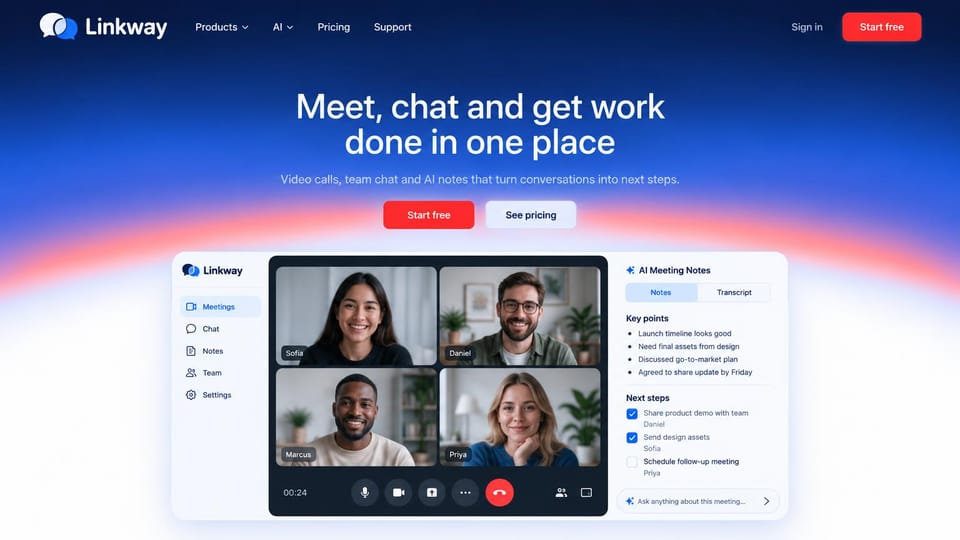
A blue to orange gradient frames a video call with AI notes, so the feature is clear at once.
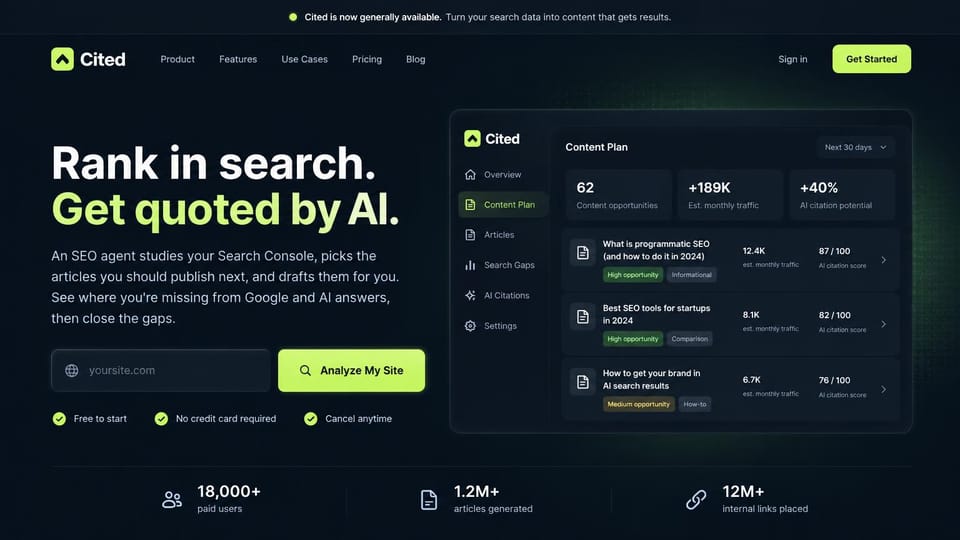
An analyze-my-site field in the hero turns curiosity into a first result before any sign-up.
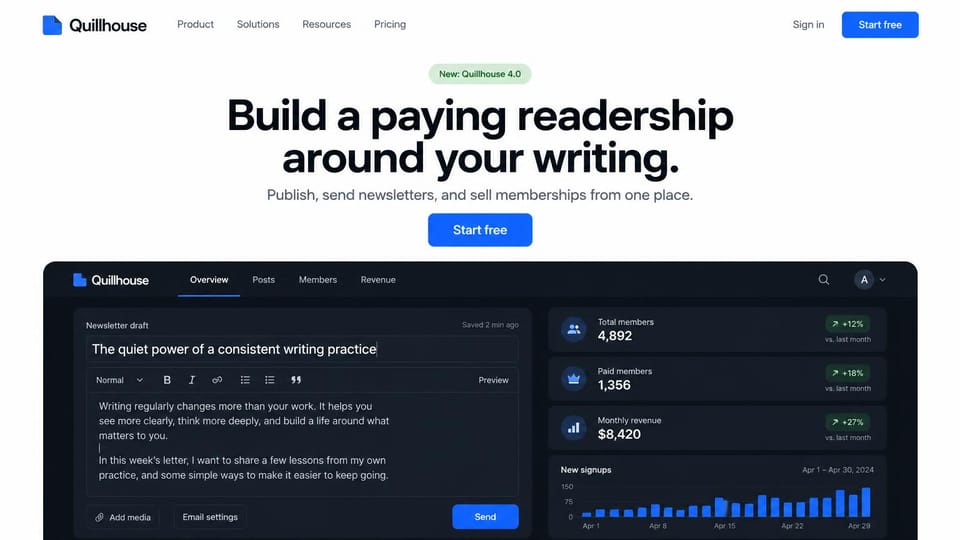
A centered promise above a working editor and stats, so the product sells itself.
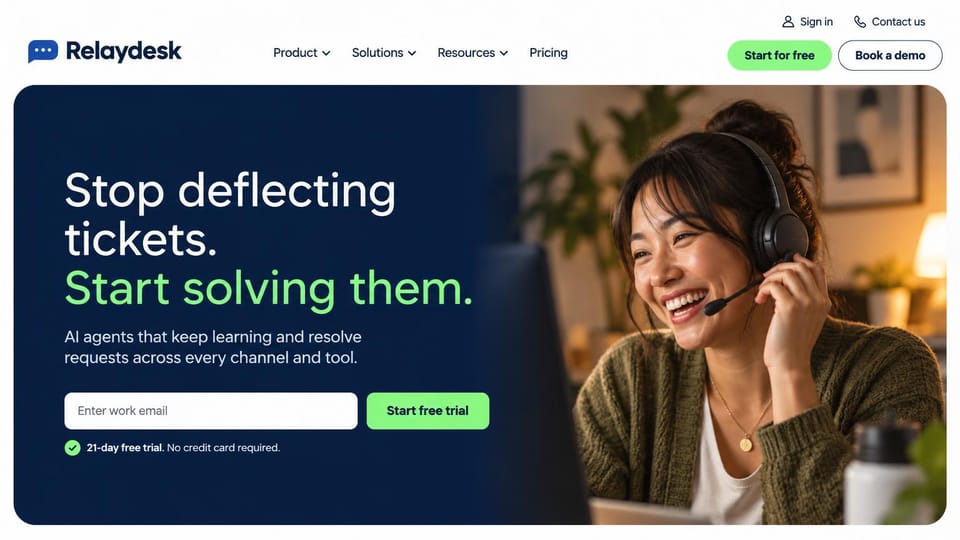
A support agent in a headset and an email field for the trial make an AI tool feel human.
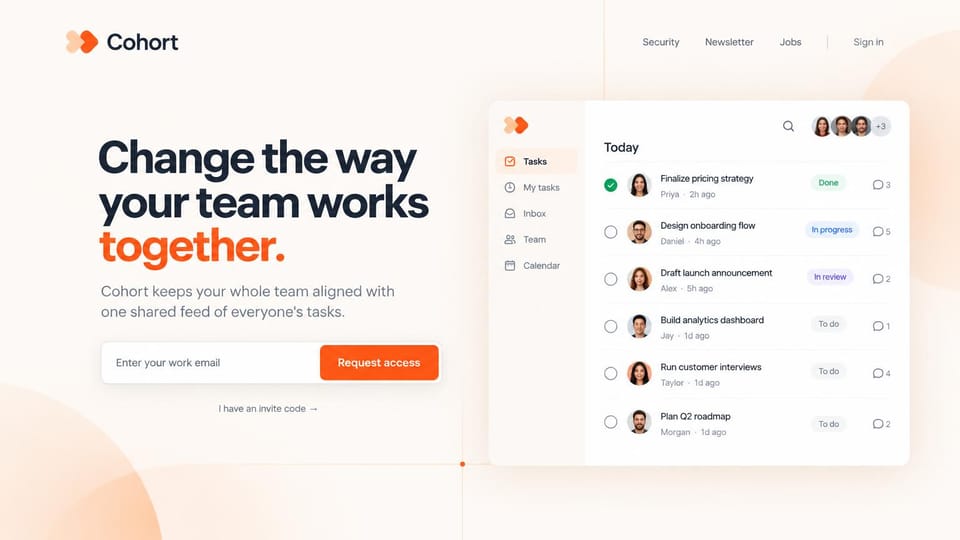
Request access with a work email or an invite code, for products that let people in slowly.
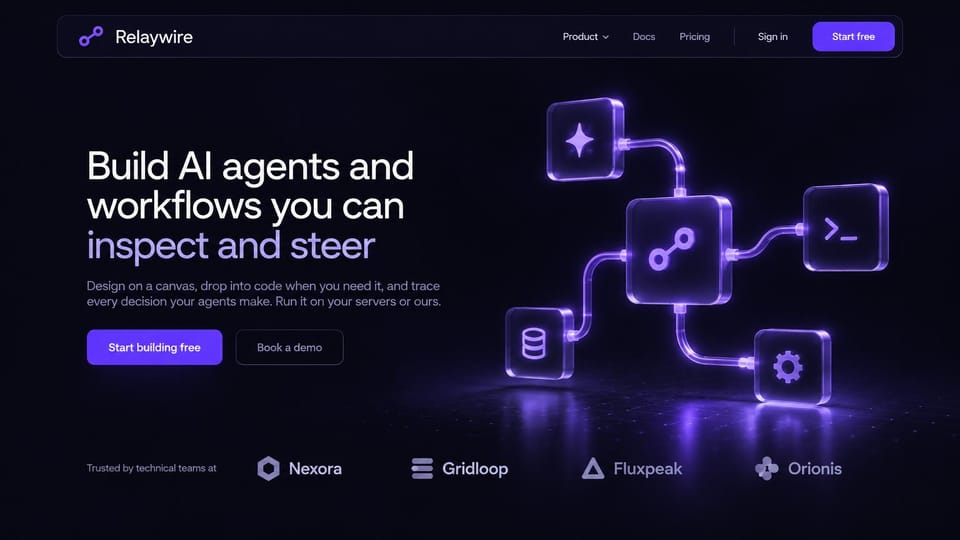
Glowing glass blocks linked like a workflow make an abstract product feel tangible.
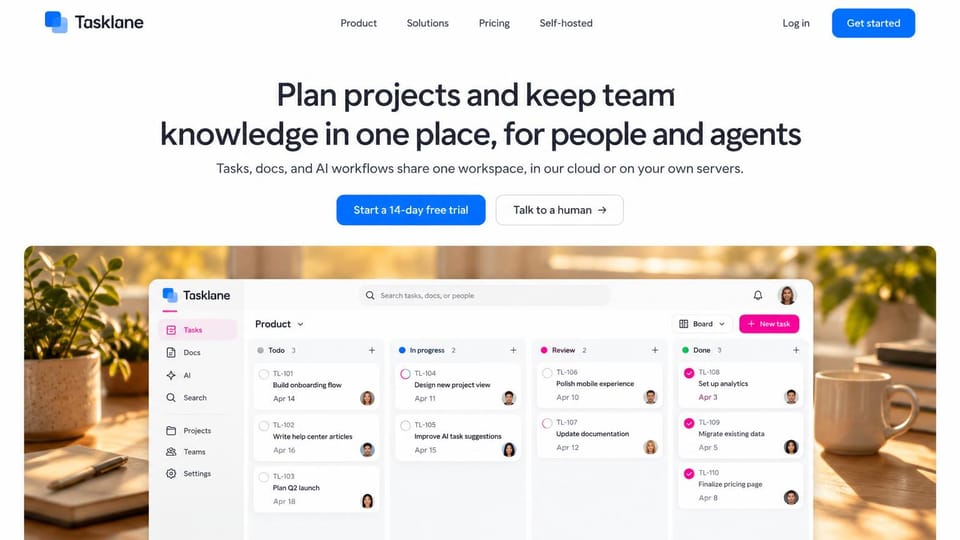
The board sits on a photo of a sunny desk, which makes a work app feel calm instead of corporate.
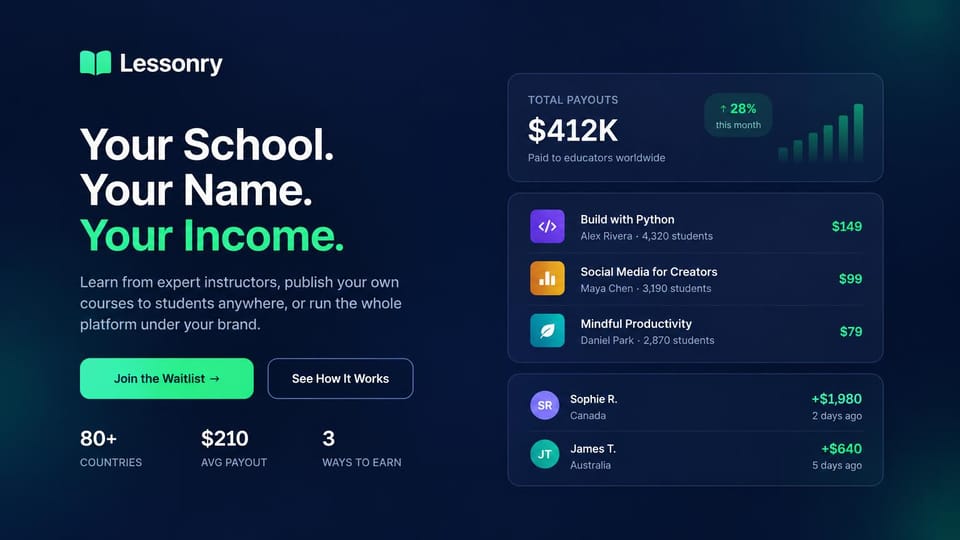
A three-line promise in green and white beside payout cards, for products that make people money.
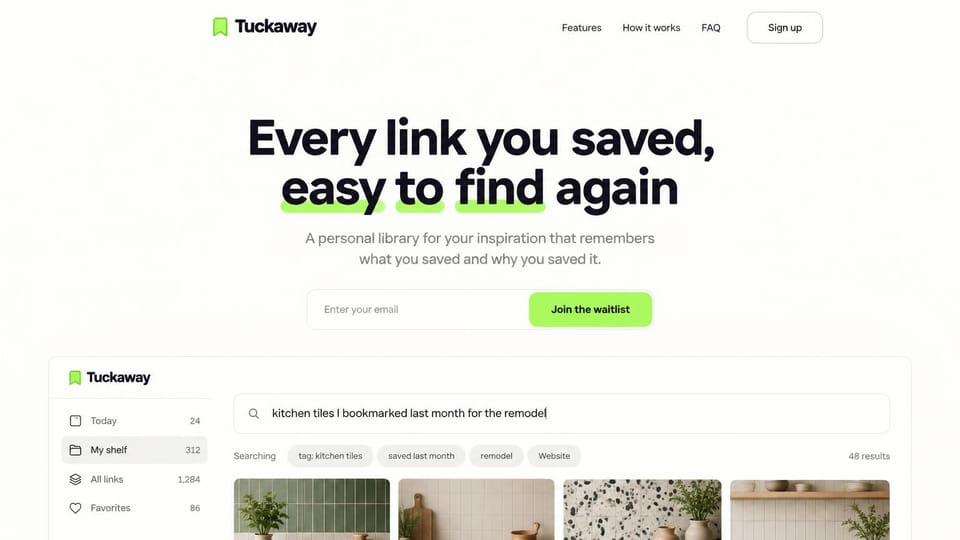
The search box shows a real question and its answers, so the pitch is proven on screen.
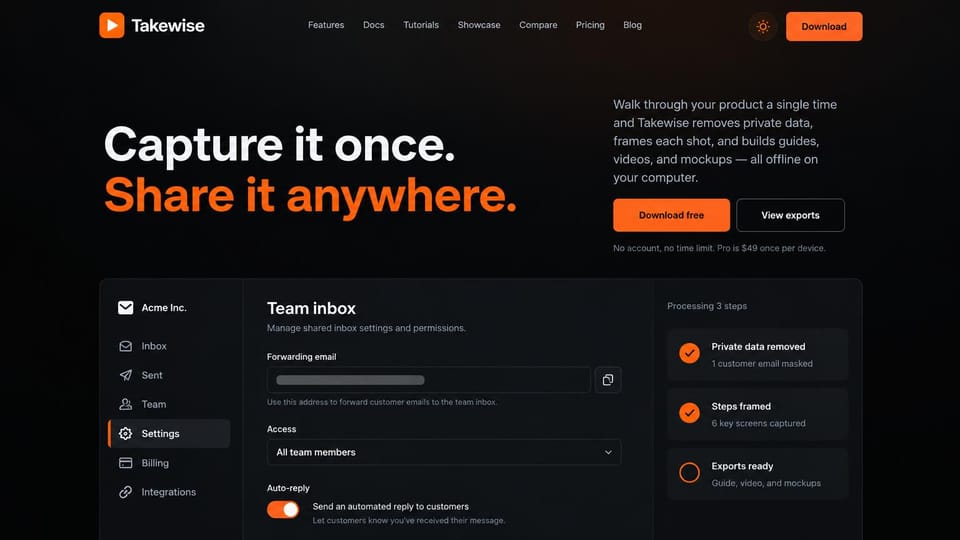
A black page, a half-orange headline and a download button, with the app window underneath.
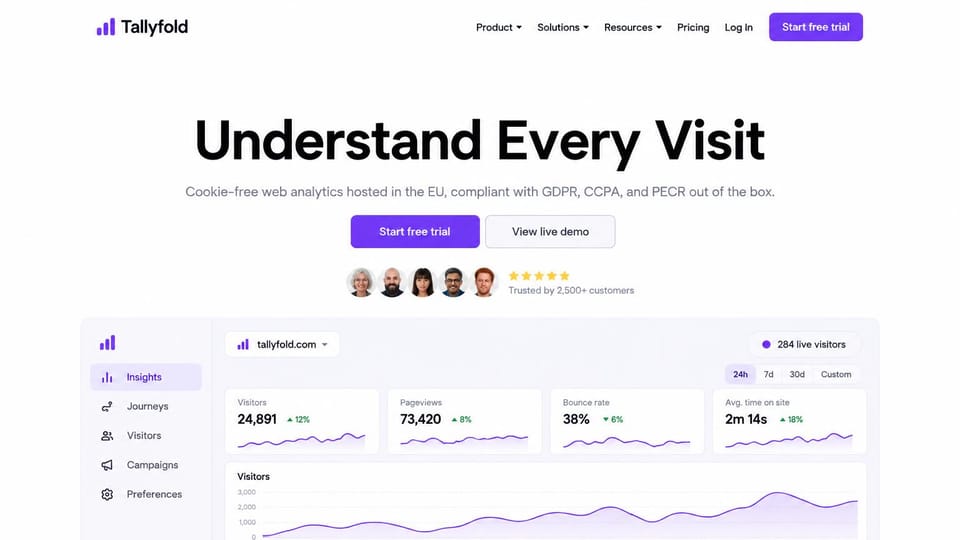
A short headline, two buttons and the dashboard itself, for products that are easy to show.

A calm portrait and an italic serif headline give a health service the feel of a premium brand.
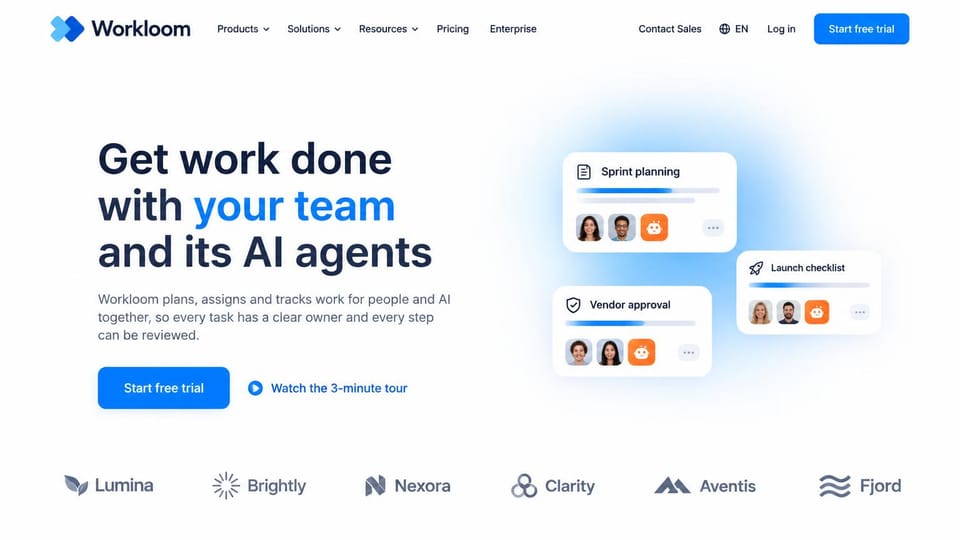
Small floating cards with avatars hint at the product without showing a full dashboard.
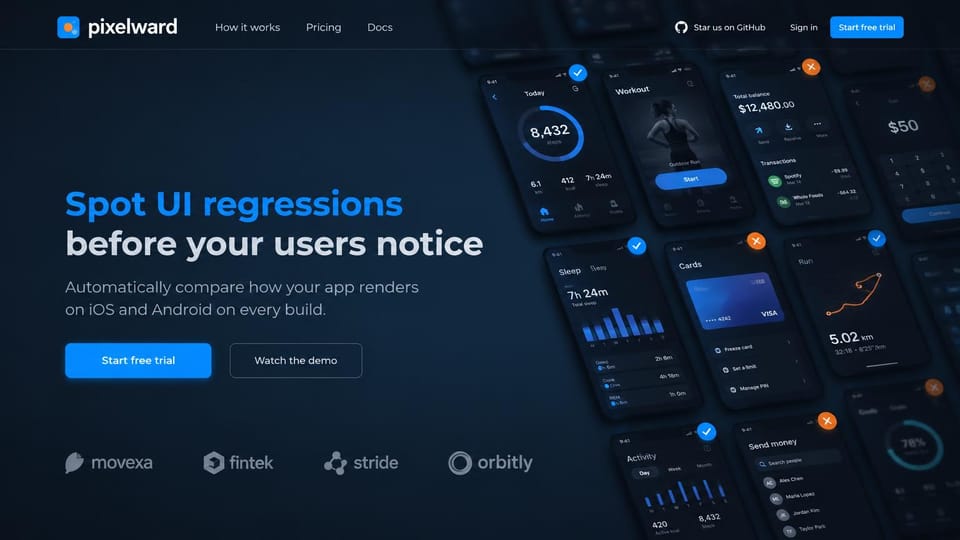
Dozens of tilted app screens behind the headline show what the tool checks without a word.
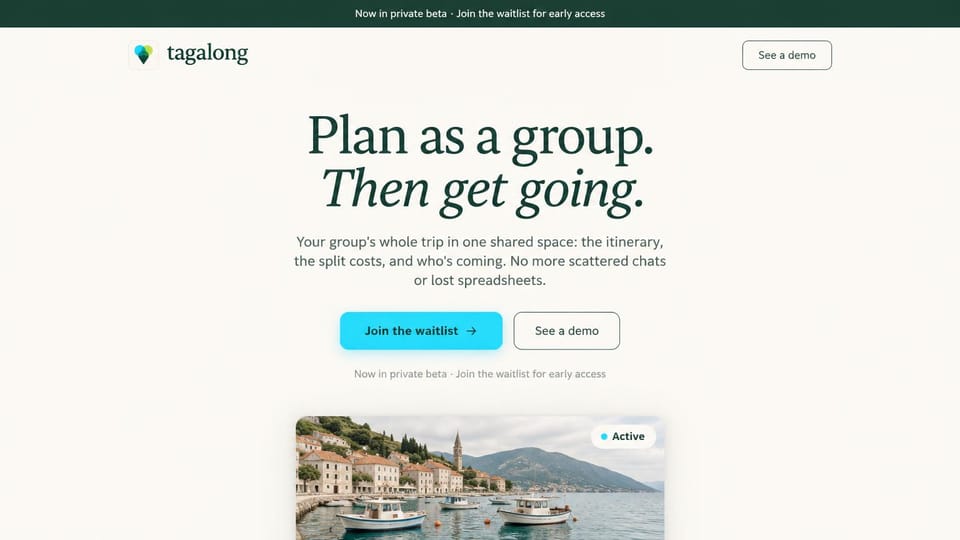
Cream, an italic serif and a photo peeking up from below, for a consumer product still in beta.

A centered headline, one orange trial button and the dashboard filling the bottom of the screen.
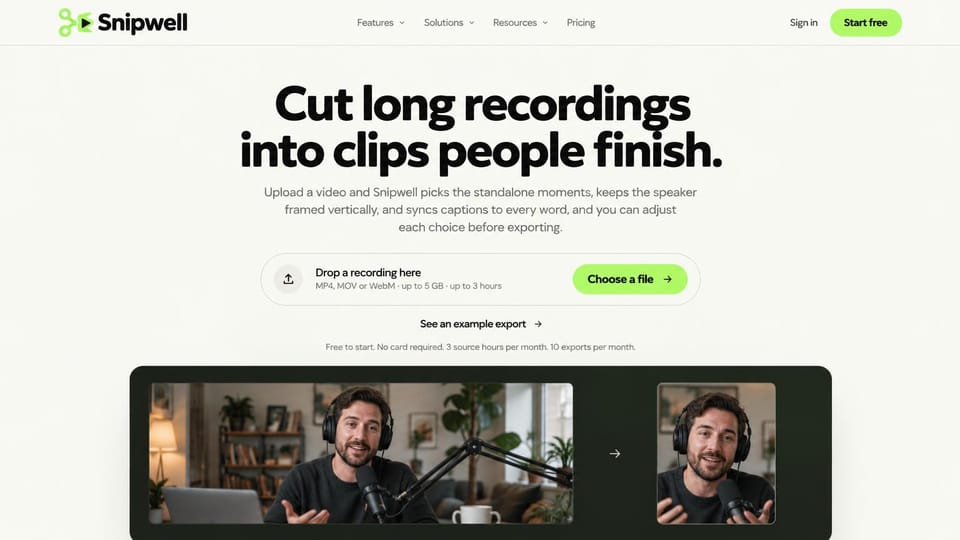
Drop a file right on the homepage and see the before and after, for products people try instantly.
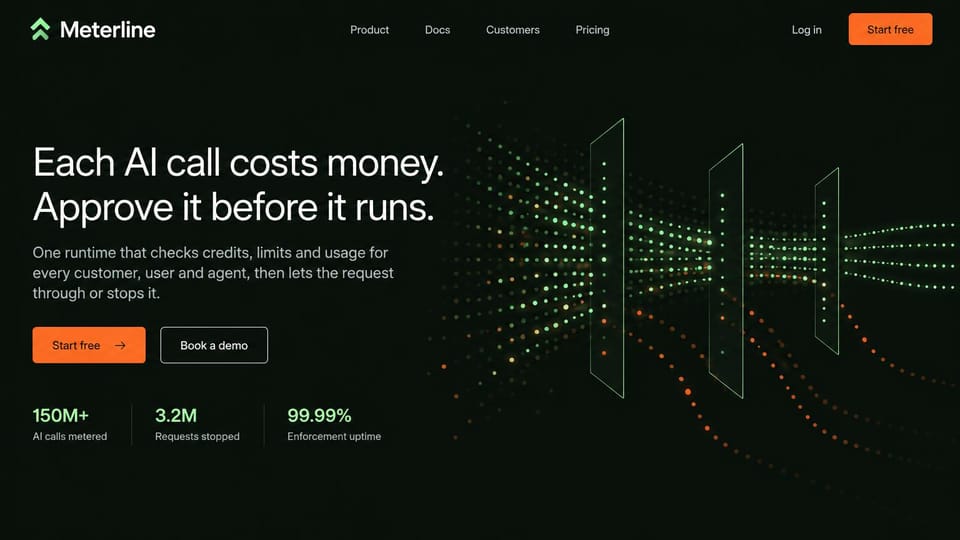
A two-sentence pitch, three large numbers and a field of green dots on black.
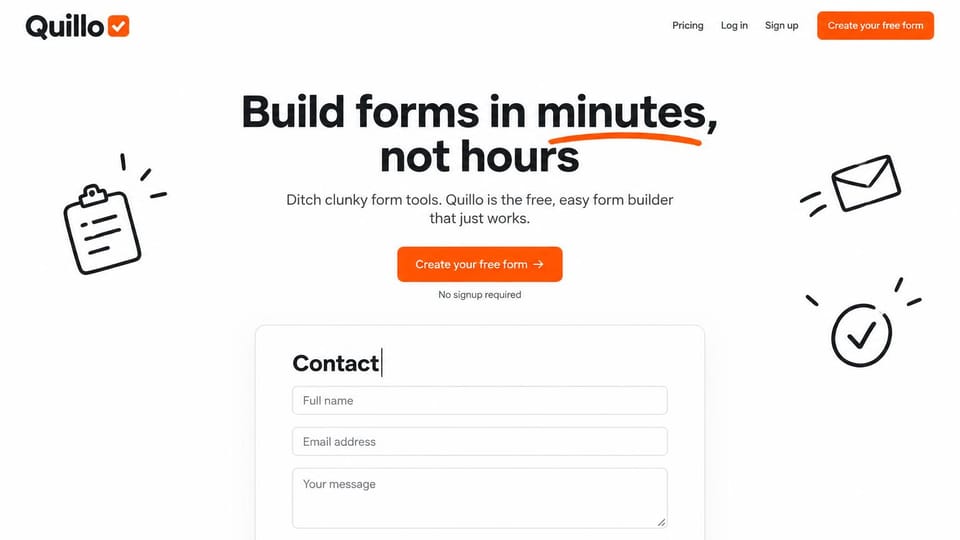
Playful sketches and a live form preview make a simple tool feel friendly and quick to try.
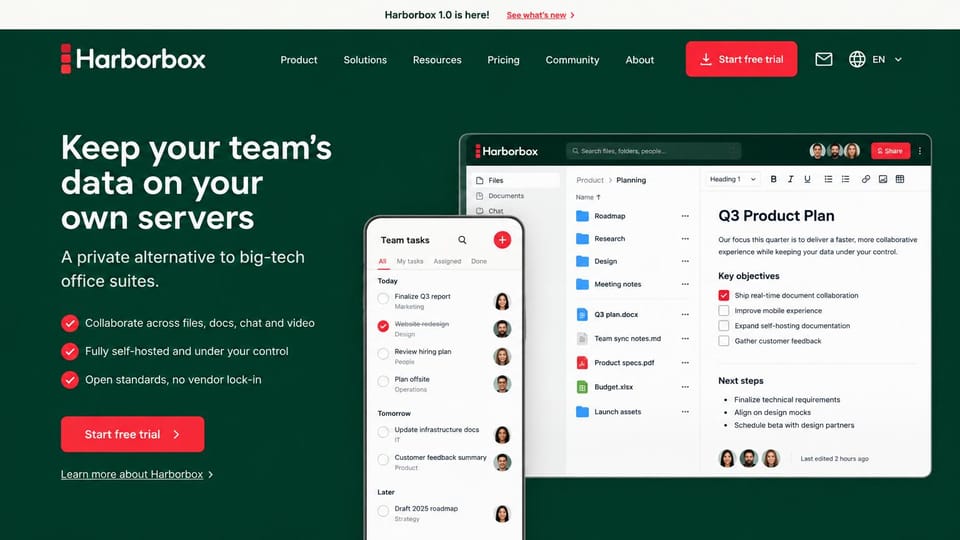
Three checkmarked reasons and app screens on desktop and phone, for privacy-minded teams.
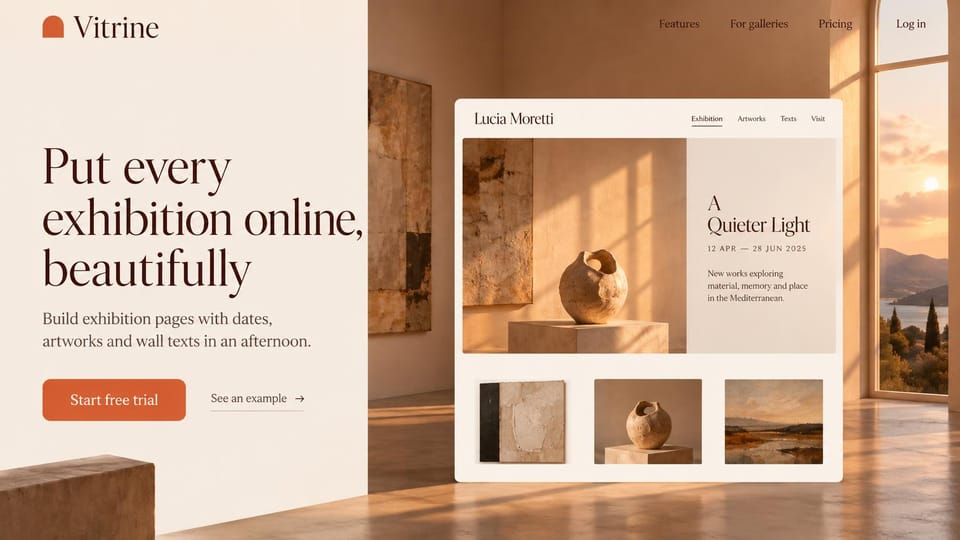
A warm gallery photo and an exhibition page preview speak to artists, not software buyers.
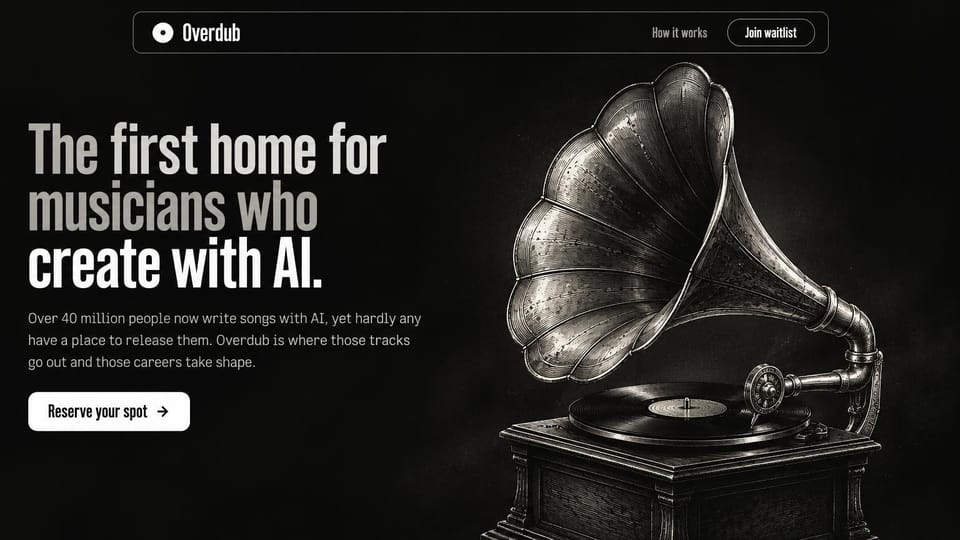
One dramatic object and condensed type, for a pre-launch product that needs a strong mood.
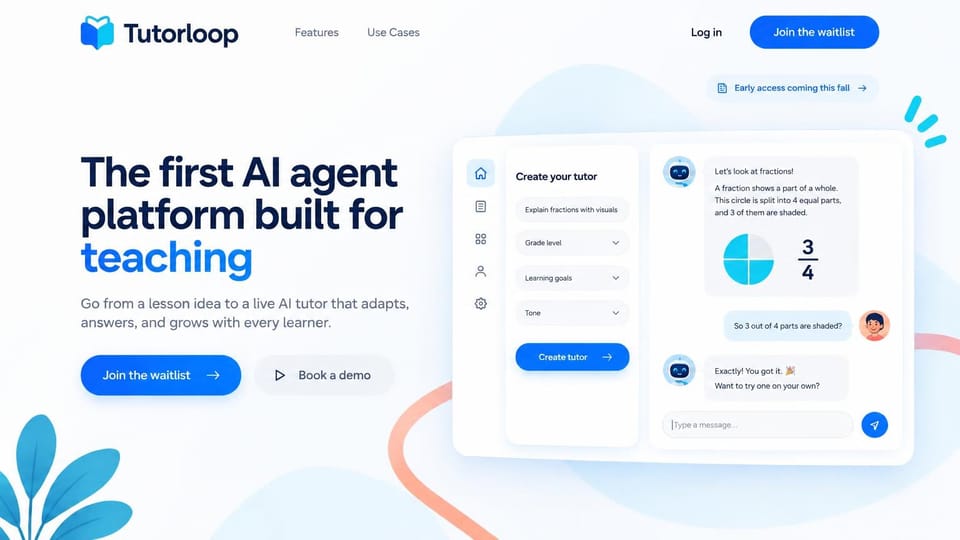
A bright blue headline word and a working tutor chat on the right, for classroom tools in early access.
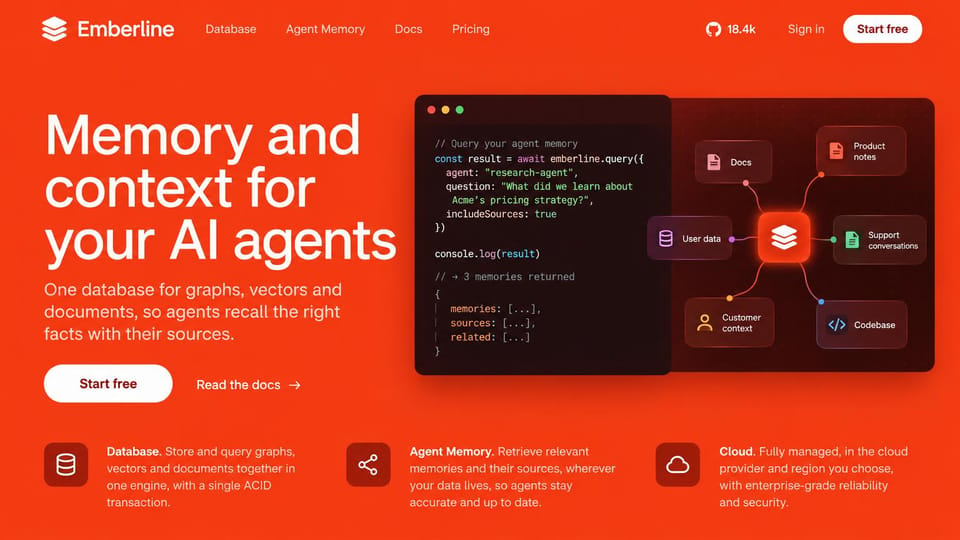
A full orange background, code on the right and three features below. Hard to forget.
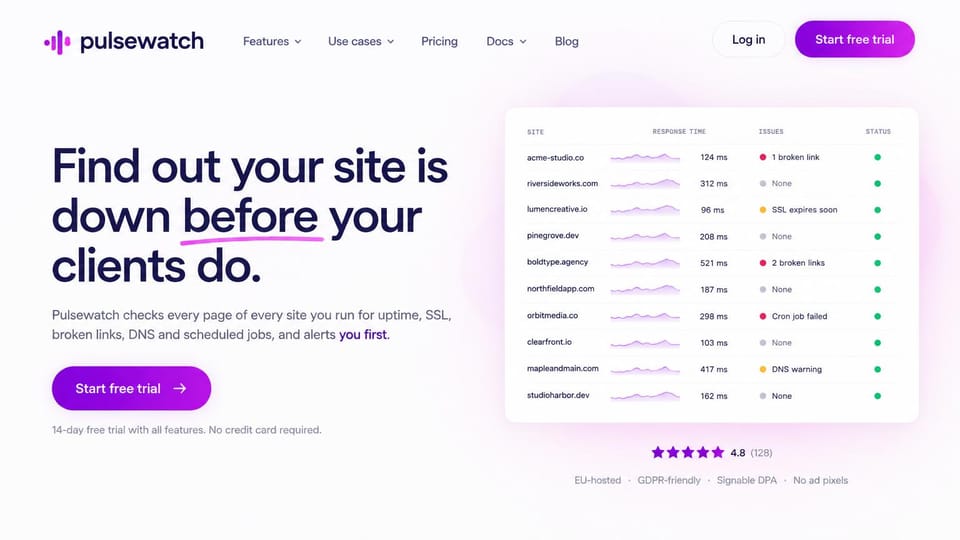
A plain promise to agencies and a list of client sites with status lights tells the whole story.
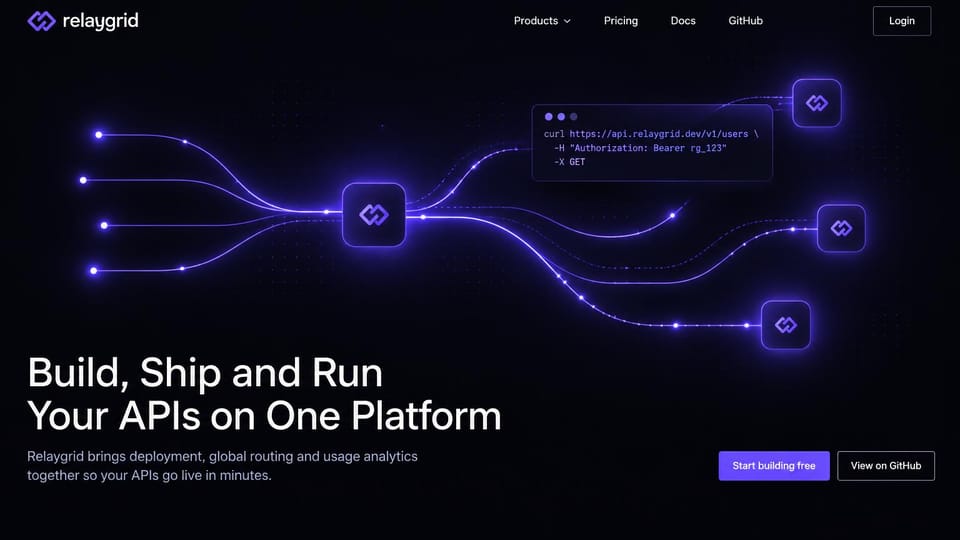
Light trails meeting at nodes and a terminal snippet, for developer products that want drama.
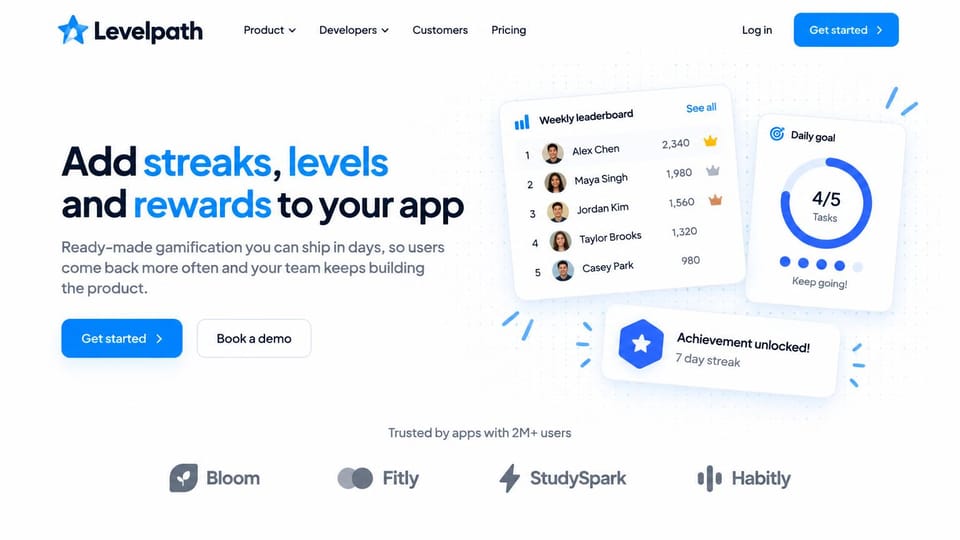
Leaderboard and streak cards show what developers get, under a headline with colored words.
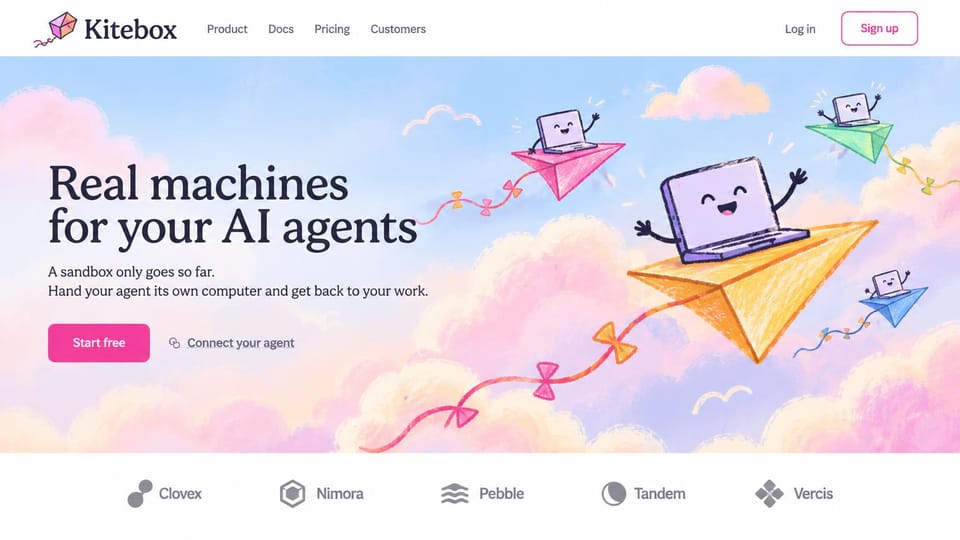
Crayon-style paper planes and a smiling laptop make a technical product feel approachable.
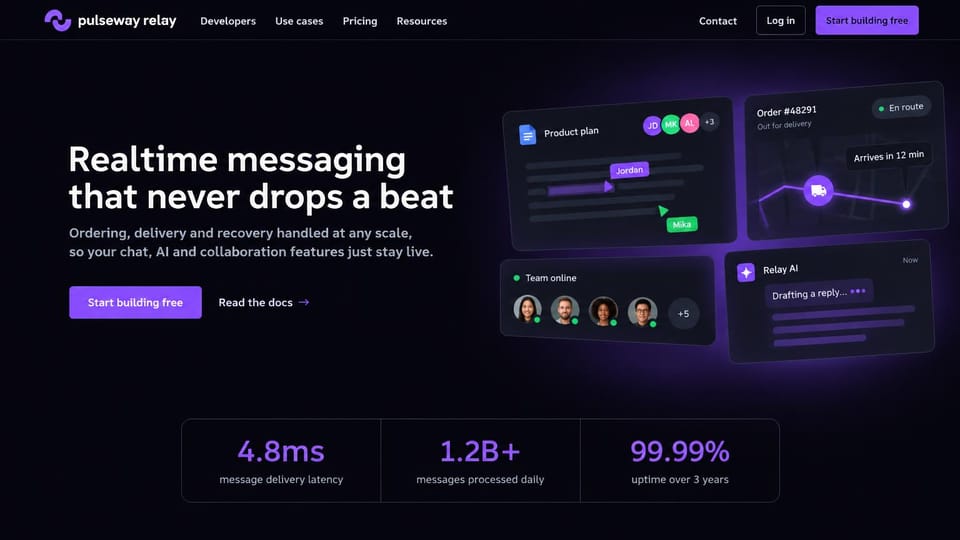
Floating product cards and three performance numbers, for infrastructure that sells on reliability.
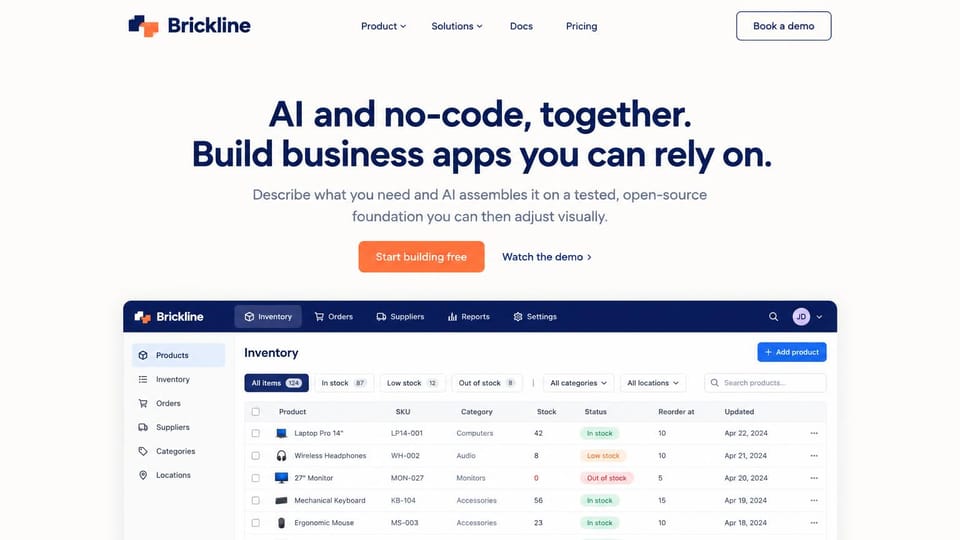
A centered two-line pitch above a real business app screen, for buyers who think in spreadsheets.
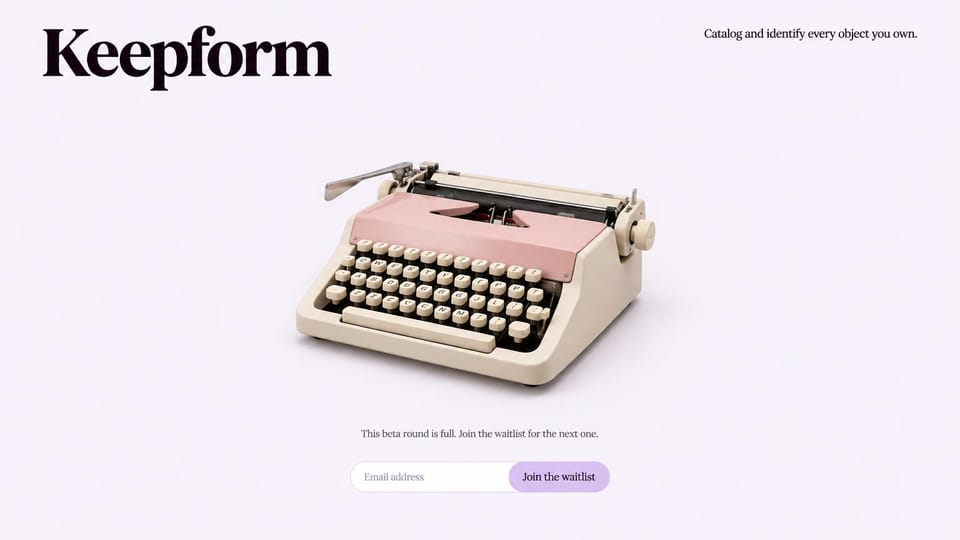
A big serif name, one pastel typewriter and an email field. A waitlist can be this simple.
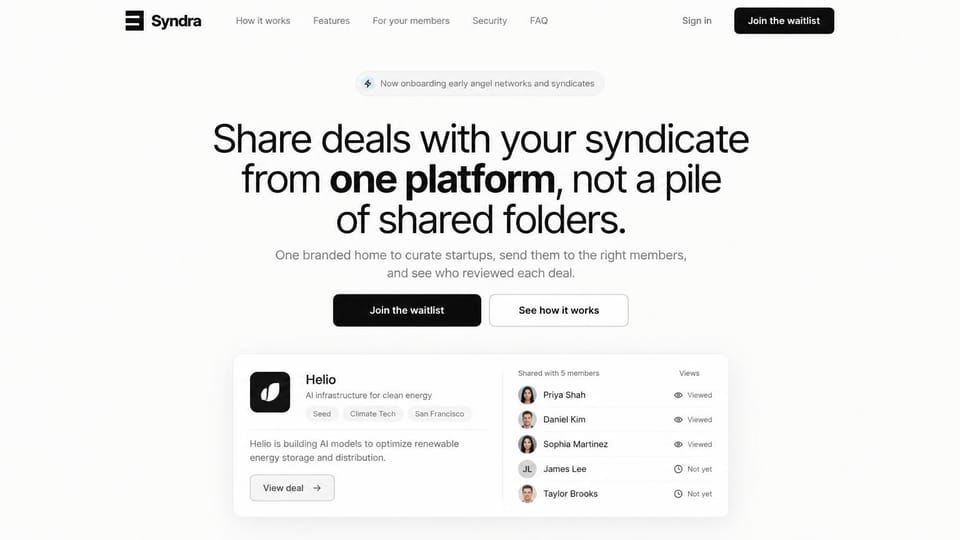
A mixed-weight headline and one deal card showing who viewed it, enough to explain a niche product.
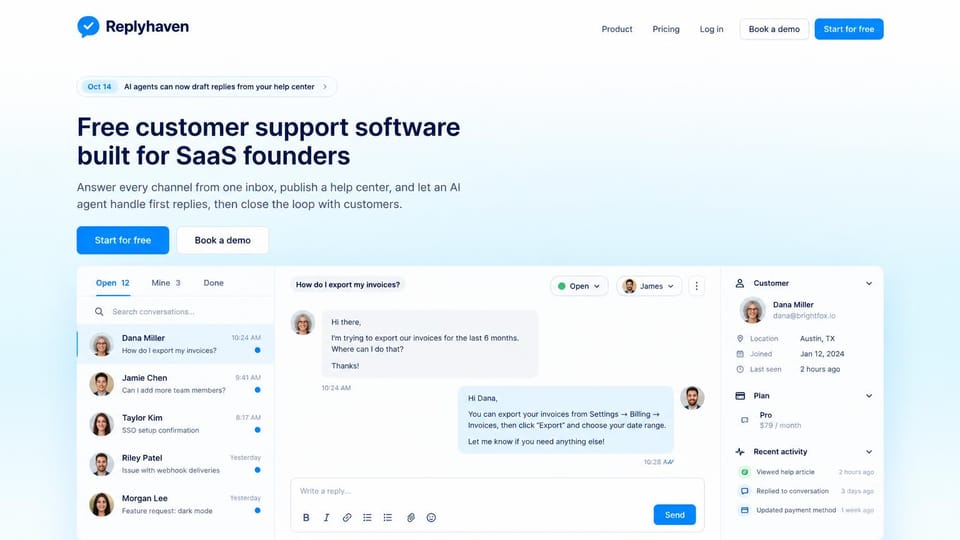
Left-aligned and plain, with the shared inbox filling the screen so buyers see the product first.
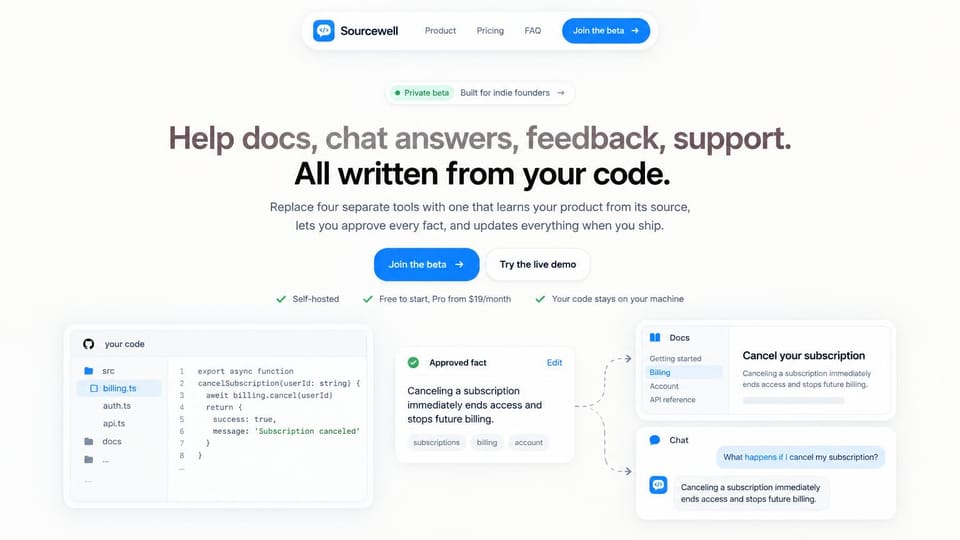
A diagram from code to docs to chat explains a new idea at a glance, under a two-tone headline.
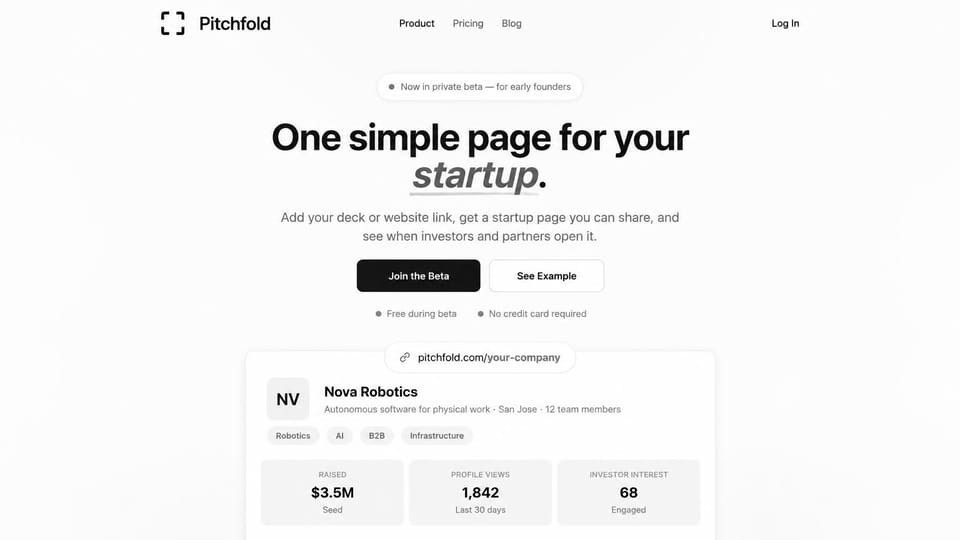
A short headline with one underlined italic word and a sample company card below it.
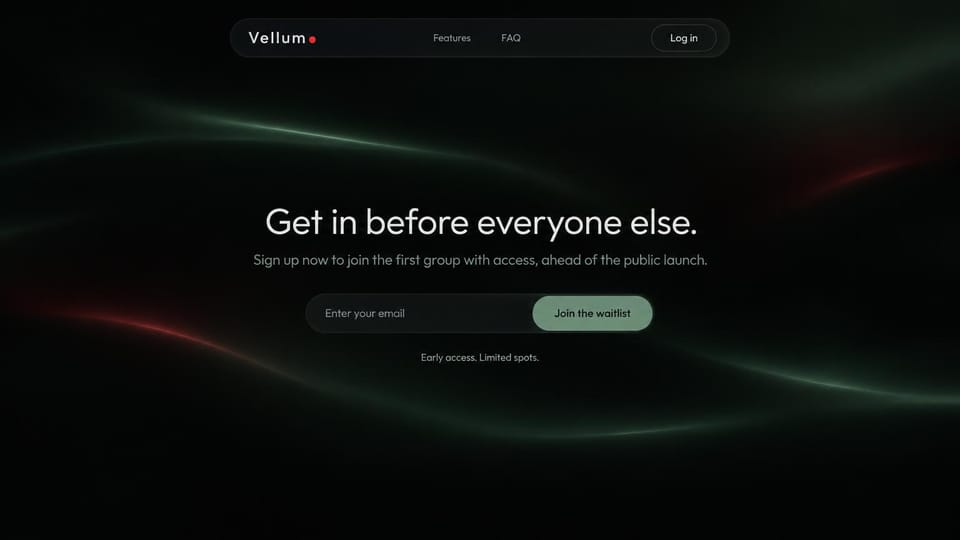
Just a headline, an email field and a hint of light, for a launch that isn't ready to say more.
Every design is an illustration by Cactal. The products, people and screenshots in them are fictional. Updated October 2026.
Describe your product
What it does, who it's for and how people should get started. Cactal writes the pages, sets up your waitlist or demo form and publishes the site.
How it works
1Pick a design
Browse by product type and open any design to see it full size.
2Add your product's details
Your features, pricing, screenshots and where the sign-up button should lead. Cactal writes every page and builds the site from your design.
3Publish
Ask for changes in plain words until it's right, then publish free on a Cactal domain, or on your own domain with Pro.
What a SaaS landing page needs
A headline that names the outcome
Say what the product does and who it's for in plain words. If visitors need the second paragraph to understand it, many won't get that far.
Real screens, not decoration
Show the product doing the job: the dashboard, the inbox, the report. A real screen explains what you've built faster than any illustration.
One clear next step
Choose the main action, whether that's start free, book a demo or join the waitlist, and repeat it on every page. Two competing buttons in the hero split attention.
Pricing people can find
A plain pricing page that lists what each plan includes lets buyers decide without a sales call. If pricing is custom, say how to get a quote.
Proof from real customers
Logos, short quotes and numbers persuade, but use them only with permission. Early on, a founder's note or a public changelog can earn trust instead.
Trust and legal pages
Buyers look for a privacy policy, terms and security details before they commit. Privacy rules vary by country and state, so check what applies to the data you collect.
Questions
Are these SaaS website templates free?
Every design here is free to start from. You can sign up, build and publish on a Cactal domain without a card and with no time limit. Putting your site on a domain you own is $25 a month on Pro.
Do I need to know how to code or design?
No. Describe your product in plain words and Cactal builds, edits and publishes the site. When you want a change, ask for it the same way.
Can I launch with just a waitlist page?
Yes. Cactal can build a one-page site with a waitlist form, then grow it into a full site at launch. The free plan includes 50 form submissions per website a month, and Pro has no limit.
Can I use my own domain?
Yes. Every site starts on a free Cactal address. Connect a domain you own on Pro for $25 a month, and each additional website on its own domain is $20 a month.
Who owns the website?
You do. Every Cactal site is real React source code, so you can take it and run it anywhere. There is no export to buy.
Are these real products?
No. Each design is an illustration made by Cactal, and the product names, people, numbers and screenshots in it are fictional. Your site is built around your own product.
Can people sign up or pay on the site?
Your site sends sign-ups and payments to your own app or the payment tool you already use. Cactal collects waitlist and demo requests with built-in forms that include spam filtering and email notifications.
Can I add a blog or a changelog?
Yes. Cactal includes a CMS for pages and posts, so a blog, changelog or help articles are easy to add and keep current. Ask for a new post in plain words, or write it yourself.
More website templates
- App landing page templates
- Artist website examples
- Author website examples
- Blog website examples and templates
- Cafe, coffee shop and bakery website designs
- Church website design templates
- Coaching and life coach website templates
- Contractor and construction website designs
- Creative and marketing agency website designs
- Dental website design templates
- Fitness website templates for studios and gyms
- Hair salon, nail and spa website templates
- Hotel, B&B and vacation rental website templates
- Law firm, lawyer and attorney website templates
- Musician, band and DJ website templates
- Nonprofit and charity website templates
- Personal website examples and resume website templates
- Photography website templates
- Podcast website examples
- Portfolio website examples and templates
- Realtor website designs and real estate website templates
- Restaurant website templates and designs
- Therapist website templates and designs
- Wedding website templates

Your SaaS website, built for you.
Pick a design or just describe your product. Free to start, no card needed.
Start building